CATIA V5: Fundamentals for Managers & Non-Designers
This is an introductory course for any users of CATIA V5 that will not be responsible for creating new designs.

OVERVIEW
- CLASSROOM LENGTH: 2 days
- INSTRUCTOR-LED ONLINE LENGTH: 4 half-days
PREREQUISITES: None
DESCRIPTION: This is an introductory course for any users of CATIA V5 that will not be responsible for creating new designs. Through a combination of instructor lectures, demonstrations, and hands-on exercises, students gain an understanding of the CATIA V5 interface and how to view, measure, and manipulate existing CATIA V5 model data as well as how to capture images and create simple assemblies and drawings.
QUESTIONS? Visit our Training FAQs Page.
All the ways to take
CATIA V5: Fundamentals for Managers & Non-Designers
IN-PERSON CLASSES
 Classroom Training

Private Training
ONLINE CLASSES
 Instructor-Led Training
LESSON PLAN
Lesson 1:
Introduction to CATIA
- Open CATIA
- Understand the CATIA Interface
- Recap Ex. CATIA V5 User Interface, Case Study
Lesson 2:
Profile Creation
- Create a New Part
- Select an Appropriate Sketch Support
- Create Sketched Geometry
- Recap Ex. Profile Creation & Sketch Contraints
Lesson 3:
Basic features
- Determine a Base Feature
- Create Pad and Pocket features
- Create Holes
- Create Fillets & Chamfers
- Recap Ex. Basic Feature Creation
Lesson 4:
Additional Part Features
- Create Basic Wireframe Geometry
- Create Shaft & Groove features
- Shell the Model
- Recap Ex. Shaft & Groove, Thin Pad & Shell
Lesson 5:
Dress-up Features
- Edit Features
- Recap Ex. Feature Definition, Features Activation
Lesson 6:
Finalizing design intent
- Apply Material Properties
- Measure the Model
- Recap Ex. Material and Measures
Lesson 7:
Assembly Design
- Assemble the Base Component
- Manipulate the Position of the Component
- Assemble & Fully Constrain Components
- Save the Assembly
- Recap Ex. Positioning & Constrain Components
Lesson 8:
Drafting
- Start a New Drawing
- Create Views
- Create Dimensions and Annotations
- Create Additional Views
- Save & Print the Drawing
- Recap Ex. Drawing Creation
Additional Resources
Take Advantage of GoEngineer’s Extensive Knowledge Base and Resources

Find a Solution
Our robust Knowledge Base contains over 12,000 resources to help answer your product design questions. From basic CAD questions to in-depth guides and tutorials, find your solution here. Find a Solution

PROFESSIONAL TRAINING
Improve your skills with professional training and certifications in SOLIDWORKS, CAM, 3D Printing, and 3D Scanning offered four ways: self-paced, online, on-site, or in-classroom. Certified Training Courses

BLOG
#1 Technical Resource Worldwide - Right at your fingertips. Search or browse through hundreds of SOLIDWORKS tips & tricks, additive manufacturing product developments, announcements, how-to guides, and tutorials. Blog

YouTube Channel
Our YouTube channel hosts hundreds of educational tutorials, product demonstrations, recorded webinars, and best practices for all of our products and services. GoEngineer's YouTube Channel
ONLINE STORE
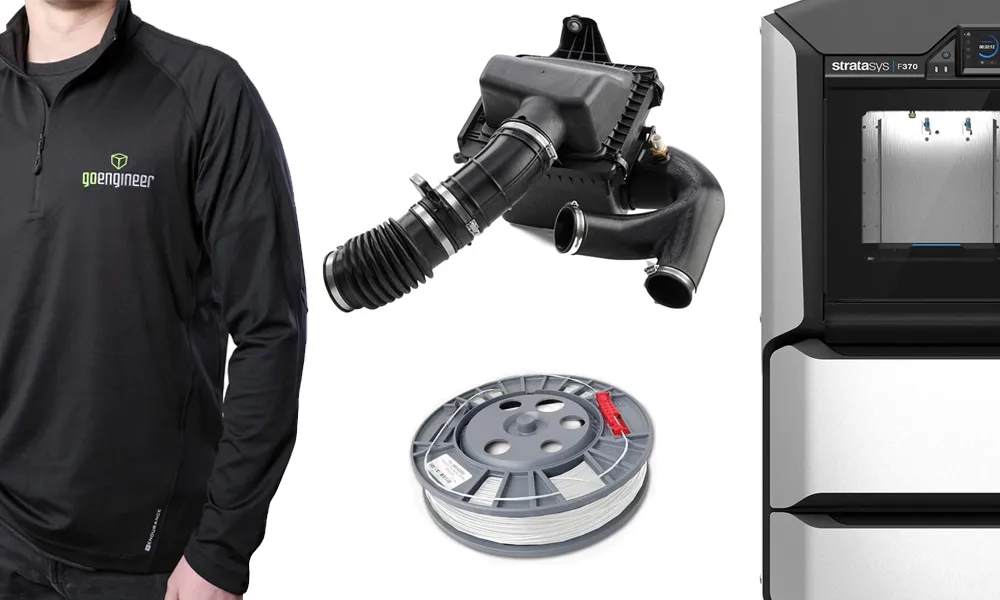
Order 3D printing materials and consumables, enroll in SOLIDWORKS training classes, and buy official GoEngineer gear directly from our online store. Online Store
WEBINARS
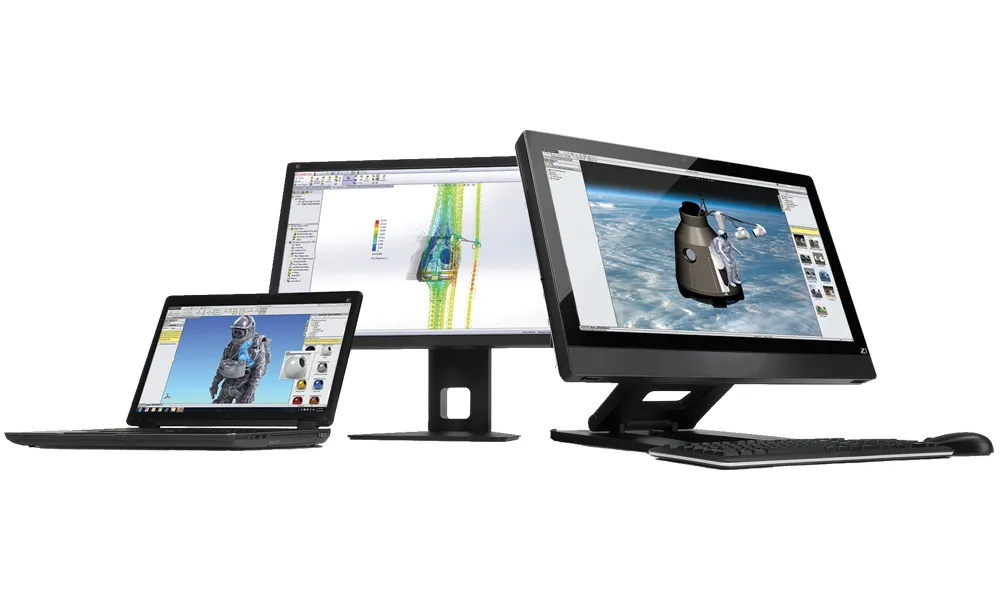
Our engineering webinars are hosted by some of the top experts in the industry. They are always recorded, always free, and always offer a live Q&A. WEBINARS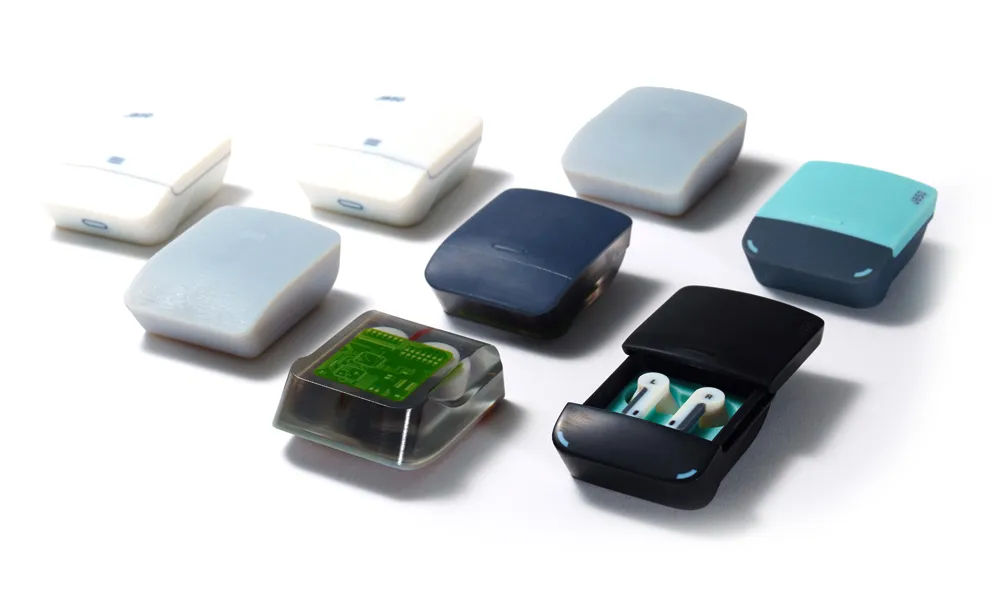
3D Printing Services
Need to 3D print a part? Our Additive Manufacturing experts will 3D print your part and deliver it to you using the latest technology on one of our professional FDM, PolyJet and SL 3D printers. 3D Printing Services