3DEXPERIENCE DraftSight
Professional-grade desktop DWG CAD in a cloud PLM environment

2D and 3D Cloud Design
3DEXPERIENCE DraftSight is a professional-grade desktop DWG CAD solution you can use anywhere.
Login to the 3DEXPERIENCE Platform from the web on any PC to download and launch a full DraftSight installation that saves and manages your CAD data in the cloud, with integrated PLM functionality so that you can easily collaborate with other team members.
No fixed licenses, no database servers, no VPNs, just efficient design and engineering from anywhere.
HIGHLIGHTS
Robust DWG CAD
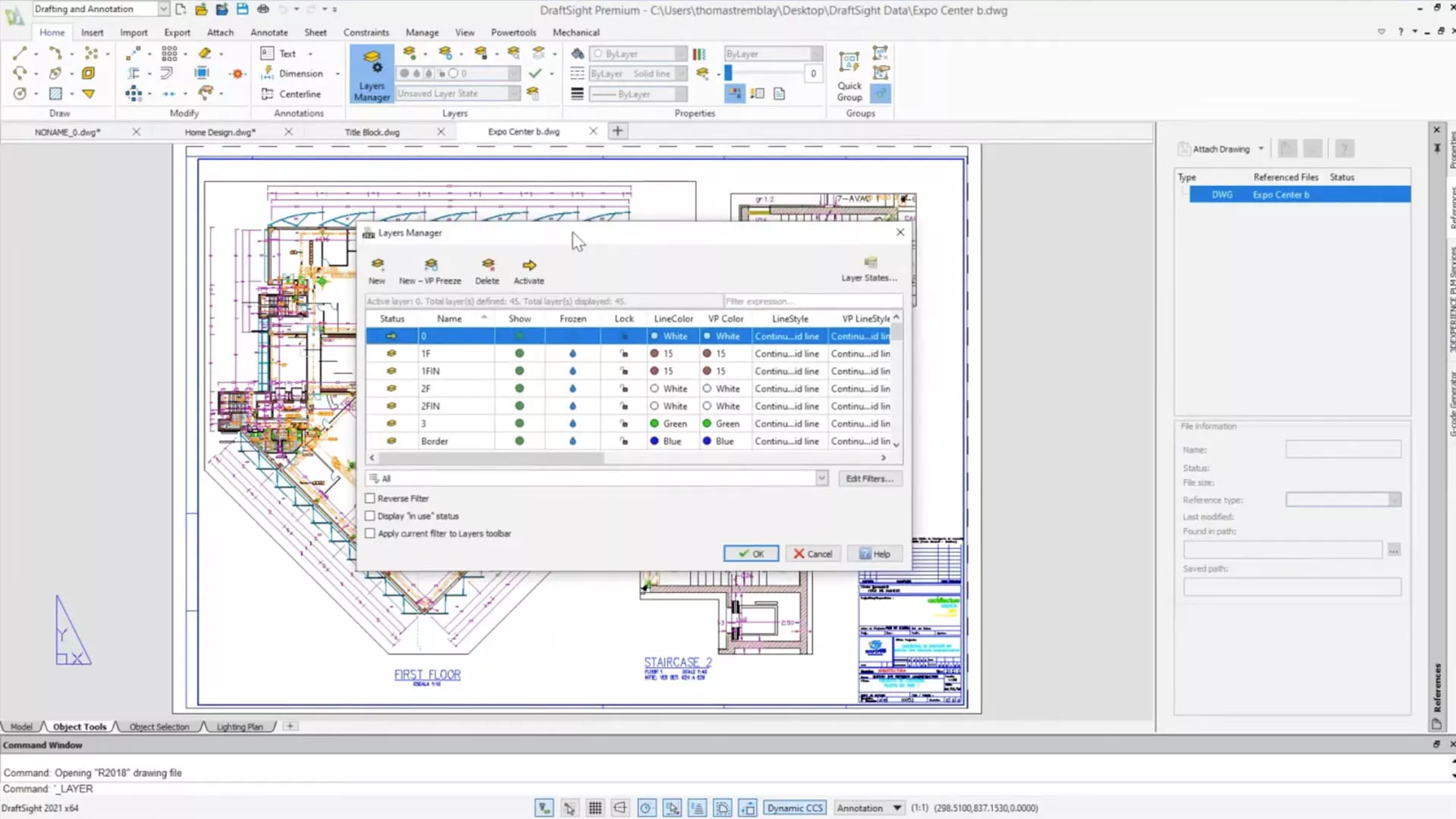
- Create, edit, view, and mark up any type of 2D and 3D DWG file.
- Reduce time spent on drafting, design, and documentation with powerful capabilities.
- Experience reliable DWG file compatibility for current or legacy projects.
- Minimize learning curve with a familiar user interface and commands.
-
Customize and automate using macros and APIs, and easily transition existing workflows from other applications
Made to Work from Anywhere
- Connect with other 3DEXPERIENCE tools for CNC machining, 3D printing, rendering, and other uses.
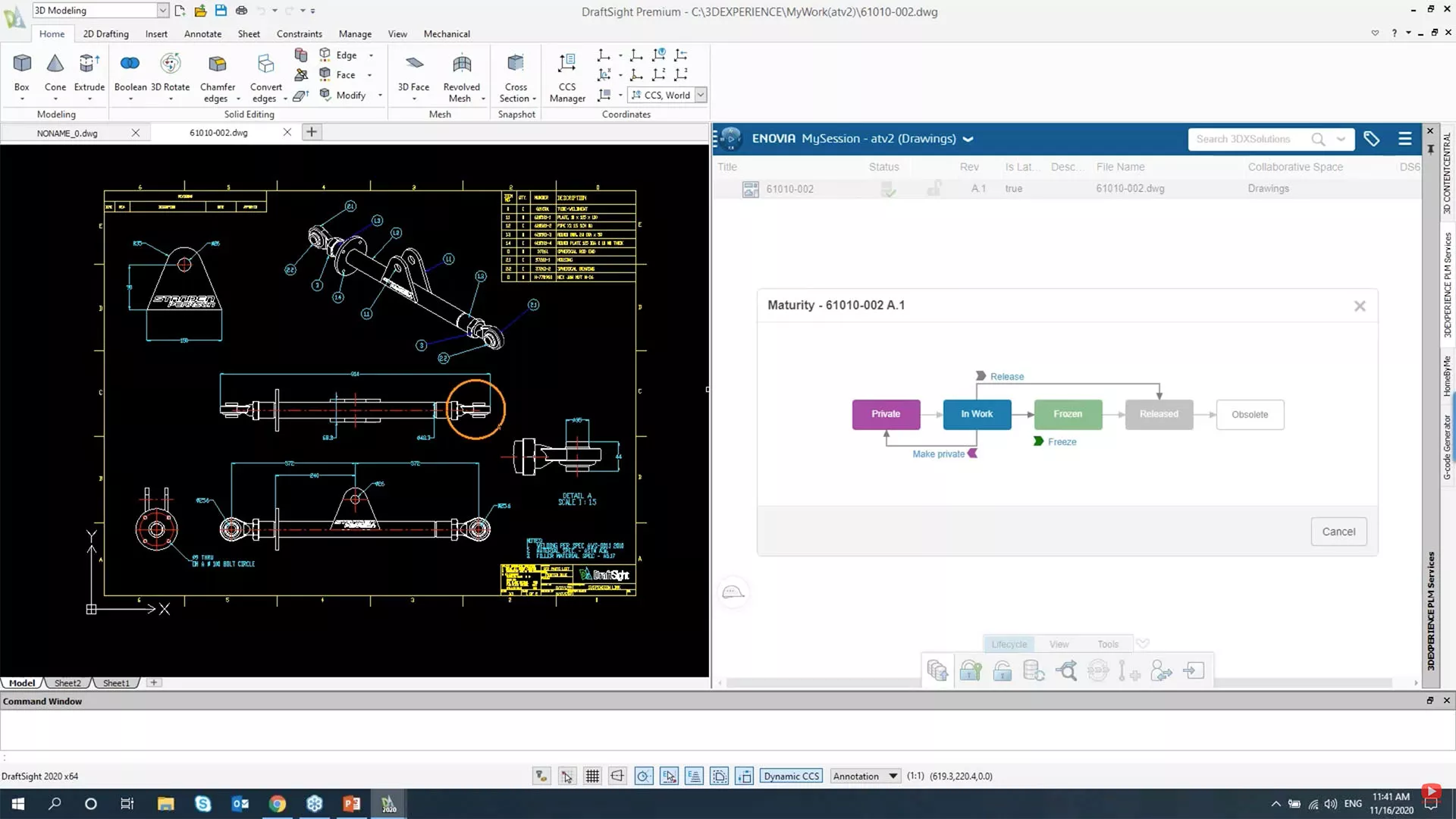
- Includes 3DEXPERIENCE CLOUD PDM to store and manage CAD data in the cloud, securely accessible from anywhere.
- Easily collaborate with team members on a single cloud data source.
- Work from any internet-connected PC with web login licensing.
3DEXPERIENCE DRAFTSIGHT FEATURE MATRIX
3DEXPERIENCE DRAFTSIGHT
FEATURES
PROFESSIONAL
PREMIUM
2D Design Tools
Create basic elements such as lines, polylines, arcs, circles, ellipses, layers, blocks, and others.
2D Documentation Tools
Create basic annotation elements such as notes, dimensions, tables, hatches, clouds, and others.
Community Resources
Offer learning resources and a collaborative environment to interact with your peers, ask questions, and share opinions.
PDF Underlay
Attach pages of a PDF document to a drawing.
Toolbox
Quickly generate hardware, holes, balloons, Bills of Materials (BOMs), welding and surface finish symbols.
Batch Printing
Send a set of drawings and sheets to printers in a batch job.
Drawing Compare
Compare graphically similar entities between two drawing documents.
Power Trim
Trim multiple, adjacent entities by dragging the pointer across each entity.
G-Code Generator
Communicate with a CNC machine for fabrication.
DGN Import
Directly import and convert the DGN file format drawing into a DraftSight project for direct editing.
DraftSight APIs
Allow end users or third-party developers to customize and automate DraftSight.
Image Tracer
Convert an imported raster image file (ex. floor plan, logo) into vectorized line entities.
Using Formulas in Table Cells
Use formulas in cells with arithmetic operators and the Sum, Average, and Count functions.
Trimming of Hatches and Gradients
Trim hatches and gradients with the Trim and PowerTrim commands.
3D Modeling Tools
Bring your 2D CAD into three dimensions with extrusions, cuts, and any standard 3D modeling tools.
2D Constraints
Exert full control over drawn entities in relation to the design space and each other.
Mass Property Calculations
Calculate mass, surface area, volume, density, etc.
Create Custom Blocks
Use blocks to create standard, reusable entities that you can bring into any drawing.
On-Cloud PDM
Store, share, access and manage the latest product design information from a centralized, secure location.
On-Cloud PLM
Manage the lifecycle of any type of content (CAD files, simulations, documentation, etc.) Track issues, changes and routes, and reduce conflicting edits from multiple contributors with revision control.
On-Cloud Collaboration
Collaborate in real time using configurable dashboards, social communities, Kanban-style task management, activity streams, persistent chat, and video calls. Easily search, visualize, explore, and mark up SOLIDWORKS and other files directly in your browser.
On-Cloud Governance
Monitor and manage licenses and users from a single administrative dashboard, lowering administrative overhead. Easily stay up-to-date and benefit from the latest enhancements.
Training and Support
Get up to speed fast using online training content, a vibrant community, and support from GoEngineer.
3DEXPERIENCE DRAFTSIGHT Products
-

3DEXPERIENCE Draftsight Premium
- The advanced 2D CAD drafting solution with powerful, time-saving functionalities and an API to help bring your designs to life quickly and easily.
- Key Features:
- Powerful 2D design & documentation tools
- Toolbox
- G-code generator
- DraftSight API
- Includes 3DEXPERIENCE CLOUD PDM - Typically used by:
- Individuals
- Designers
- Companies -
-
3DEXPERIENCE Draftsight Professional
- The robust 2D drafting and 3D design experience with full 3D capabilities and constraints features to help meet all of your drafting, modeling, prototyping, manufacturing, laser cutting and 3D printing needs.
- Key Features:
- Powerful 2D design & documentation tools
- 3D modeling tools
- 2D constraints
- Toolbox
- G-code generator
- DraftSight API
- Includes 3DEXPERIENCE CLOUD PDM - Typically used by:
- Individuals
- Makers
- Designers
- Companies
- Manufacturers -
Frequently Asked Questions
3DEXPERIENCE DraftSight is a locally-installed and run 2D CAD application for Windows. The "3DEXPERIENCE" (i.e. cloud SaaS) part signifies the licensing model, the distribution model, and the cloud-based PDM that it includes. (Note that users can still save their data locally if they prefer.) Local software installation provides the best design performance. Cloud-managed updates, licensing, and product data management and sharing provide the best experience in these aspects.
DraftSight uses the .DWG file format by default and will open and save .DWG or .DXF file formats from versions R2018 to R2000. All external references, layers, and blocks will perform as expected.
DraftSight and 3DEXPERIENCE DraftSight are identical in performance and design features. File storage and management for DraftSight is done locally, or on a server. 3DEXPERIENCE DraftSight connects directly to the cloud and allows check-in/check-out of files, revision control, and collaboration with non-CAD users who can view your designs in a web browser without installing software.
Yes, for most users the built-in data management features of 3DEXPERIENCE -- like version control, file locking (to prevent overwrites), and lifecycle status (In-Work, Frozen, Released) -- eliminate the need for on-premise PDM servers and VPN's for remote access.
No, since 3DEXPERIENCE uses "named user" licensing, access to the platform is assigned based on the email address of the specific person. The licensed user can log into any computer (home, work, or travel laptop) and access their software and their data.
Yes, since the DraftSight application is installed on your computer, all of its design features are available to you. If the internet isn't available, the 3DEXPERIENCE Platform will operate offline and your files will be stored locally. Then when the internet connection is restored you can check-in the files to the cloud.
Yes, the DraftSight API supports LISP, Virtual LISP, C++, COM native C++, C#, JavaScript, Visual Basic (also called VB.NET), or VBA. Loading legacy programs from other CAD packages may require closer examination of Objects and Commands. Contact the GoEngineer technical team for assistance with implementation of legacy routines.
You have the choice of using the Batch Save in the 3DEXPERIENCE tool to upload active projects or upload the files as you open them. If you want to perform a bulk upload migration of legacy files, please consult GoEngineer's application engineers to assist with automating the upload and metadata mapping.
We support both. When DraftSight is purchased with the 3DEXPERIENCE Platform you will have access to a team of dedicated technical support specialists for training, installation, licensing, and platform connectivity issues.
No, because the 3DEXPERIENCE Platform saves the files in a local cache and then uploads them to the cloud in the background while you continue working without interruption.
When a DWG file is saved to the platform, all of the external references are listed and uploaded at that time. By default they will be included as though you are performing a Pack and Go. You must choose to exclude file that you don’t want uploaded or create links to existing libraries.
No, it would be inaccurate to say that any feature in AutoCAD translated 1:1 with DraftSight or 3DEXPERIENCE DraftSight. However, the Sheet Set Manager in 3DEXPERIENCE DraftSight provides the same project management function as AutoCAD's. Additionally, on the 3DEXPERIENCE Platform, there are yet more project management tools to facilitate collaboration across the company.
Yes, since files are stored and managed directly inside of 3DEXPERIENCE, which is an enterprise PDM solution. Administrators have access to user-based controls regarding modification and deletion of data. In addition to basic read/write permissions, out-of-the-box data governance capabilities include:
- Locking and unlocking files to remove issues with members overwriting other's work.
- Lifecycle maturity states, keep track of what drawings are in work and released.
- Enable ownership so only named users (responsible engineers) can modify drawings.
Yes, the 3DEXPERIENCE Platform supports several options for unattended installations of DraftSight and other Platform applications. 3DEXPERIENCE DraftSight can be deployed remotely or in a self-serve manner. Users with restricted user permissions can still have 3DEXPERIENCE apps installed and updated without needing IT to elevate user permissions.
Customers retain ownership of the data if the subscription isn't renewed, however:
- Customer loses access to their data if the term expires
- Data is available during the export window (14 days)
- Data retrieval licenses can be requested by the customer
- Exported data remains stable and usable in DWG format.
If a customer is planning to discontinue their licenses, it is best to plan in advance to properly retrieve and organize data leaving the Platform.
More Design Tools For You
3DEXPERIENCE SOLIDWORKS
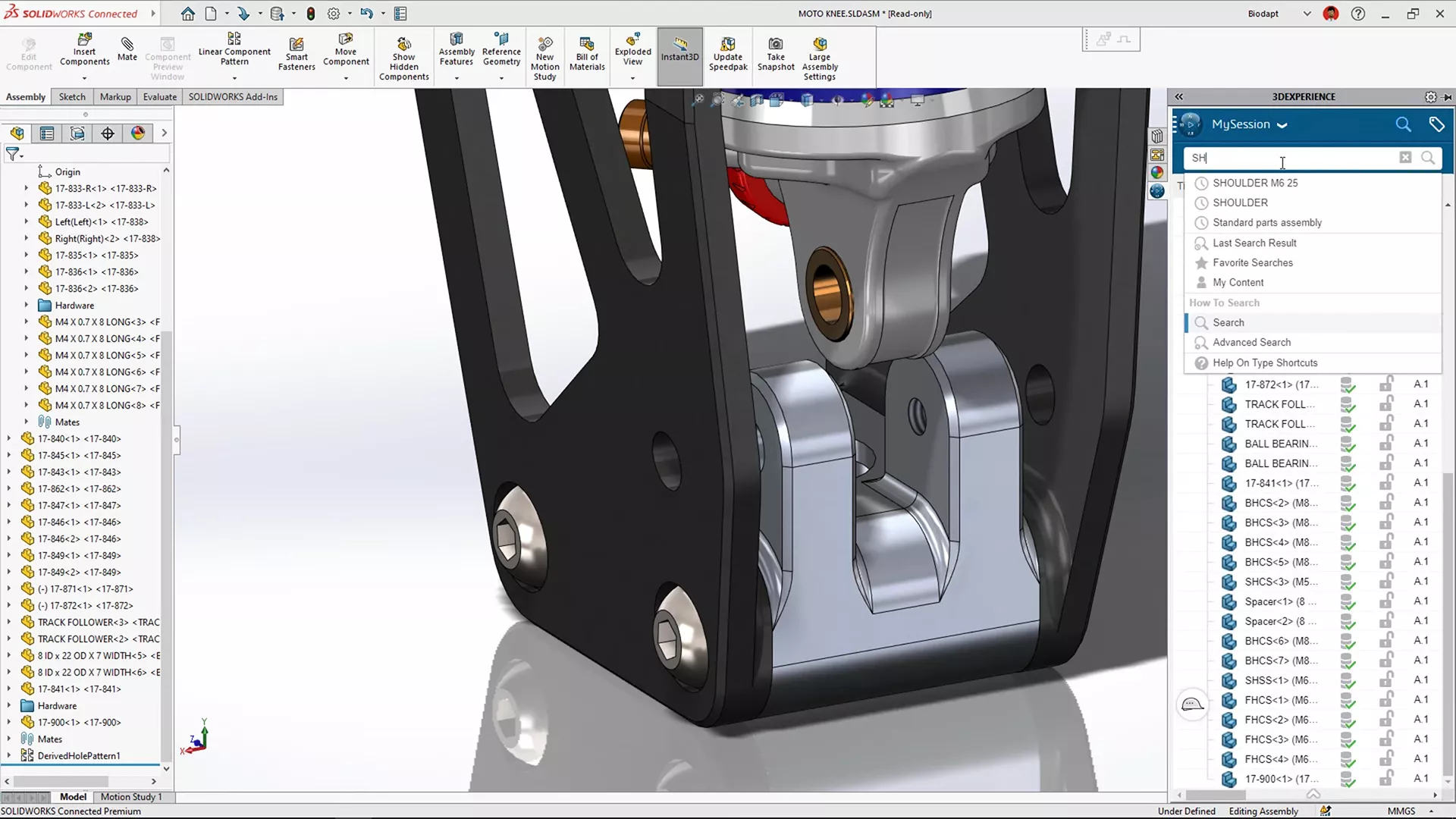
Desktop SOLIDWORKS with a cloud connection so you can work from anywhere, collaborate efficiently, and scale quickly.
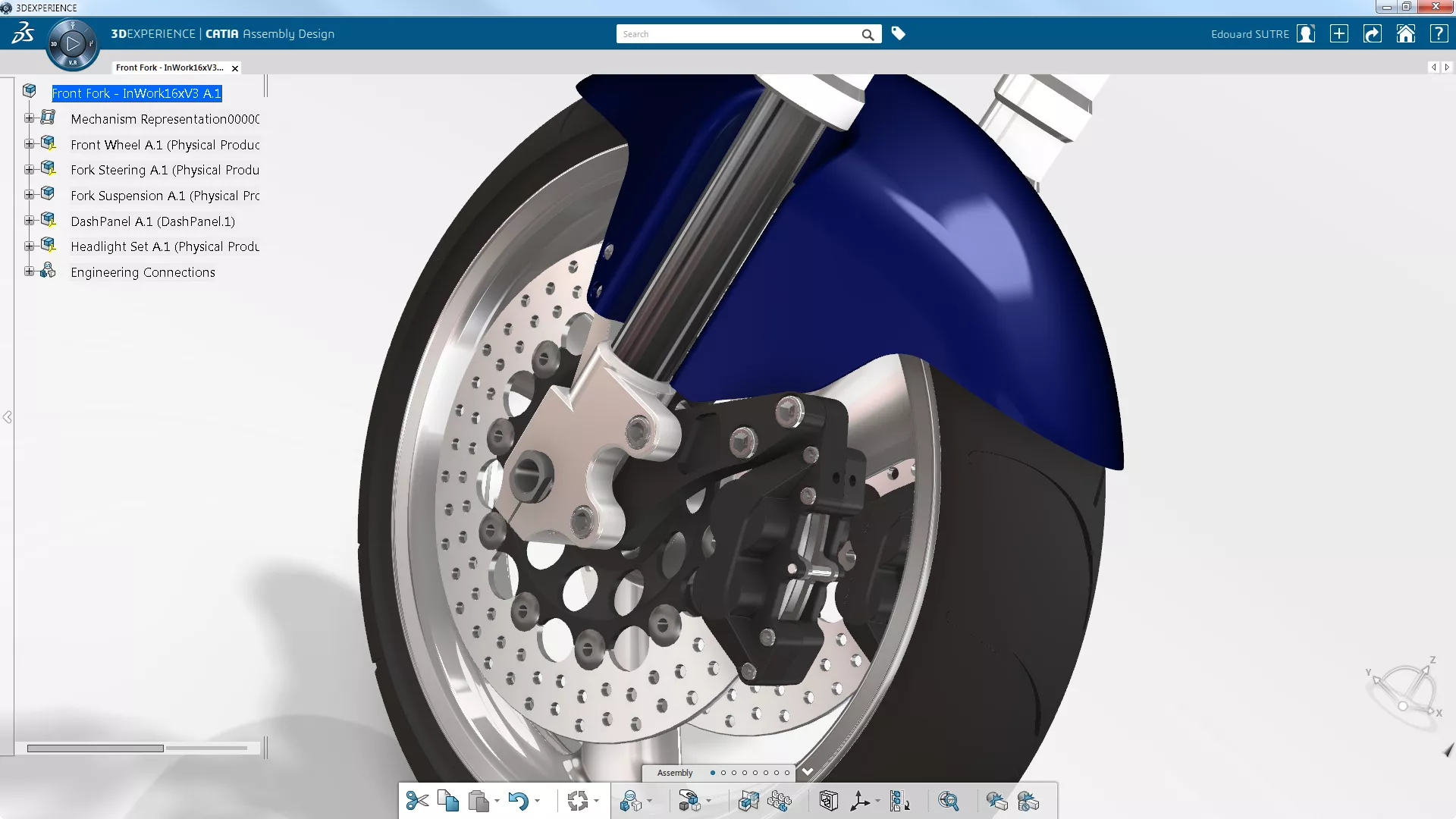
3DEXPERIENCE CATIA
The cloud-integrated evolution of the flagship, ultra-powerful CATIA design software.
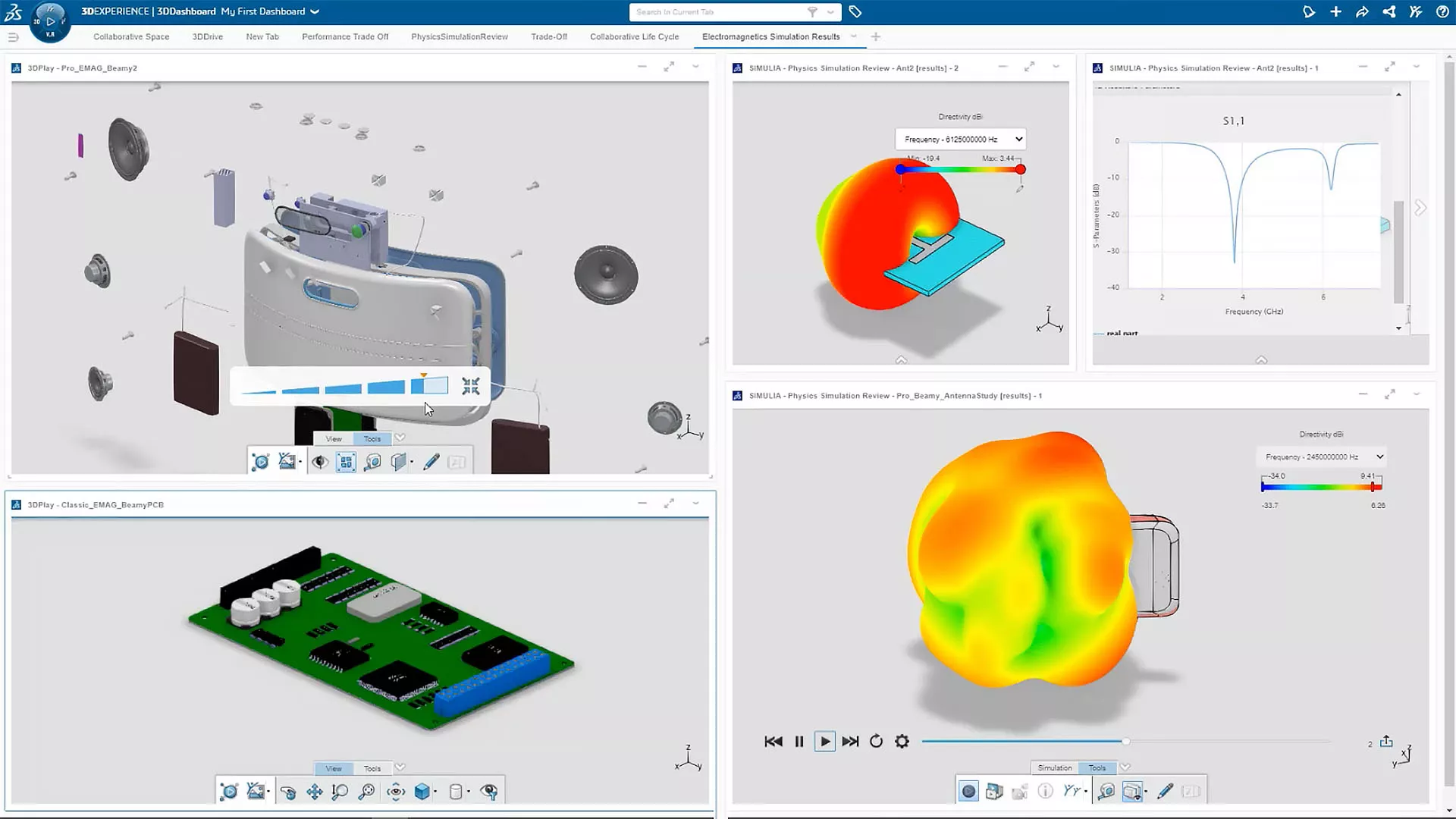
3DEXPERIENCE SIMULATION
Cutting-edge engineering simulation and virtual prototyping made accessible and affordable.
Additional Resources
Take Advantage of GoEngineer’s Extensive Knowledge Base and Resources

Find a Solution
Our robust Knowledge Base contains over 12,000 resources to help answer your product design questions. From basic CAD questions to in-depth guides and tutorials, find your solution here. Find a Solution

PROFESSIONAL TRAINING
Improve your skills with professional training and certifications in SOLIDWORKS, CAM, 3D Printing, and 3D Scanning offered four ways: self-paced, online, on-site, or in-classroom. Certified Training Courses

BLOG
#1 Technical Resource Worldwide - Right at your fingertips. Search or browse through hundreds of SOLIDWORKS tips & tricks, additive manufacturing product developments, announcements, how-to guides, and tutorials. Blog

YouTube Channel
Our YouTube channel hosts hundreds of educational tutorials, product demonstrations, recorded webinars, and best practices for all of our products and services. GoEngineer's YouTube Channel
ONLINE STORE
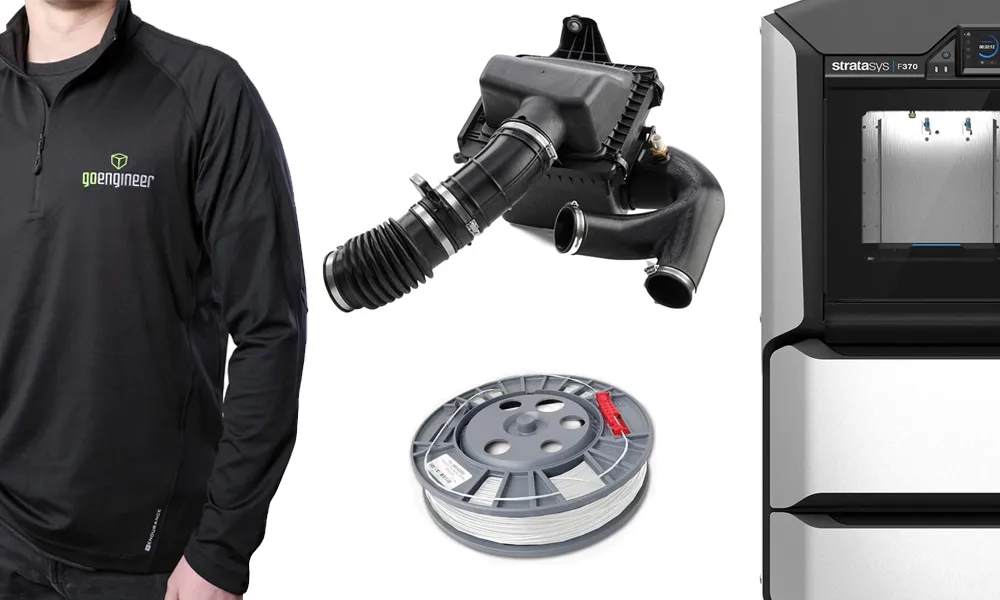
Order 3D printing materials and consumables, enroll in SOLIDWORKS training classes, and buy official GoEngineer gear directly from our online store. Online Store
WEBINARS
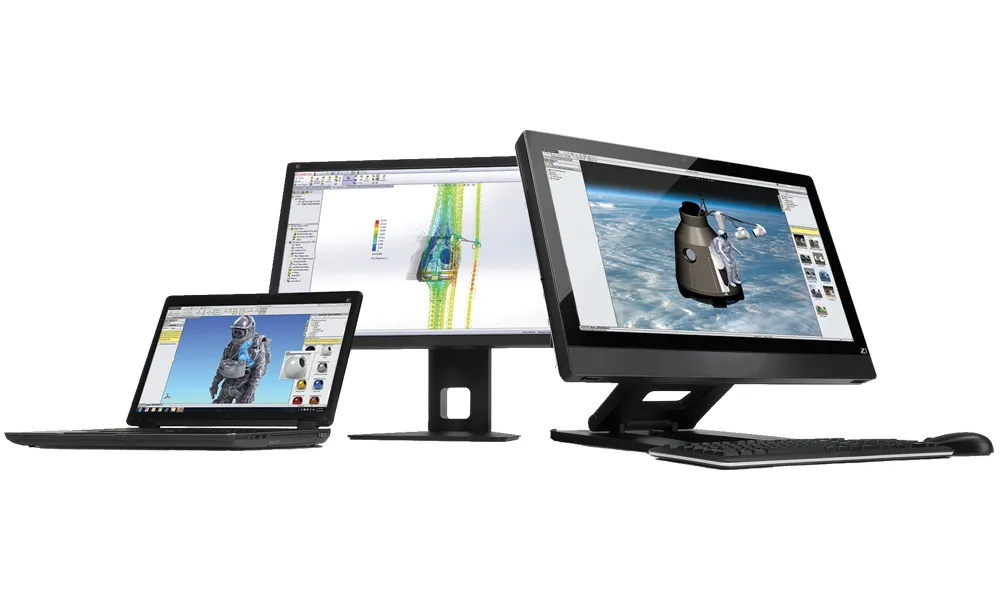
Our engineering webinars are hosted by some of the top experts in the industry. They are always recorded, always free, and always offer a live Q&A. WEBINARS
3D Printing Services
Need to 3D print a part? Our Additive Manufacturing experts will 3D print your part and deliver it to you using the latest technology on one of our professional FDM, PolyJet and SL 3D printers. 3D Printing Services