SOLIDWORKS 3D CAD
Software and Product Design Tools

SOLIDWORKS Design Software
SOLIDWORKS 3D CAD has the most efficient and powerful CAD design collection available for product and part assembly designers. The SOLIDWORKS CAD suite of tools allows you to grow your business out of an intelligent, effortless SOLIDWORKS seed, so your organization can scale, flourish, and adapt to the 3D modeling changes for decades to come.

Industry WHITEPAPER
State of Product Development: 7 Trends Shaping Product Innovation
The demands on product development teams have never been greater. From navigating supply chain disruptions to integrating cutting-edge technologies, like AI and simulation, staying competitive means adapting to change. This Tech-Clarity eBook delivers key insights based on research with industry professionals. What you’ll learn:
- Top challenges slowing down innovation—and how to overcome them.
- How Top Performers use AI and simulation to reduce risk and accelerate innovation.
- Strategies to align engineering and manufacturing teams for seamless collaboration.
Stay ahead of the curve by understanding the trends driving the future of product development and discovering actionable strategies to improve efficiency, reduce costs, and deliver better products faster.

Leverage Your 3D CAD Work in SOLIDWORKS
- Analyze the manufacturability
- Validate assemblies with intuitive FEA and CFD tools
- Store your data in a secure location
- Build technical documentation for your customers and vendors
- 3D print your designs
- Showcase rendered data on your website or any eCommerce experience for your customer

Is SOLIDWORKS the Right Choice?
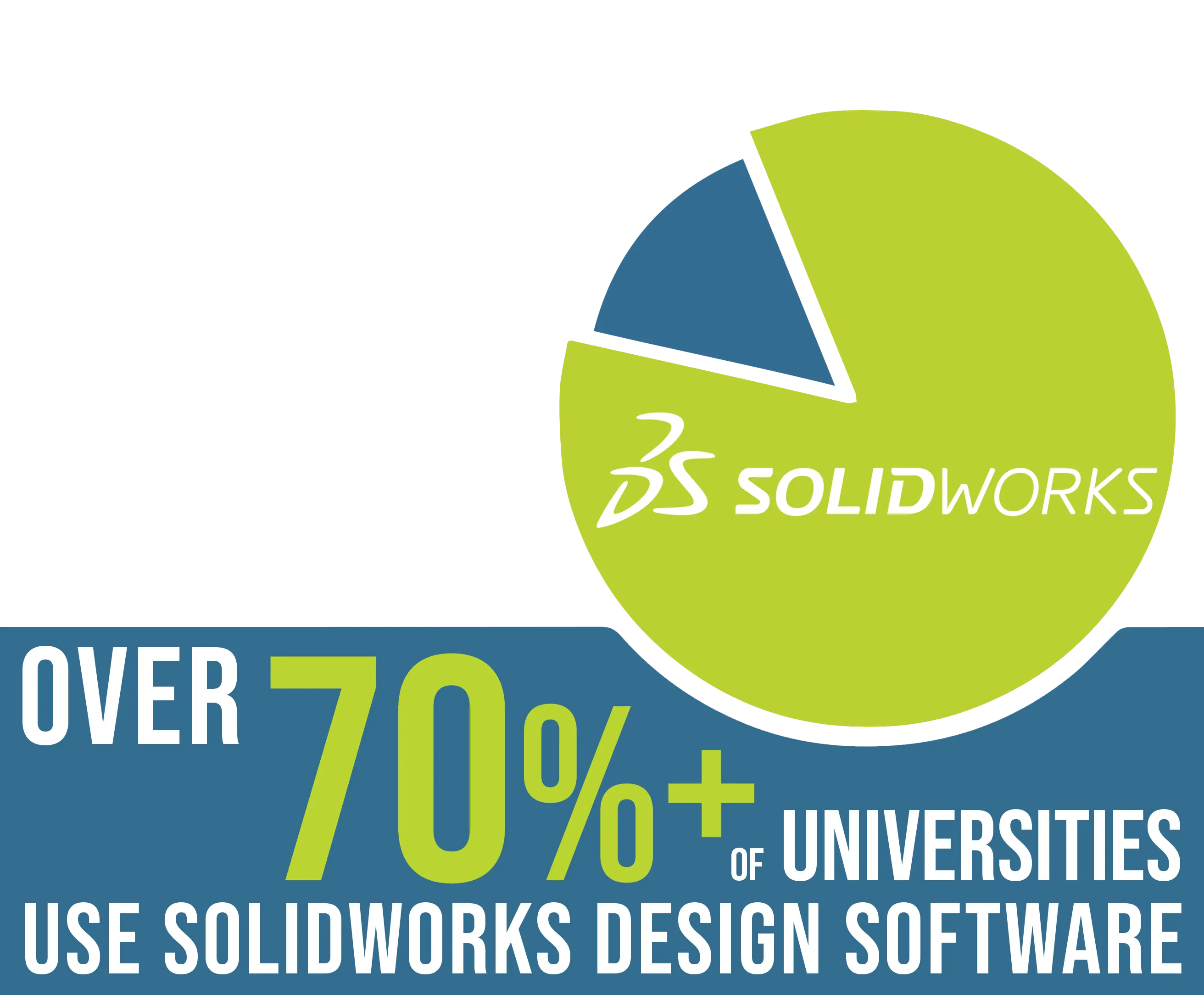
SOLIDWORKS 3D CAD is overwhelmingly the primary choice for large and small organizations as well as 70% of engineering schools and universities for its easy-to-use interface and wealth of capabilities. No matter which avenue your design needs to be successful, SOLIDWORKS has the most efficient and powerful portfolio to get there.
Available SOLIDWORKS Packages
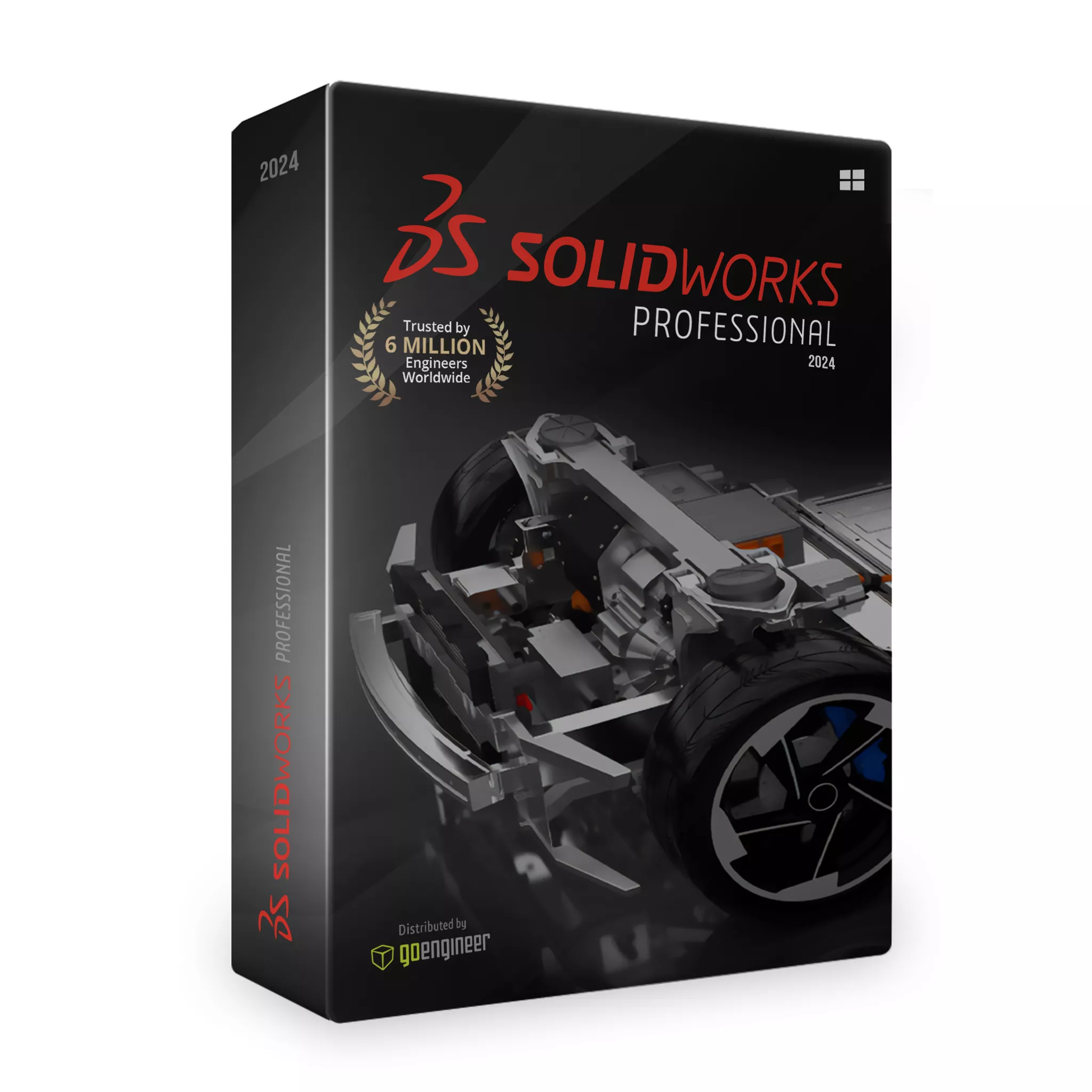
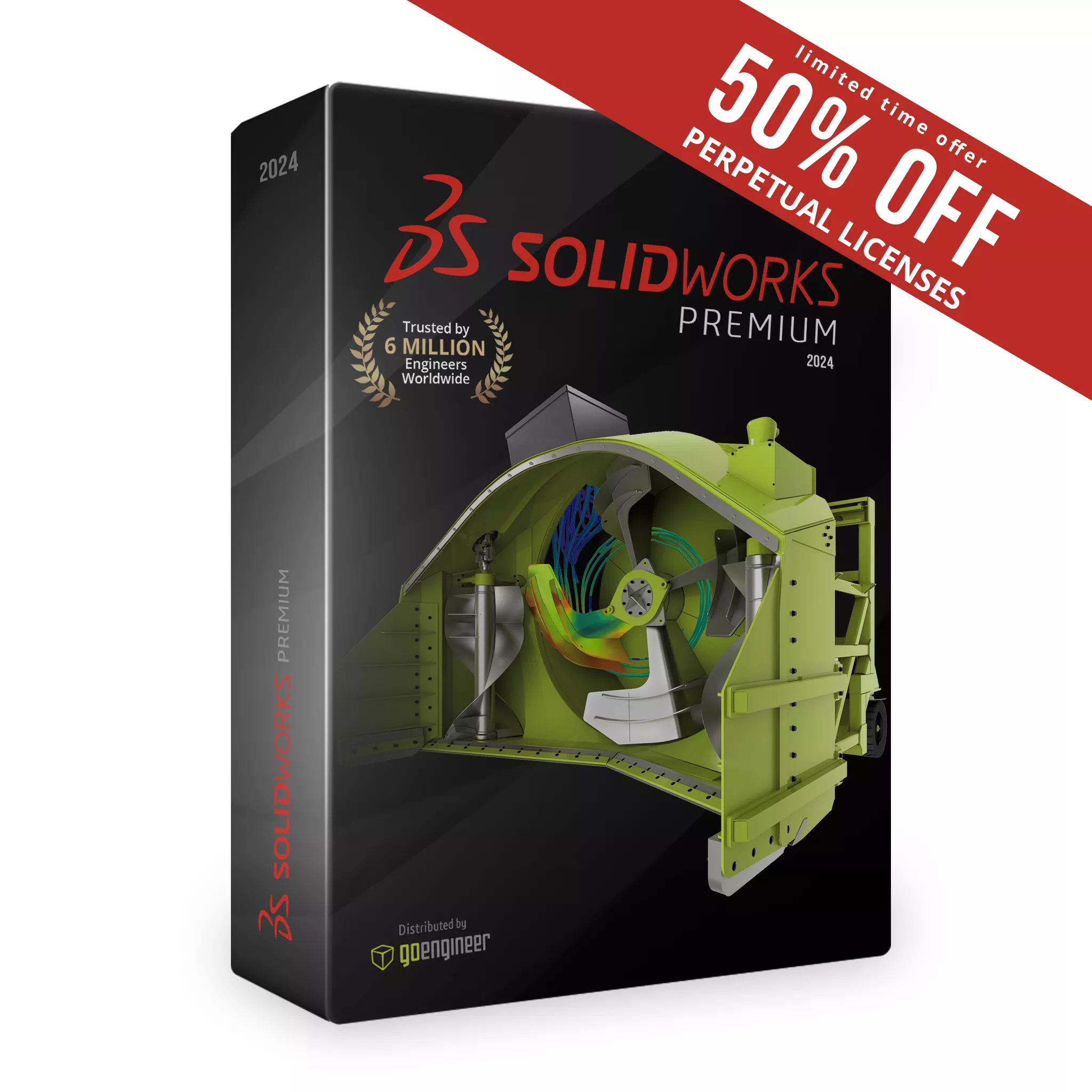
To help make the most informed decision of which package is best for you, take an in-depth look at the features included in each solution in our SOLIDWORKS Product Matrix .
If you need to collaborate with team members across departments and geography, be sure to check out our 3DEXPERIENCE SOLIDWORKS packages that combine the industry-leading functionality of SOLIDWORKS CAD with secure, cloud-based data management and collaboration tools. Contact GoEngineer directly for details and SOLIDWORKS pricing.
Compare SOLIDWORKS Packages
Handle all aspects of your part and assembly modeling and transform ideas and concepts into virtual 3D models.
Combine individual parts into complex assemblies, apply mates to simulate real-world interactions, and quickly check for interferences and collisions.
Create production-ready 2D drawings that are always current and clearly communicate how to manufacture and assemble your designs.
Add dimensions, tolerances, and product and manufacturing information (PMI) directly to 3D models to streamline production without relying entirely on traditional 2D drawings.
Specialized Sheet Metal Tools
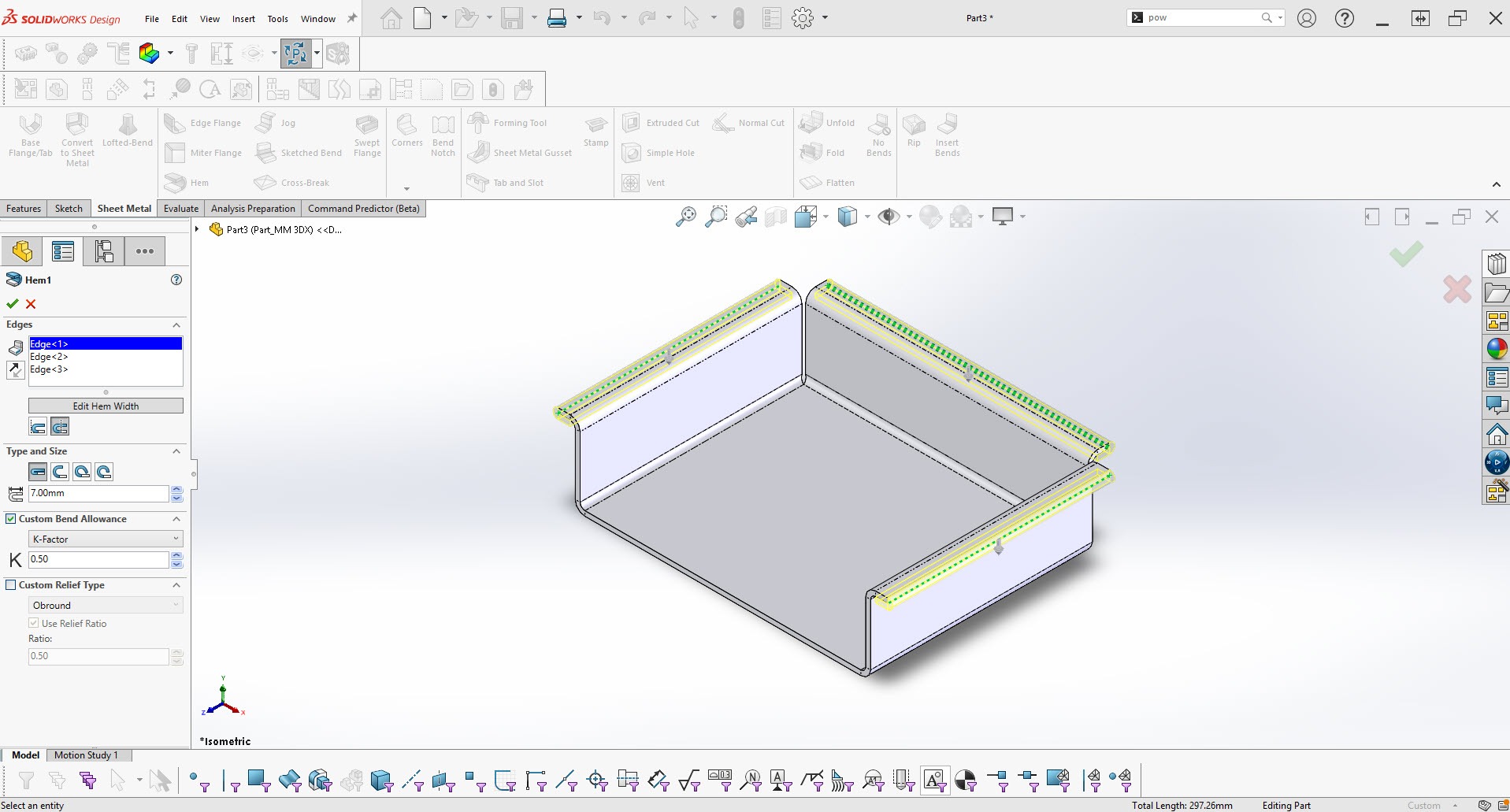
SOLIDWORKS Sheet Metal delivers a dedicated workspace for creating sheet metal parts with speed and precision. It emphasizes the finished design while preserving uniform thickness and generating accurate flat patterns. The environment supports open creation methods, automatic unfolding, K factor or bend table accuracy, normal cut generation, and a comprehensive hole and punch tool library. Fast documentation and DWG/DXF export from R12 to 2010 make it an efficient solution for modern sheet metal workflows. Sheet metal applications range from car bodies and airplane wings, to electronics, contruction, and HVAC systems.
Specialized Weldments & Structural Member Tools
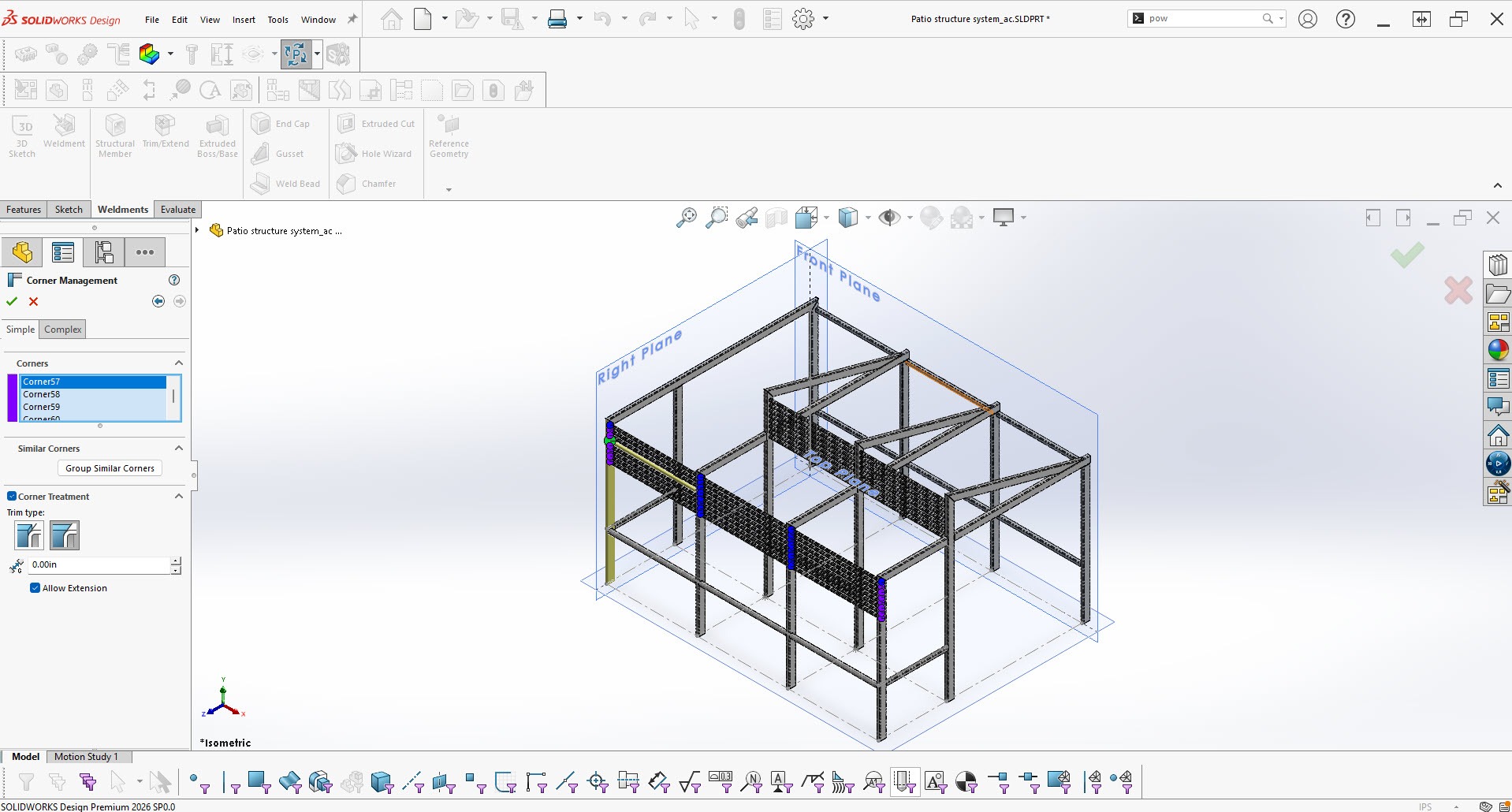
SOLIDWORKS Weldments and Structural Members enable fast creation of welded structures using beams, tubes, and plates. Users sketch paths, apply standard or custom profiles, and automatically manage corners, properties, and cut lists for accurate production. These tools streamline modeling of machine frames, railings, staircases, welded metal frames, and structural frameworks, making it efficient to design strong, reliable structures.
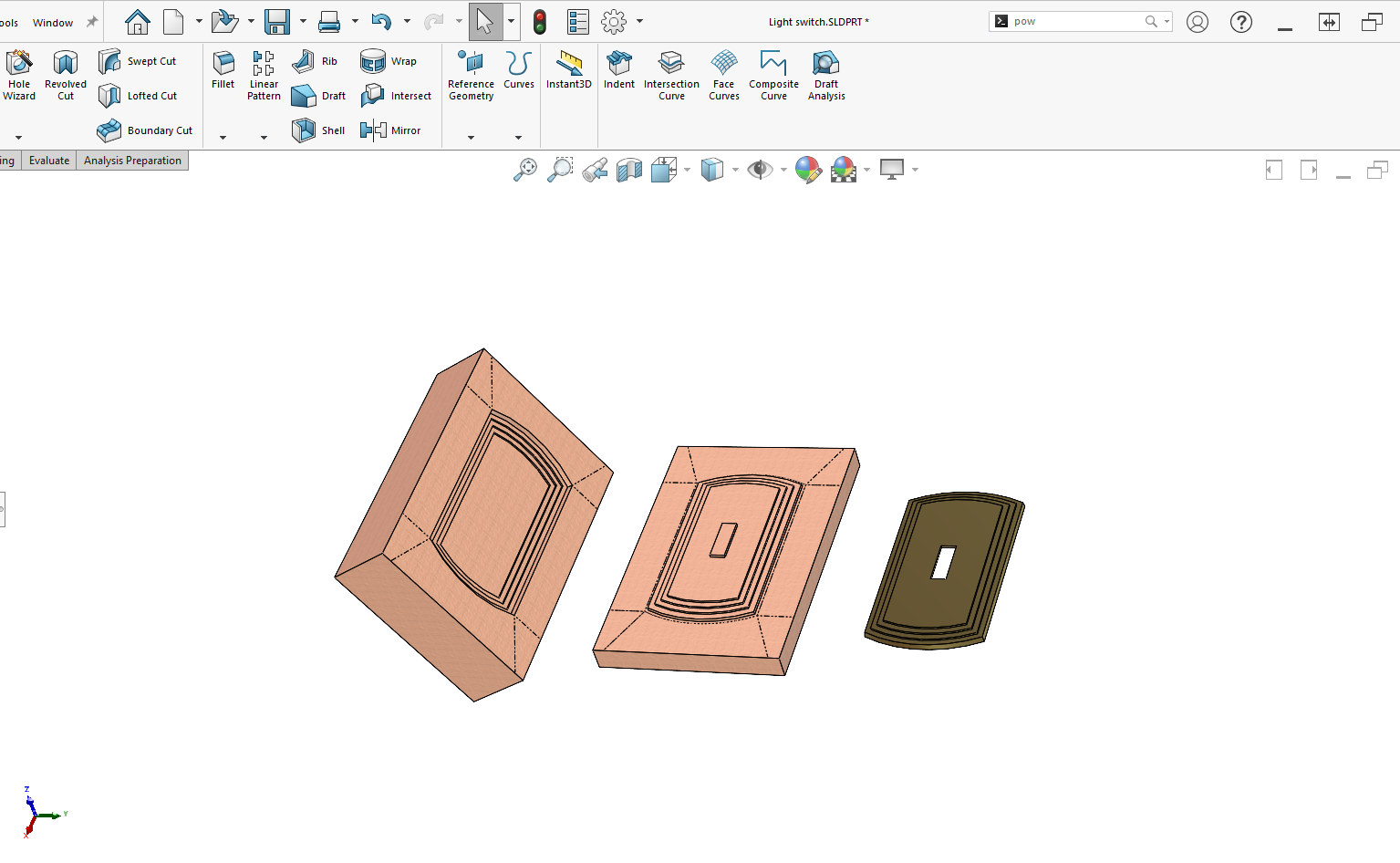
Specialized Mold Tools
SOLIDWORKS Mold Tools deliver a powerful, streamlined solution for creating high-quality molds with confidence. With automated core and cavity creation, precise draft and undercut analysis, and intuitive parting line and tooling split features, designers can move from concept to production faster. Built-in diagnostic and workflow tools help teams catch issues early, ensure manufacturability, and accelerate delivery of reliable, production‑ready molds.
Create complex, organic shapes and highly stylized geometry using advanced surfacing tools like boundary surfaces, freeform shaping, lofts, and sweeps.
Design robust solid models, not just surface bodies, and seamlessly export your geometry to printer-friendly formats like 3MF, AMF, and STL. Print directly from within SOLIDWORKS, where you can preview the print bed and arrange its contents.
Bring assemblies to life by creating engaging visual animations to demonstrate functionality, simulate basic motion, and communicate design intent.
Automatically or interactively recognize features on imported 3D models to convert static geometry into fully editable, parametric models.
Simplify the reuse of existing design data with search, automation and configuration tools that help you speed up the creation of new designs.
Before going into production, verify in 3D that your parts and assemblies will fit, assemble and operate correctly.
Review your designs for draft, undercut, thickness, and hole alignments early in the development process to ensure manufacturability.
Easily analyze, compare, check and report on your designs.
Search and compare over 50 million components from manufacturers worldwide via integrated online catalog, then drag the component directly into your model.
Circuitworks
CircuitWorks allows users to create 3D models in SOLIDWORKS from common industry standard ECAD files like IDF, IDX and PADS ASCII. CircuitWorks has its own, dedicated user interface and a SOLIDWORKS user interface. Communication between UI is bi-directional making it easy to modify your circuit board layout, while visualizing your changes in SOLIDWORKS.
Insert non-native CAD data directly into your assemblies without translation, maintaining an associative link that updates automatically when the source file changes.
Convert incoming CAD data into SOLIDWORKS 3D CAD format and export SOLIDWORKS data to other CAD applications.
Design Checker
Produce the best version of your product with design checker. Use design checker as a validation step in your workflow for dimensioning standards, fonts, materials, and sketches to ensure the product meets your standards.
Tolanalyst
TolAnalyst or Tolerance Analysis is used to review and verify tolerances between features in an assembly to ensure proper alignment when being assembled. TolAnalyst is used to report the effects of dimensional stack up, reducing risks for the end user assembling the product.
SOLIDWORKS Costing
SOLIDWORKS costing is here to help calculate the manufacturing cost for sheet metal, fabricating weldments, creating machined parts, casting, plastic molded parts, 3D printing prototypes and assembly costs. Let SOLIDWORKS costing automate your estimation and quotation process.
SOLIDWORKS Toolbox
Is a fully integrated and a customizable library of standard parts. Toolbox allows you to conveniently drag and drop common hardware components into your assembly. The hardware components support international standards, such as: ANSI, AS, GB, BSI, CISC, DIN, GB, ISO, IS, JIS, and KS.
Included Hardware:
- Bearings
- Bolts
- Cams
- Gears
- Jig bushings
- Nuts
- PEM® insert
- Pins
- Retaining rings
- Screws
- Sprockets
- Structural shapes, including aluminum and steel
- Timing belt pulleys
- Unistrut®
- Washers
Scanto3D
ScanTo3D provides users a series of tools to import, prepare and convert scanned data into useable surface or solid geometry. Whether you are an engineer looking to recreate a discontinued part, or a consumer product designer creating a representation of a physical model, ScanTo3D is here to make the conversion process simple.
Save time setting up and executing advanced SOLIDWORKS tasks such as outputting drawings and exporting neutral CAD formats.
PIPE and Tube Routing
SOLIDWORKS routing does the leg work for generating pipes and tube paths between components. Out of the box SOLIDWORKS has a time saving amount of predesigned fitting for your routing needs. As you create your pipe and tube route, SOLIDWORKS handles the organization of your feature manager making it easy for design change.
SOLIDWORKS WIRING
SOLIDWORKS routing saves time and material by accurately placing electric cables and wiring harnesses for your electrical route. You can Import from-to lists to quickly generate your electrical route which can easily be sent to a drawing to display the flattened electrical harness. Take advantage of the library of electrical connectors to quickly route your electrical cables and wiring harnesses.
Rectangular and other section routing
Take advantage of the existing ducting and cable tray components in the design library. These intelligent components are easily customizable using built in design tables. Laying out your ducting has never been easier. Simply drag and drop components from the design library to modify and update your route.
Advanced Surface Flattening
Whether you are trying to make decals for your product, or if you need a template to accurately cut material, SOLIDWORKS surface flatten is here to help. SOLIDWORKS advanced surface flatten is great for generating flat patterns of faces and surfaces of your model.
Automatically calculate the total manufacturing cost of your assemblies by rolling up the costs of all individual parts, hardware, and specific assembly operations like welding or painting.
Catia v5 import
SOLIDWORKS CATIA V5 Import uses 3D Interconnect expertise, allowing designers to effortlessly incorporate CATIA files directly into their SOLIDWORKS models.
AI Generation of 2D Drawings
SOLIDWORKS AI can generate fully-editable, intelligently-arranged drawings at the click of a button, providing a huge head start on a tedious and time-consuming process. Learn more about SOLIDWORKS's current and future AI capabilities in our blog post on the topic.
AI Assistants for 3D Modelings
SOLIDWORKS AI revolutionizes design with intelligent tools that automate work and accelerate creativity. Command prediction, fastener recognition, smart assembly tools, and several features & dimensioning assistants streamline every step of the workflow. Learn more about SOLIDWORKS's current and future AI capabilities in our blog post on the topic.
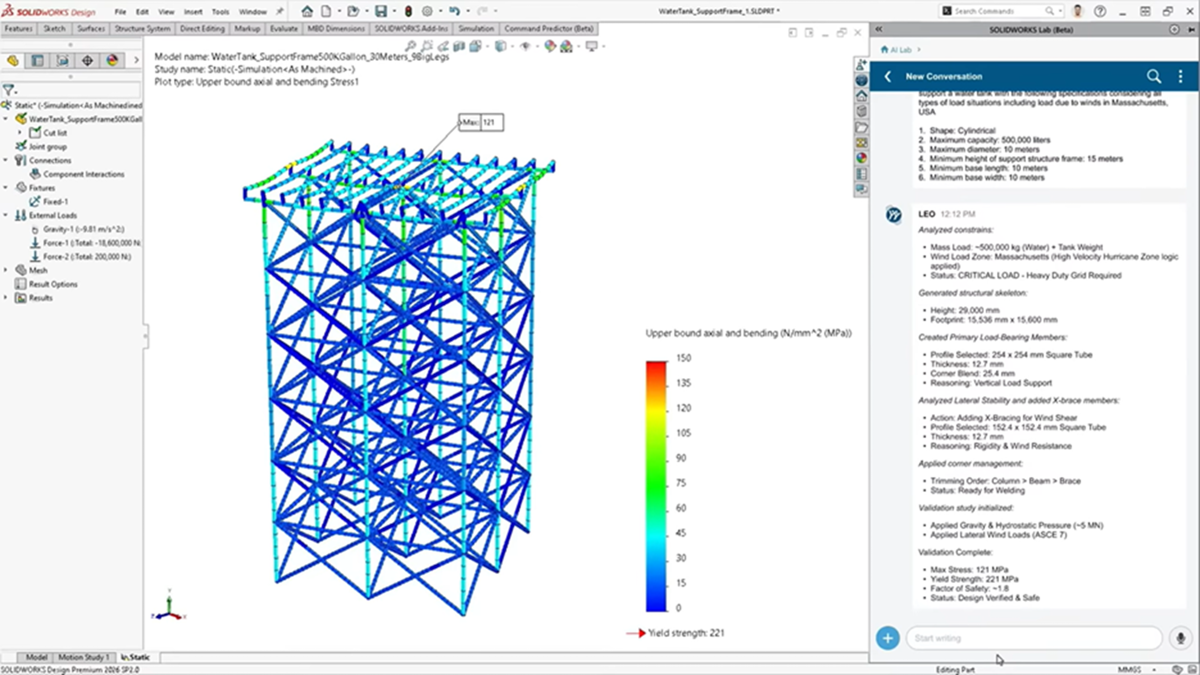
Even More Generative AI Capabilities
Dassault Systemes is actively developing groundbreaking new AI capabilities including CAD generation from text, structural analysis from text, design inspection and modification, assembly performance analysis, and more. Learn more about SOLIDWORKS's current and future AI capabilities in our blog post on the topic.
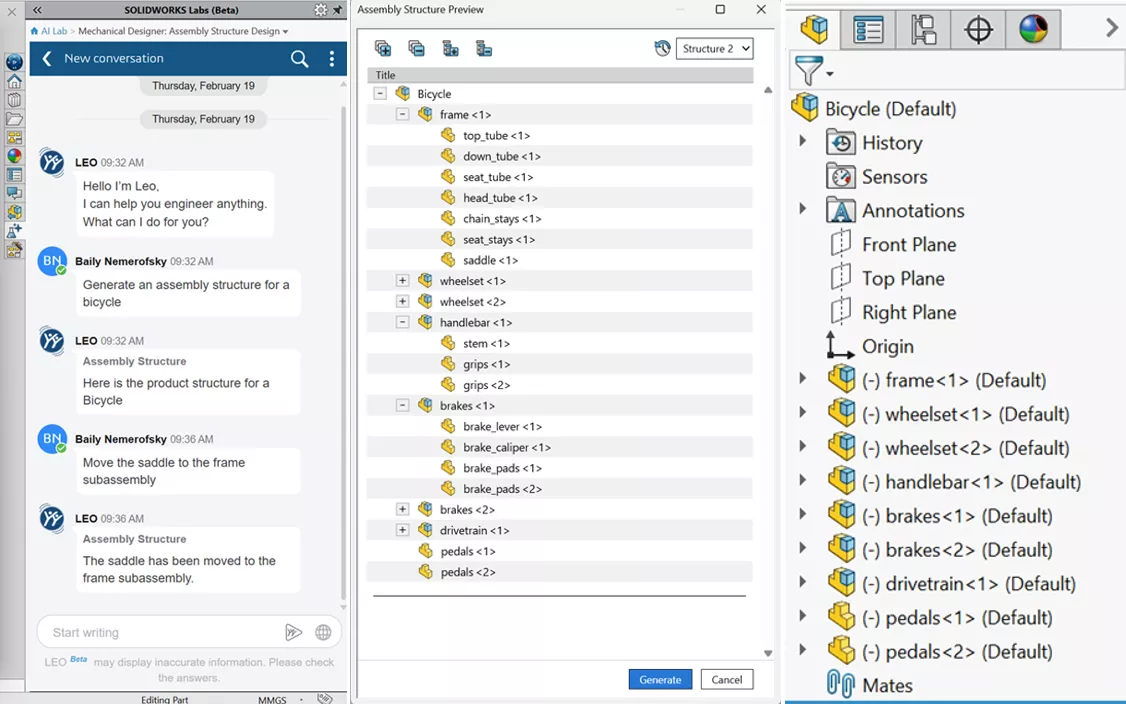
Integrated AI Companions
SOLIDWORKS offers three specialized AI companions via in-app chat interface. AURA provides knowledge and insight; LEO executes commands for troubleshooting and assistance with design and simulation; and MARIE (coming soon) will provide scientific and materials rationale to the design process. Learn more about SOLIDWORKS's current and future AI capabilities in our blog post on the topic.
Perform first-pass stress and deformation analysis on single parts to quickly identify potential failure areas and improve designs before physical prototyping.
Time-Based Motion Analysis
Set up your motion study to capture a presentation worthy animation, that accounts for mass of parts, contact between components and gravity. Use motion analysis to simulate and evaluate the motion of components in your assembly by applying forces, friction, springs, and dampers. Motion analysis has a built-in kinematic solver that considers motion constraints, material properties, collisions, and mass. Understand how your assembly will move with motion studies.
Linear Static Analysis
SOLIDWORKS simulation is one of the most popular Finite element Analysis tools on the market. Making it easier to collaborate amongst SOLIDWORKS users to ensure your product is the best version of itself. Static analysis for parts & assemblies allows for easy stabilization of your model by applying fixed restraints. SOLIDWORKS simulation will save you on costly prototyping, analyzing field failures and ultimately protecting your product reputation.
Edrawings Professional
Increase your team’s productivity by marking up the design, checking measurements or taking a quick cross section view in eDrawings Professional. Whether you need to share 3D and 2D cad models to the shop floor or send them to your manager to advance the project to the next stage, eDrawings is here to accelerate the design process. eDrawings Pro allows engineering teams to quick and conveniently collaborate about their designs.
SOLIDWORKS FILE MANAGEMENT
Every company has a workflow whether it is well known or not. SOLIDWORKS PDM (Product Data Management) Standard integrates your workflow to manage the life cycle of your CAD data and any related documents. PDM also manages the history of your CAD file and keeps track of file references. You no longer need to worry about renaming or moving files. Rid yourself of maintaining version control and file management concerns with SOLIDWORKS PDM Standard.
Manage the lifecycle of any type of content, such as CAD files, simulation models and documentation, across disciplines and CAD solutions. Track issues, changes and routes, and reduce conflicting edits from multiple contributors with revision control.
Accelerate the manufacturing process with fully integrated, rules-based machining that automates CNC programming for 2.5-axis milling and turning directly within the CAD environment.
Generate and simulate efficient toolpaths for complex 3D shapes, including indexing capabilities for multi-sided parts, ensuring precision and collision-free machining.
Automatically lay out and nest flat sheet metal patterns to maximize material yield, and easily generate the required G-code for laser, plasma, and waterjet cutters.
SOLIDWORKS Visualize
Reduce your time to market by creating photorealistic renderings of your models. Save money on costly cameras, lighting, backgrounds and creating prototypes with Visualize standard. Apply different colors and materials from a built-in library to enhance the way your product appears. Quickly produce high quality renderings through the design process and marketing phase to ensure you are producing the best version of your final product.
World-Class Technical Support
GoEngineer’s Technical Support provides a reliable lifeline for businesses navigating complex engineering solutions. Our team of experienced experts delivers fast response times to minimize downtime and keep workflows moving. Through personalized guidance and tailored solutions, we help customers optimize their systems for peak performance. With a 97%+ customer satisfaction rating, clients can trust the quality and expertise behind every interaction. Regular software updates and patches help keep systems secure and current, while access to an extensive knowledge base empowers users to find answers quickly. At GoEngineer, technical support is more than troubleshooting—it’s a partnership focused on innovation, reliability, and long-term success.
GoEngineer Application Mentoring Sessions
GoEngineer's Application Mentoring Sessions give you direct, personalized time with a highly skilled Application Engineer, so you can maximize your SOLIDWORKS investment. Get guidance, ask questions, explore new capabilities, or see live demonstrations across any engineering discipline or SOLIDWORKS product. Accelerate your success with targeted expertise. GoEngineer's active SOLIDWORKS customers receive 4 free sessions per year, a $1,000 value.
*requires Elite Success Plan
*requires Elite Success Plan
*requires Elite Success Plan
GoEngineer Self-Paced Training
Add GoEngineer Elite Success Plan to your SOLIDWORKS license to get unlimited access to GoEngineer's extensive self-paced training catalogue (a $55,000 value). The Elite Success Plan also includes many other benefits, such as additional mentoring sessions, 3D printing discounts, and more.
GoEngineer Customer Portal
The GoEngineer Customer Portal is an exclusive benefit we offer our customers to make SOLIDWORKS ownership easier. From one dashboard, you can manage your licenses & billing, manage tech support cases, reach your GoEngineer account & success managers, schedule mentoring sessions, and enroll & launch self-paced training.
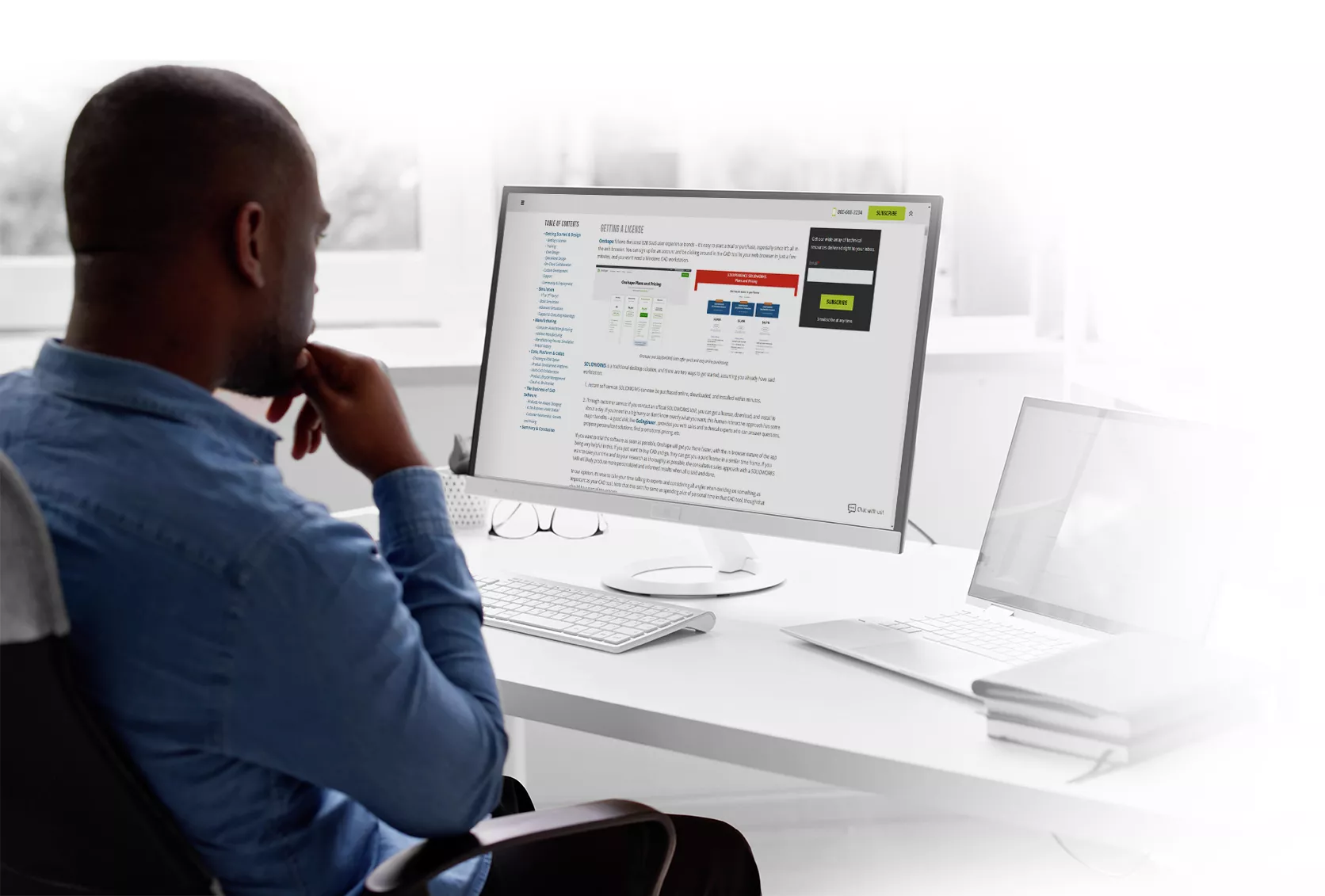
Are You Comparing

Choosing a CAD solution is not just about price and design features on day one. You're locked in -- it needs to be the right choice tomorrow, in two years, in ten years, for everyone at the company who touches your CAD. GoEngineer's comprehensive guide asks and answers the important questions you
need
to consider, like:
- Can I Do Cloud CAD Collaboration?
-
Will It Do Every Type of Design We Need?
- Will I Be Searching for Real FEA in a Couple Years...?
- Will I Be Able to Hire Experienced Users?
- Will It Make Manufacturing Easier or Harder?
and much more!
What Kind of System do I need for SOLIDWORKS?
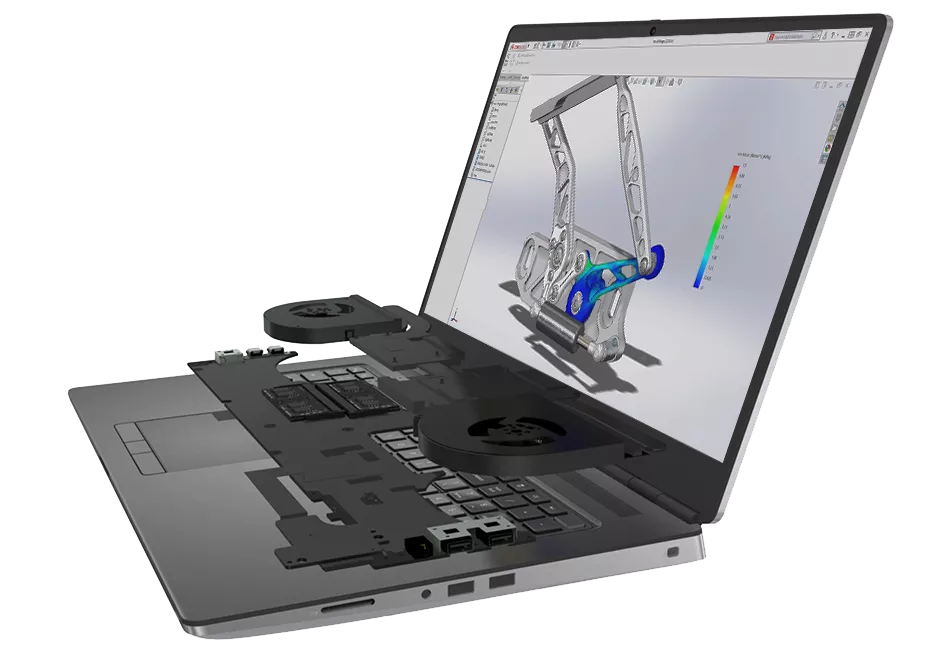
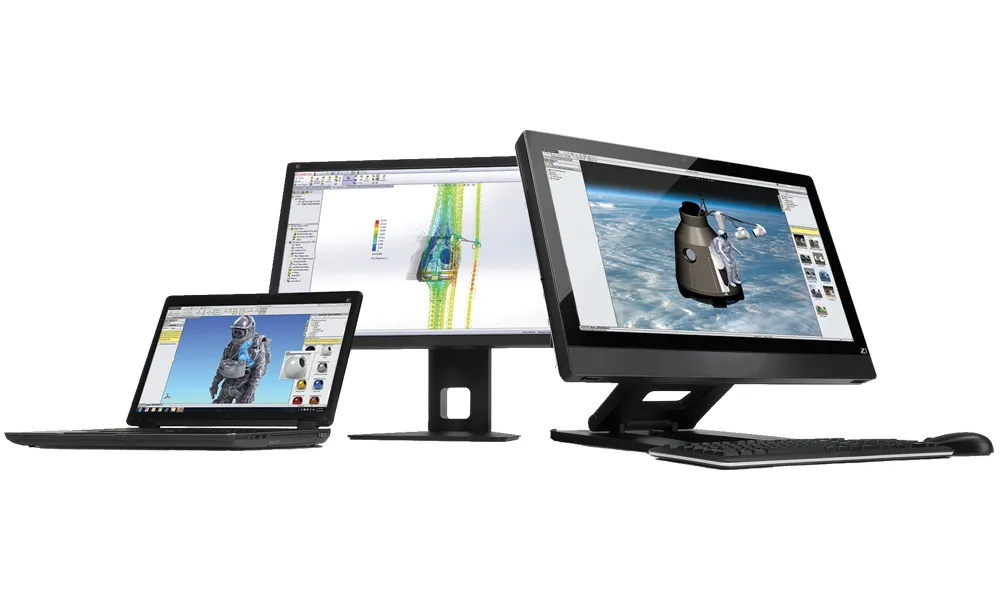
Visit our SOLIDWORKS System Requirements page to see the official system requirements and get 10% off preconfigured SOLIDWORKS workstations from Dell.
Still Confused About SOLIDWORKS OPTIONS?
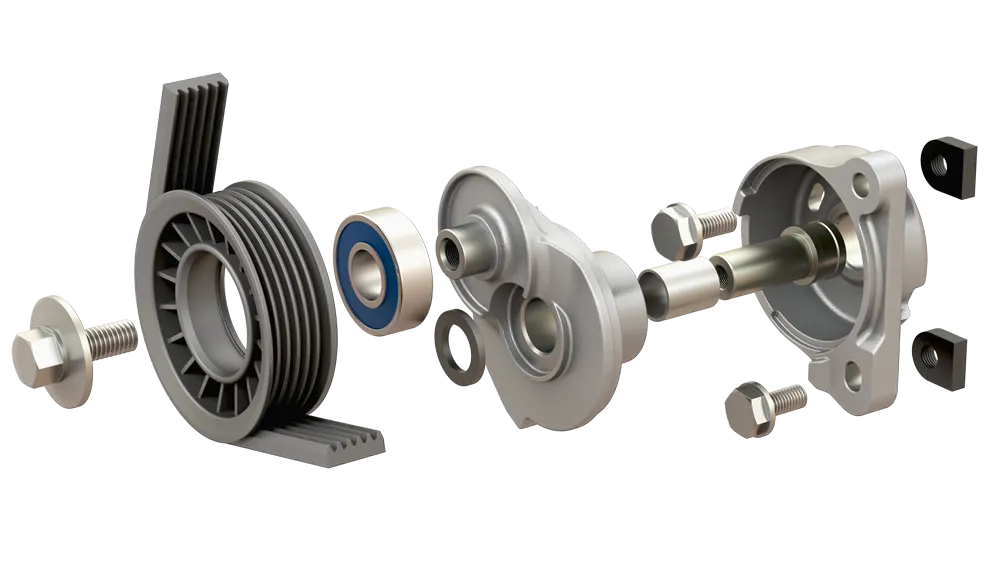
Check out GoEngineer's SOLIDWORKS Buying Guide and get answers to these common questions:
and much more!
SOLIDWORKS Services:
Utilize GoEngineer’s Award Winning Support & Training for SOLIDWORKS
Award Winning Technical Support
GoEngineer's extensive SOLIDWORKS technical knowledge and world class support can help you succeed with SOLIDWORKS. Our award-winning team is ready to help you with any task you may have. Using state-of-art remote assistant technology software allows our team to solve most issues within one session. Reach out and see why GoEngineer is the #1 reseller of SOLIDWORKS and Stratasys systems in the world!
- 125+Certified Technical Specialists
- Email, Phone and Chat Support Available
- 98% Exceptional Customer Service Rating
PROFESSIONAL SOLIDWORKS TRAINING
GoEngineer offers online and classroom professional SOLIDWORKS training for organizations and individuals. All our instructors are SOLIDWORKS certified and teach thousands of students each year world wide. The curriculum is very diverse with numerous certified SOLIDWORKS courses to choose from. Each student will receive a Course Completion Certificate and preparation materials for SOLIDWORKS certification.
- Increase Your Earning Potential
- Led by Certified SOLIDWORKS Instructors
- Smaller Classes with Focused Attention
Additional Resources
Take Advantage of GoEngineer’s Extensive Knowledge Base and Resources

Find a Solution
Our robust Knowledge Base contains over 12,000 resources to help answer your product design questions. From basic CAD questions to in-depth guides and tutorials, find your solution here. Find a Solution

PROFESSIONAL TRAINING
Improve your skills with professional training and certifications in SOLIDWORKS, CAM, 3D Printing, and 3D Scanning offered four ways: self-paced, online, on-site, or in-classroom. Certified Training Courses

BLOG
#1 Technical Resource Worldwide - Right at your fingertips. Search or browse through hundreds of SOLIDWORKS tips & tricks, additive manufacturing product developments, announcements, how-to guides, and tutorials. Blog

YouTube Channel
Our YouTube channel hosts hundreds of educational tutorials, product demonstrations, recorded webinars, and best practices for all of our products and services. GoEngineer's YouTube Channel
ONLINE STORE
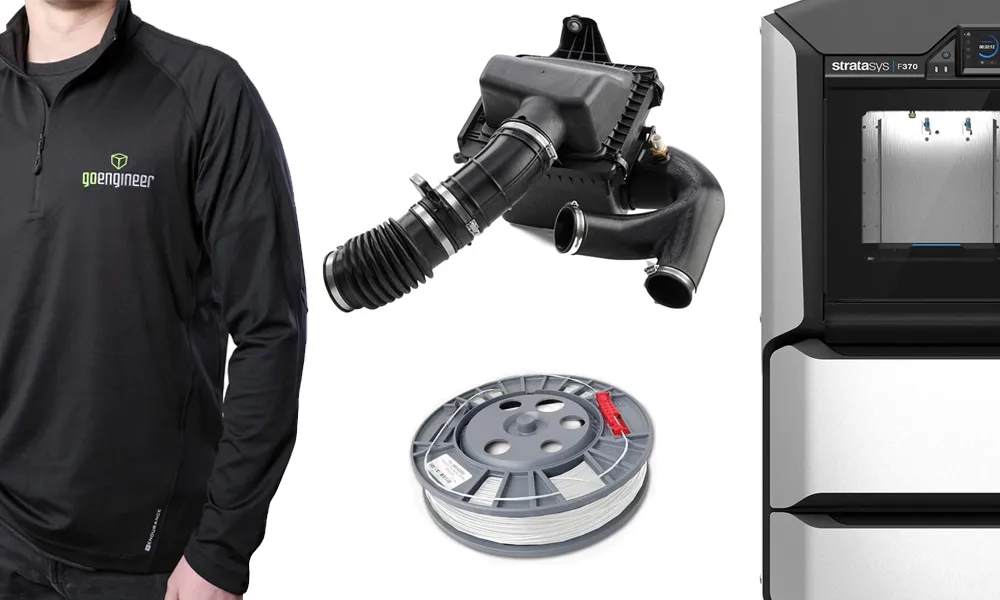
Order 3D printing materials and consumables, enroll in SOLIDWORKS training classes, and buy official GoEngineer gear directly from our online store. Online Store
WEBINARS
Our engineering webinars are hosted by some of the top experts in the industry. They are always recorded, always free, and always offer a live Q&A. WEBINARS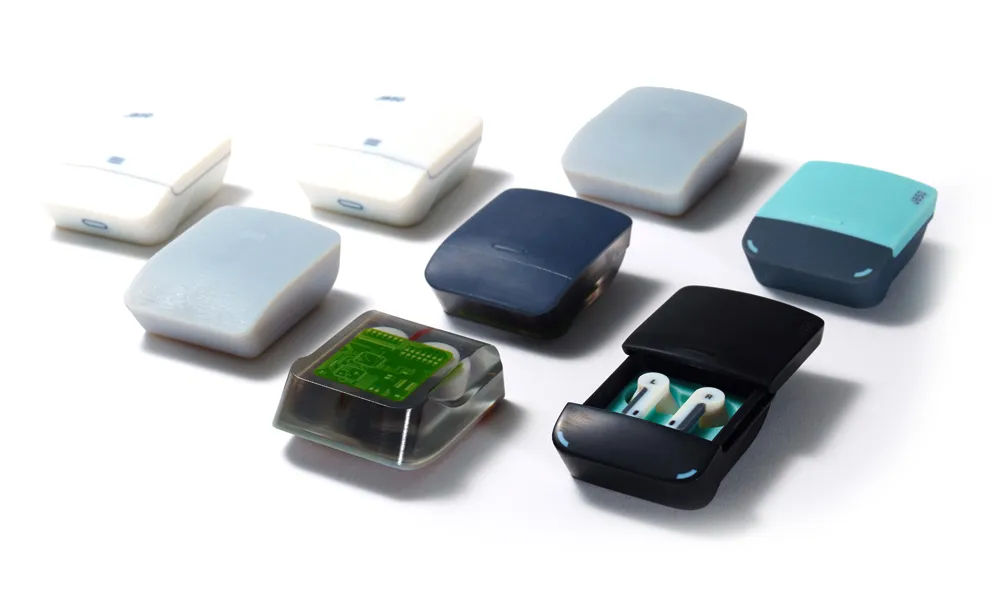
3D Printing Services
Need to 3D print a part? Our Additive Manufacturing experts will 3D print your part and deliver it to you using the latest technology on one of our professional FDM, PolyJet and SL 3D printers. 3D Printing Services