Instructor-Led Training vs. eLearning
Which Is Right for Your Team?

Why Teams Choose Instructor-Led Training
Instructor-led training pairs structured curriculum with a live expert who can adapt in real time to how your team actually learns, something a pre-recorded course can't do.

High Engagement,
Better Retention
Live instruction keeps learners engaged through discussion, questions, and real work, rather than passively watching a video.

Hands-On Exercises
Real-time supply chain integration with component availability, costing, and lifecycle data during design.

Real-Time Feedback
Questions get answered in the moment, not days later in a support ticket queue, so learners don't move forward with the wrong technique.

Guided Troubleshooting
When a model, mesh, or simulation setup isn't behaving, an instructor can look at what the learner is actually doing and correct course immediately.
Structured Progression
Courses build in a deliberate sequence, so learners aren't left to guess which lesson matters most for their role.

Accountability and Completion
Scheduled live session and cohort pacing help learners finish training, rather than letting a self-paced course stall out mid-course.
Instructor-Led Training vs. Self-Paced eLearning
Instructor-Led Training
Self-Paced eLearning
Best for
Complex software, new workflows, teams onboarding at scale
Basic refreshers, supplemental practice, individual skill maintenance
Pace
Structured, scheduled sessions
Learner-controlled, on-demand
Feedback
Real-time, from a live instructor
Delayed, via support tickets or forums
Troubleshooting
Instructor sees your specific setup and corrects it live
Learner troubleshoots independently or submits a request
Hands-on practice
Guided exercise with immediate correction
Self-guided exercises, reviewed after the fact
Completion
Cohort pacing support accountability
Depends on individual motivation and schedule
Flexibility
Fixed schedule (classroom, virtual, or on-site)
Available anytime, anywhere
Good fit when
Rolling out new software, training complex applications, onboarding multiple users at once
Reinforcing material already covered, training on straightforward features
Why Complex Engineering Applications Benefit from Live Instruction
Software like CATIA, Abaqus, CST Studio Suite, and the 3DEXPERIENCE platform involve decisions that are hard to teach through a recorded video. The "right" approach often depends on the specific part, model, or analysis in front of the learner.

Workflow Optimization
An instructor can show the most efficient path through a task for your team's specific use case, not just a generic example.

Solver and Method Selection
Choosing the right solver, mesh strategy, or analysis type in tools like Abaqus or CST Studio Suite often requires judgement that's easier to build through live Q&A than static instructions.

Modeling Best Practices
Learners see how an expert structures a model from the start, which prevents rework and rebuild-from-scratch problems later.

Immediate Troubleshooting
When a simulation won't converge or a model throws an unexpected error, a live instructor can diagnose it on the spot instead of the learner losing hours to trial and error.
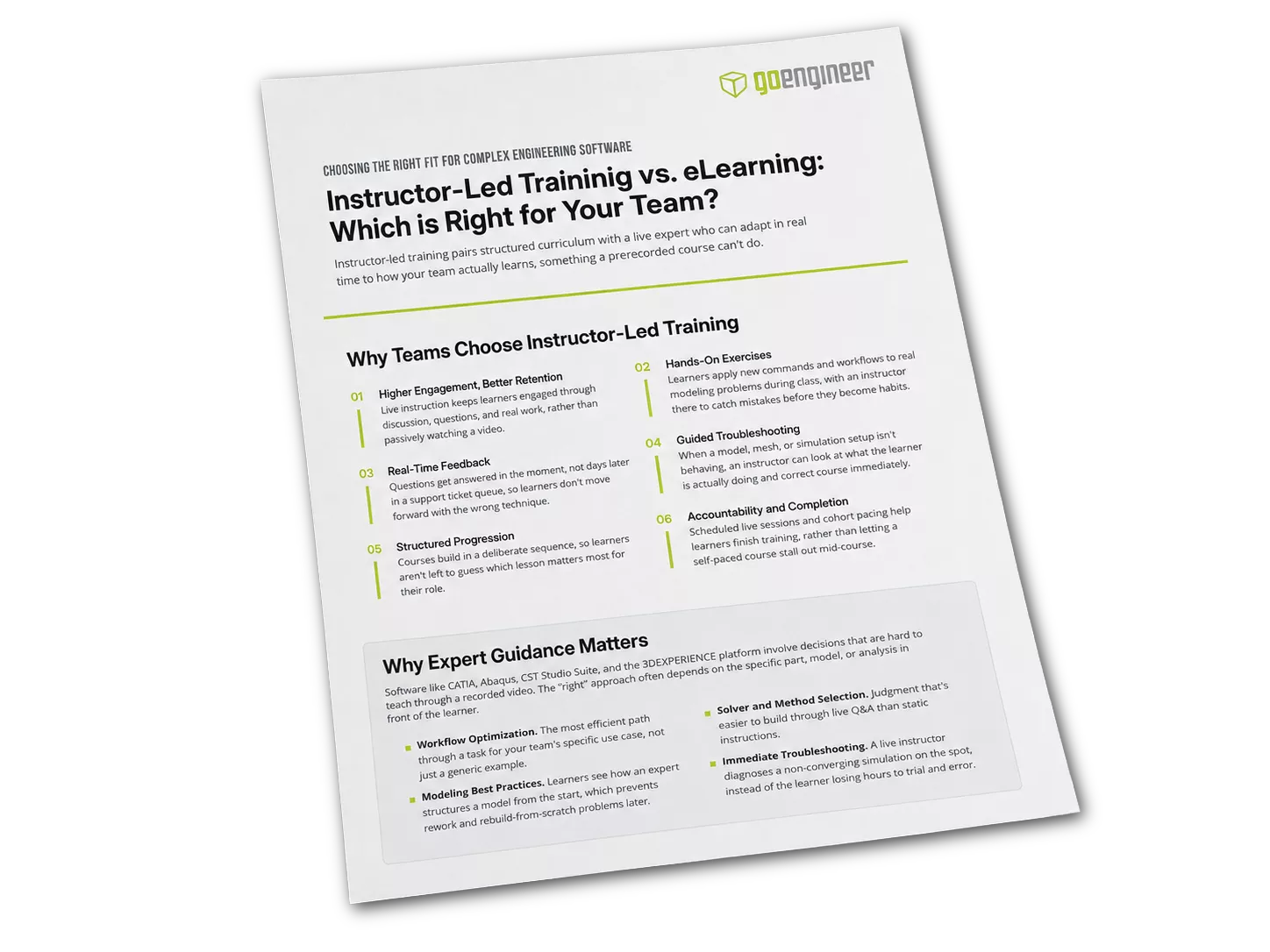
Take This Comparison With You
Instructor-Led Training vs. eLearning
Prefer to read this offline or share it with your team? Download the companion PDF summary of instructor-led training vs. eLearning.
What Our Students Say
Additional Resources
Take Advantage of GoEngineer’s Extensive Knowledge Base and Resources

Find a Solution
Our robust Knowledge Base contains over 12,000 resources to help answer your product design questions. From basic CAD questions to in-depth guides and tutorials, find your solution here. Find a Solution

PROFESSIONAL TRAINING
Improve your skills with professional training and certifications in SOLIDWORKS, CAM, 3D Printing, and 3D Scanning offered four ways: self-paced, online, on-site, or in-classroom. Certified Training Courses

BLOG
#1 Technical Resource Worldwide - Right at your fingertips. Search or browse through hundreds of SOLIDWORKS tips & tricks, additive manufacturing product developments, announcements, how-to guides, and tutorials. Blog

YouTube Channel
Our YouTube channel hosts hundreds of educational tutorials, product demonstrations, recorded webinars, and best practices for all of our products and services. GoEngineer's YouTube Channel
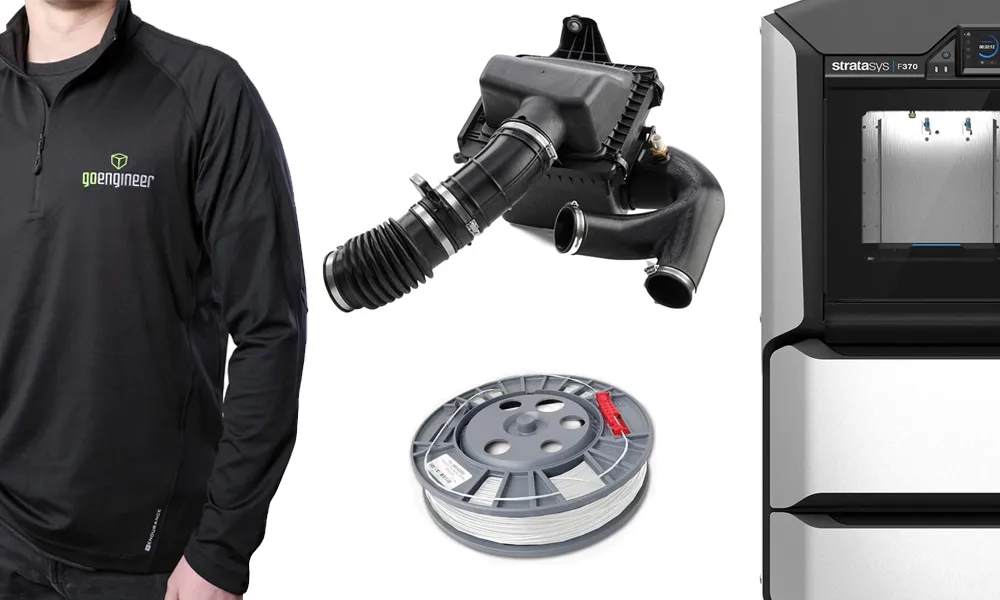
ONLINE STORE
Order 3D printing materials and consumables, enroll in SOLIDWORKS training classes, and buy official GoEngineer gear directly from our online store. Online Store
WEBINARS
Our engineering webinars are hosted by some of the top experts in the industry. They are always recorded, always free, and always offer a live Q&A. WEBINARS
3D Printing Services
Need to 3D print a part? Our Additive Manufacturing experts will 3D print your part and deliver it to you using the latest technology on one of our professional FDM, PolyJet and SL 3D printers. 3D Printing Services