
Every SOLIDWORKS subscription with GoEngineer includes the Success Plan; expert training, mentoring, and US & Canada–based support that helps your team learn faster and design smarter.
- ✔Unlimited self-paced training + live instructor support ($55,000 value/user)
- ✔1:1 or team Application Mentoring Sessions
- ✔US & Canada–based technical support
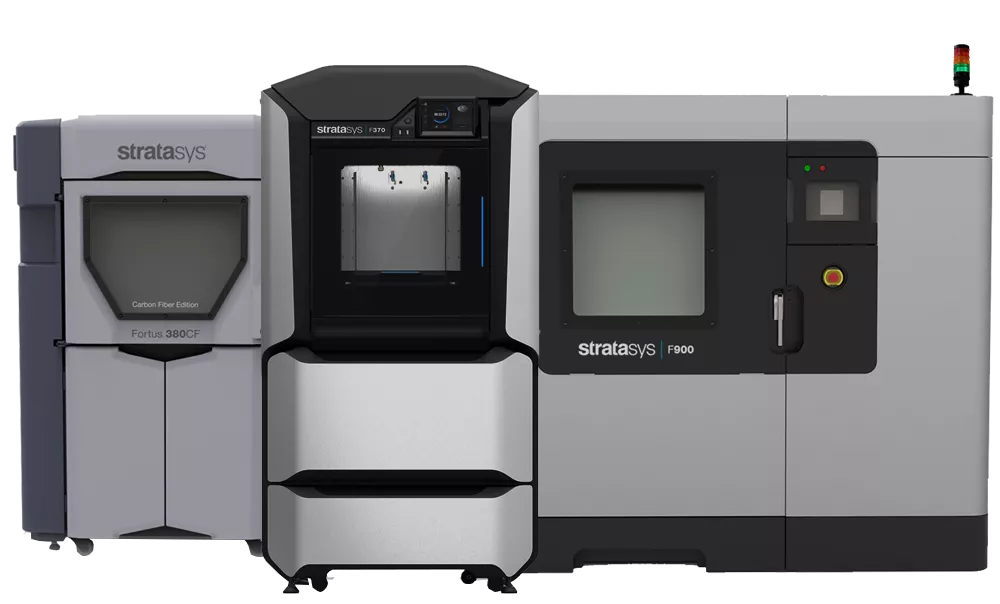
- ✔20% discount on 3D printing services
- ✔24/7 customer portal access

Success Plan+ is everything in the Success Plan, plus CADchat® — the browser-based meeting space built for CAD. Share live 3D models, mark up together, and close design reviews in one session.
 The only difference between the two plans.
Want your design reviews to feel like a Zoom call, but for CAD? See how CADchat® works with Success Plan+ >
What's Included?
All items below, including CADchat®, are available with your Success Plan+
Real-time CAD collaboration, right in your browser
CADchat® brings your design review meeting and your CAD model into the same place. It works like a Zoom call, but built specifically for CAD collaboration. Open a browser, invite your team, and everyone joins the same live 3D model — no viewer installs, no file conversions, no IT ticket.
Why teams love CADchat®






Supported file formats:
.SLDPRT .SLDASM .STEP .STP .STL .IGES .IGS .CATPART .PRT .IPT .IAM .JT .X_T .X_B .SAT .F3D .3DM .OBJ .FBX .GLTF .GLB .SKP .IFC .RVT .DWF .DWFX .PAR .3DS
“…We’re extremely grateful to have GoEngineer as our service vendor! They have been nothing short of excellent in all of our communications with them. Thank you for supporting the work we do here at NASA.”


SOLIDWORKS Training Designed to Deliver Results

Access Anywhere
Learn from the office, home, or on the road—your courses are available whenever and wherever your team works.

Learn at Your Pace
Move quickly through familiar topics and replay tougher lessons as often as needed—no schedule pressure.

Expert Support
When questions come up, U.S. & Canada-based SOLIDWORKS experts are a quick call or message away.

Classroom Tested
Self-paced courses mirror our proven classroom curriculum—no watered-down content, just the same results.

Over $55,000 of Self-Paced Training Included in Your Success Plan
50+ supported courses. Unlimited access for your team.
$55,460 subtotal
Core SOLIDWORKS Design
- SOLIDWORKS Essentials ($1,995 value)
- Advanced Part Modeling ($1,495 value)
- Assembly Modeling ($1,495 value)
- Advanced Surface Modeling ($1,495 value)
- Advanced Sheet Metal ($995 value)
- Weldment Design ($995 value)
3DEXPERIENCE & Cloud
- 3DEXPERIENCE Admin Essentials ($495 value)
- 3DEXPERIENCE Change Management ($495 value)
- User Essentials: 3DEXPERIENCE SOLIDWORKS ($495 value)
- User Essentials: Web UI ($495 value)
- Collaborative Designer for SOLIDWORKS ($495 value)
Manufacturing, CAM & CNC
- CAM Professional ($1,495 value)
- CAM Standard ($1,495 value)
- CAMWorks 3-Axis Milling ($1,995 value)
- 3D Modeling for Machinists ($995 value)
Simulation & Analysis
- Simulation Essentials ($1,495 value)
- Simulation Advanced ($1,495 value)
- Simulation Premium: Dynamics ($1,995 value)
- Simulation Premium: Nonlinear ($1,995 value)
- 3DEXPERIENCE Simulia FEA Essentials ($995 value)
- Flow Simulation ($1,995 value)
Data Management & PDM
- PDM Administrator ($1,995 value)
- PDM Administrator Advanced ($1,495 value)
- Using PDM ($695 value)
- File Management ($695 value)
Certifications, Drafting & More
- (CSWA) Prep Course ($95 value)
- (CSWP) Prep Course ($195 value)
- Drawings ($1,495 value)
- GD&T ($1,495 value)
- Visualize ($995 value)
- Composer ($2,495 value)
All included with your GoEngineer Success Plan+
Most Popular Self-Paced Courses
A few favorites from the 50+ courses included in your Success Plan+
-
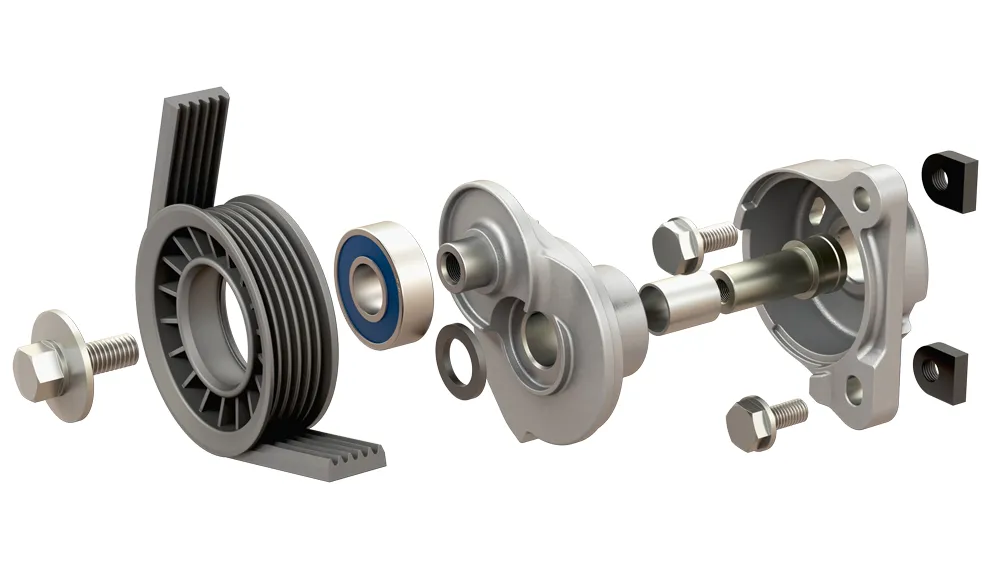
SOLIDWORKS ESSENTIALS
-
14 lessons including:
SOLIDWORKS basics, sketching, part modeling, patterning, and more. - Price: $1,995
- View Course >
-
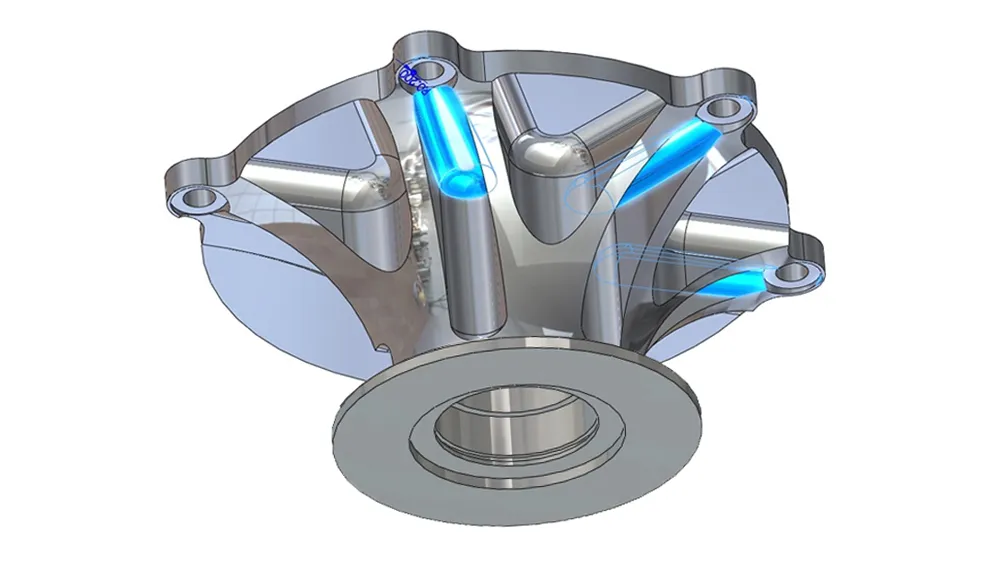
ADVANCED PART MODELING
-
9 lessons including:
Advanced mate techniques, top-down assembly modeling, smart components, and more. - Price: $1,495
- View Course >
-
CSWA PREP COURSE
-
4 lessons including:
CSWA exam overview, hands-on part modeling examples, practice exams, and more. - Price: $95
- View Course >
-
CSWP PREP COURSE
-
5 lessons including:
CSWP exam overview, exam examples, and samples for all three segments. - Price: $195
- View Course >
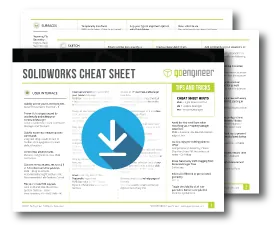
Looking for quick tips between full courses?
Download the SOLIDWORKS Cheat Sheet
Additional Info About Your Success Plan+


Additional Resources
Take Advantage of GoEngineer’s Extensive Knowledge Base and Resources

Find a Solution
Our robust Knowledge Base contains over 12,000 resources to help answer your product design questions. From basic CAD questions to in-depth guides and tutorials, find your solution here. Find a Solution

PROFESSIONAL TRAINING
Improve your skills with professional training and certifications in SOLIDWORKS, CAM, 3D Printing, and 3D Scanning offered four ways: self-paced, online, on-site, or in-classroom. Certified Training Courses

BLOG
#1 Technical Resource Worldwide - Right at your fingertips. Search or browse through hundreds of SOLIDWORKS tips & tricks, additive manufacturing product developments, announcements, how-to guides, and tutorials. Blog

YouTube Channel
Our YouTube channel hosts hundreds of educational tutorials, product demonstrations, recorded webinars, and best practices for all of our products and services. GoEngineer's YouTube Channel
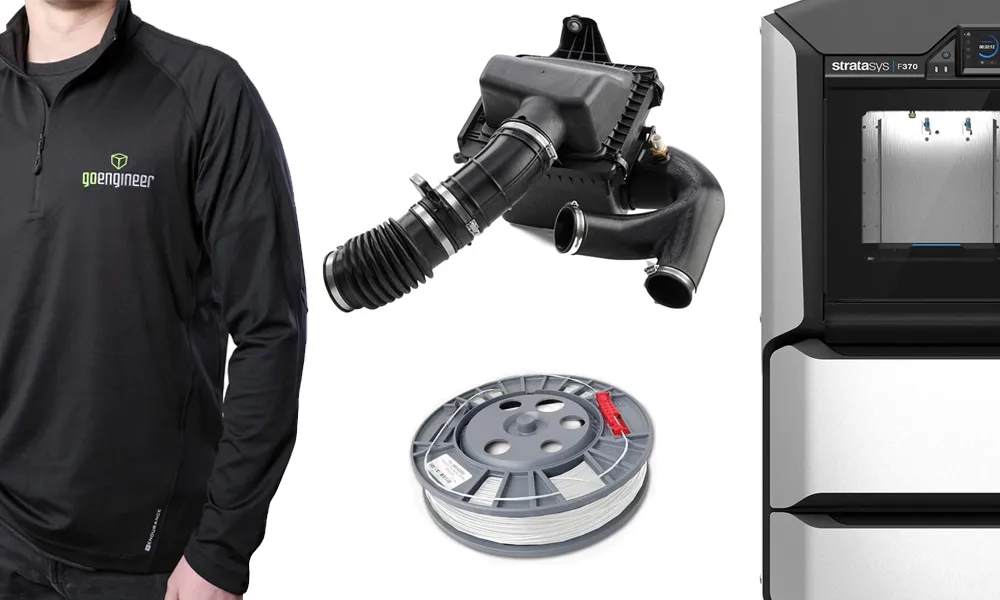
ONLINE STORE
Order 3D printing materials and consumables, enroll in SOLIDWORKS training classes, and buy official GoEngineer gear directly from our online store. Online Store
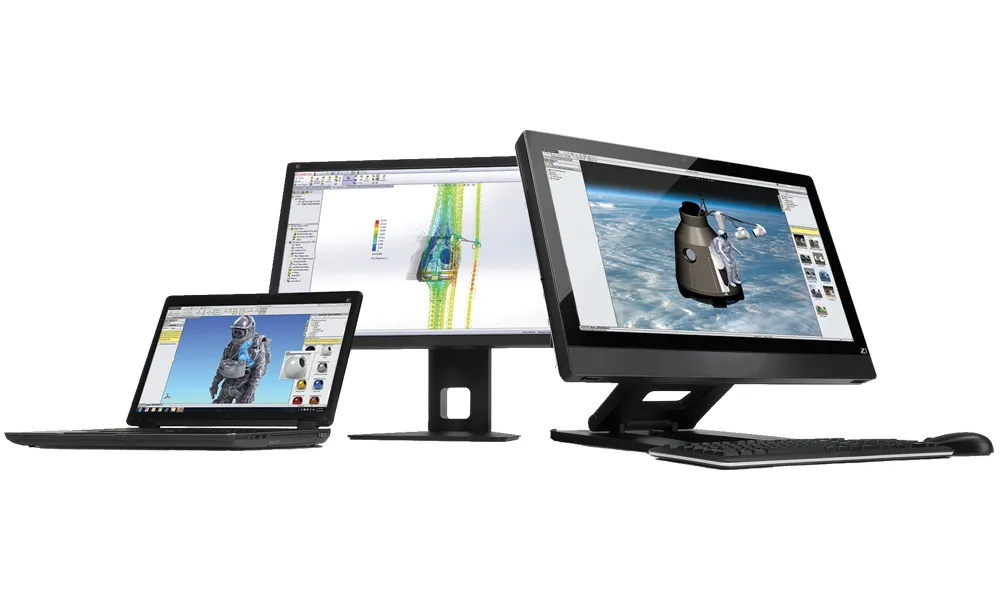
WEBINARS
Our engineering webinars are hosted by some of the top experts in the industry. They are always recorded, always free, and always offer a live Q&A. WEBINARS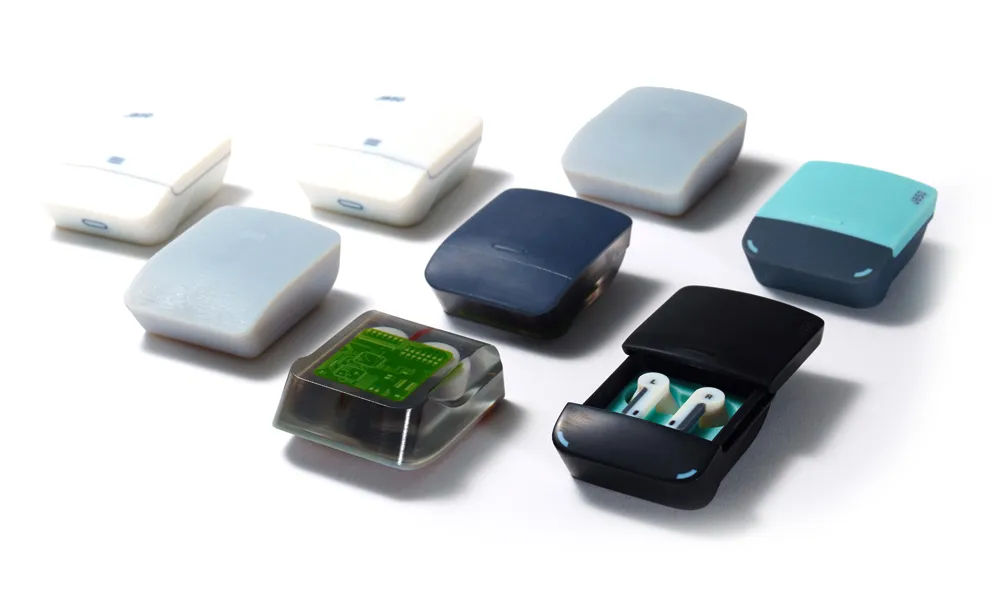
3D Printing Services
Need to 3D print a part? Our Additive Manufacturing experts will 3D print your part and deliver it to you using the latest technology on one of our professional FDM, PolyJet and SL 3D printers. 3D Printing Services