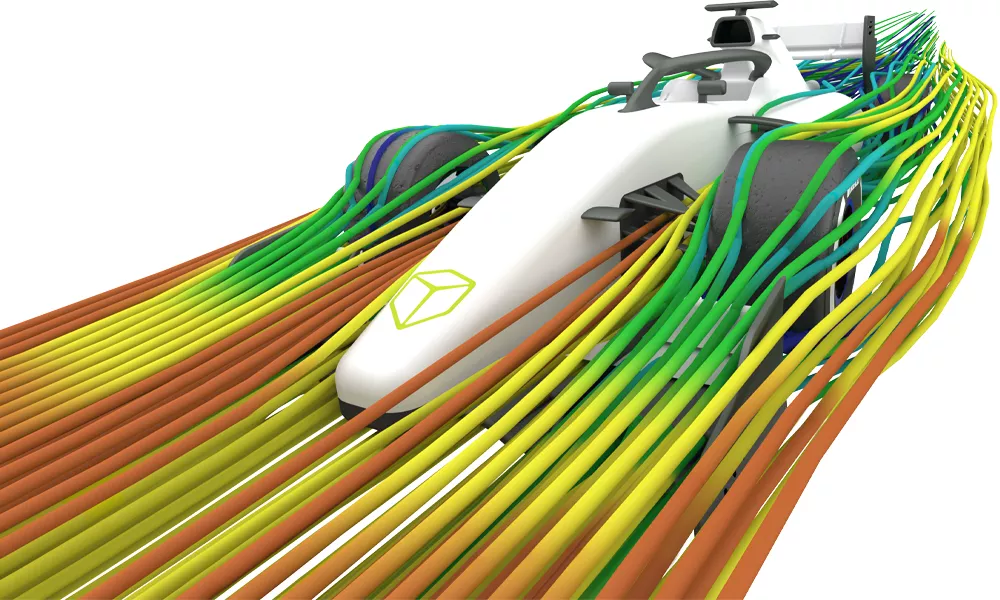
3DEXPERIENCE NC PROGRAMMING
A realistic virtual workplace to create & validate NC programs

Keeping the machines running on the shop floor is a crucial goal for every manufacturer. Idle machines mean lost production, forfeited ROI, and wasted manpower. Yet new products and engineering changes can be delayed while programmers work to ready the machines.
3DEXPERIENCE NC PROGRAMMING tools enhance both programmer and machine productivity by providing a single, integrated software environment for design and simulation of machining processes. These solutions accelerate launches and changes, help optimize resources, and improve predictability and quality of finished parts.
HIGHLIGHTS
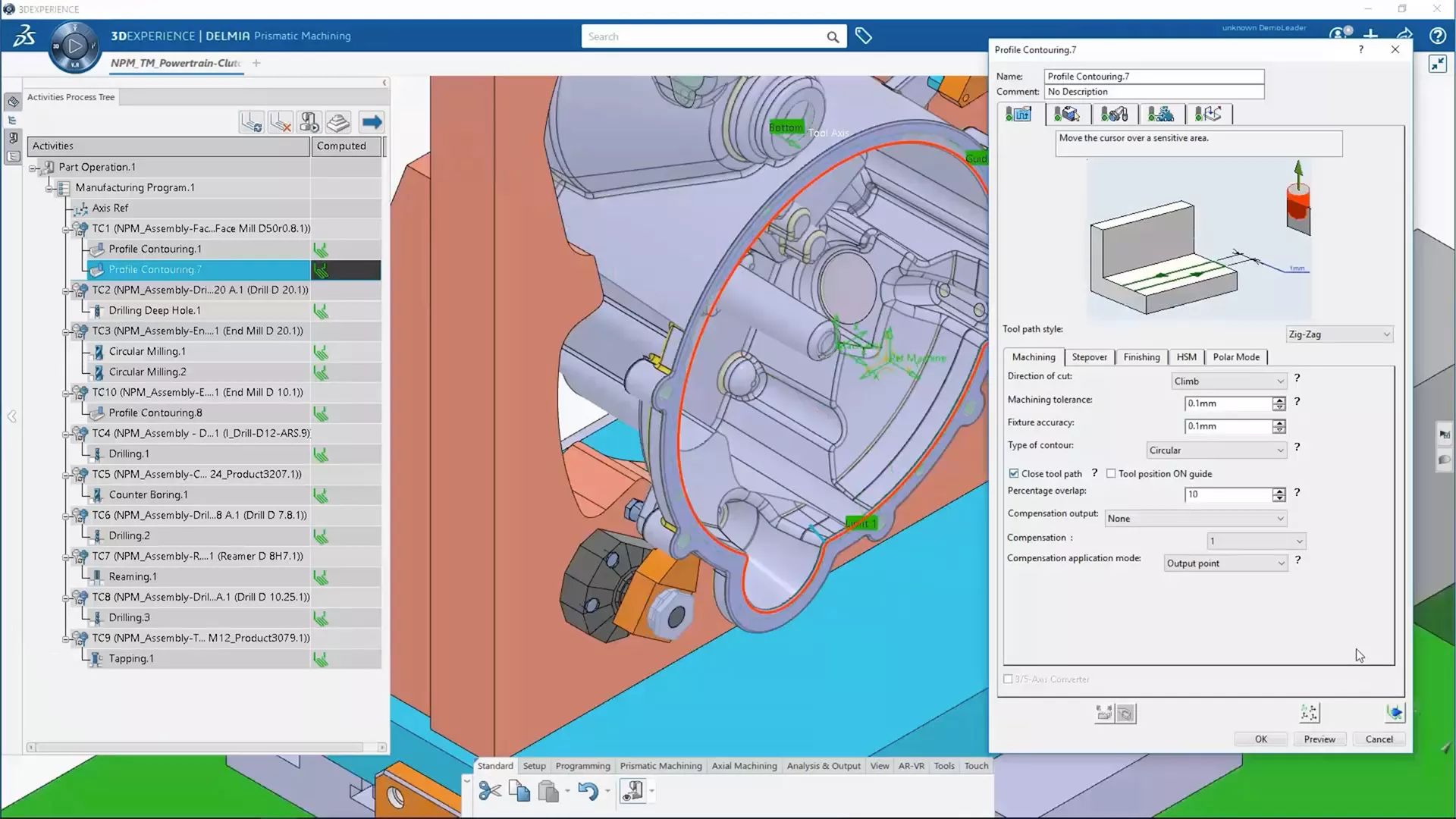
Reduce NC Programming Time
Offers efficiencies with features such as intuitive graphic dialog boxes, traffic light indicators for undefined machining parameters, and a help icon for each parameter.
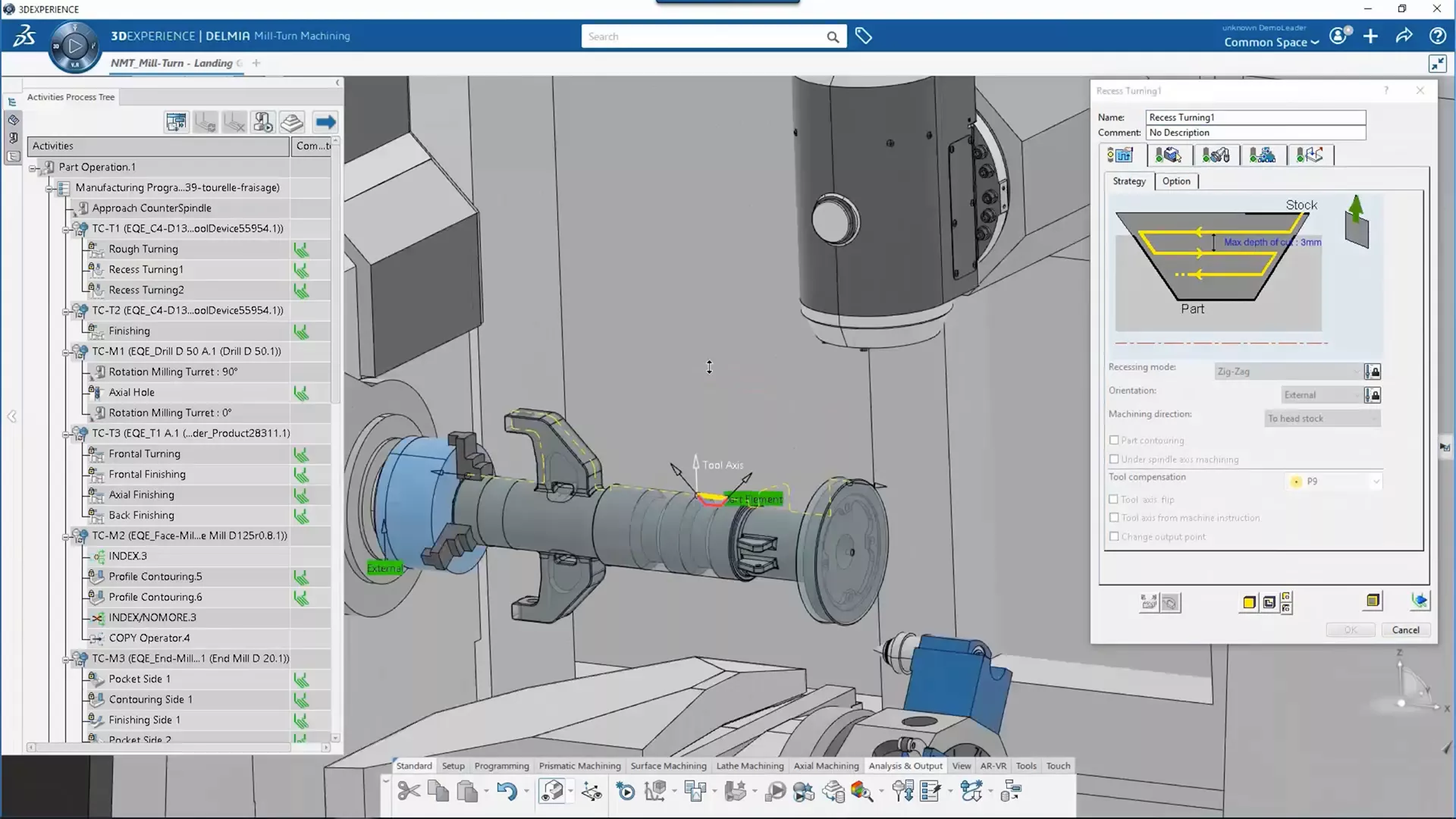
When NC programs are authored or edited, take into account the machine tool's kinematic definition. Tool changes and machine rotations are automatically generated and can be visualized in the machining operation definition panel.
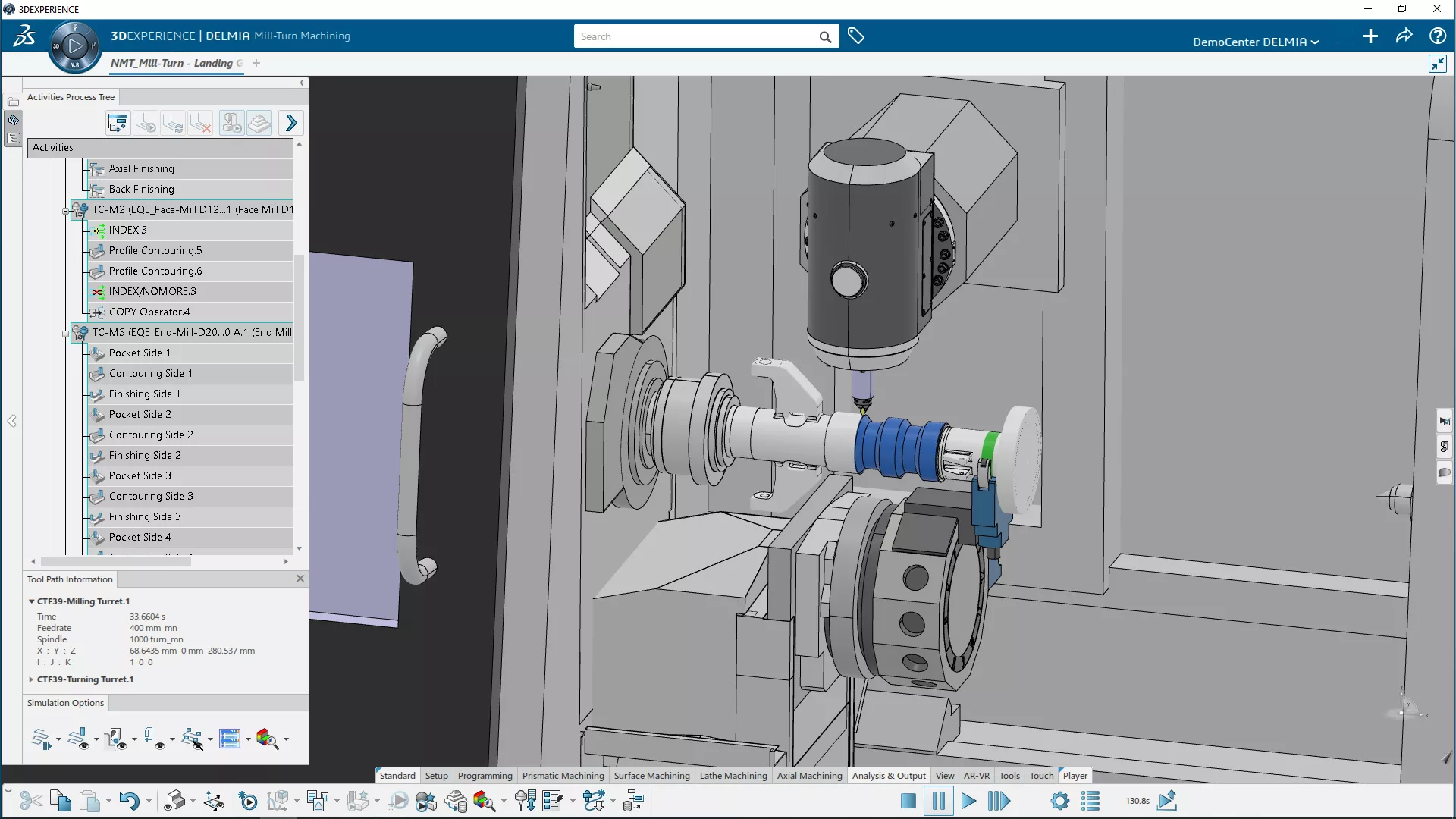
Maximize Machine Tool Utilization
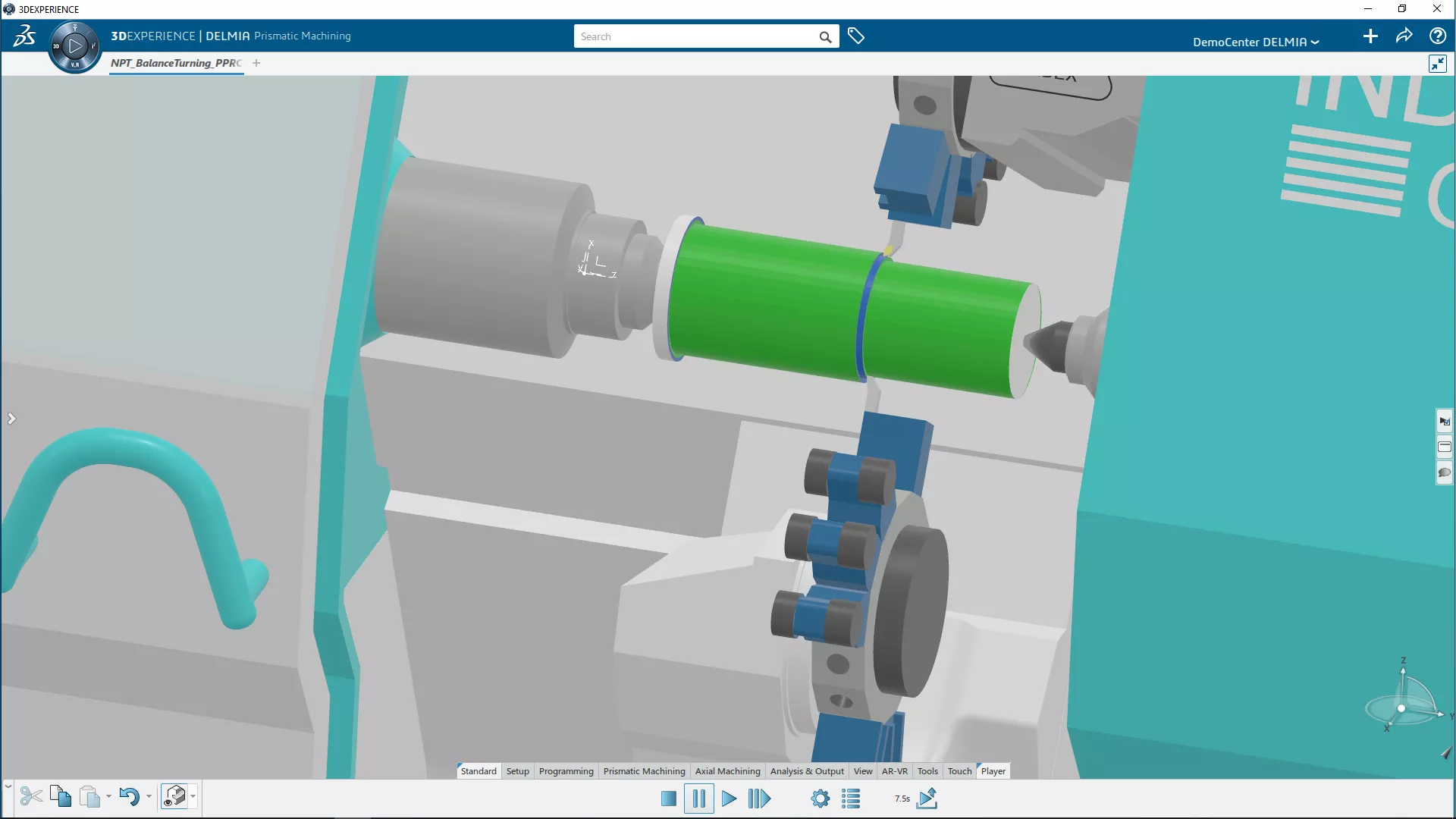
Wide range of operations and strategies helps programmers create toolpath programs that minimize non-value-added motion.
Optimized NC programs, including high-speed machining features, reduce overall machining cycle time and avoid collision with other in-process parts.
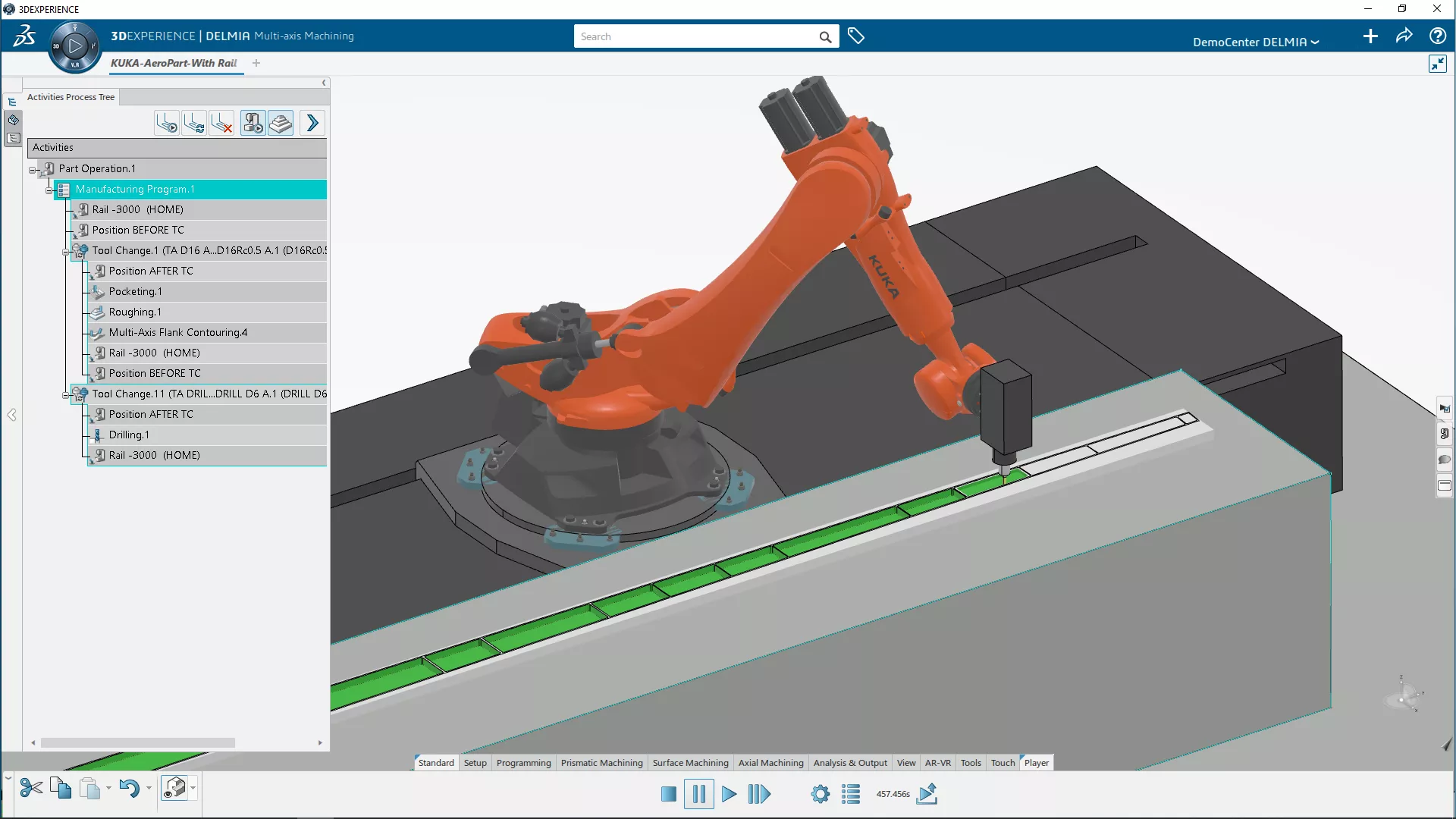
Mitigate Risk to Production
Users can create optimized NC programs that take the tool’s physical environment into account: NC machine, cutter, tool assemblies, NC accessories, and other elements.
This superior tool path and machining strategy reduces the risk of unexpected issues and production delays.
Leverage Intellectual Property
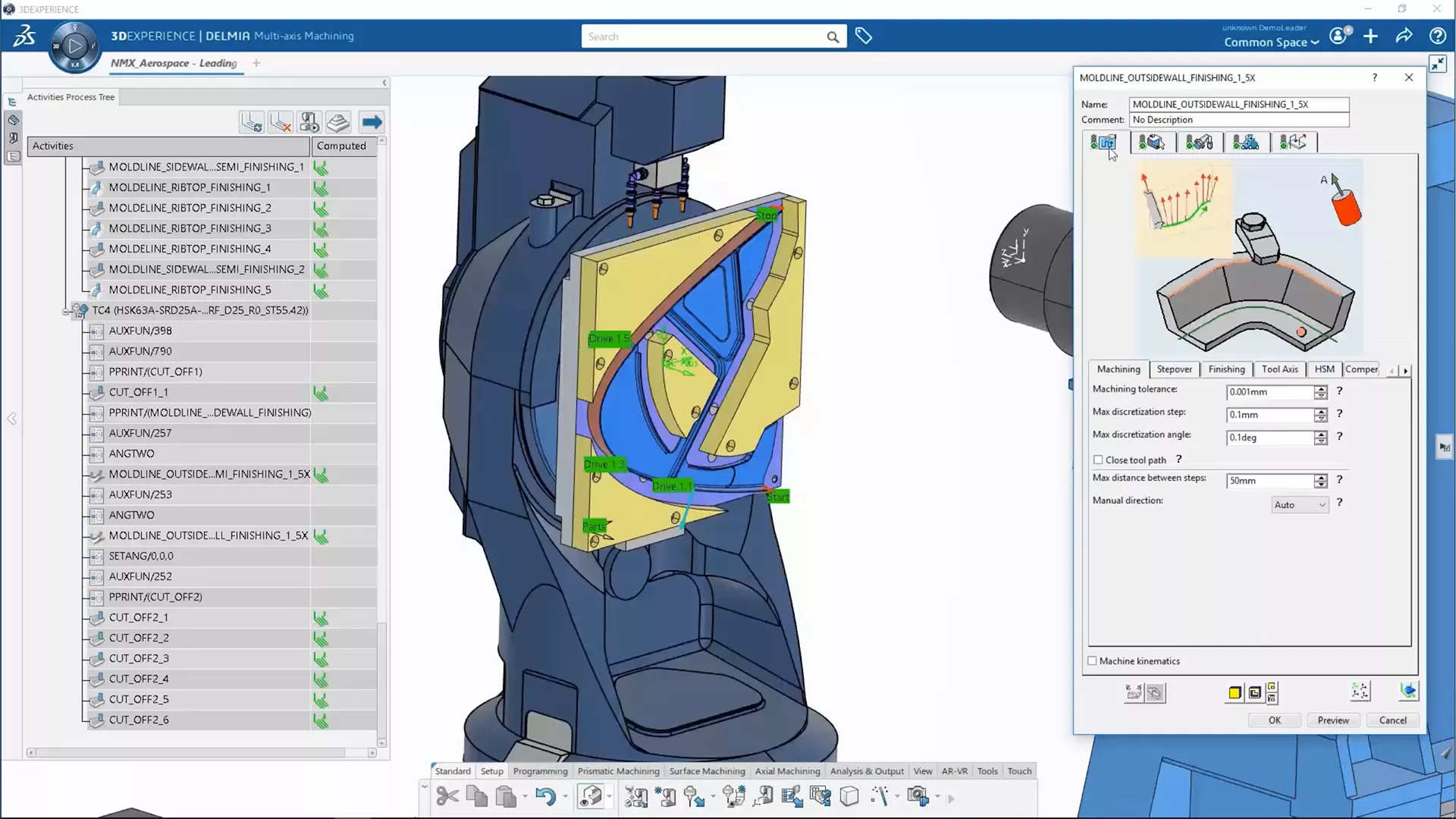
Users can define and store machining processes for multi-pocket operations as dedicated templates, and keep them in catalogs for future use.
By automating, standardizing, and reusing company intellectual property, gains to productivity and machining-work standardization become significant.
Rapidly Respond to Changes
The 3D EXPERIENCE Platform provides native associativity between machining programs and engineering and manufacturing data
Companies can better manage concurrent engineering and manufacturing, shorten the design-to-manufacturing cycle, rapidly program for design changes and variations, and respond effectively to engineering or manufacturing changes.
3DEXPERIENCE NC PROGRAMMING Feature Matrix
Floor
Programmer
Programmer
& Die
Programmer
& Mill-Turn
Programmer
Machine
Programmer
NC Programming Wizard
CAD-Associative Instant Update
Quick Toolpath Verification
Machining Process Simulation
Prismatic Machining
WireEDM Programming (2-Axis & 4-Axis)
4- & 5-Axis Indexing/Pre-Positioning Milling
Single- & Multi-Stylus Probe Operations
3-Axis Milling
High-Speed Rough Milling
Advanced 3-Axis Milling
4- & 5-Axis Milling (5-Axis Nurbs APT Output)
2-Axis Turning
Mill-Turn Machining
Swiss Machine
Robot Programming
3DEXPERIENCE PLM Express Manufacturing Bundles
Machining
-
Combines AI-driven toolpath generation with G-code machine simulation to accelerate programming and protect machinery before cutting metal.
-
- Cut programming time using AI toolpaths and part-family automation
- Verify G-code virtually to prevent machine collisions and part gouges
- Capture and reuse certified machining knowledge across tool management
- Eliminate physical test runs to ensure first-time part quality -
$508 /Month (billed annually)
15 Day Money Back Guarantee
3DEXPERIENCE NC PROGRAMMING Products
-

NC Shop Floor Programmer
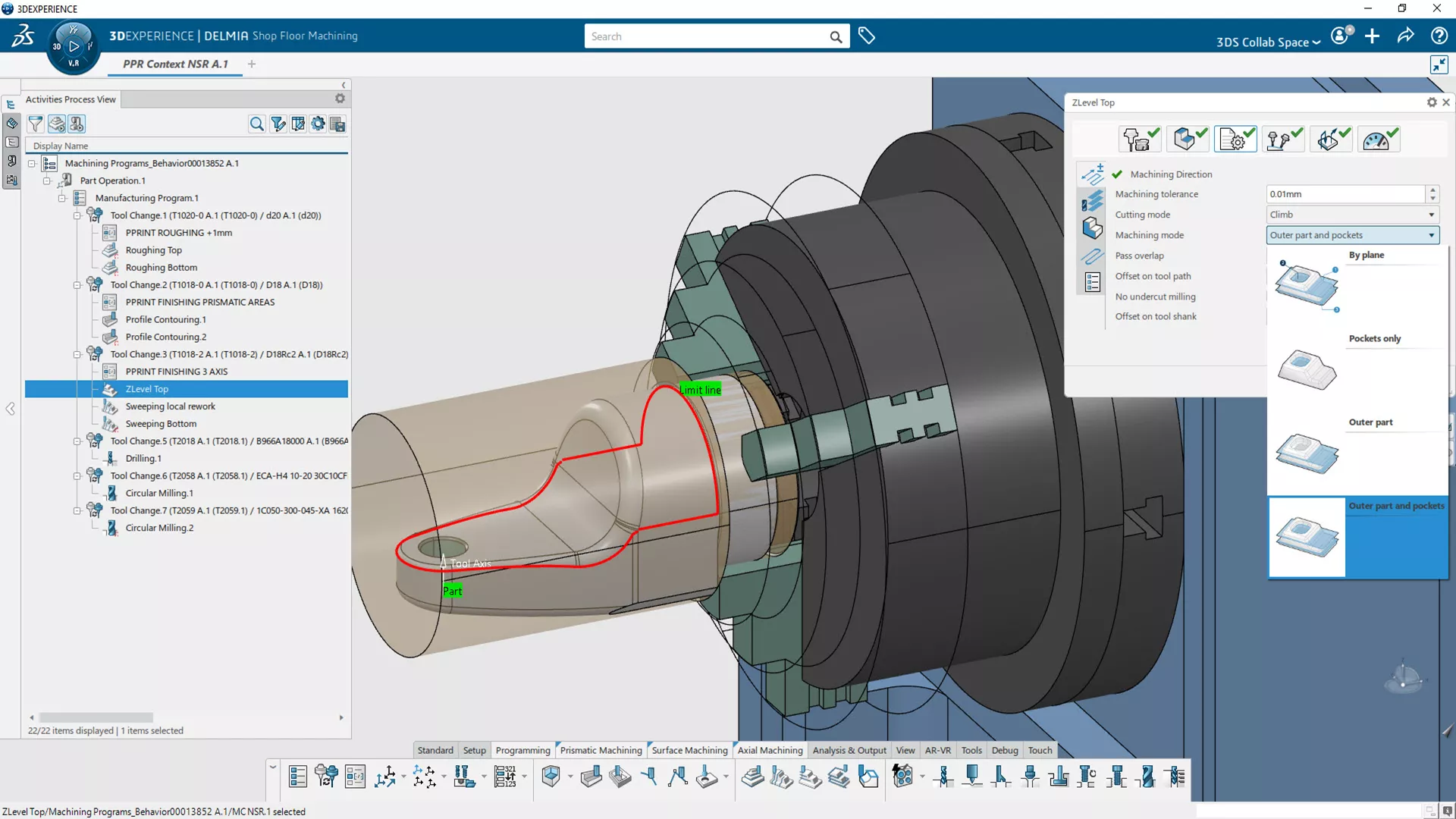
- Enables the milling machine programming of 3D parts for 2.5- & 3-axis operations with a simple and intuitive interface.
- Key Features:
- Intuitive programming wizard
- CAD-associativity with instant-update
- Prismatic machine & wire EDM
- 3-axis mill
- Quick toolpath verification and editing
- Advanced simulation capability
- Seamless NC data generation - Typically used by:
NC programmer or machinist needing only 2.5-/3-axis milling operations -
-
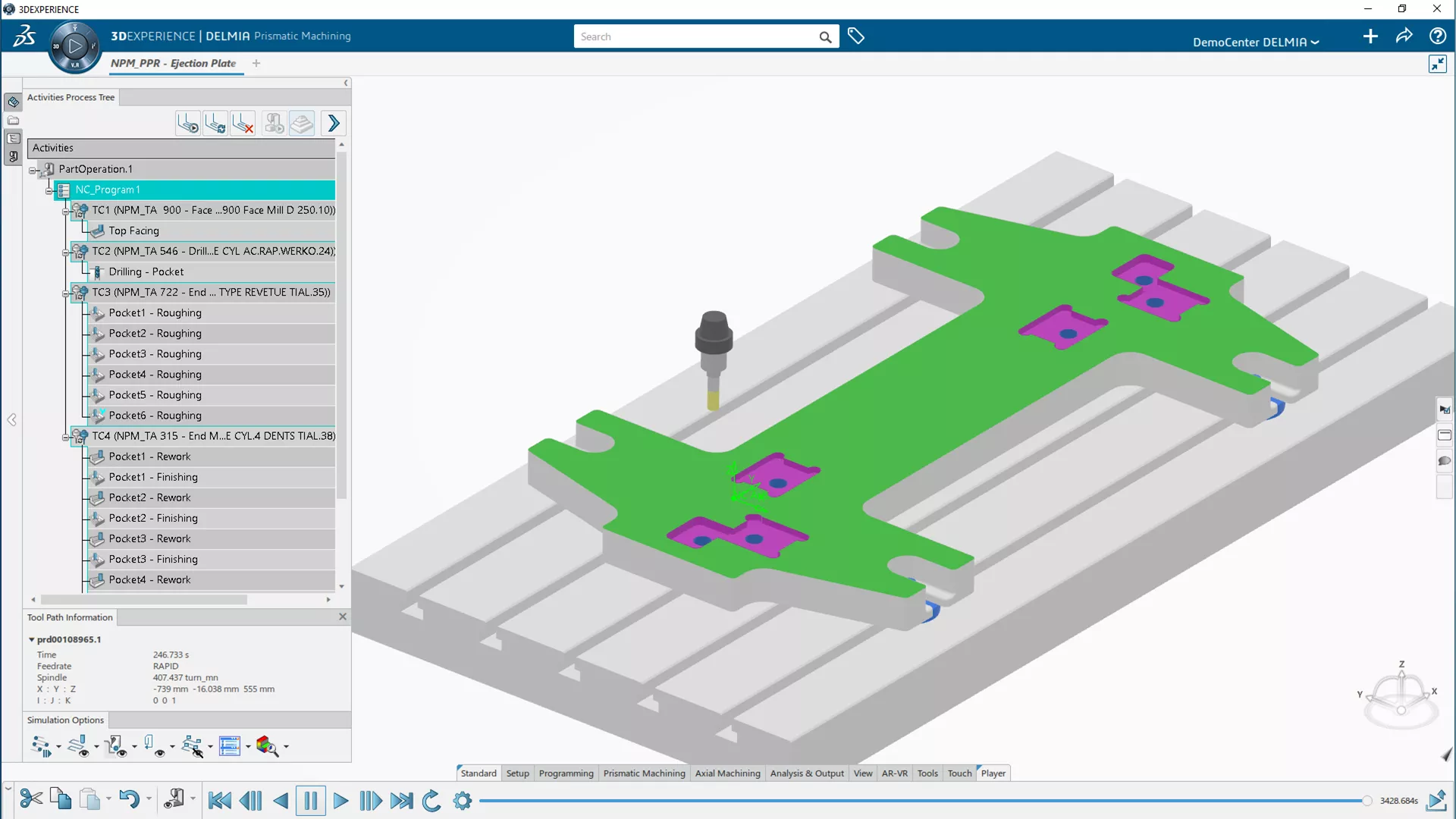

NC Prismatic Machine Programmer
- Program a milling machine to produce 3D parts that require advanced 2.5-axis milling, axial and probing operations.
- Key Features:
- Intuitive programming wizard
- CAD-associativity with instant-update
- Prismatic machine & wire EDM
- High-speed rough mill
- Quick toolpath verification and editing
- Advanced simulation capability
- Seamless NC data generation - Typically used by:
NC programmer or machinist needing advanced 2.5-axis milling, axial and probing operations -
-
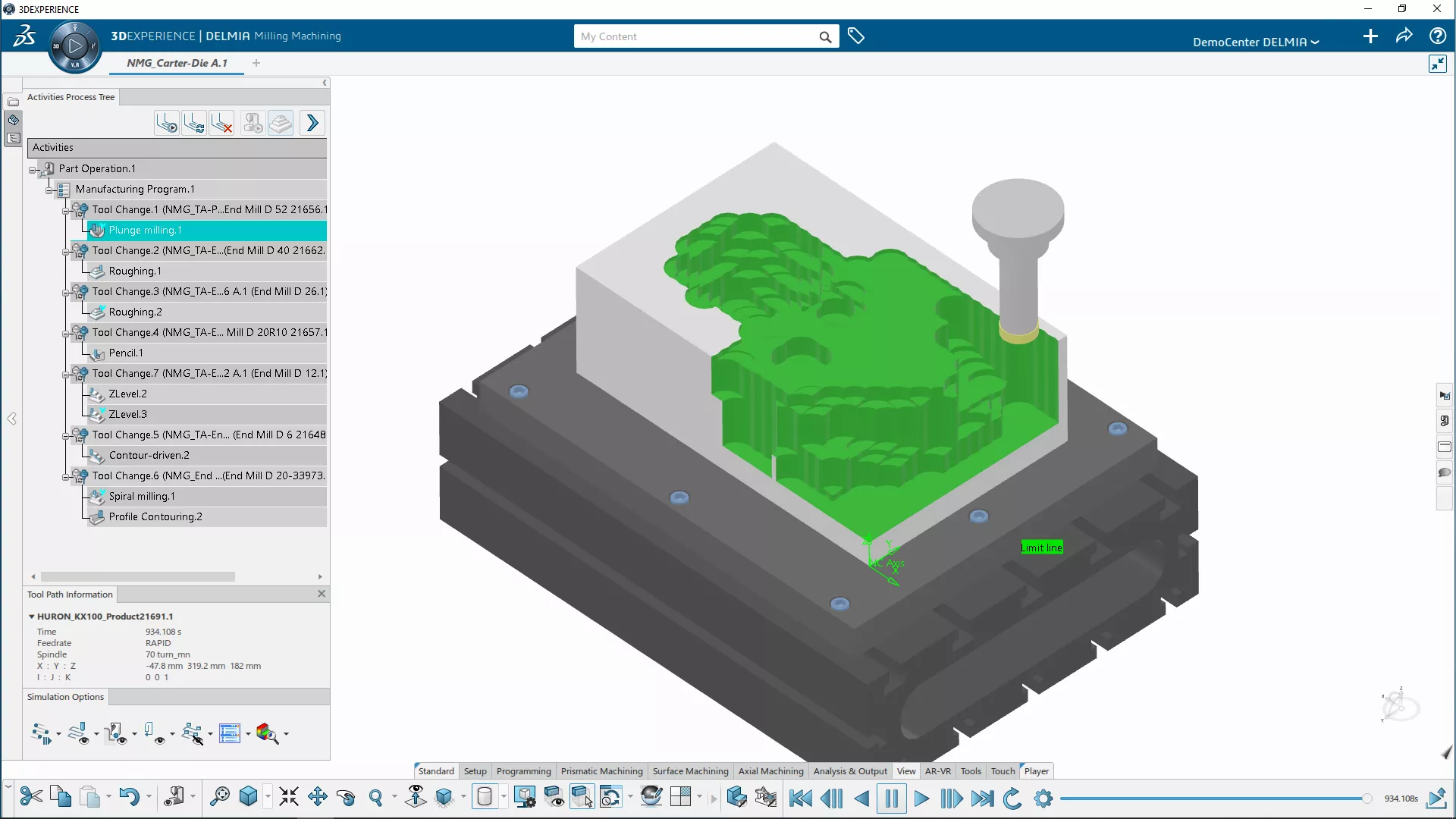

NC Mold & Die Programmer
- A lifelike workpiece setup, cutter tool assembly and toolpath simulation experience for creating and optimizing milling operations for 3D parts.
- Key Features:
- Intuitive programming wizard
- CAD-associativity with instant-update
- Prismatic machine & wire EDM
- Advanced 3-axis mill
- Quick toolpath verification and editing
- Advanced simulation capability
- Seamless NC data generation - Typically used by:
NC programmer or machinist working on molds, dies, and tooling -
-
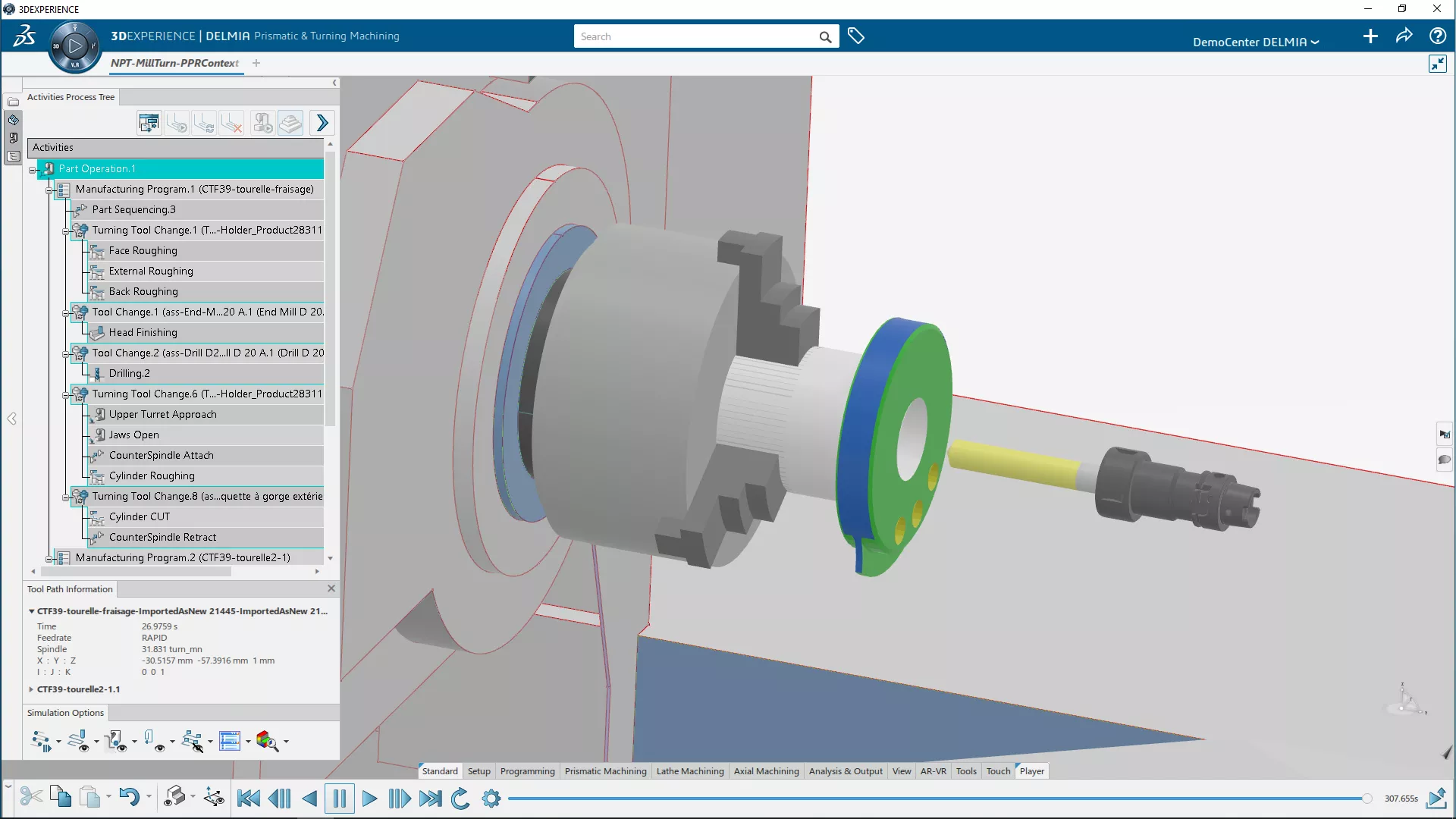

NC Prismatic & Mill-Turn Machine Programmer
- A complete range of multi-axis milling strategies for the efficient, fast programming of complex parts.
- Key Features:
- Intuitive programming wizard
- CAD-associativity with instant-update
- Prismatic machine & wire EDM
- High-speed rough mill
- 2-axis turn, mill-turn, and swiss
- Quick toolpath verification and editing
- Advanced simulation capability
- Seamless NC data generation - Typically used by:
NC programmer or machinist needing mill-turn capabilities for complex parts -
-
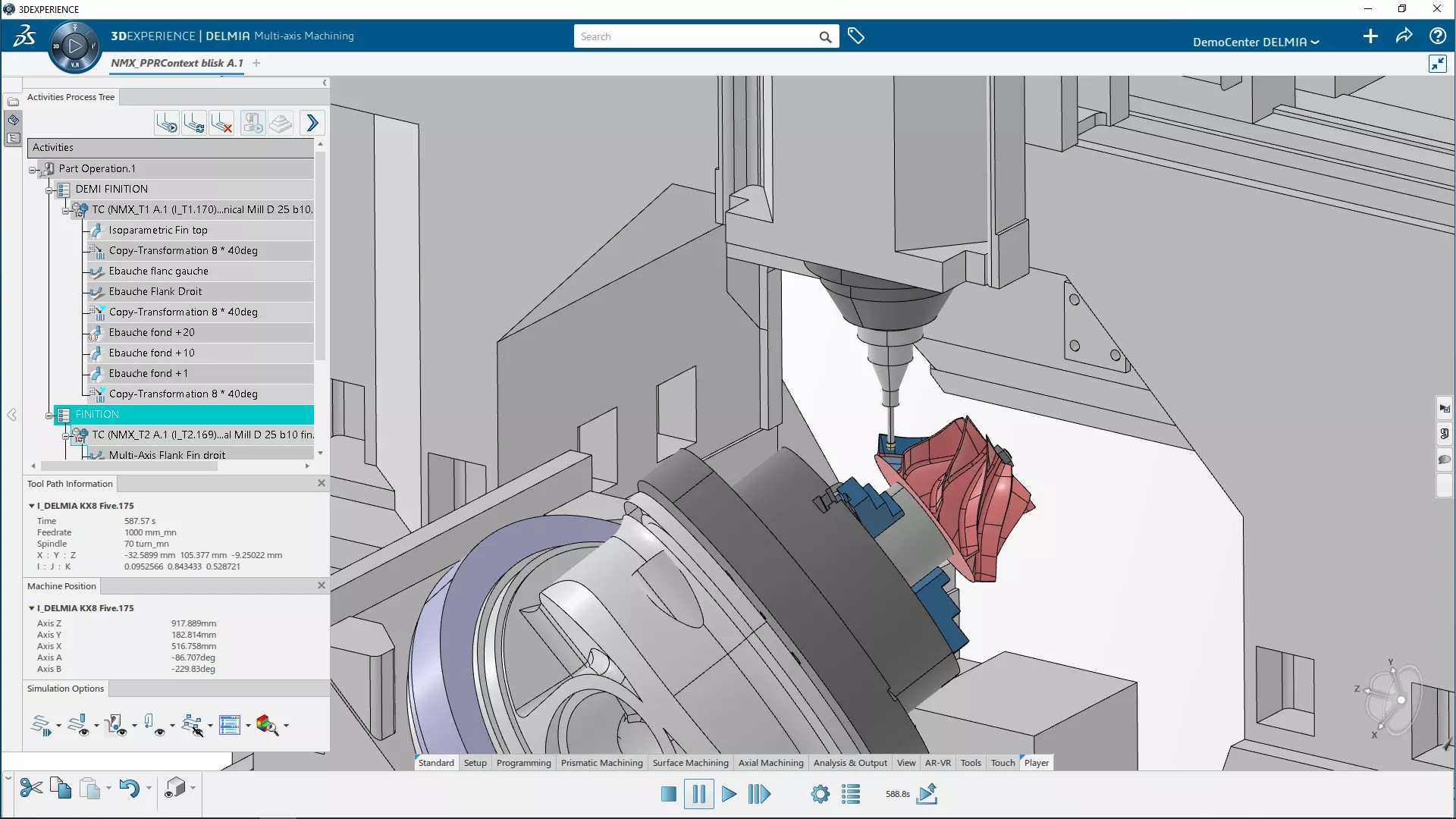

NC Milling Machine Programmer
- A complete range of multi-axis milling and turning strategies for programming complex parts with 5-axis features, multi-pockets, and machining turning features.
- Key Features:
- Intuitive programming wizard
- CAD-associativity with instant-update
- Prismatic machine & wire EDM
- Advanced 3-to-5-axis mill
- Quick toolpath verification and editing
- Advanced simulation capability
- Seamless NC data generation - Typically used by:
NC programmer or machinist needing multi-axis milling for complex parts -
-
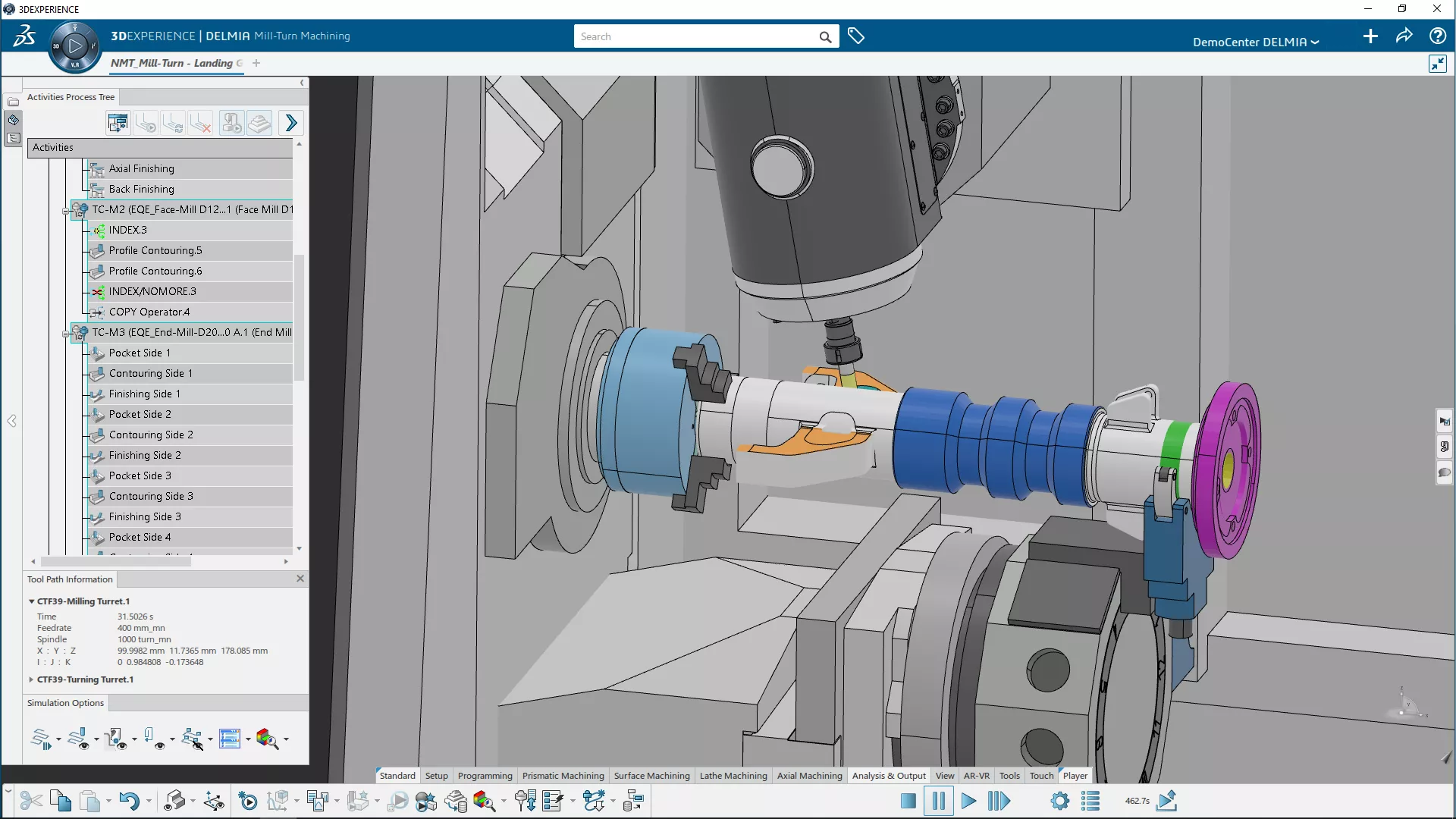

NC Mill-Turn Machine Programmer
- Program complex multi-tasking mill-turn machines with synchronization and part-transfer capabilities.
- Key Features:
- Intuitive programming wizard
- CAD-associativity with instant-update
- Prismatic machine & wire EDM
- High-speed rough mill
- Advanced 3-to-5-axis mill
- 2-axis turn, mill-turn, and swiss
- Quick toolpath verification and editing
- Advanced simulation capability
- Seamless NC data generation - Typically used by:
NC programmer or machinist programming NC lathe or mill-turn machines -
Frequently Asked Questions
The primary difference is that SOLIDWORKS CAM is a desktop-embedded solution designed specifically for SOLIDWORKS users, while 3DEXPERIENCE NC PROGRAMMING is a cloud-connected, standalone platform powered by DELMIA that supports multi-CAD data and advanced high-end manufacturing.
No, SOLIDWORKS is not required. 3DEXPERIENCE NC PROGRAMMING can be a standalone, CAD-agnostic solution. It supports any other CAD format, or other format such as STEP or IGES, while CATIA is native to the platform for full digital continuity. This environment provides comprehensive manufacturing capabilities independently of the original design software.
Yes and no. 3DEXPERIENCE NC PROGRAMMING is just one part of the DELMIA brand, which includes software solutions for a broad array of manufacturing engineering and operations. The DELMIA brand also includes solutions for shop floor execution, production scheduling, supply chain operations, and much more.
Shop Floor Programmer provides essential 2.5 and 3-axis tools for general shop work. In contrast, Prismatic Machine Programmer and Mold & Die Programmer unlock professional-grade power: REUSE for automated knowledge transfer, adaptive concentric for high-speed machining, and the 3-to-5 axis converter. These tiers maximize machine efficiency and handle complex geometries while ensuring full digital continuity with native CATIA data.
Yes. 3DEXPERIENCE NC PROGRAMMING enables post-processor customization using integrated builders or partner solutions like ICAM, IMS and CENIT. This allows you to tailor G-code for any CNC controller, maintaining full digital continuity with CATIA and other CAD formats. It ensures that complex toolpaths are accurately translated into machine-ready instructions for your specific equipment.
The 3DEXPERIENCE Platform handles large toolpaths via a hybrid model: complex geometric calculations typically run on local hardware (CPU) for real-time responsiveness, while the cloud manages the massive data orchestration, versioning, and AI-driven optimizations. This allows for intensive background processing while keeping global teams synced through a secure, single source of truth.
Yes, it provides a comprehensive virtual twin of the machine -- virtual twins are a broad goal of the 3DEXPERIENCE Platform. The manufacturing virtual twin simulates full machine kinematics, including axes, fixtures, and tool changes. This detects collisions and travel limits before cutting. Higher roles even support G-code-based simulation, ensuring the digital model mirrors the physical machine’s exact movements and logic.
3DEXPERIENCE NC PROGRAMMING uses a "named user" subscription model (SaaS). Licenses are tied to a user’s ID, not a specific machine, allowing you to work anywhere. However, since 2025, SOLIDWORKS users receive NC Shop Floor Programmer (the first tier in the portfolio) with their SOLIDWORKS subscription at no extra cost.
3DEXPERIENCE NC PROGRAMMING includes an Offline Mode for planned disconnects, allowing you to work without internet for up to 30 days. However, if your connection drops unexpectedly, you will be able to save your session files locally to ensure work continues seamlessly until reconnection.
Yes, you can install the software on as many computers as you need. Licensing is tied to your 3DEXPERIENCE ID, allowing you to log in from your office, home, or shop floor. However, you can only run one active session at a time per named user.
No, you cannot use them directly; they require translation. 3DEXPERIENCE NC PROGRAMMING uses a different post-processing engine.
3DEXPERIENCE doesn't automatically sync manual controller changes. To maintain version control, you must manually upload the edited G-code back to the platform as a New Revision. This ensures your virtual twin remains accurate. Advanced tiers of 3DEXPERIENCE NC PROGRAMMING also allow you to backplot the edited code to verify changes against the 3D model before final approval.
Updates require your approval; the system uses a "flag" to maintain control. When you save a change in SOLIDWORKS, the platform detects the geometric modification and marks the toolpath as "Out of Date" you must "Update" to recalculate the toolpaths against the new geometry.
Yes. You can use Background Computation to calculate multiple complex toolpaths simultaneously. While the platform allows you to run these as "background tasks" so you can keep working, you must leave your local machine on and active to process the data, as the computation relies on your local CPU resources.
Probing operations are included with Shop Floor Programmer.
More Connected Manufacturing Solutions For You
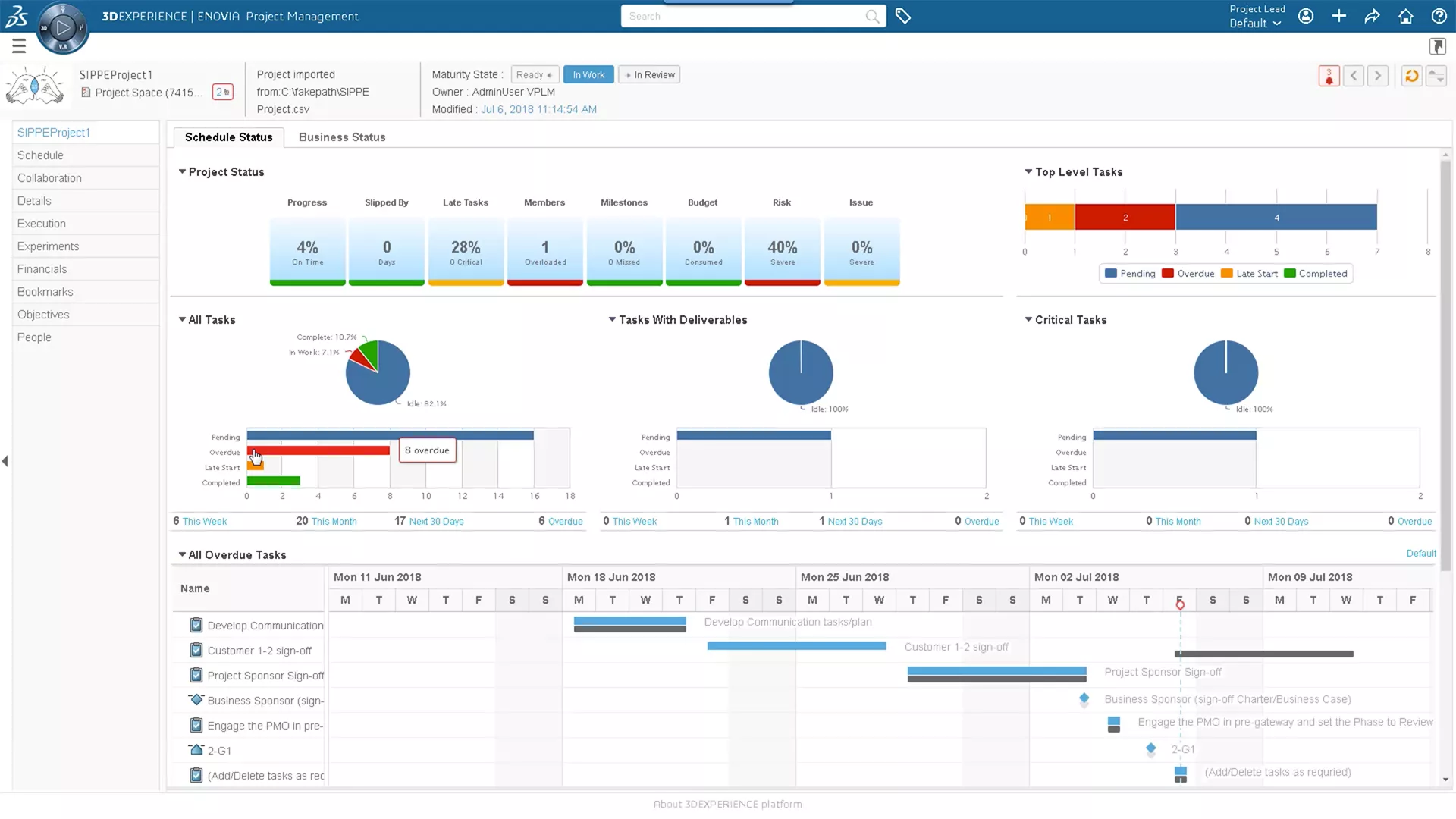
3DEXPERIENCE CLOUD PLM
Plan your definition of success with web-based cloud PLM tools that fully integrate design data.
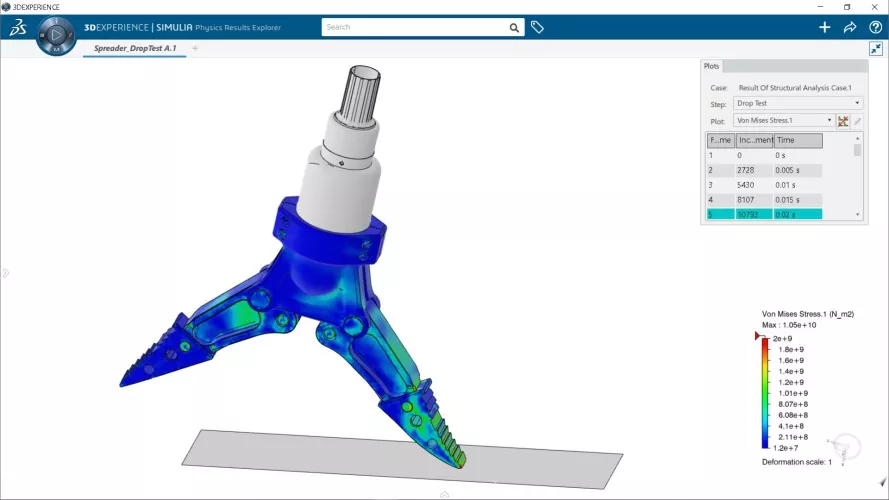
3DEXPERIENCE STRUCTURAL
Top-end FEA for designers and analysts, powered by Abaqus in the cloud. Accurately simulate sensitive manufacturing processes.
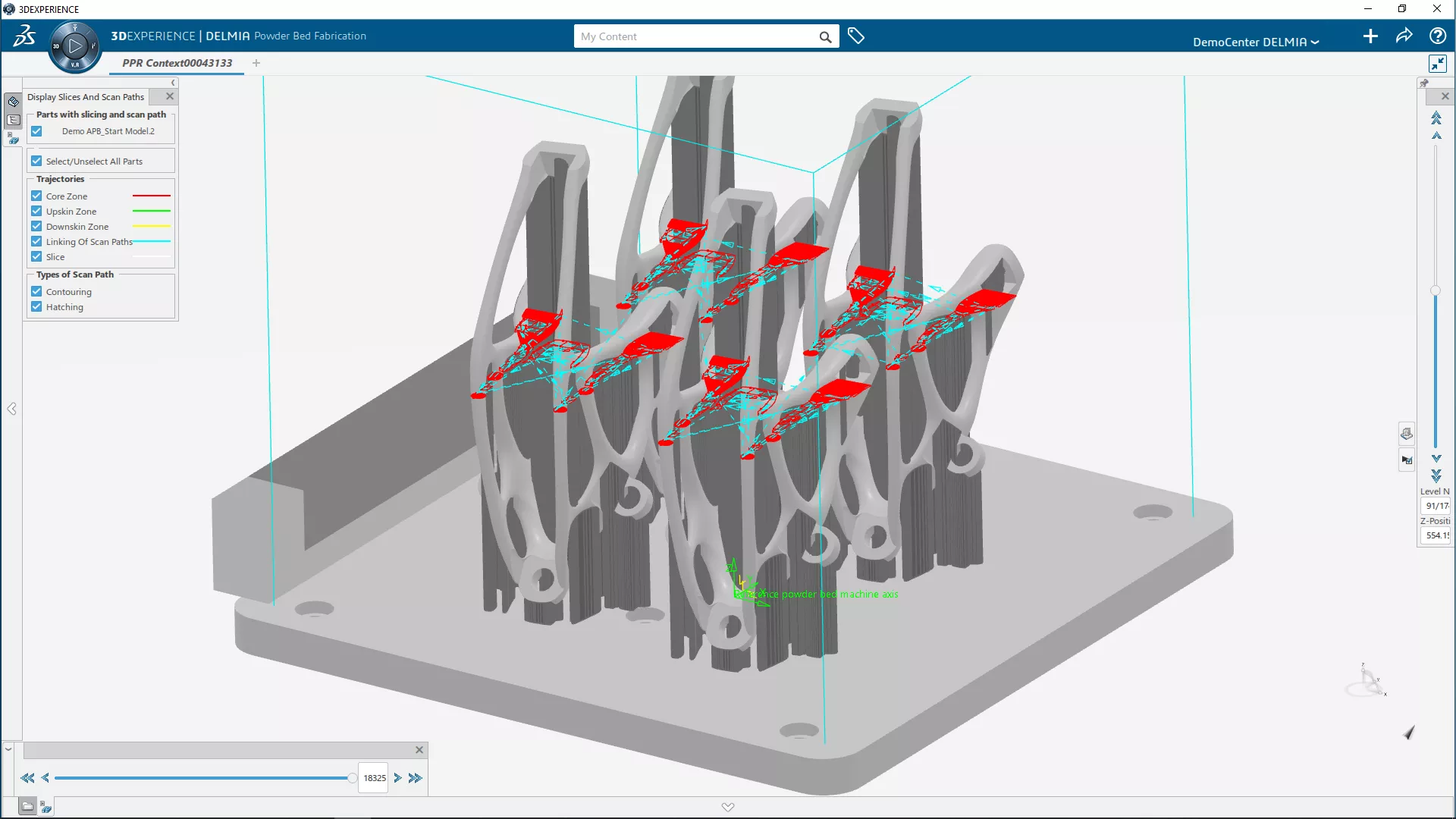
3DEXPERIENCE ADDITIVE MANUFACTURING
A realistic virtual workplace to create, enhance, and validate 3D printing programs from live-linked, native CAD data.
Additional Resources
Take Advantage of GoEngineer’s Extensive Knowledge Base and Resources

Find a Solution
Our robust Knowledge Base contains over 12,000 resources to help answer your product design questions. From basic CAD questions to in-depth guides and tutorials, find your solution here. Find a Solution
PROFESSIONAL TRAINING
Improve your skills with professional training and certifications in SOLIDWORKS, CAM, 3D Printing, and 3D Scanning offered four ways: self-paced, online, on-site, or in-classroom. Certified Training Courses
BLOG
#1 Technical Resource Worldwide - Right at your fingertips. Search or browse through hundreds of SOLIDWORKS tips & tricks, additive manufacturing product developments, announcements, how-to guides, and tutorials. Blog

YouTube Channel
Our YouTube channel hosts hundreds of educational tutorials, product demonstrations, recorded webinars, and best practices for all of our products and services. GoEngineer's YouTube Channel
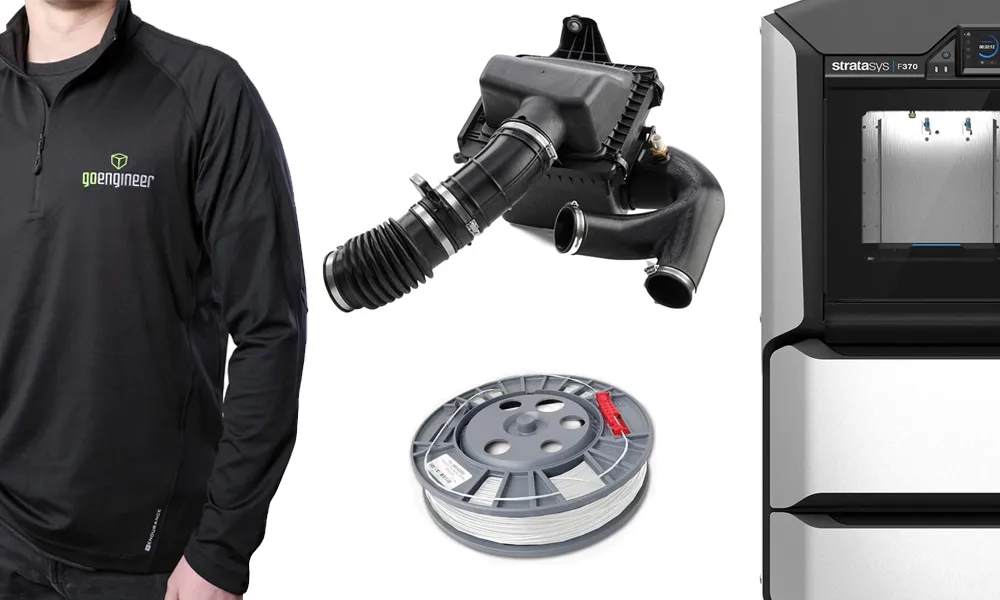
ONLINE STORE
Order 3D printing materials and consumables, enroll in SOLIDWORKS training classes, and buy official GoEngineer gear directly from our online store. Online Store
WEBINARS
Our engineering webinars are hosted by some of the top experts in the industry. They are always recorded, always free, and always offer a live Q&A. WEBINARS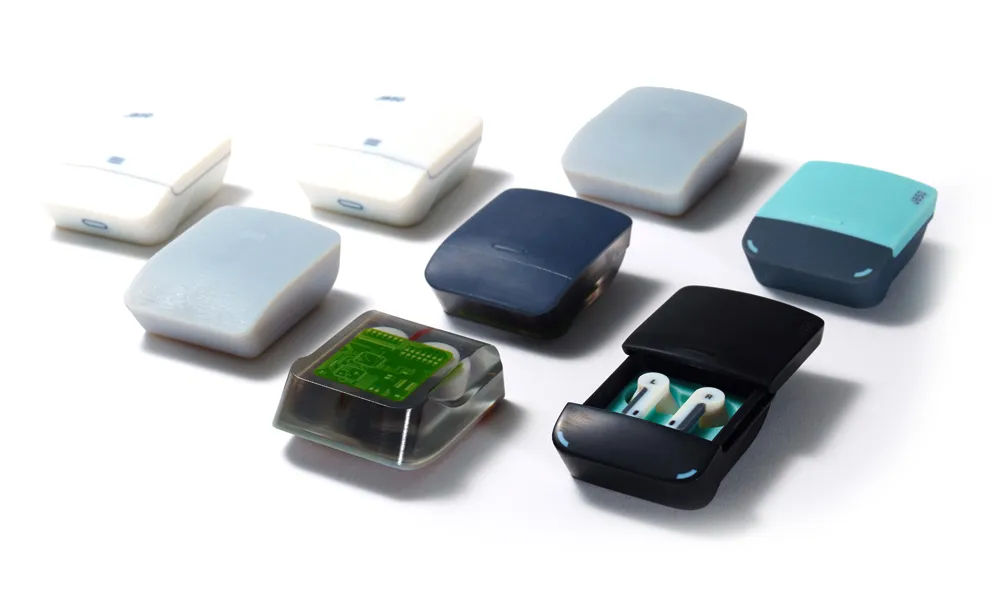
3D Printing Services
Need to 3D print a part? Our Additive Manufacturing experts will 3D print your part and deliver it to you using the latest technology on one of our professional FDM, PolyJet and SL 3D printers. 3D Printing Services