Instructor-Led Training
Expert-led virtual, classroom, and custom training tailored for success

Live, Expert-Led Training Built Around Your Workflows
Accelerate software mastery, troubleshoot real-world design challenges, and build practical skills with direct guidance from industry-experienced instructors.

Higher Knowledge Retention
Live interaction boosts engagement and long-term memory formation. Hands-on exercises ensure concepts stick and turn into reliable workplace skills.

Real-Time Feedback & Promblem Soliving
Industry experts guide every class, correcting mistakes before they become habits. Get immediate answers to your specific questions and resolve complex engineering workflow bottlenecks in real time.
Structured Learning Path
Follow a proven progression designed to take you from core fundamentals to advanced topics seamlessly, reducing frustration and speeding up time-to-proficiency.
Accountability and Completion
Dedicated, scheduled sessions allow you to set aside focused time away from daily distractions. Certificates of completetion require full active participation, keeping training goals on track.
Three Ways to Train with a Live Instructor
Virtual
Classroom
Private/Custom
Best for
Remote workers & distributed teams
Individuals wanting focused, in-person instruction
Larger groups & teams needing tailored material
Location
Anywhere (remote)
GoEngineer facility
Virtual, GoEngineer facility, or on-site at your facility
Hardware & Environment
Provided virtual machine preloaded with software & licenses
Dedicated workstation with pre-installed software & licenses
GoEngineer laptops/VMs OR your own environment & licenses
Instructor Interaction
Live online interaction & real-time troubleshooting
Live in-room interaction for easier focus & immediate assistance
Live instructor focusing on your team's specific target topics
Curriculum & Data
Standard course structure
Standard course structure
Fully customizable around your team's specific data & workflows
Why Advanced Engineering Applications Benefit from Live Instruction
Engineering software from SOLIDWORKS and CATIA design automation to high-fidelity Abaqus nonlinear FEA (Finite Element Analysis) to CST Studio Suite electromagnetic simulation demands nuanced decision-making. Because the ideal methodology depends on your specific geometry, material constraints, and fabrication requirements, live expert guidance helps your team build accurate models faster and establish scalable workflows.
Workflow & Design Optimization
Master efficient modeling paths, parametric setups, and CAD-to-analysis handoffs tailored directly to your real-world engineering challenges.

Solver, Method & Tool Selection
Gain practical judgement to select the right design approaches, meshing strategies, or analysis solvers through live guidance on complex physical and structural problems.

Modeling & Assembly Best Practices
Learn how industry experts structure robust, stable models and large assemblies from the ground up, establishing standardized practices that prevent costly downstream rework.

Immediate Troubleshooting & Diagnostic Help
Resolve unexpected rebuild errors, geometry breaks, and non-converging simulations on the spot with an instructor's feedback, eliminating hours lost to trial and error.
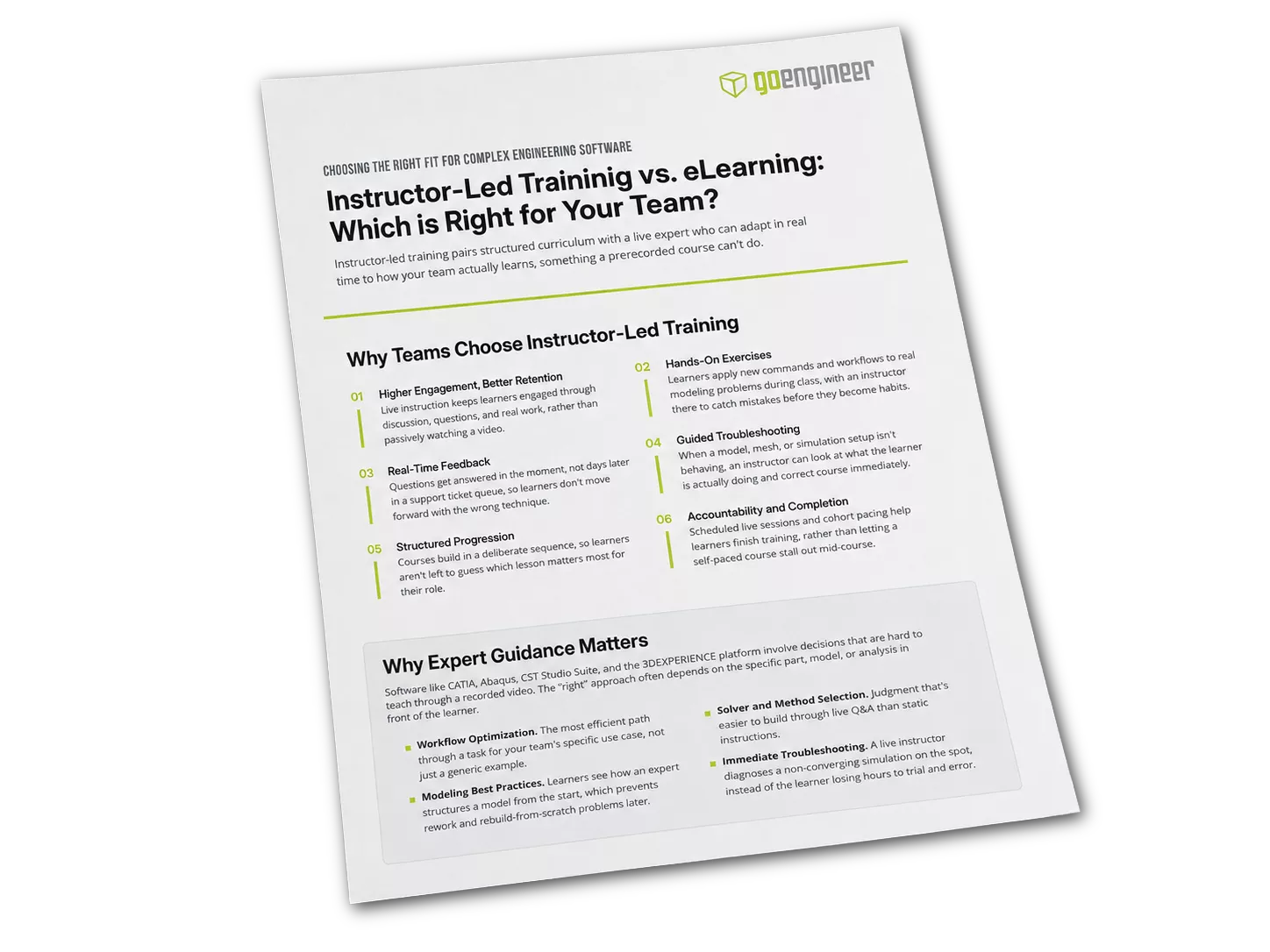
Take This Comparison With You
Instructor-Led Training vs. eLearning
Prefer to read this offline or share it with your team? Download the companion PDF summary of instructor-led training vs. eLearning.
What Our Students Say
"...I definitely benefited from the course!"
"Mostly everything I've done in CST before had been self-taught, and through the documentation I had gotten a piecewise collection of particular answers to particular questions. But the course covered quite a few things I never would have even known to look for, plus it's nice to have everything organized together cleanly. I've become a bit "superstitious" with how I use CST, basically finding something that works and not trying anything else, and the intro course was really good about spelling out different ways of doing things and the advantages of each method. So I definitely benefitted from the course!""
"...met all my needs."
"I made sure to give 5 stars on the survey as it was a very well put together course and met all my needs. I have never used CATIA before but I have had a lot of experience in other 3D platforms such as SOLIDWORKS and Creo. So it was very good to go through all the exercises without being too remedial in regard to the concepts, but I definitely needed to know what buttons did what and how to navigate CATIA....I am already able to use the skills I learned in the training, which already provides value to my job, so that is awesome."
"...great hands-on practice."
"The training went well and I found the content very useful for my work. I thought the different exercises provided great hands on practice to sharpen my skills. The instructor was also very helpful in answering questions and troubleshooting problems I encountered."
Additional Resources
Take Advantage of GoEngineer’s Extensive Knowledge Base and Resources

Find a Solution
Our robust Knowledge Base contains over 12,000 resources to help answer your product design questions. From basic CAD questions to in-depth guides and tutorials, find your solution here. Find a Solution
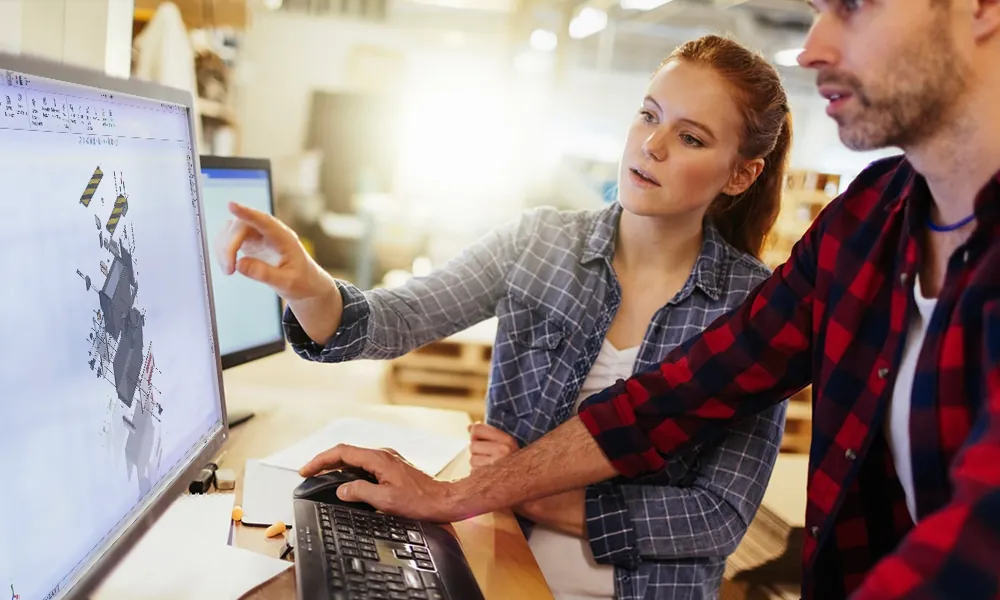
PROFESSIONAL TRAINING
Improve your skills with professional training and certifications in SOLIDWORKS, CAM, 3D Printing, and 3D Scanning offered four ways: self-paced, online, on-site, or in-classroom. Certified Training Courses
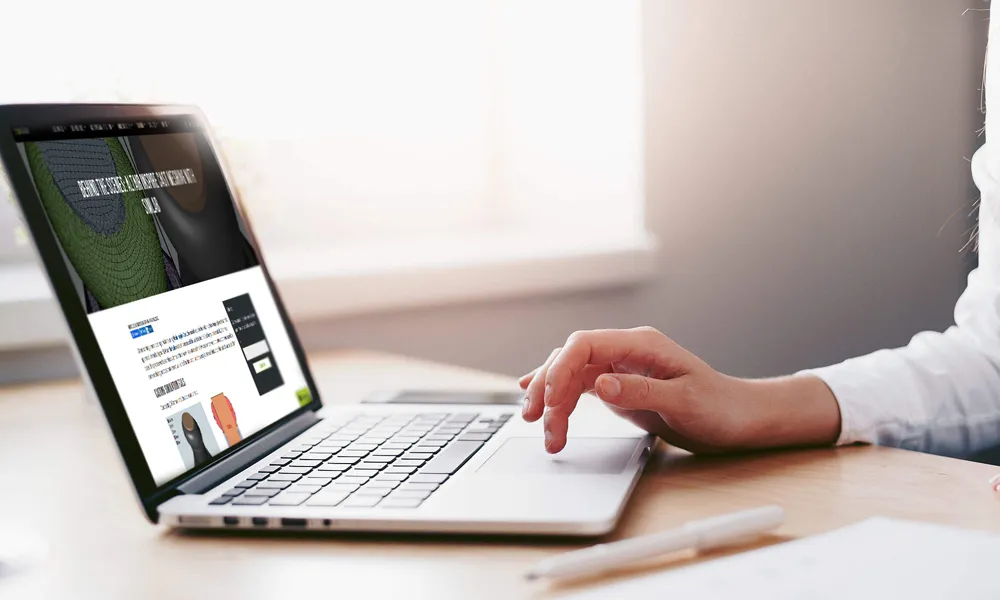
BLOG
#1 Technical Resource Worldwide - Right at your fingertips. Search or browse through hundreds of SOLIDWORKS tips & tricks, additive manufacturing product developments, announcements, how-to guides, and tutorials. Blog
YouTube Channel
Our YouTube channel hosts hundreds of educational tutorials, product demonstrations, recorded webinars, and best practices for all of our products and services. GoEngineer's YouTube Channel
ONLINE STORE
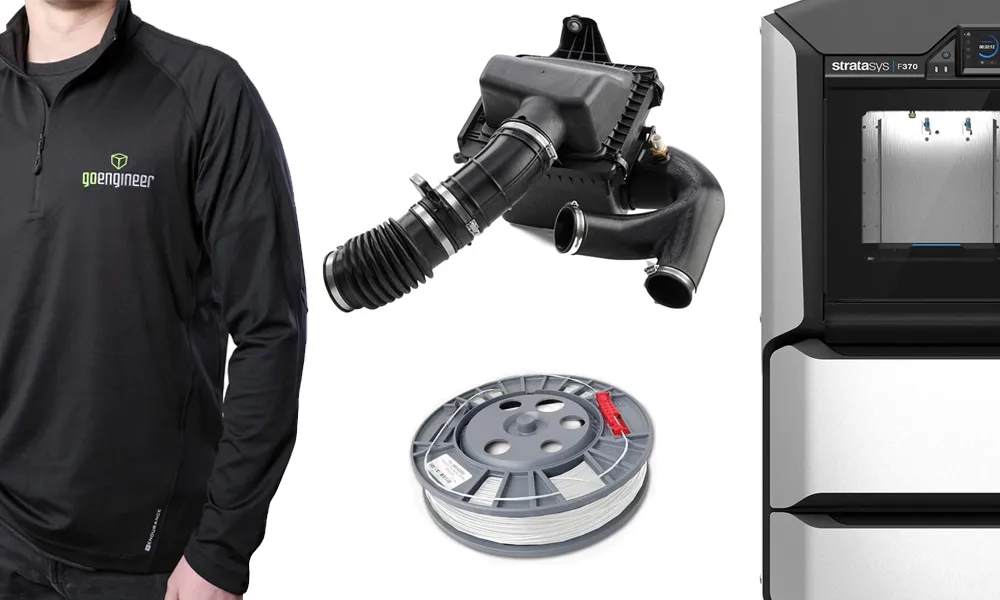
Order 3D printing materials and consumables, enroll in SOLIDWORKS training classes, and buy official GoEngineer gear directly from our online store. Online Store
WEBINARS
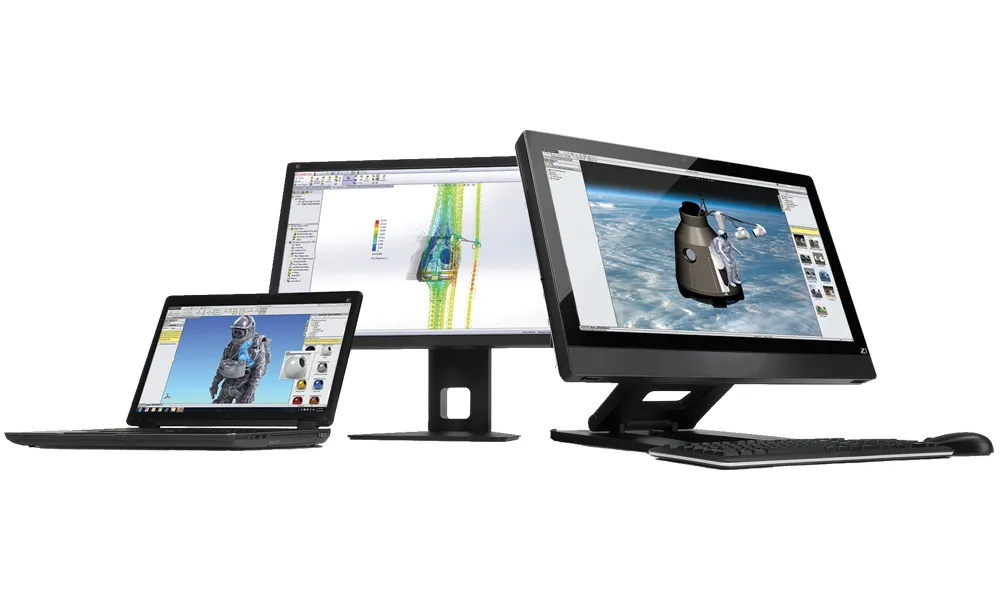
Our engineering webinars are hosted by some of the top experts in the industry. They are always recorded, always free, and always offer a live Q&A. WEBINARS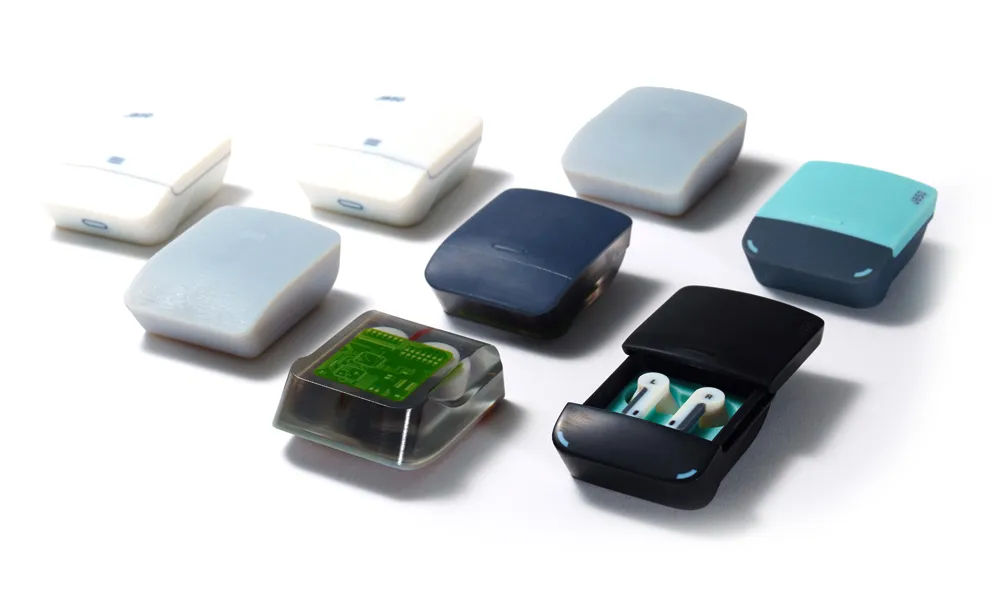
3D Printing Services
Need to 3D print a part? Our Additive Manufacturing experts will 3D print your part and deliver it to you using the latest technology on one of our professional FDM, PolyJet and SL 3D printers. 3D Printing Services