3DEXPERIENCE PROCESS ENGINEERING
Connect product design to factory operations with virtual twin process planning

bRIDGING THE gAP bETWEEN dESIGN AND sHOP fLOOR eXECUTION
3DEXPERIENCE PROCESS ENGINEERING provides a single, unified environment to define, simulate, and optimize your entire manufacturing lifecycle. By creating a dynamic virtual twin of your production environment, process engineers can answer the core manufacturing questions long before physical equipment or tooling is deployed on the shop floor.
By connecting Engineering Bills of Materials (BOMs) directly to Manufacturing Bills of Materials (MBOMs) and process routings, process engineering teams maintain full digital continuity, eliminate error-prone spreadsheets, and cut engineering change management cycles in half.
HIGHLIGHTS
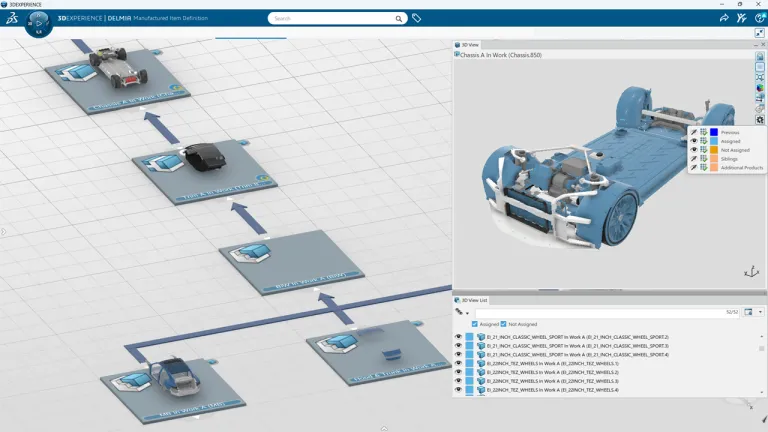
EBOM to MBOM Transformation & Management
Seamlessly transition from design to manufacturing. Generate, compare, and manage accurate Manufacturing Bills of Materials (MBOMs) directly from the Engineering Bill of Materials (EBOM) to ensure manufacturing rules and constraints are accounted for early.
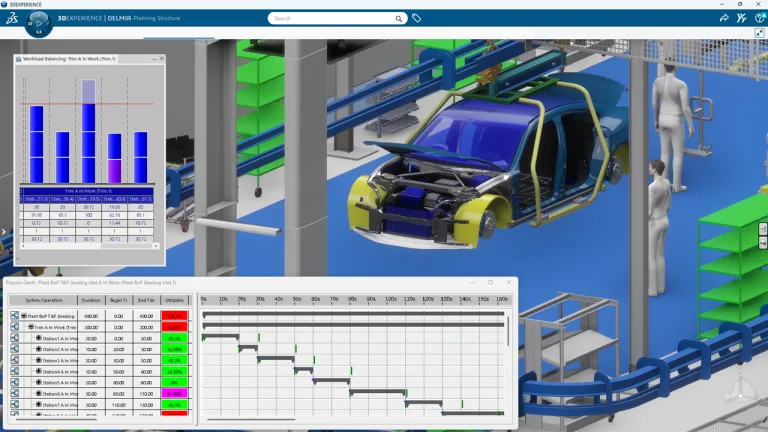
Process Definitions & Routing
Designate work plans, operation sequences, and machine routings in 3D. Easily calculate cycle times, allocate shop floor resources, and establish optimized assembly sequences within a centralized data structure.
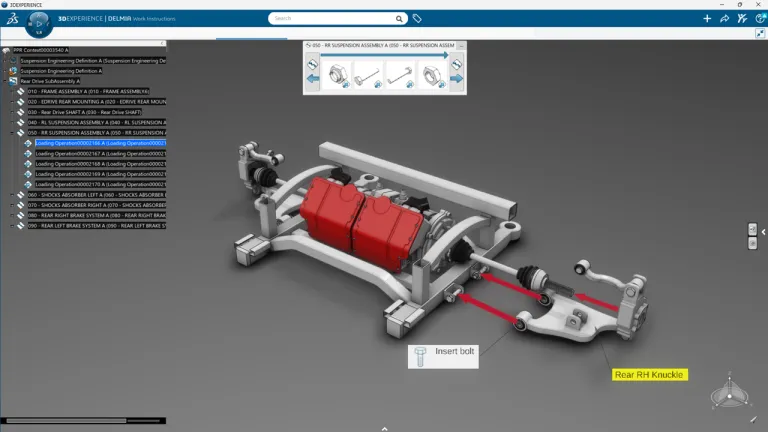
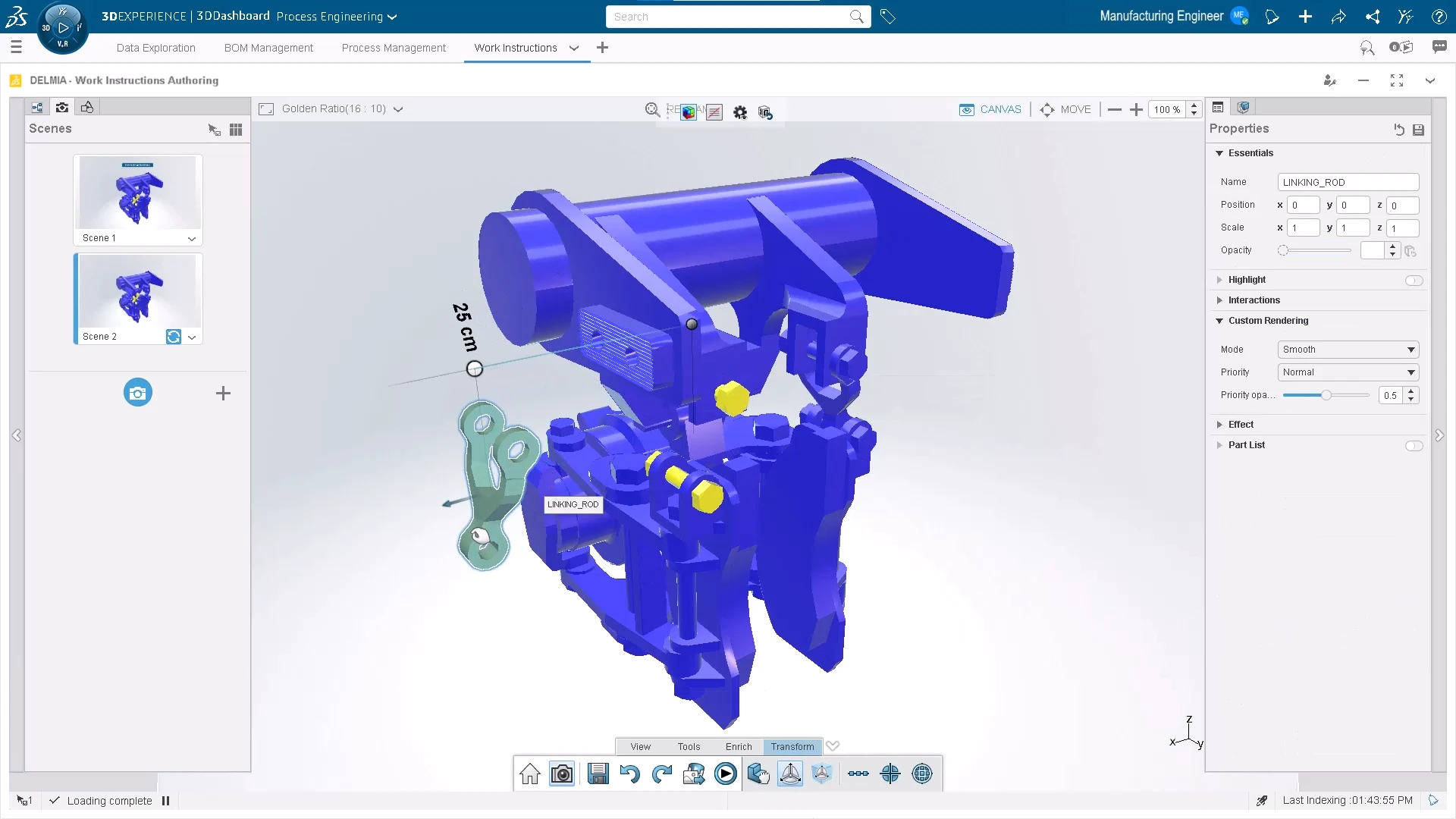
3D Work Instruction Authoring
Create visual, 3D-annotated shop floor work instructions directly from CAD and process data. Shop floor operators receive up-to-date, step-by-step guidance that reduces assembly errors and streamlines training.
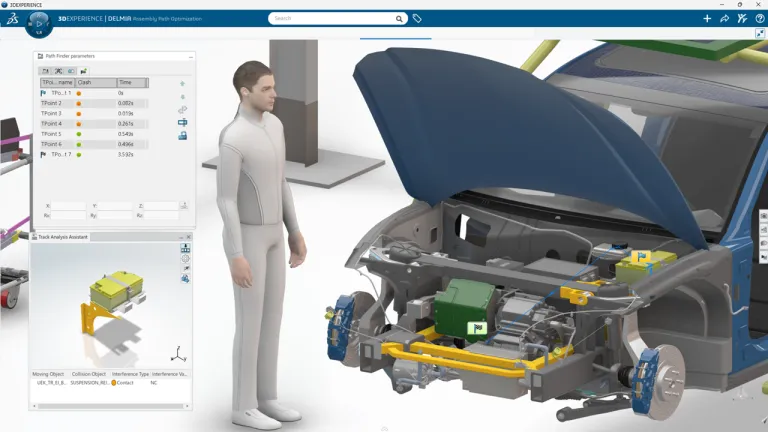
Virtual Build & Assembly Simulation
Perform feasibility studies and simulate complete assembly or disassembly sequences in 3D. Identify potential spatial clashes, process bottlenecks, and ergonomic constraints before physical line implementation.
3DEXPERIENCE PLM Express Manufacturing Bundles
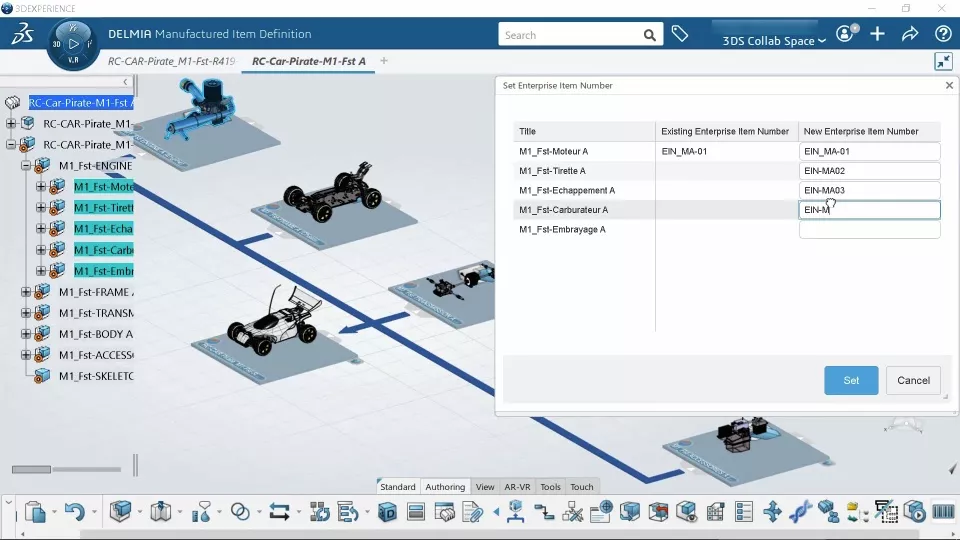
Process Engineering
-
Combines automated MBOM generation with 3D process planning to validate manufacturability and accelerate new product introductions before physical builds.
-
- Generate MBOMs automatically from engineering BOMs
- Create 2D and 3D work instructions with process visualization
- Validate manufacturability early to prevent tooling bottlenecks
- Export native robot programs with integrated issue tracking -
$634 /Month (billed annually)
15 Day Money Back Guarantee
3DEXPERIENCE Process Engineering Products
-
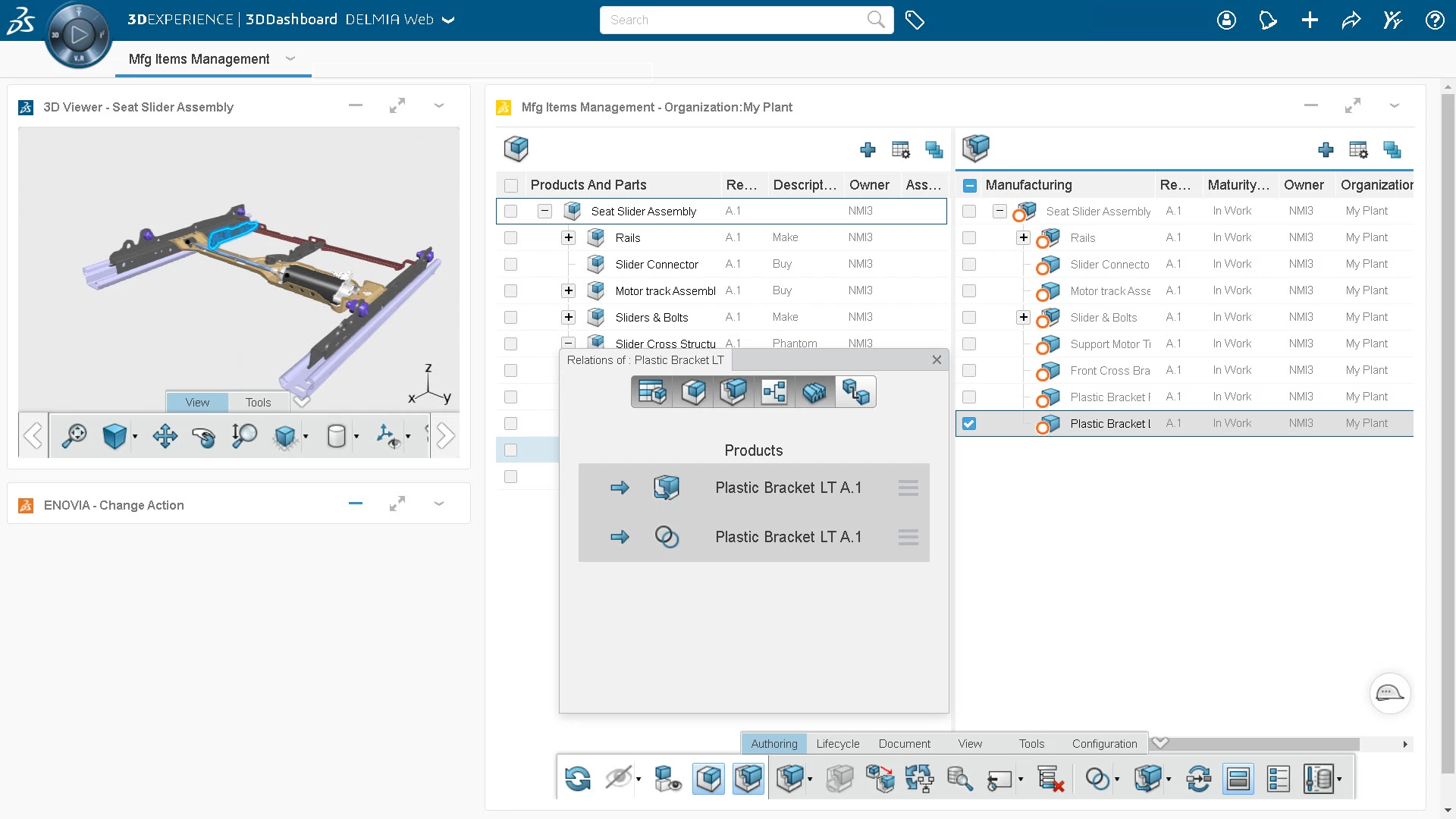

Manufacturing Items Engineer
- Turn engineering designs into production-ready manufacturing bills of materials with a fast, browser-based tool built for seamless MBOM management.
- Key Features:
- Build MBOMs directly from 3D CAD data using intuitive drag-and-drop tools
- Instantly flag and update manufacturing structures when design changes occur upstream
- Assign make-vs-buy rules, plant locations, and alternative parts in one place
- View and validate full 3D assemblies in your web browser without a CAD license
- Keep part numbers, quantities, and metadata automatically synced between design and production - Typically used by:
- Manufacturing enegineers
- MBOM planners / process engineers
- Tooling & industrial engineerings
- Production planning specialists
- Operations & supply chain planners -
-
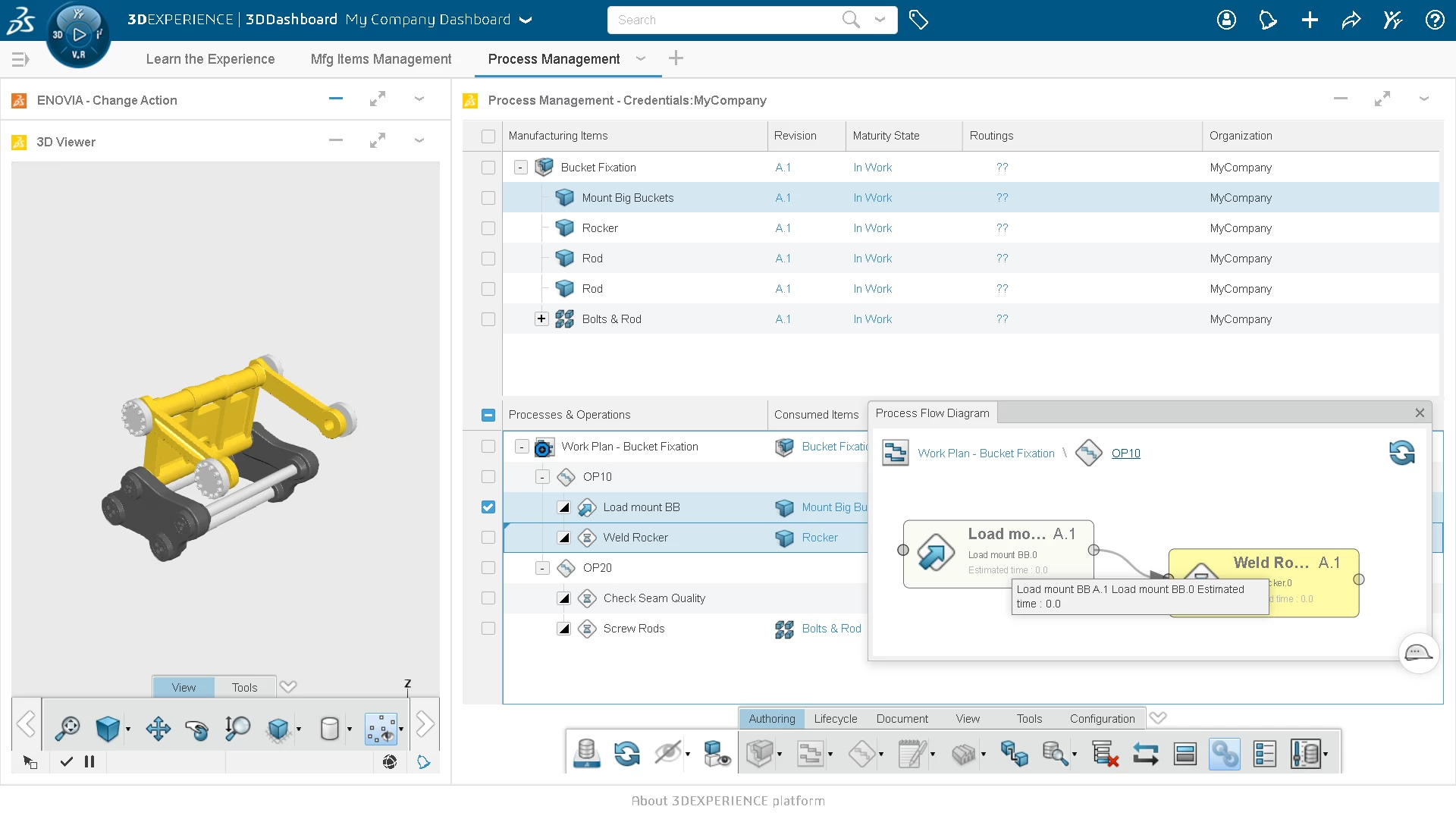

Manufacturing Process Engineer
- Easily sequence operation steps, assign manufacturing resources, and author shop-floor routings through an affordable, lightweight web browser interface.
- Key Features:
- Map out assembly operation sequences and routings using simple drag-and-drop tools
- Connect MBOM parts and assemblies directly to specific operations and plant resources
- Write detailed, step-by-step shop floor instructions right alongside the 3D process workflow
- Visualize process flows with dynamic diagram charts to spot bottlenecks early
- Standardize and reuse proven process templates across multiple factory lines and plant locations - Typically used by:
- Manufacturing engineer
- Process planner
- Assembly line technician
- Production supervisor -
-
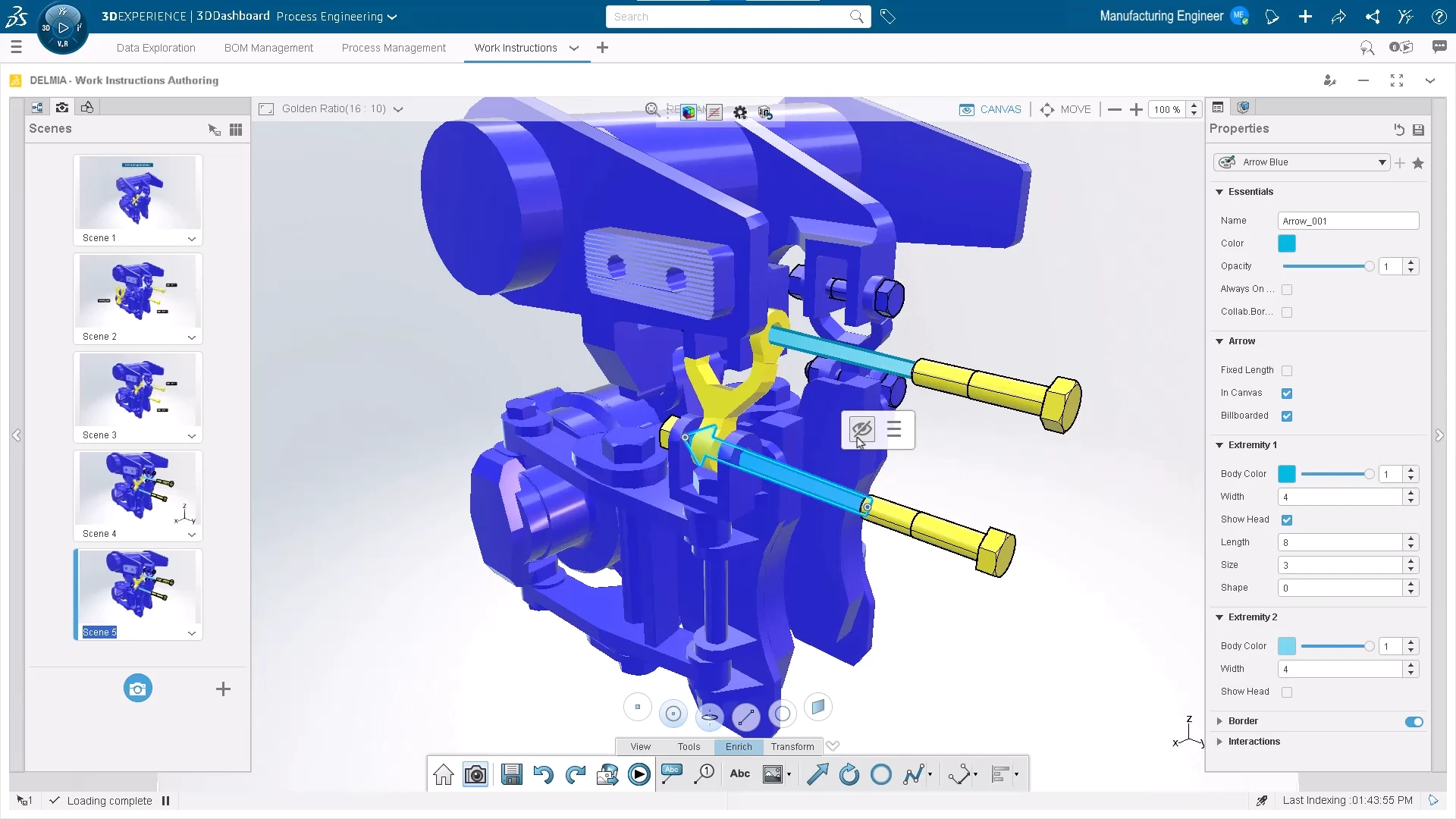

Work Instructions Creator
- Transform complex assembly processes into clear, 3D visual instructions that guide shop-floor operators through every step of production.
- Key Features:
- Generate interactive 3D assembly guides directly from native CAD and process data
- Highlight specific tools, fasteners, and component locations for each assembly step
- Update shop-floor documentation automatically whenever underlying design or process changes occur.
- Attach safety warnings, quality checklists, and torque specifications to individual steps
- Deliver easy-to-follow digital work instructions to operator tablets or shop-floor displays - Typically used by:
- Manufacturing engineer
- Shopp floor supervisor
- Quality assurance technician
- Assembly line trainers -
Frequently Asked Questions
3DEXPERIENCE PROCESS ENGINEERING (powered by DELMIA) is a cloud-based software environment that allows manufacturing engineers to define, simulate, and optimize assembly processes and manufacturing routings in a 3D virtual environment before physical production begins.
The platform maintains a native digital link between the Engineering Bill of Materials (EBOM) and the Manufacturing Bill of Materials (MBOM). When the design changes occur in CAD (such as SOLIDWORKS or CATIA), process engineers receive real-time updates to reconcile and adjust the MBOM, eliminating manual data re-entry and spreadsheet tracking.
Yes. Manufacturing engineers can create visual, step-by-step 3D work instructions directly from CAD and process planning data. Operators can view interactive, animated assembly procedures on shop floor screens or tablets, reducing assembly errors and onboarding times.
By creating a high-fidelity virtual twin of the production line, process engineers can simulate assembly routines, test for spatial clashes, verify tooling clearances, and calculate cycle times in software. This identifies bottlenecks and ergonomic risks early, reducing shop-floor build issues by up to 33%.
Yes. Dassault Systemes offers 3DEXPERIENCE PROCESS ENGINEERING on both cloud and on-premise deployments. The cloud version enables real-time collaboration between remote engineering teams, shop floor operators, and supply chain partners without requiring local server infrastructure.
Yes. Validated MBOM structures, process plants, and routings can be exported directly to Manufacturing Execution Systems (MES) such as DELMIA Apriso, as well as enterprise ERP platforms (like SAP or Microsoft Dynamics), eliminating manual data re-entry and ensuring shop floor execution uses live digital data.
Yes. Visual, step-by-step 3D work instructions can be authored directly from native CAD data and process routing definitions. Any updates to product geometry or assembly sequences automatically propagate to shop-floor instructions, ensuring operators always have current, interactive assembly guides.
Licensing is role-based on the 3DEXPERIENCE platform. CAD designers use authoring roles like 3DEXPERIENCE CATIA or SOLIDWORKS Cloud Services, while manufacturing planners use specialized process roles like Manufacturing Items Engineer or Process Engineer. You only purchase the specific functional roles required for each user's job scope.
Yes. Process engineers can define target cycle times and evaluate line balancing across workstations using 3D graph views and workload allocation tools. This allows you to identify bottlenecks, optimize operator workflows, and resequence operations before setting up physical line equipment.
Yes. The platform integrates human task and ergonomic simulation tools directly into the 3D process workflow, allowing engineers to evaluate operator reachability, field of vision, posture, and manual lifting limits (such as NIOSH and RULA standards) during initial sequence planning.
Yes. 3DEXPERIENCE PROCESS ENGINEERING provides built-in change reconciliation tools. When an upstream design update occurs in CAD, the system flags affected components and guides process engineers through a visual side-by-side comparison to update the MBOM and associated process steps automatically.
More Connected Manufacturing Solutions
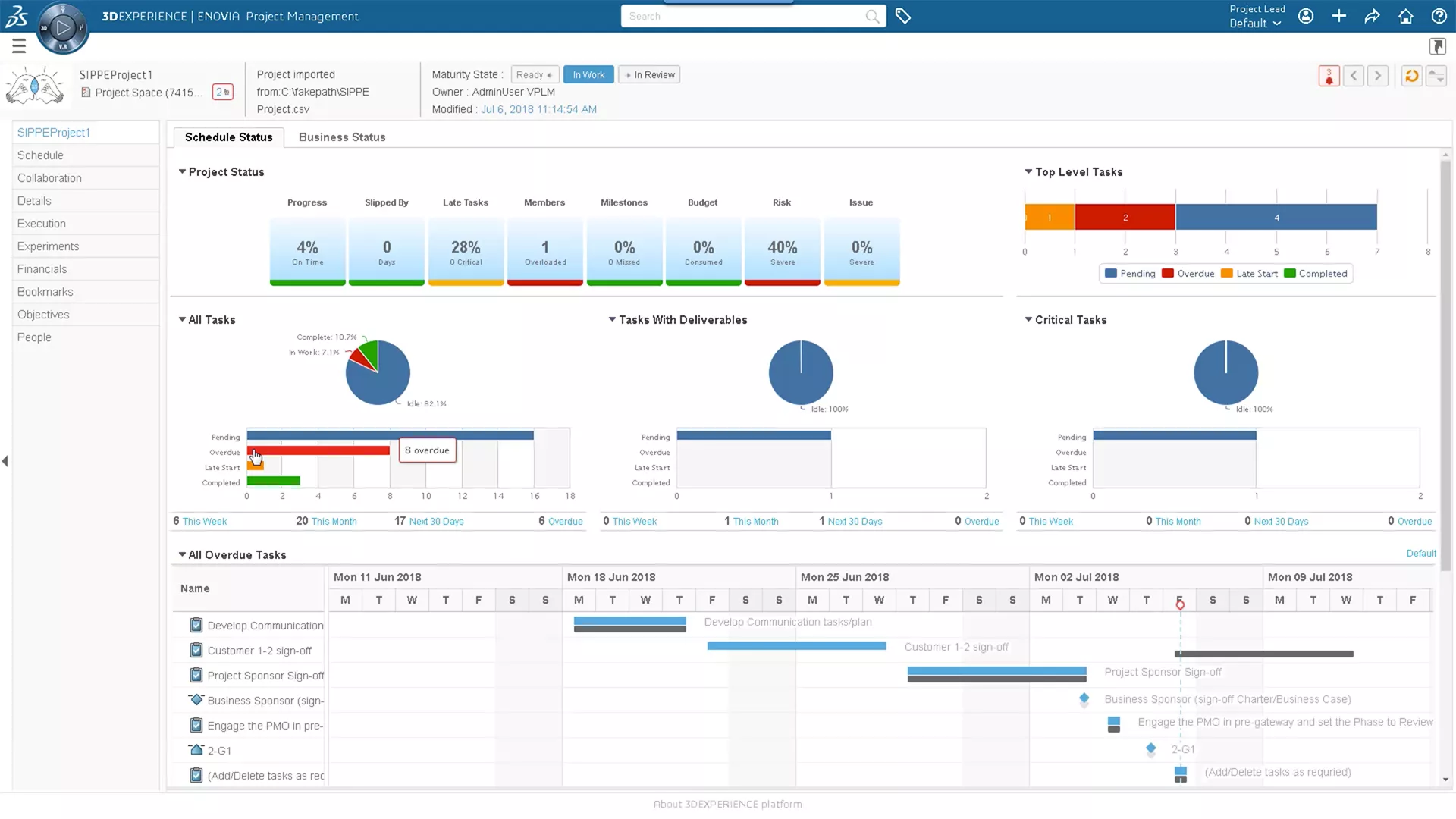
3DEXPERIENCE CLOUD PLM
Plan your definition of success with web-based cloud PLM tools that fully integrate design data.
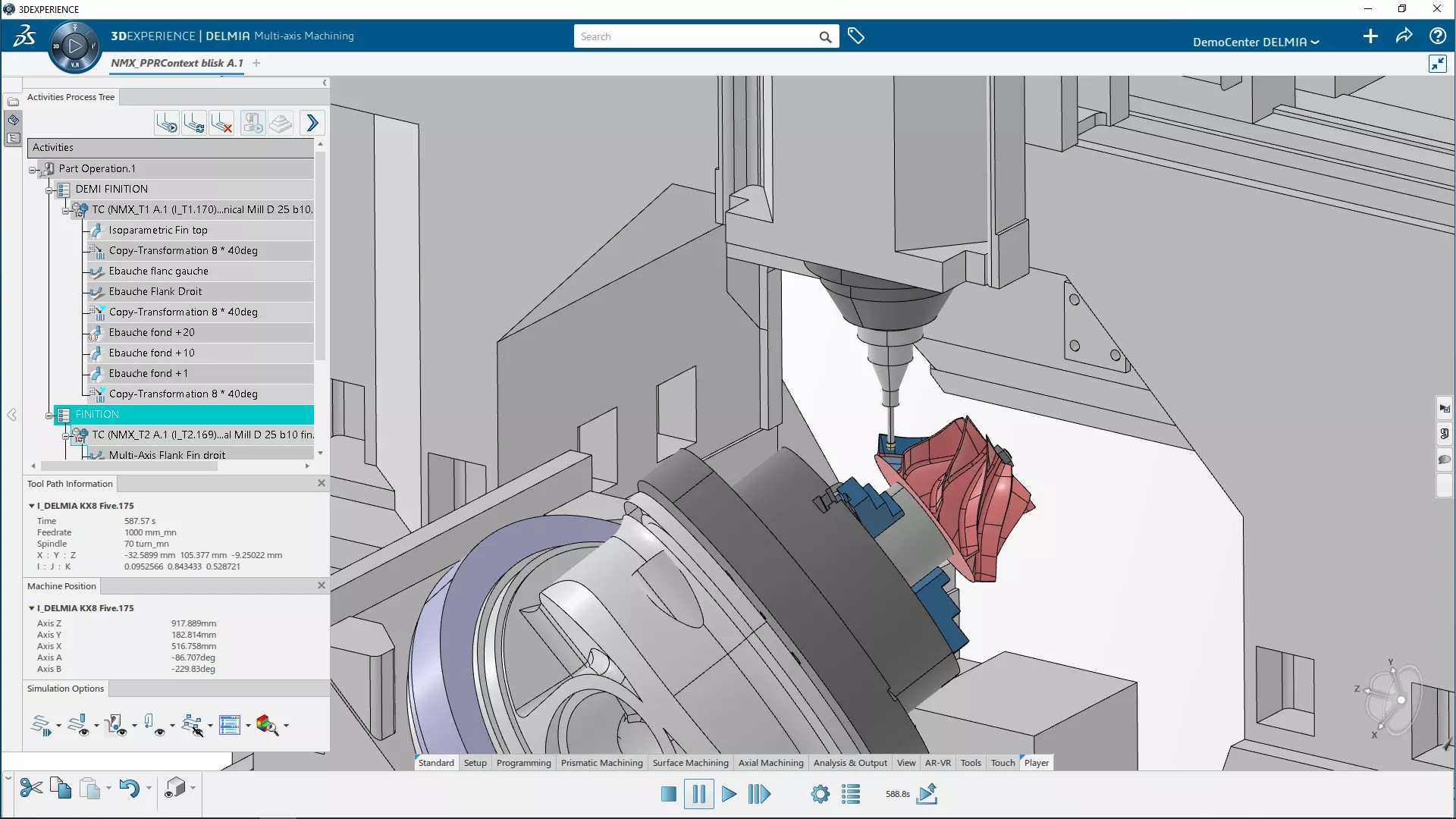
3DEXPERIENCE NC Programming
A realistic virtual workplace to create, enhance, and validate NC programs from live-linked, native CAD data.
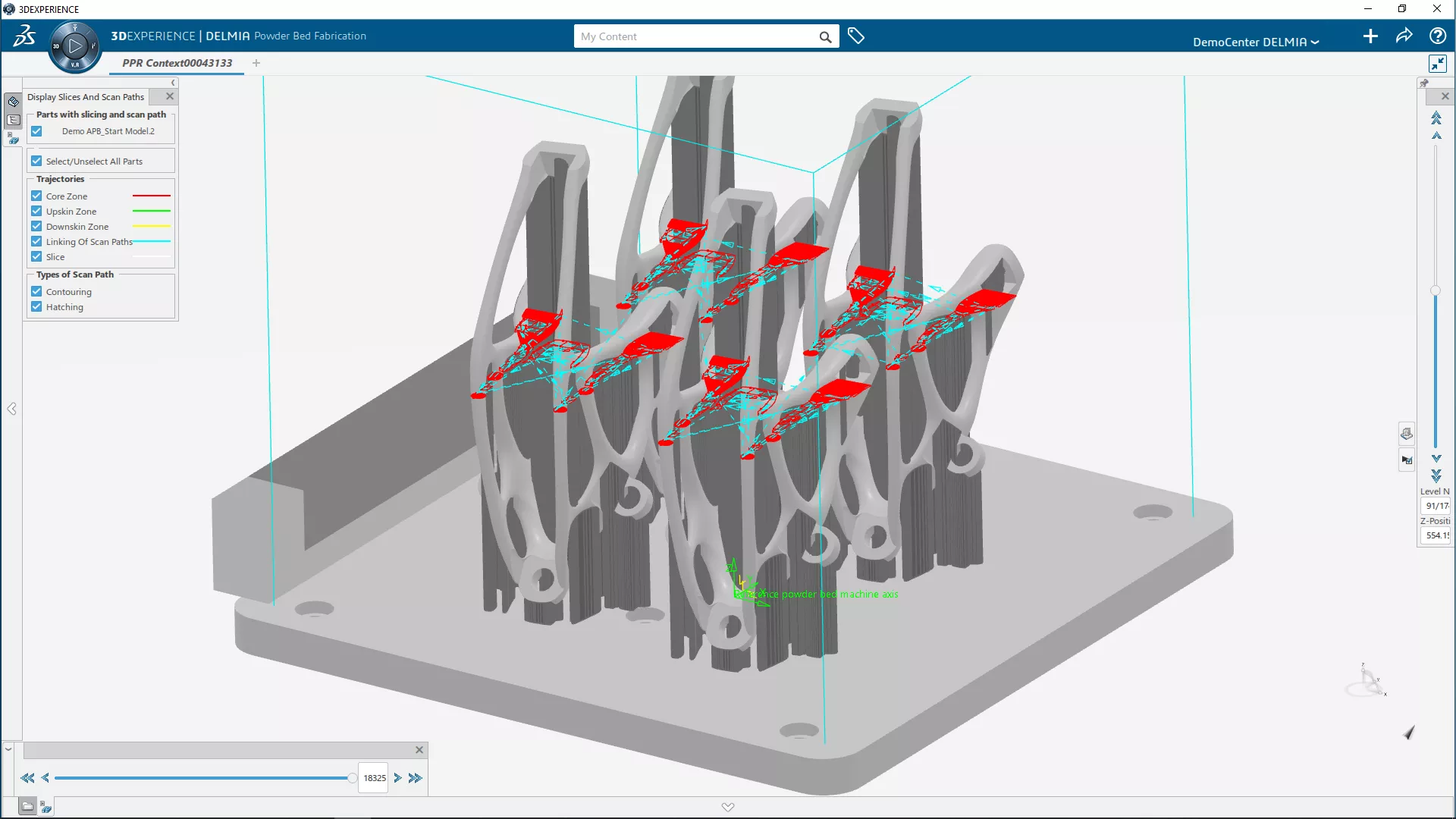
3DEXPERIENCE ADDITIVE MANUFACTURING
A realistic virtual workplace to create, enhance, and validate 3D printing programs from live-linked, native CAD data.
Additional Resources
Take Advantage of GoEngineer’s Extensive Knowledge Base and Resources

Find a Solution
Our robust Knowledge Base contains over 12,000 resources to help answer your product design questions. From basic CAD questions to in-depth guides and tutorials, find your solution here. Find a Solution
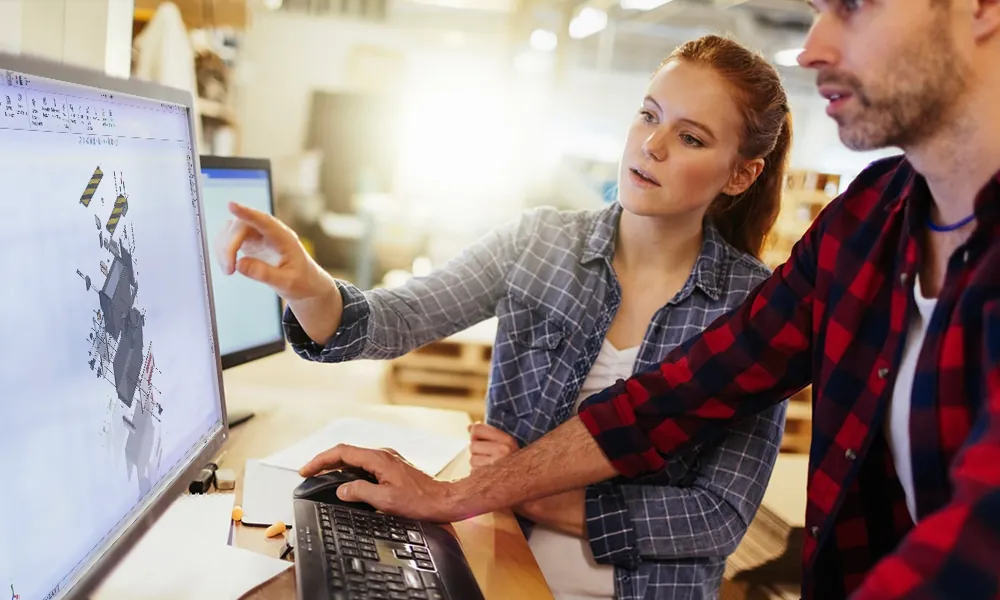
PROFESSIONAL TRAINING
Improve your skills with professional training and certifications in SOLIDWORKS, CAM, 3D Printing, and 3D Scanning offered four ways: self-paced, online, on-site, or in-classroom. Certified Training Courses
BLOG
#1 Technical Resource Worldwide - Right at your fingertips. Search or browse through hundreds of SOLIDWORKS tips & tricks, additive manufacturing product developments, announcements, how-to guides, and tutorials. Blog

YouTube Channel
Our YouTube channel hosts hundreds of educational tutorials, product demonstrations, recorded webinars, and best practices for all of our products and services. GoEngineer's YouTube Channel
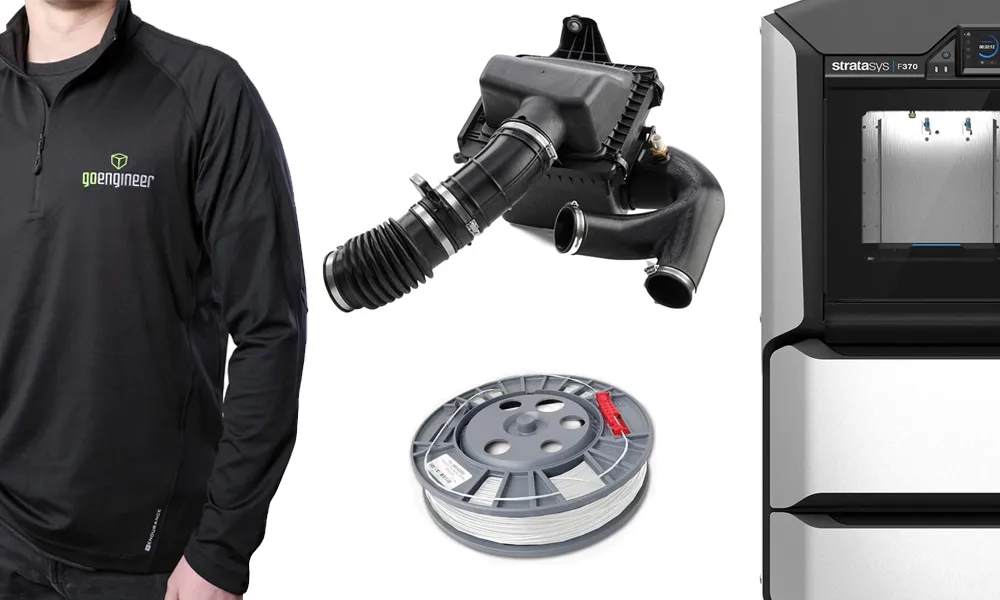
ONLINE STORE
Order 3D printing materials and consumables, enroll in SOLIDWORKS training classes, and buy official GoEngineer gear directly from our online store. Online Store
WEBINARS
Our engineering webinars are hosted by some of the top experts in the industry. They are always recorded, always free, and always offer a live Q&A. WEBINARS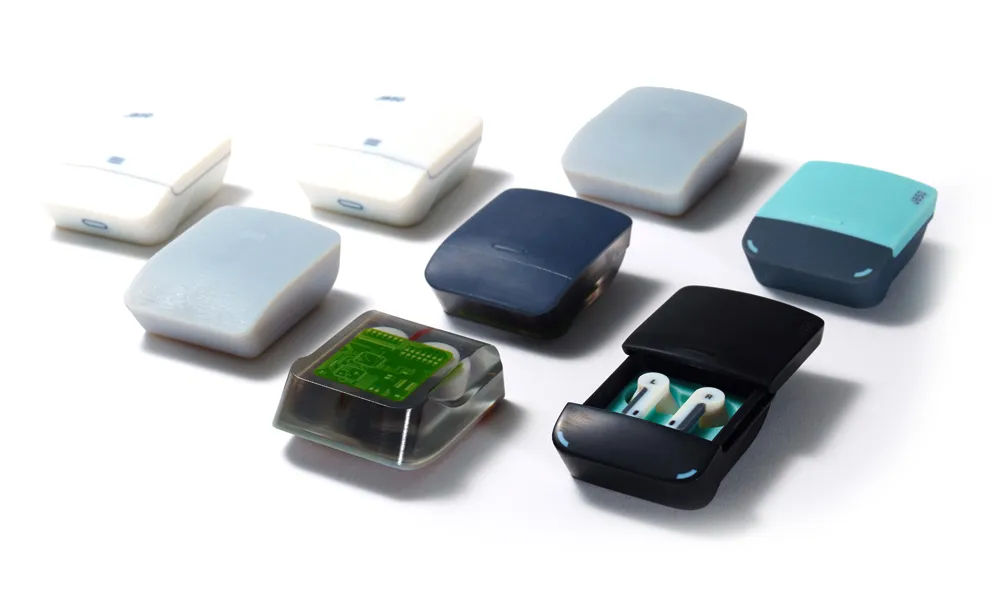
3D Printing Services
Need to 3D print a part? Our Additive Manufacturing experts will 3D print your part and deliver it to you using the latest technology on one of our professional FDM, PolyJet and SL 3D printers. 3D Printing Services