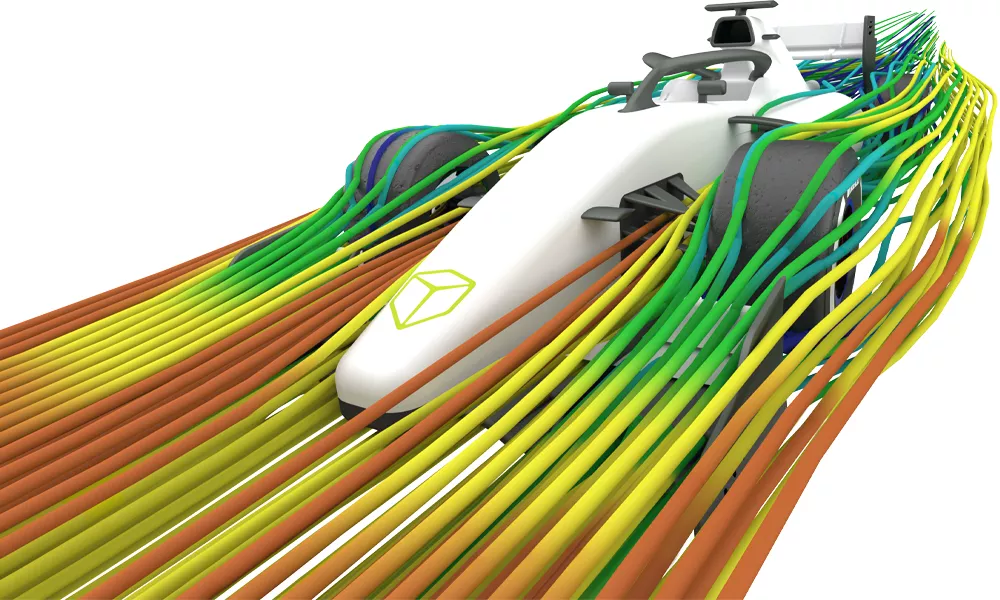
Artec Eva
Fast, Accurate, and Fully Target-Free

High-Performance Handheld 3D Scanning
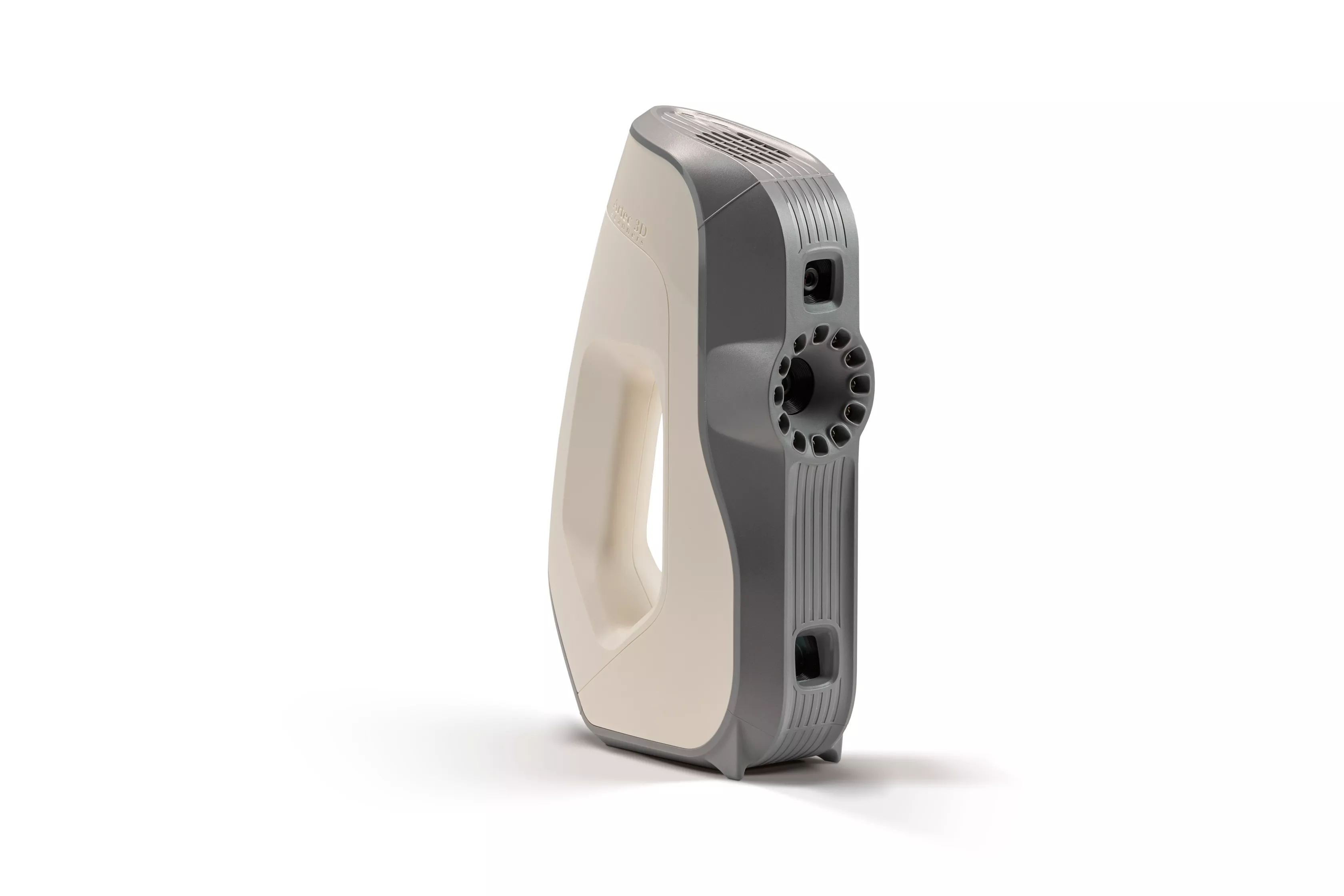
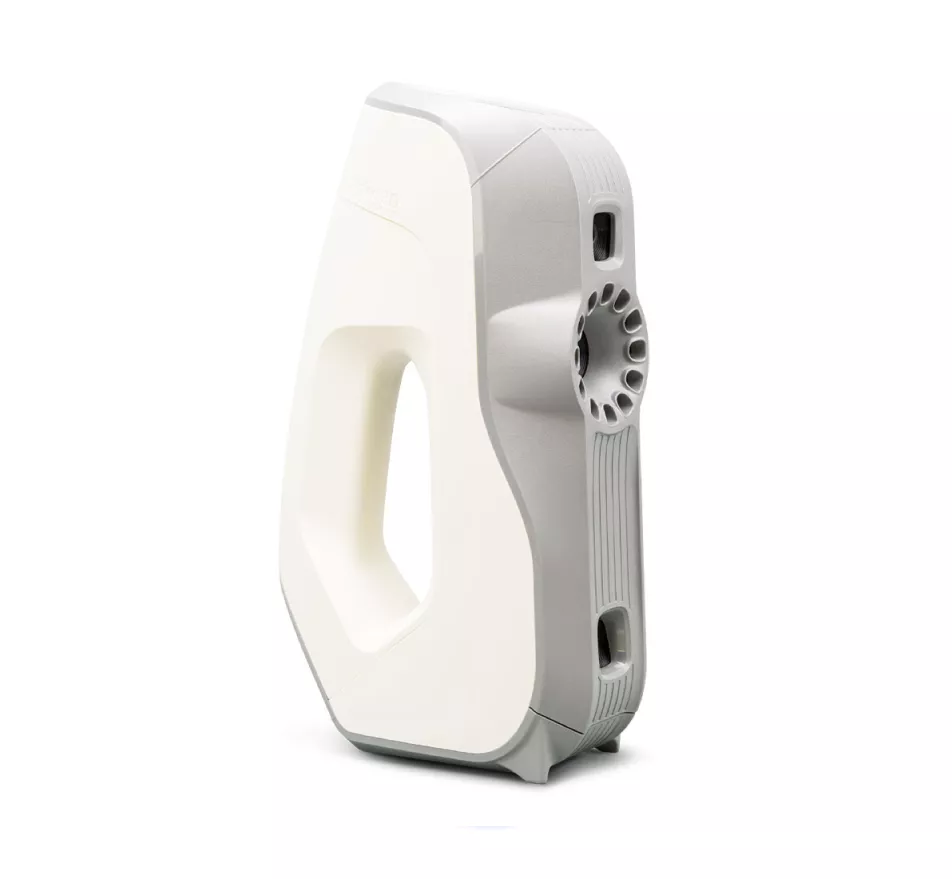
The Artec Eva is the industry's most popular handheld structured-light 3D scanner for a reason. Designed to quickly capture medium to large objects, the Eva delivers sharp, high-resolution 3D models in brilliant color.
Operating much like a video camera, it requires zero warm-up time, calibration, or tedious surface preparation. Whether you are accelerating reverse engineering workflows to create editable CAD models, conducting rapid prototyping, or capturing hyper-realistic 3D assets for CGI and orthotics, the Eva provides a tried-and-tested solution trusted by global engineering leaders.
Features

Safe Structured Light Technology
Utilizing a safe, white structured-light flash bulb instead of a laser, the Eva is completely harmless to the human eye. This makes it the premier choice for medical diagnostics, custom prosthetics, and scanning people.
AI-Powered HD Mode
Powered by Artec's state-of-the-art neural engine, HD Mode bumps the Eva's resolution down to a razor sharp 0.2 mm. It effortlessly captures clean, noise-free data on traditionally tricky areas like sharp edges, dark surfaces, and reflective textures.


Target-Free Hybrid Tracking
Forget spending hours applying adhesive reference stickers to your parts. The Eva uses a powerful hybrid tracking system that evaluates both physical geometry and surface color texture simultaneously, allowing you to just point and shoot.
specifications
| 3D Point Accuracy | Up to 0.1 mm | |
| 3D Resolution | Up to 0.2 mm (AI-powered HD Mode) | |
| Data Acquisition Speed | Up to 18 million points/second | |
| 3D Reconstruction Rate | Up to 16 frames per second (FPS) | |
| Working DIstance | 0.4 - 1.0 mm | |
|
Linear Field of View |
214 x 148 mm (closest range) to 536 x 371 mm (furthest range) |
|
| Texture Resolution |
1.3 Megapixels (24 bpp color depth) |
|
| Light Source |
Flash bulb (3D), White 12 LED array (2D) |
|
| Weight |
0.9 kg / 2 lbs |
|
| Dimensions (H X D x W) |
262 x 158 x 63 mm |
|
| Interface |
1 x USB 2.0 (USB 3.0 compatible) |
|
| Supported Export Formats |
Mesh: OBJ, PLY, STL, WRL, PTX, E57 CAD: STEP, IGES, X_T Measurements: CSV, DXF, XML |
|
Software
Artec Studio
From Raw Scan To CAD
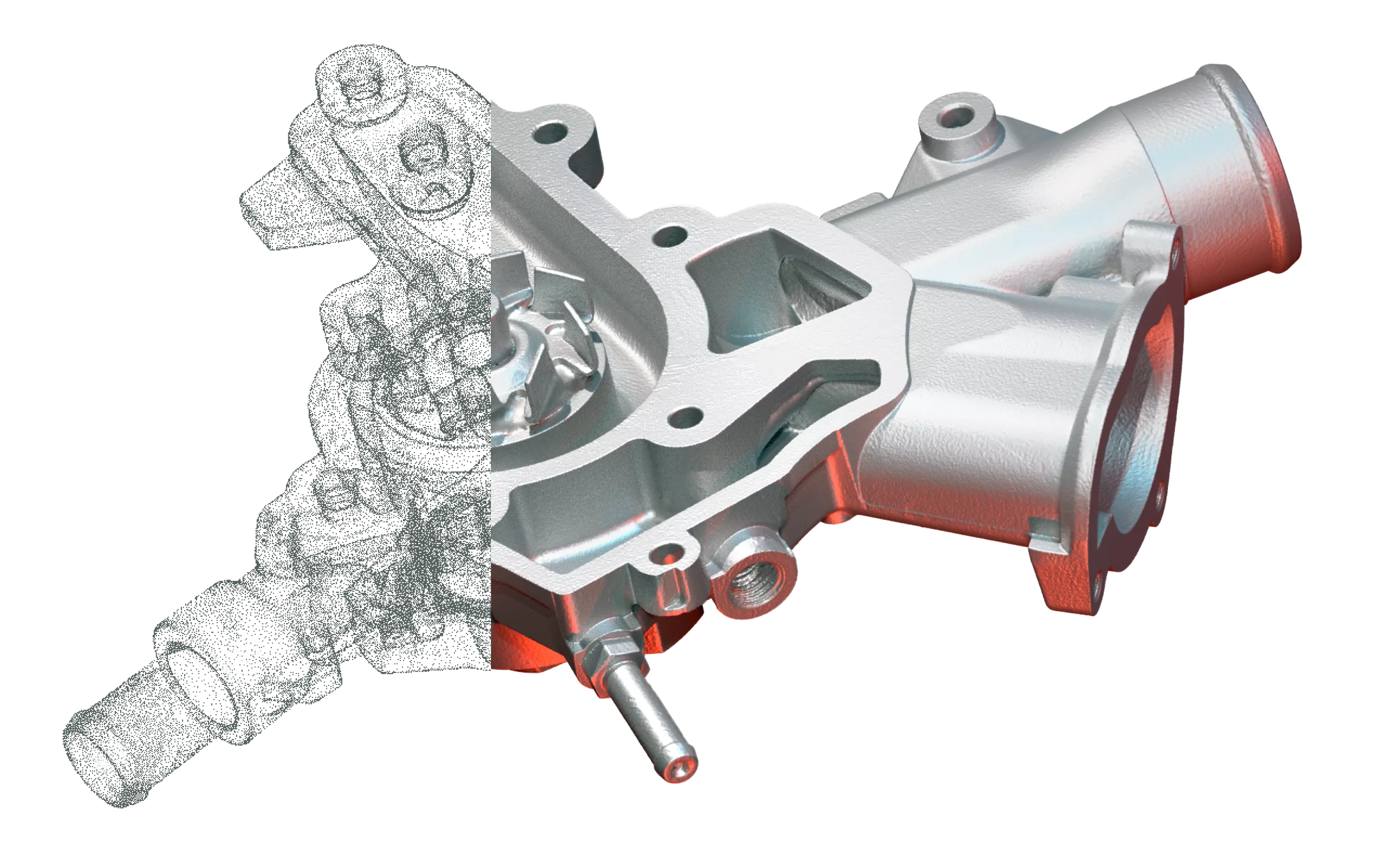
Artec Studio is the advanced software engine that transforms raw data into production-ready 3D models. It simplifies data processing with an automated Autopilot mode for quick, guided workflows, while leveraging a powerful AI-driven HD Mode to eliminate scan noise, resolve sharp edges, and dramatically enhance mesh resolution across supported hardware. Beyond simply processing meshes, the software features built-in Scan-to-CAD tools for fitting geometric primitives, basic metrology for full-color deviation heat mapping, and seamless direct exports to industry-standard engineering platforms like SOLIDWORKS, and Geomagic Design X, effectively bridging the gap between your physical object and an editable CAD environment.
Frequently Asked Questions


For everyday scanning in SD mode, a standard system with an Intel Core i5/i7/i9 and 16 GM of RAM works well. To run the AI-driven HD reconstruction mode, your workstation requires a dedicated NVIDIA GPU (Pascal architecture or newer with CUDA Compute Capability greater than or equal to 6.1 and 4 GB+ VRAM) along with a minimum of 32 GB RAM (64 GB recommended) on 64-bit Windows 10 or 11.
Additional Resources
Take Advantage of GoEngineer’s Extensive Knowledge Base and Resources

Find a Solution
Our robust Knowledge Base contains over 12,000 resources to help answer your product design questions. From basic CAD questions to in-depth guides and tutorials, find your solution here. Find a Solution
PROFESSIONAL TRAINING
Improve your skills with professional training and certifications in SOLIDWORKS, CAM, 3D Printing, and 3D Scanning offered four ways: self-paced, online, on-site, or in-classroom. Certified Training Courses

BLOG
#1 Technical Resource Worldwide - Right at your fingertips. Search or browse through hundreds of SOLIDWORKS tips & tricks, additive manufacturing product developments, announcements, how-to guides, and tutorials. Blog

YouTube Channel
Our YouTube channel hosts hundreds of educational tutorials, product demonstrations, recorded webinars, and best practices for all of our products and services. GoEngineer's YouTube Channel
ONLINE STORE
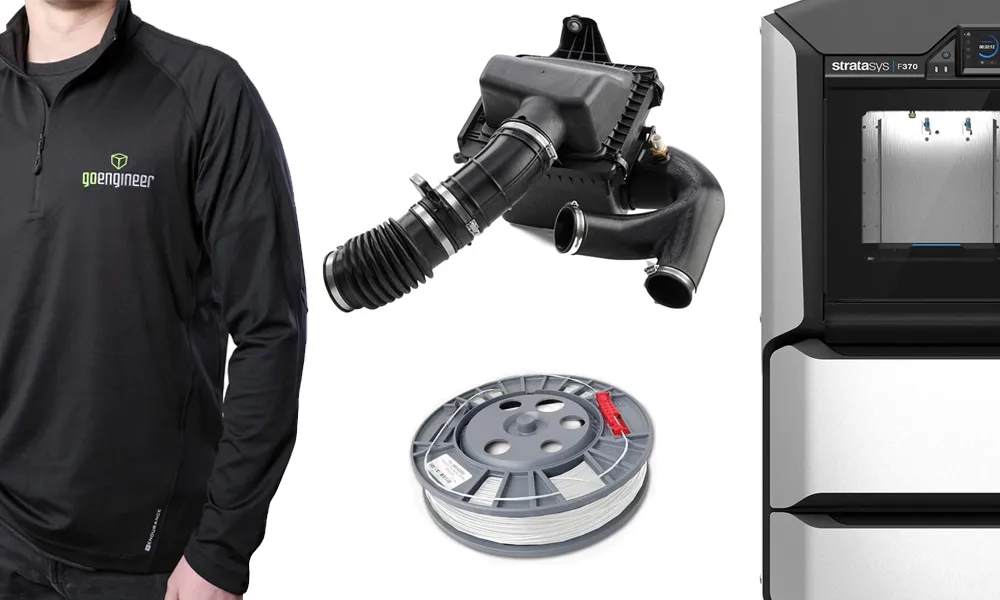
Order 3D printing materials and consumables, enroll in SOLIDWORKS training classes, and buy official GoEngineer gear directly from our online store. Online Store
WEBINARS
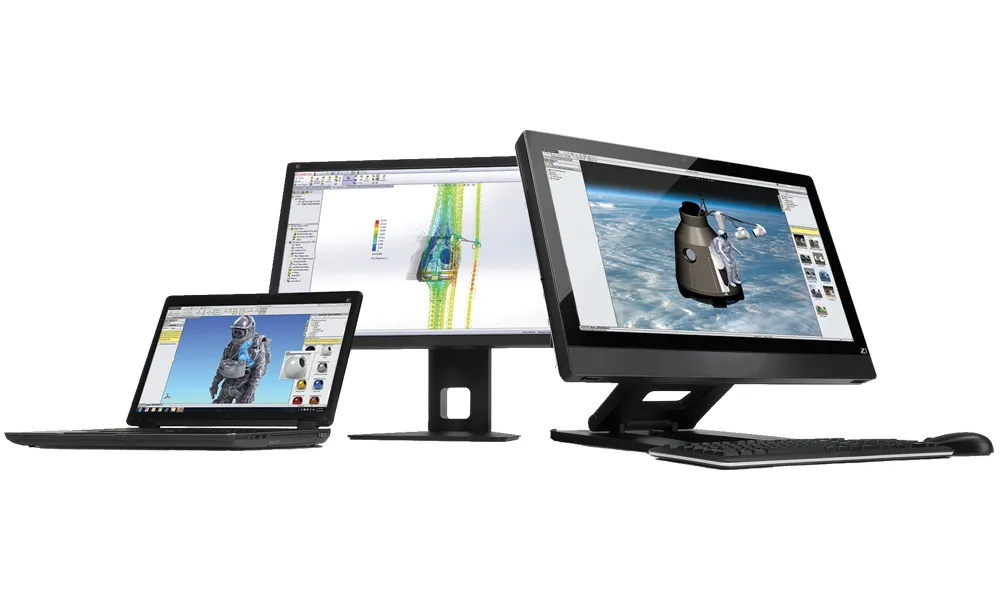
Our engineering webinars are hosted by some of the top experts in the industry. They are always recorded, always free, and always offer a live Q&A. WEBINARS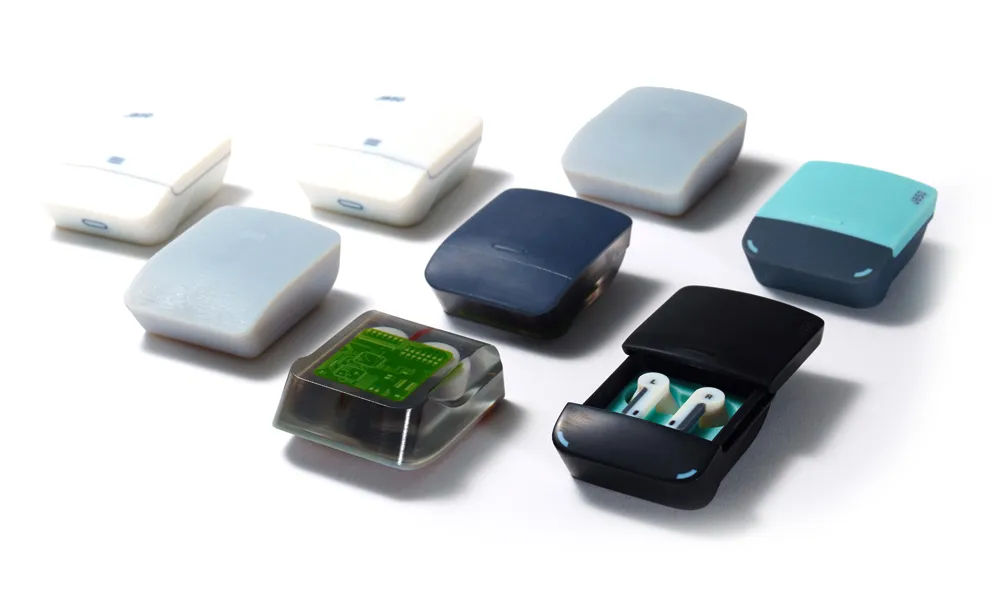
3D Printing Services
Need to 3D print a part? Our Additive Manufacturing experts will 3D print your part and deliver it to you using the latest technology on one of our professional FDM, PolyJet and SL 3D printers. 3D Printing Services