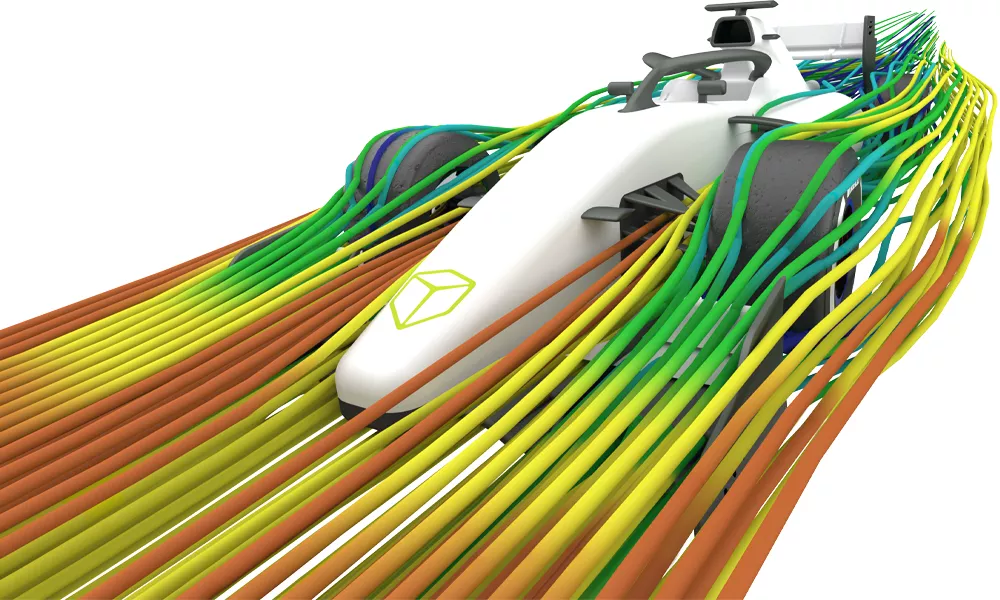
Creaform HandySCAN MAX Series
Portable 3D Scanner for Large-Scale Parts and Structures

Portable 3D Scanning for LArge, Complex Parts
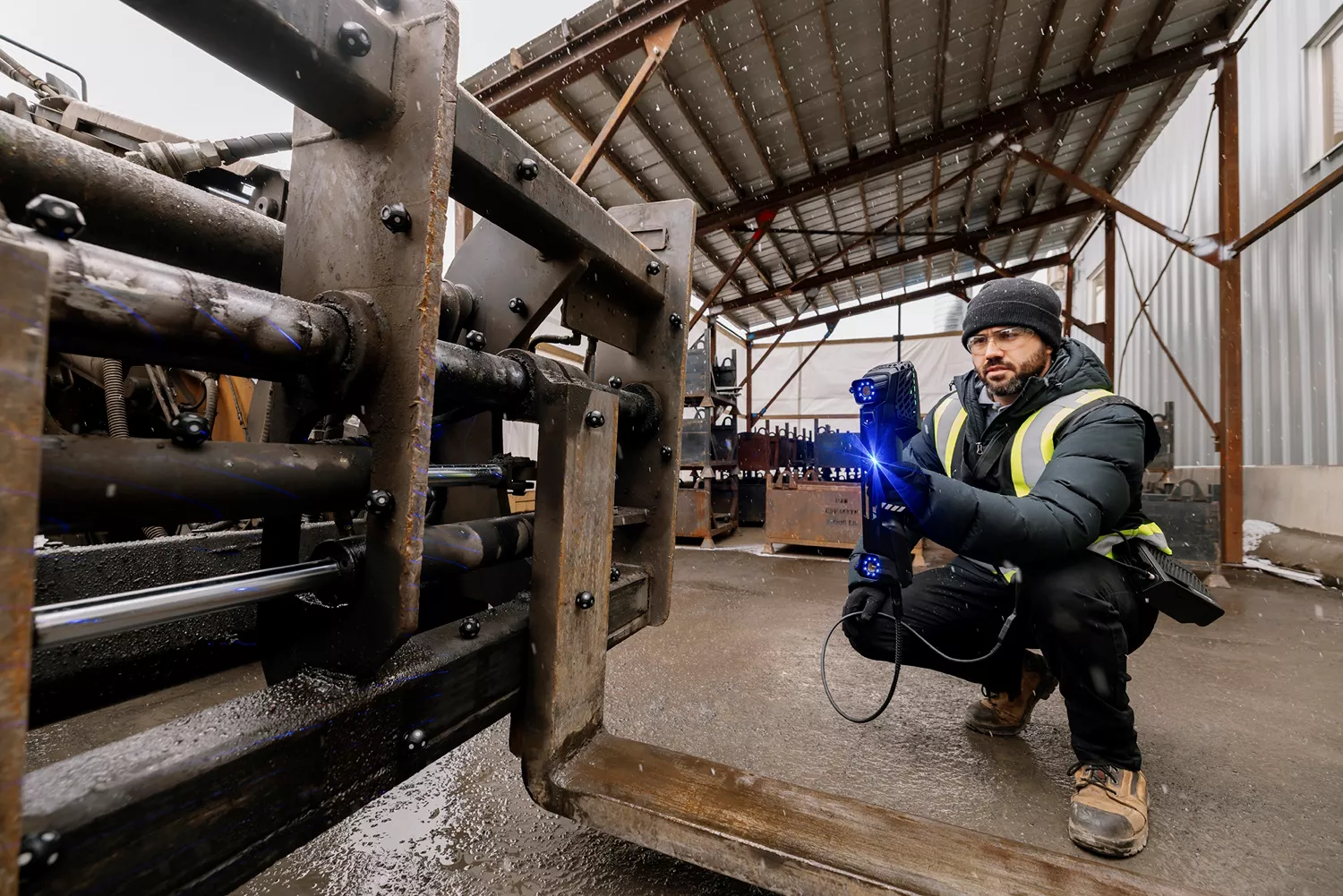
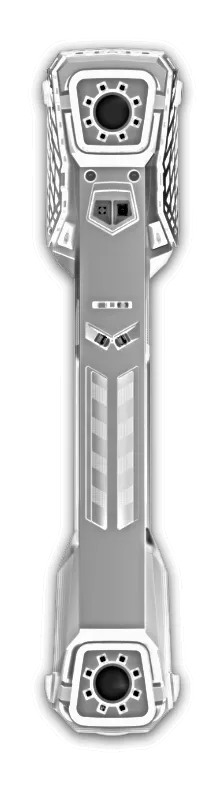
The Creaform HandySCAN MAX is a portable, metrology-grade 3D scanner engineered specifically to capture large, complex parts and oversized assemblies. Featuring 38 blue laser lines, integrated photogrammetry, and an embedded 4.3-inch touchscreen display, it accelerates scan-to-report workflows by eliminating the need for surface preparation, cables, or complicated setups.
HANDYSCAN MAX 3D Scanners
-

-
HandySCAN MAX EVO
- Accuracy:
0.150 mm (0.0059 in) - Light Source:
38 blue laser lines + Laser Pointer® -
-

-
HandySCAN MAX EVO ELITE
- Accuracy:
0.075 mm (0.0030 in) - Light Source:
38 blue laser lines + Laser Pointer® -
Features
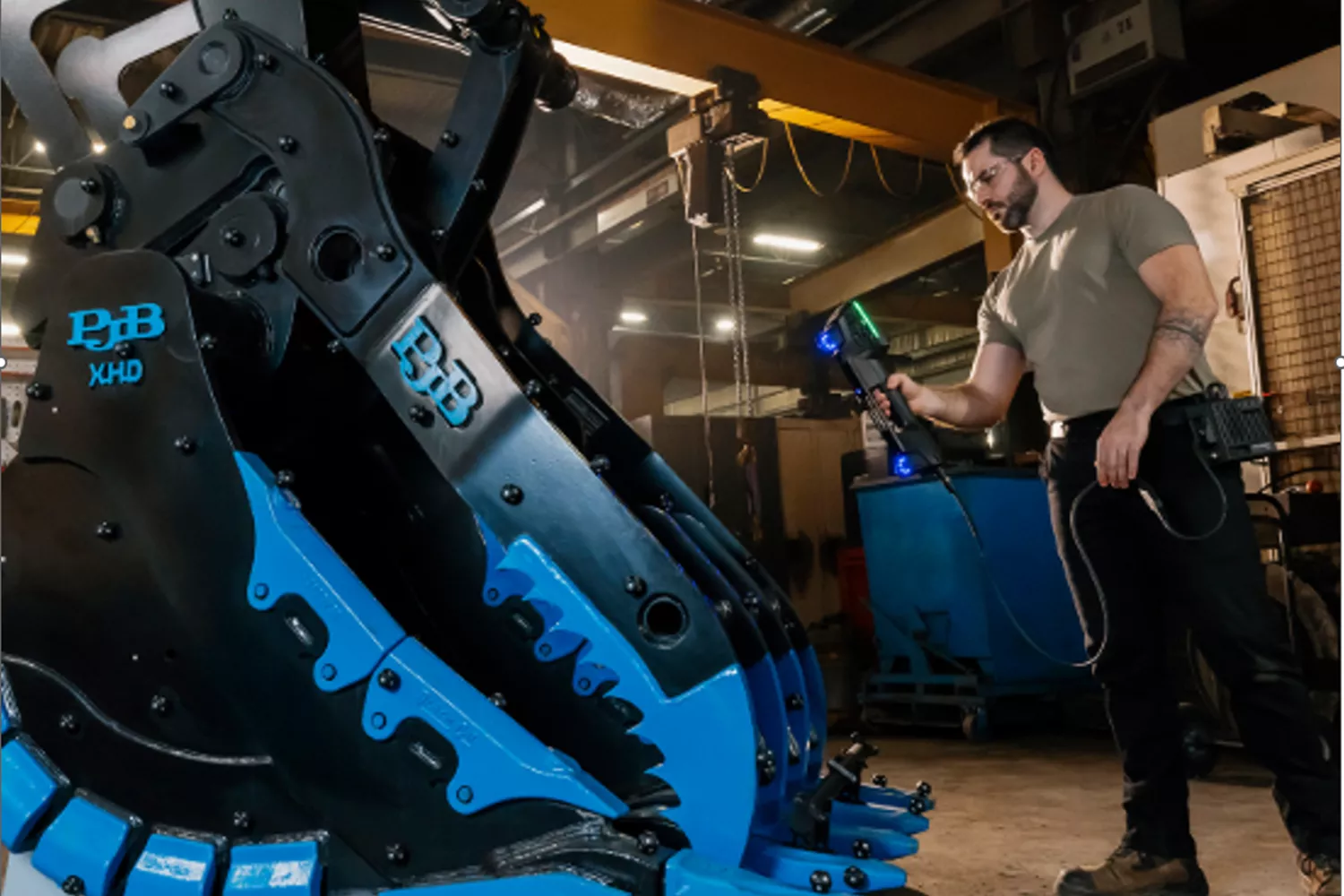
Metrology-Grade Accuracy at Scale
The HandySCAN MAX Series carries the same accredited accuracy standards found across Creaform's HandySCAN lineup into a scanner designed specifically for large parts, delivering results as precise as 0.075 mm with volumetric accuracy of 0.075 mm + 0.010 mm/m.
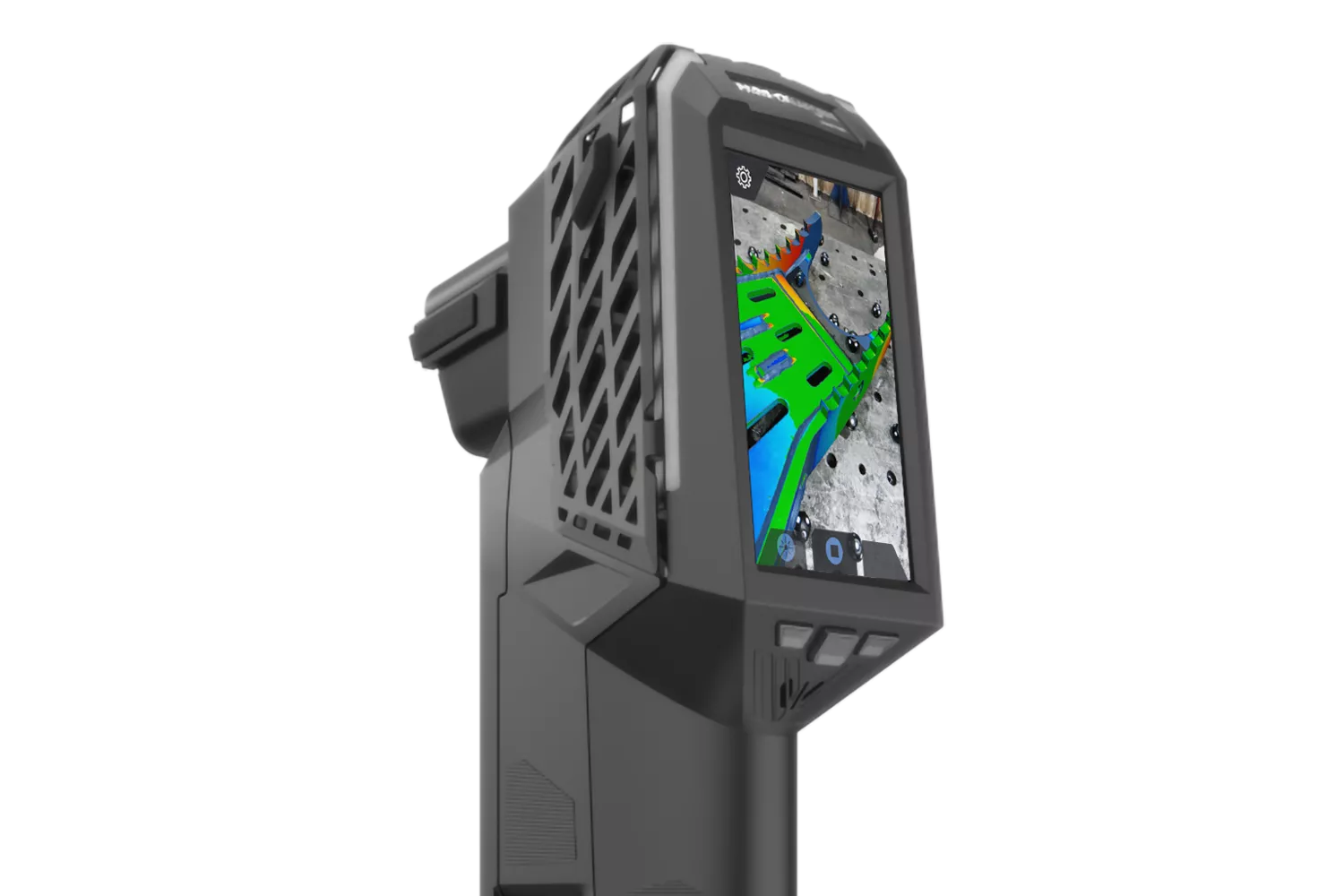
BuIlt-in Display
A 4.3" touchscreen is built into the scanner body, keeping operators focused on the part instead of a laptop screen. Real-time mesh visualization and guided workflows shorten the learning curve for new users and speed up routine inspections for experienced ones, especially in tight spaces around large fixtures and tooling where a tethered setup isn't practical.
High-Speed Data Capture
At up to 2,250,000 measurements per second across an extendable scanning area, the HandySCAN MAX captures large, difficult surfaces with no surface prep required in most cases. Scan data is converted into an instant, ready-to-use mesh with automatic alignment and cleanup, so engineering and QA teams spend less time processing data and more time acting on it.
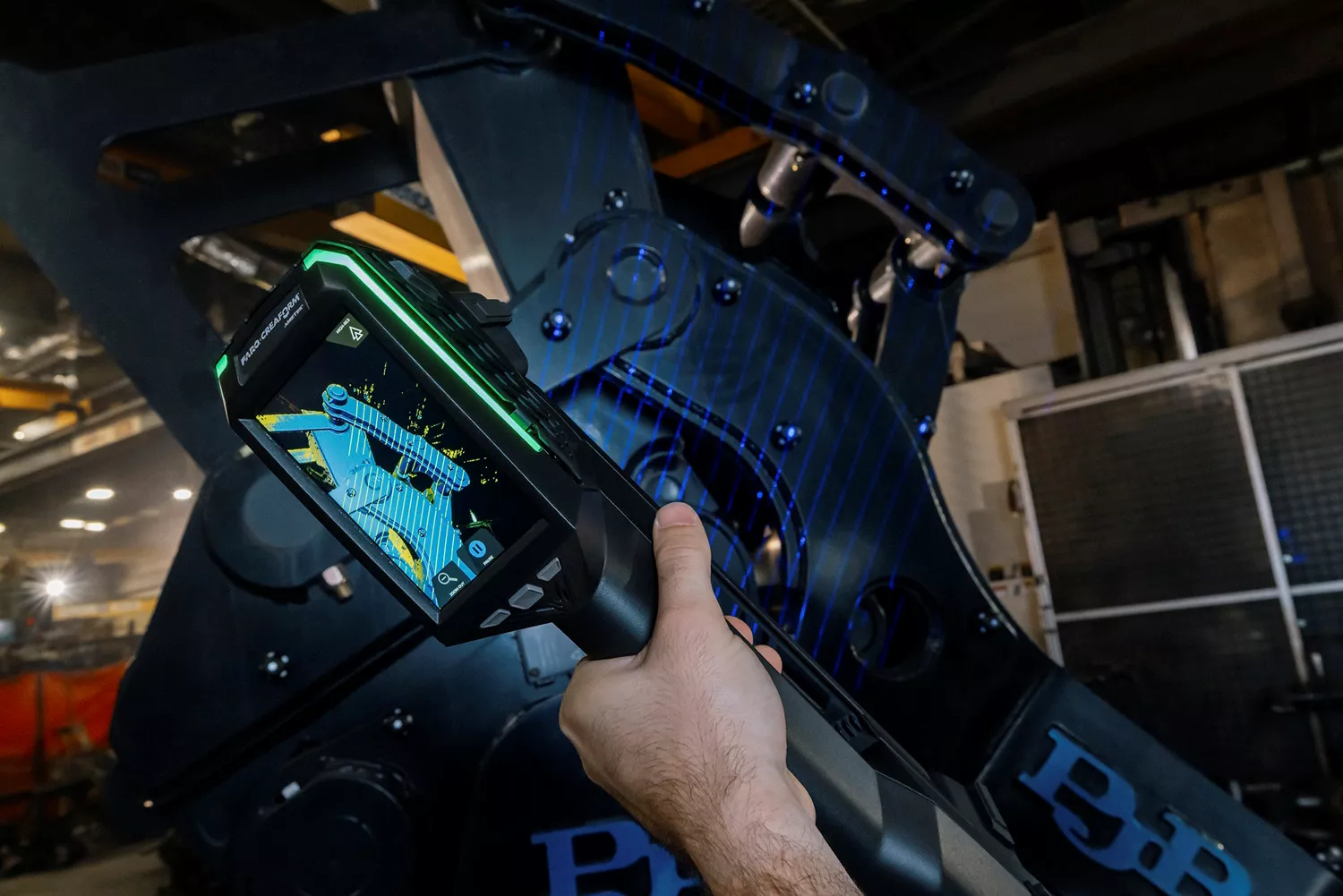
Wireless Mobility
Large parts rarely sit conveniently on a bench. Paired with the optional Mobility Kit, the MAX Series drops the laptop, cart, and trailing cables, giving operators full freedom to move around oversized assemblies and structures. Accuracy stays consistent whether you're in a controlled metrology lab or out on the shop floor, bringing the measurement system to the part, not the other way around.
ADD-ON ACCESSORIES
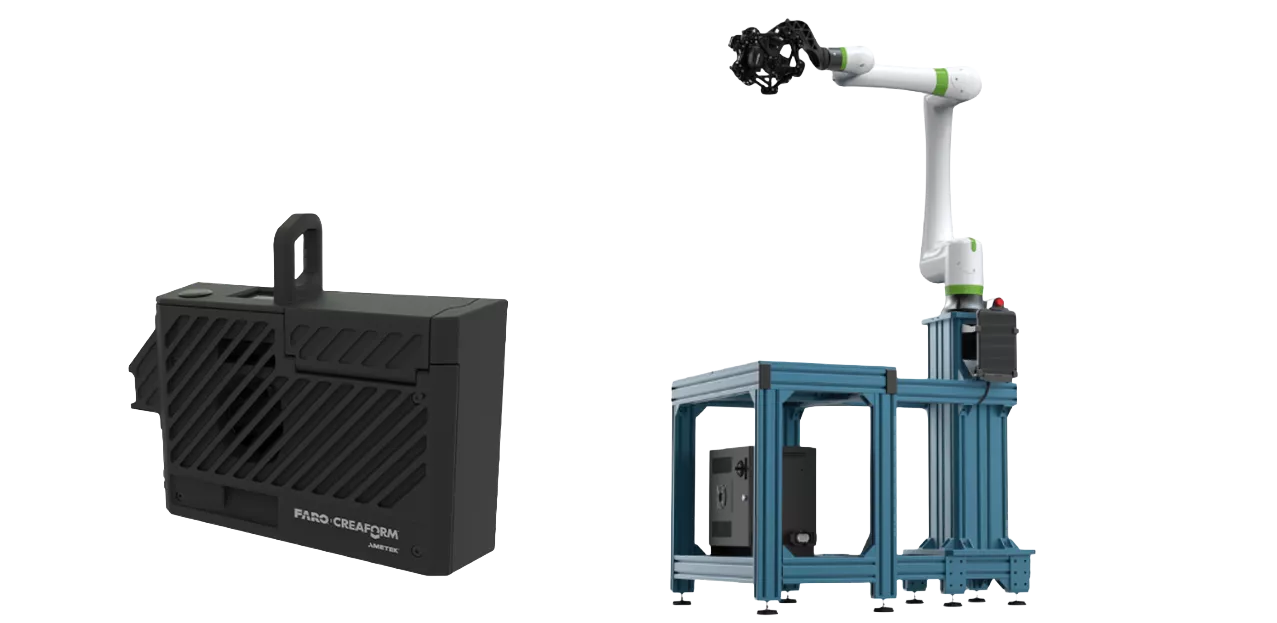
To help you get even more out of your Creaform handheld 3D scanner, add-ons are available to match your workflow.
The Automation Kit boosts productivity and helps quality control teams keep pace with evolving inspection demands, all without sacrificing the flexibility that handheld scanning is known for.
For teams looking to move freely on the shop floor, the Mobility Kit removes cable constraints, packaged in a compact, lightweight module built for safe, unrestricted movement.
Together, these kits let you tailor your scanning setup to the demands of any environment.
Large Scanning Area

Wireless Capability

0.075mm Accuracy

Scan to Mesh in Seconds
SPECIFICATIONS
| FEATURES |
HandySCAN MAX EVO™ |
HandySCAN MAX EVO ELITE™ |
| Accuracy | (0.0059 in)(1) |
0.075 mm
|
| Volumetric accuracy (based on part size) |
(0.0059 in + 0.0024 in/ft)(2) |
0.075 mm + 0.010 mm/m (0.0030 in + 0.0012 in/ft)(2) |
| Measurement resolution | (0.0016 in) |
(0.0016 in) |
| Mesh resolution | (0.0039 in) |
0.4 mm (0.0039 in) |
| Measurement rate | 2,250,000 measurements/s | |
| Light source | 38 blue laser lines (+Laser Pointer) (3)
|
38 blue laser lines (+Laser Pointer) (3)
|
| Scanning controls | 4.3″ touchscreen display + physical buttons | |
| Photo camera | 12 MP, AR-enabled
|
12 MP, AR-enabled
|
|
Real-time calibration
|
Included | |
|
Automatic alignment & clean-up
|
Included | |
|
Advanced software features
|
N/A
|
Included(4)
|
| Scanning area | Up to 1.4 x 1.5 m (4.6 x 5.1 ft) |
Up to 2.0 x 2.4m (6.7 x 7.9 ft) |
| Working distance | 0.45 to 1.60 m (4.6 x 5.1 ft)
|
0.30 to 2.50 m (1.0 to 8.2 ft)
|
|
Depth of field
|
1.15 m |
2.20 m (7.2 ft) |
|
Part size range (recommended)
|
1–10 m |
1–15 m (3.3–49.2 ft) |
|
Output formats
|
.dae, .fbx, .ma, .obj, .ply, .stl, .txt, .wrl, .x3d, .x3dz, .zpr, .3mf |
.dae, .fbx, .ma, .obj, .ply, .stl, .txt, .wrl, .x3d, .x3dz, .zpr, .3mf |
| Compatible Software |
|
|
| Weight | (2.8 lb) |
1.28 kg (2.8 lb) |
| Dimensions (LxWxH) |
(3.4 x 4.8 x 16.5 in) |
86 x 121 x 419 mm (3.4 x 4.8 x 16.5 in) |
| Connection standard | ||
| Operating temperature range | (41-104 °F) |
|
| Operating humidity range (non-condensing) |
||
| Certifications | ||
| Patents |
US 7,912,673, EP (FR, UK, DE) 3,102,908, US 10,271,039, JP 6,596,433, CA 2,938,104, KR 10-2424135, CA 3,223,372, EM 015118552-0001, US 12,513,407 |
|
(1) HandySCAN MAX EVO™ and HandySCAN MAX EVO Elite™ (ISO 17025 accredited): Based on VDI/VDE 2634 part 3 standard. Probing error performance is assessed with diameter measurements on traceable sphere artefacts. Results are obtained at stand-off distance of 0.6 m and 1.2 m (1.98 ft and 3.96 ft).
(2) HandySCAN MAX EVO™ and HandySCAN MAX EVO Elite™ (ISO 17025 accredited): Based on VDI/VDE 2634 part 3 standard. Sphere-spacing error is assessed with traceable length artefacts by measuring these at different locations and orientations within the working volume. Results are obtained at stand-off distance of 0.6 m and 1.2 m (1.98 ft and 3.96 ft) and using integrated photogrammetry with volumetric accuracy optimization.
(3) Laser class: 2M (eye safe)
(4) Includes AR colormap visualization with real‑time deviation display and QR code reading functionality.
(5) Also compatible with all major metrology, CAD, and computer graphic software through mesh and point cloud import.
Software
No matter your application, GoEngineer has a specific 3D scanning software to fit your needs.
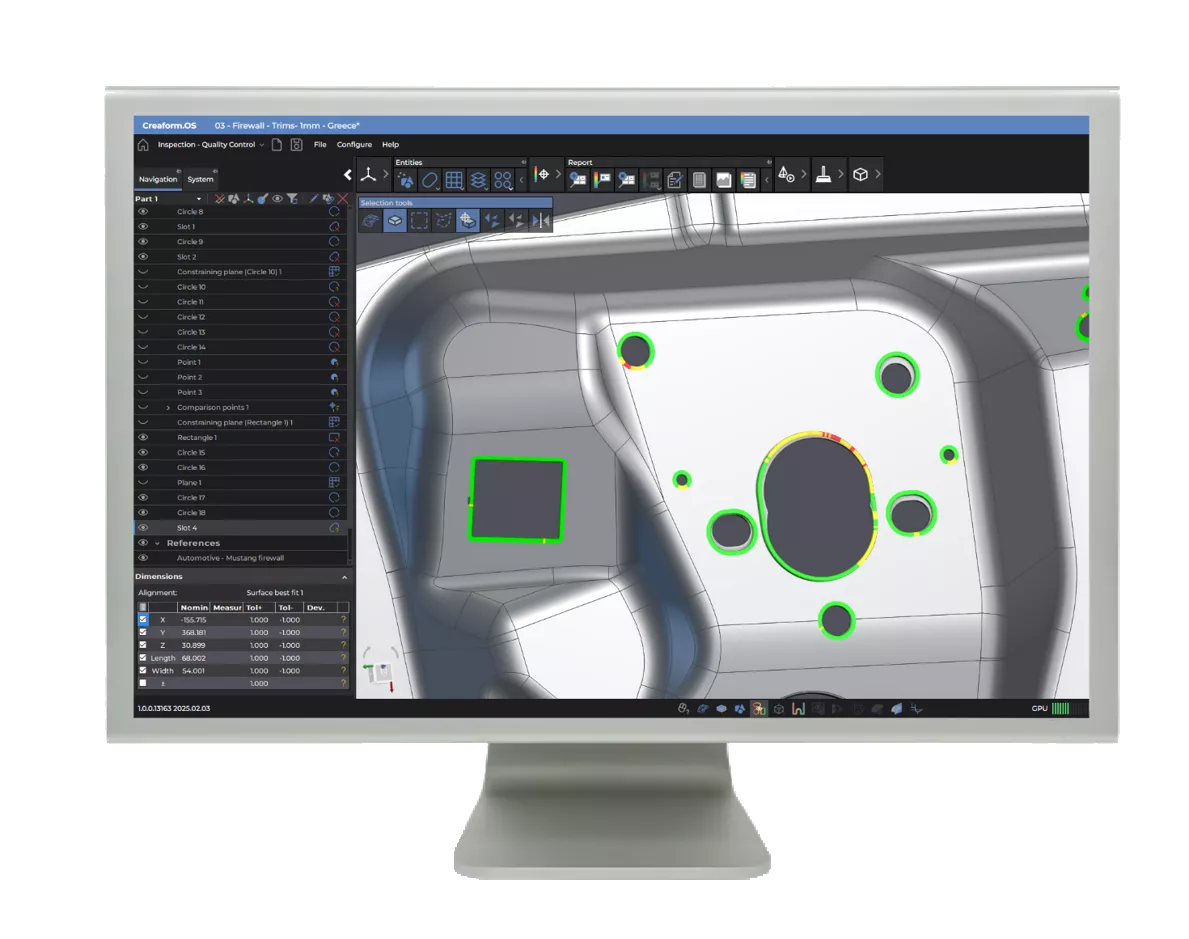
creaform.os
3D SCANNING SOFTWARE PLATFORM
Creaform.OS is the powerhouse operating system included with all Creaform 3D scanners, designed to streamline reverse engineering, inspection, and metrology workflows. Featuring an intuitive interface, integrated scan-to-CAD tools, automated inspection capabilities, and seamless hardware-software connectivity, the platform helps users capture high-accuracy data with "lightning-speed" efficiency. By streamlining the entire acquisition process and offering a free viewer for seamless collaboration, it transforms complex 3D measurement into a simple, professional experience.
ADDITIONAL Software
INSPECT
Frequently Asked Questions

Additional Resources
Take Advantage of GoEngineer’s Extensive Knowledge Base and Resources

Find a Solution
Our robust Knowledge Base contains over 12,000 resources to help answer your product design questions. From basic CAD questions to in-depth guides and tutorials, find your solution here. Find a Solution

PROFESSIONAL TRAINING
Improve your skills with professional training and certifications in SOLIDWORKS, CAM, 3D Printing, and 3D Scanning offered four ways: self-paced, online, on-site, or in-classroom. Certified Training Courses

BLOG
#1 Technical Resource Worldwide - Right at your fingertips. Search or browse through hundreds of SOLIDWORKS tips & tricks, additive manufacturing product developments, announcements, how-to guides, and tutorials. Blog

YouTube Channel
Our YouTube channel hosts hundreds of educational tutorials, product demonstrations, recorded webinars, and best practices for all of our products and services. GoEngineer's YouTube Channel
ONLINE STORE
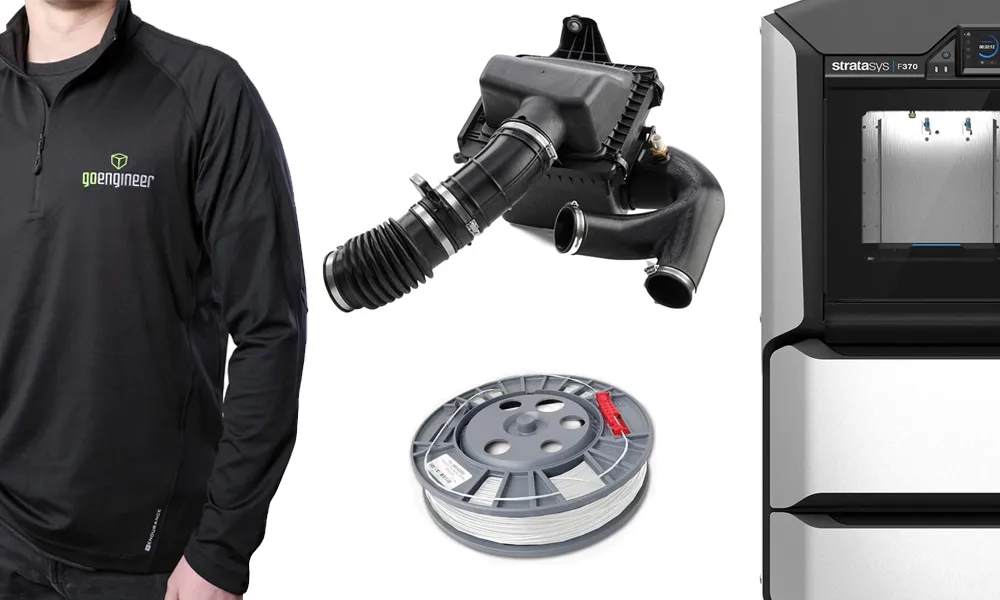
Order 3D printing materials and consumables, enroll in SOLIDWORKS training classes, and buy official GoEngineer gear directly from our online store. Online Store
WEBINARS
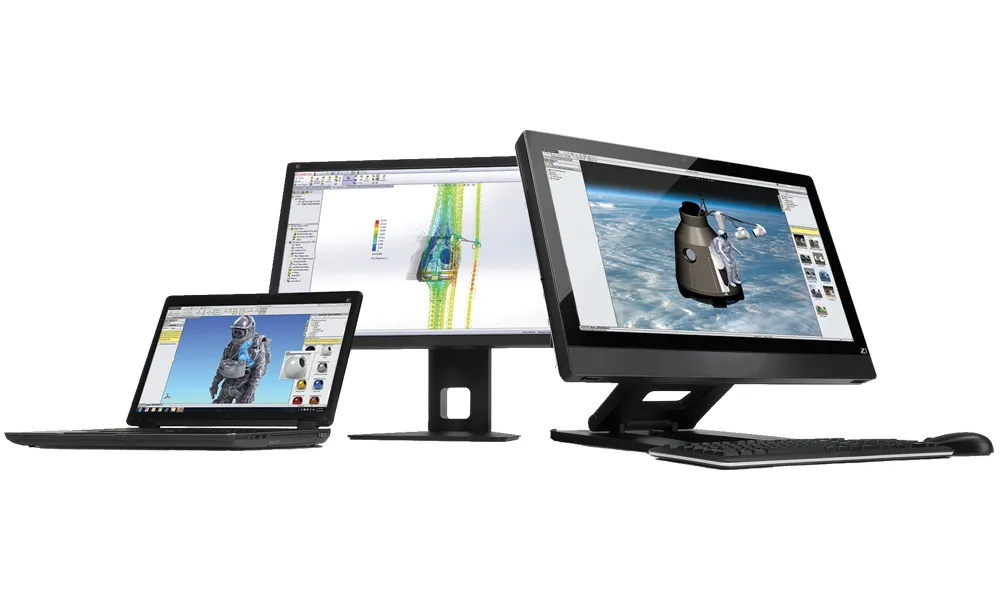
Our engineering webinars are hosted by some of the top experts in the industry. They are always recorded, always free, and always offer a live Q&A. WEBINARS
3D Printing Services
Need to 3D print a part? Our Additive Manufacturing experts will 3D print your part and deliver it to you using the latest technology on one of our professional FDM, PolyJet and SL 3D printers. 3D Printing Services