SOLIDWORKS xDesign
Cloud-native 3D CAD & PDM from the makers of SOLIDWORKS

Powerful Cloud-Native 3D CAD & PDM
From the team that brought you SOLIDWORKS comes the next generation of design tools, in-browser and cloud-native.
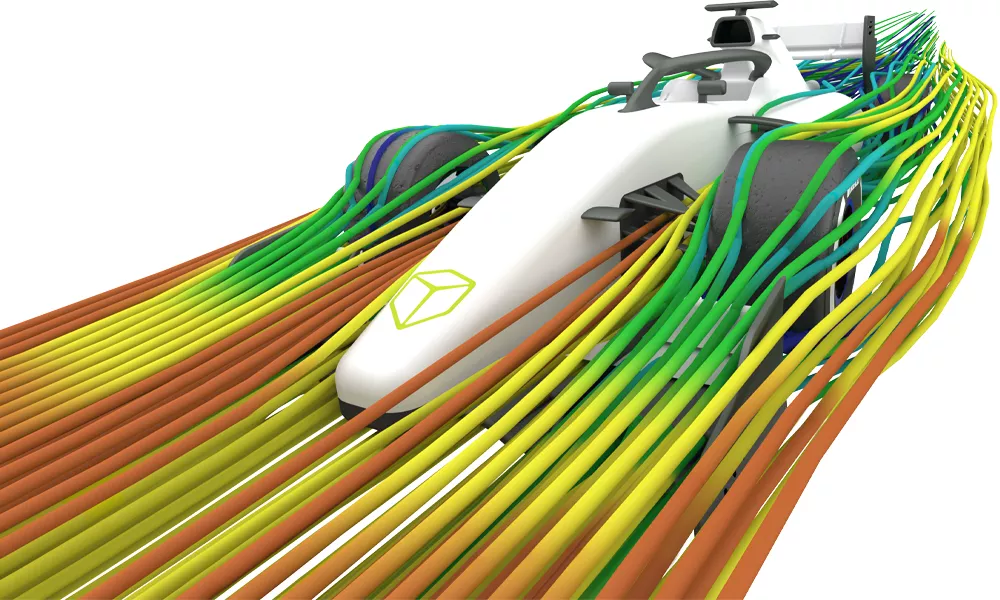
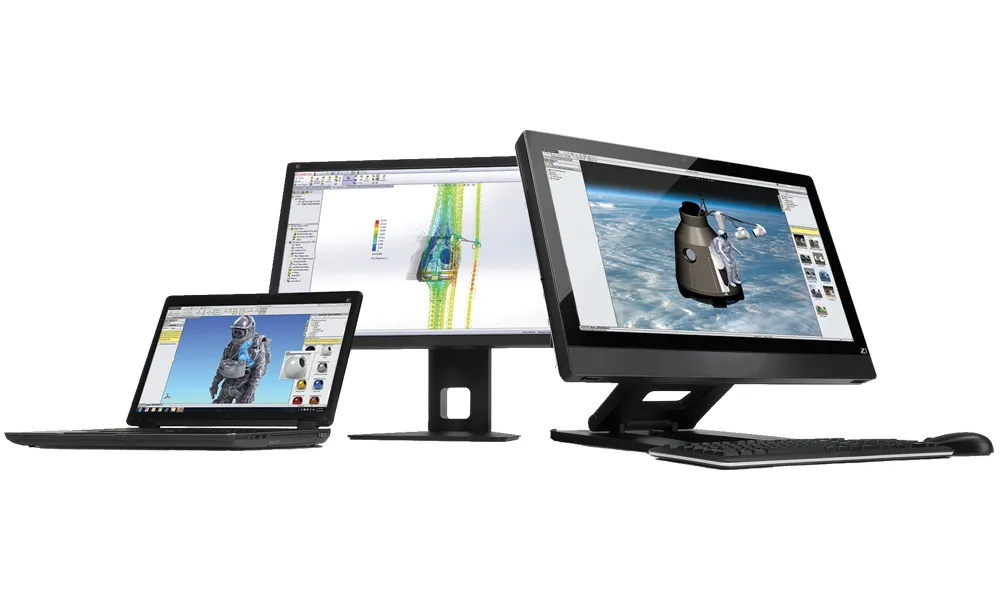
SOLIDWORKS xDesign is a suite of 3D CAD design and communication apps that run entirely in your web browser, meaning you can access them from any 3D-enabled device with an internet connection. And thanks to the cloud nature of your design data, it’s all stored in one unified cloud environment where you can seamlessly take advantage of 3DEXPERIENCE’s data and lifecycle management, simulation, manufacturing, and rendering tools and get to market faster than ever.
Benefits & Highlights
Anywhere on Any Device
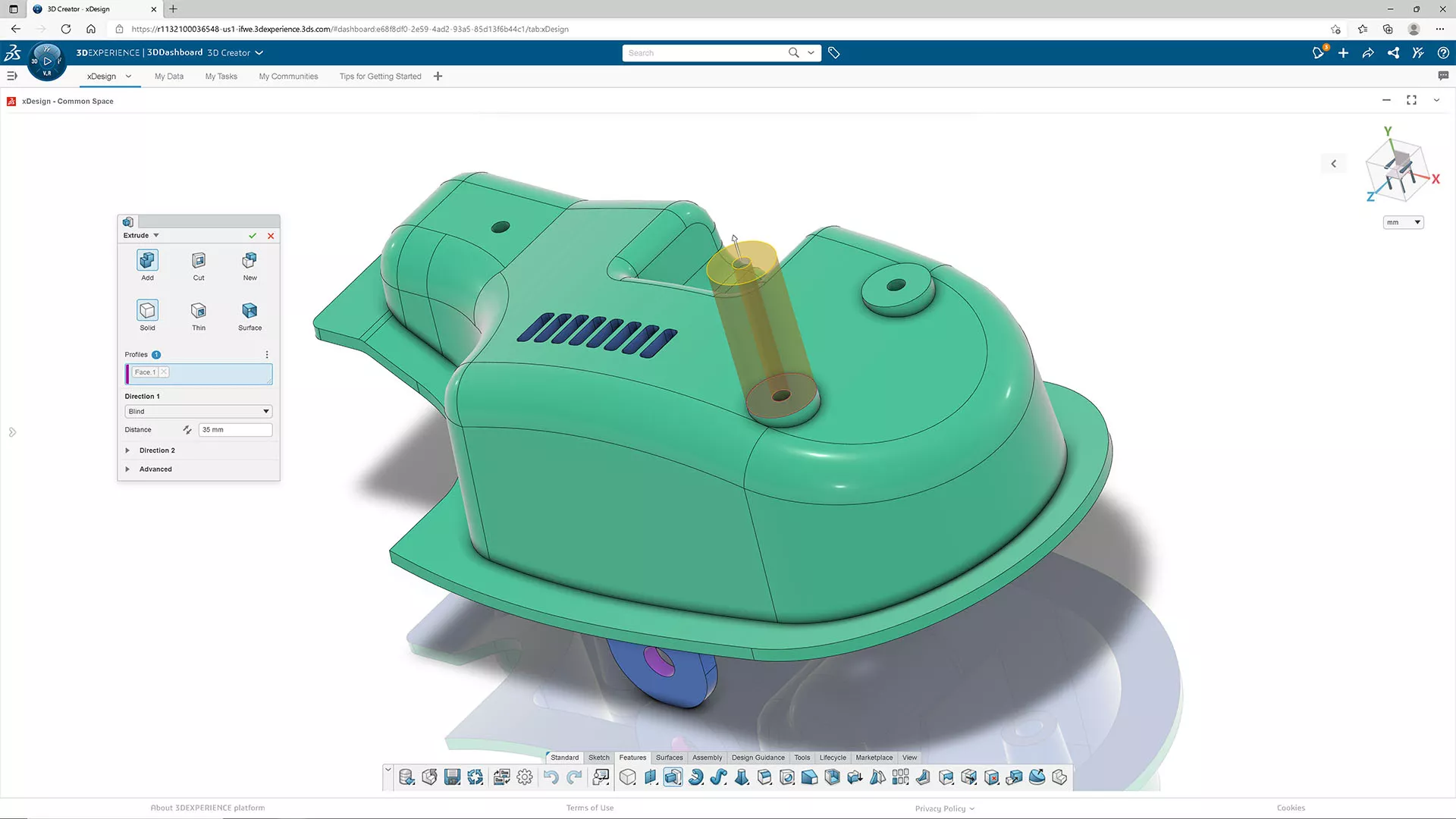
Design freedom without limits. SOLIDWORKS xDesign runs entirely in the cloud, giving you full access to your CAD & PDM environment from any browser-enabled device—Mac, PC, tablet, or even mobile. No installs, no restrictions, always up-to-date. Uninterrupted creativity wherever you are.
Specialized CAD Toolkits
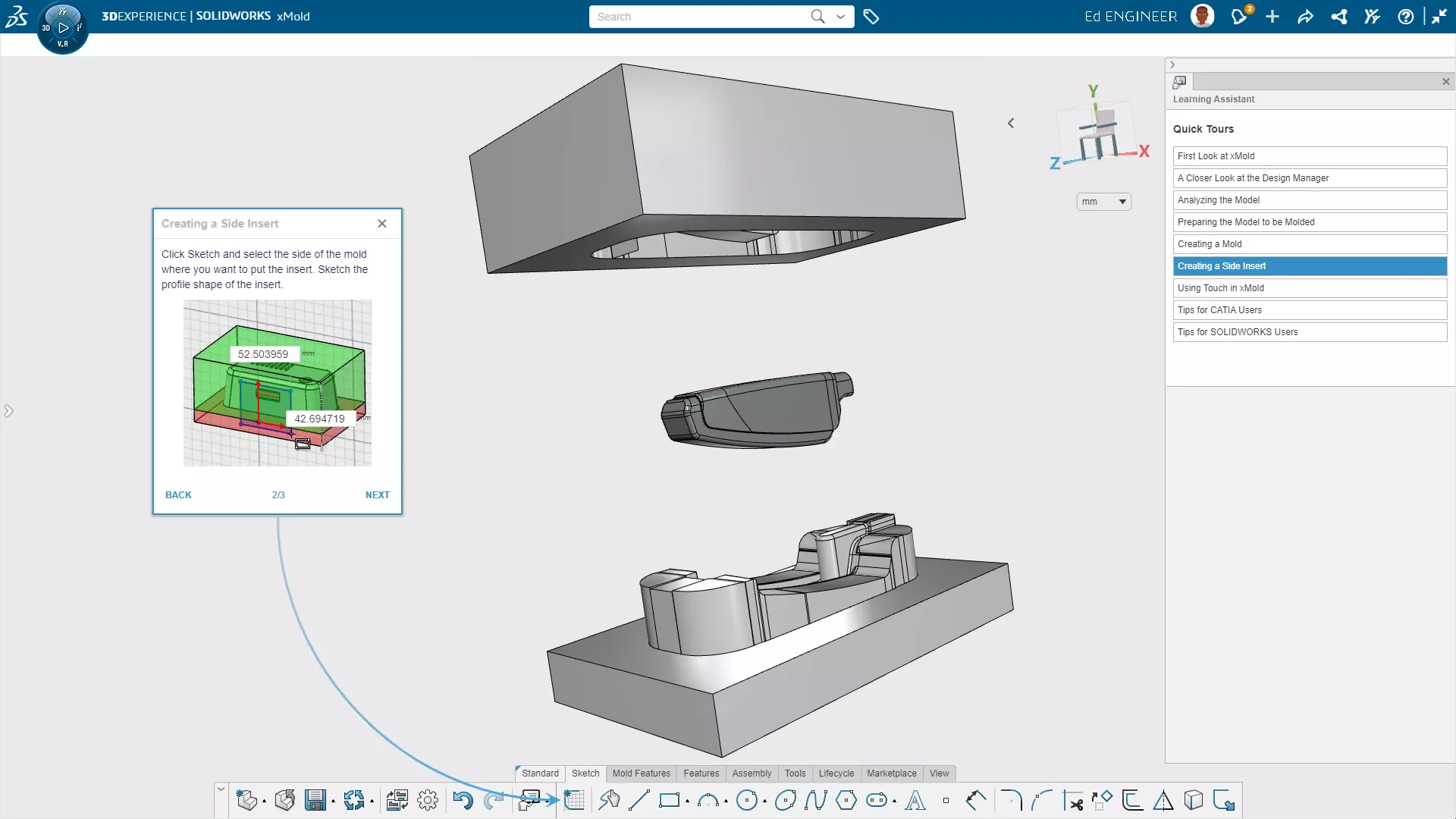
Work smarter, easier, and faster with purpose-built tools for ergonomic surfacing, sheet metal, mold and die, and more. It's all powered by a new high-performance, high-precision geometry kernel. Whether you're prototyping, detailing, or refining, your toolkit accelerates the task at hand.
Real-Time Cloud Collaboration
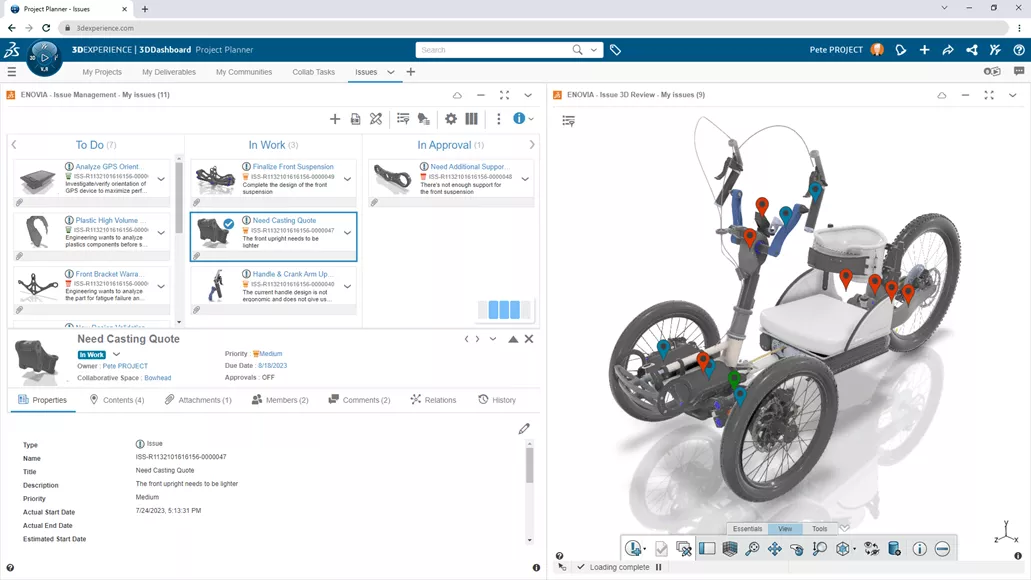
Say goodbye to file juggling, task assignment, and version confusion. xDesign keeps your team aligned with live design updates, shared design spaces, and instant feedback loops. Engineers, stakeholders, and suppliers can work together securely in real time, no matter where they are.
Lower IT Costs
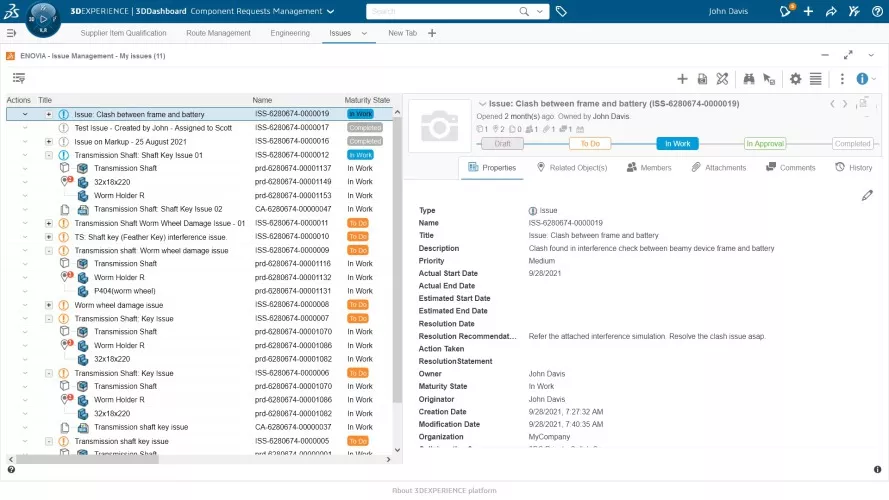
Eliminate the overhead of maintaining CAD & PDM infrastructure. With xDesign’s browser-based platform, there’s no software to install, update, or troubleshoot; no expensive workstations to purchase; and no complex servers and networks to maintain. Your team can deploy cutting-edge tools in an instant.
Scalable Up to Enterprise
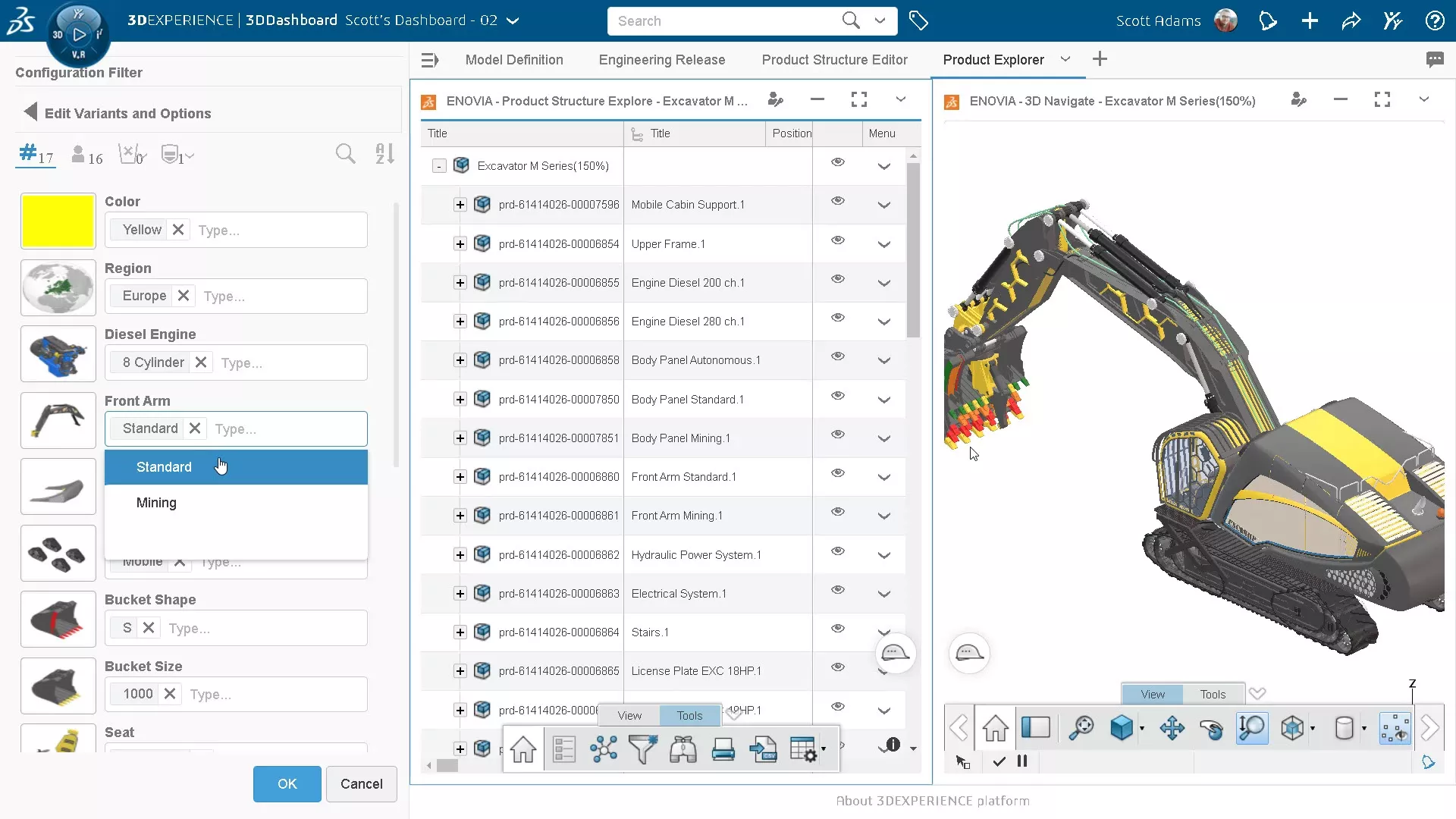
From startups to global teams, xDesign grows with you. xDesign stores your product data on the 3DEXPERIENCE cloud platform. This platform is home to a large portfolio of CAD-CAE-CAM-PLM tools at all levels of budget and sophistication.
Full PLM, on-premise CAD tools, multiphysics simulation, virtual factory planning, machine programming, and much more—it's already integrated with your data and deployable when you're ready.
xDesign's Design & Collaboration Capabilities

Parametric Design
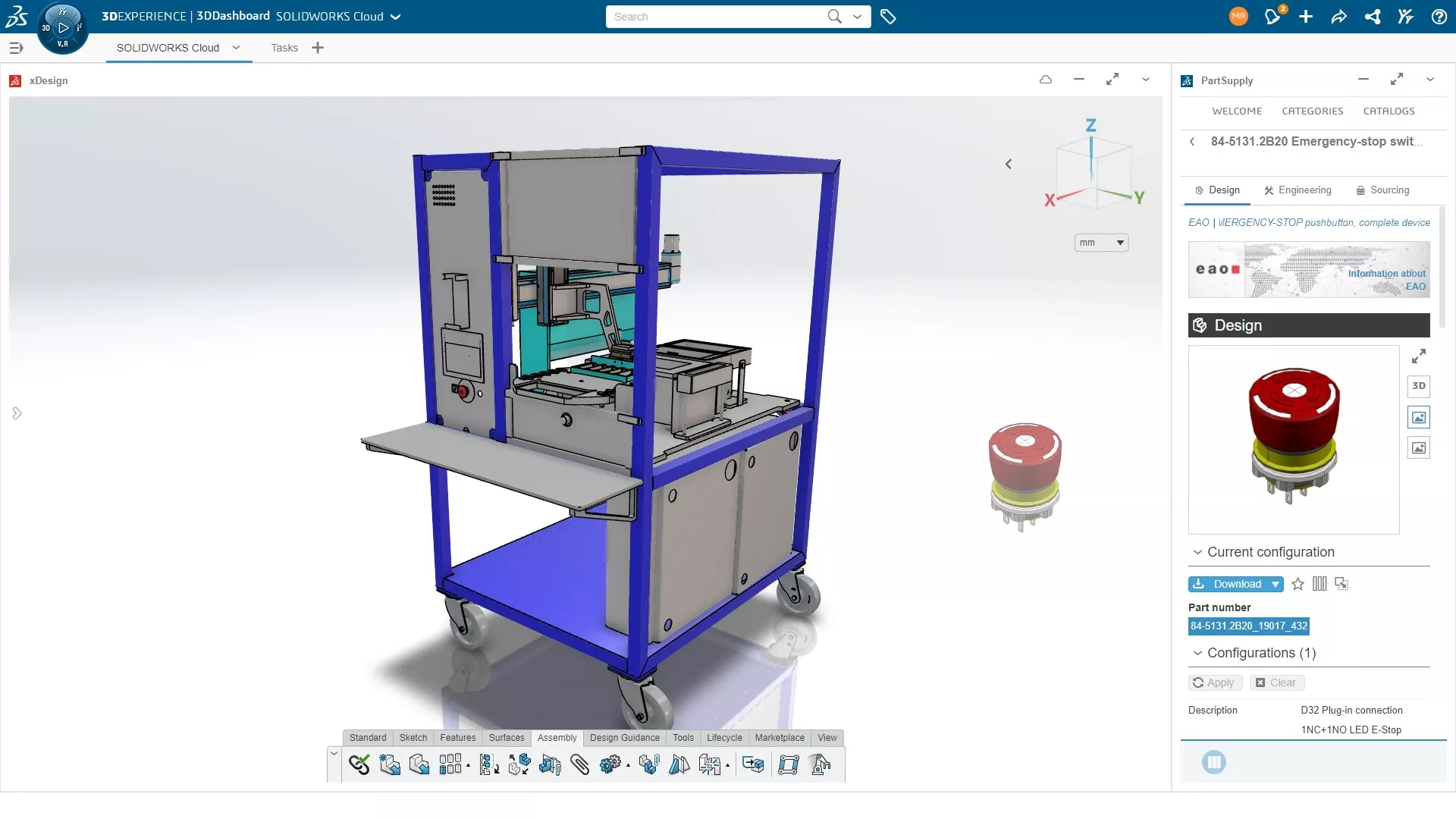
- xDesign's xDesign app allows you to create, evaluate, and collaborate in an easy-to-use, browser-based solution that meets all your parametric 3D design needs.
- Key Features:
- Parametric 3D solid and surface modeling, assembly modeling, and more
- Design Guidance inspires new designs based on real-world loads
- Design Assistant cuts repetitive tasks with artificial intelligence
- The patented “super features” allow change of design intent anytime
- Design for Manufacturability Checks to reduce time and cost of production
- Single modeling environment eliminates planning assembly structures
- A special “Touch Mode” for use on mobile and touch screen devices -

Advanced Surfacing
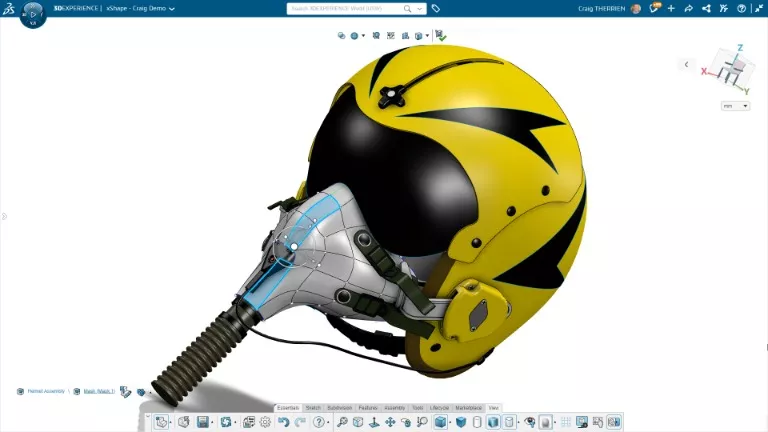
- xDesign's xShape app enables the fast and intuitive creation of organic, complex shapes.
- Key Features:
- Push and pull interaction to create complex surfaces quickly
- Sketch guides where images and sketches can be used to create 3D surface geometry
- Ability to automatically convert subdivision surfaces to NURBS geometry
- Creation of stylized models faster than with parametric tools
- Seamlessly switch between conceptual modeling and detailed modeling environments and eliminate the need for rework
- Native integration with all 3DEXPERIENCE tools, including 3D Creator for parametric design -
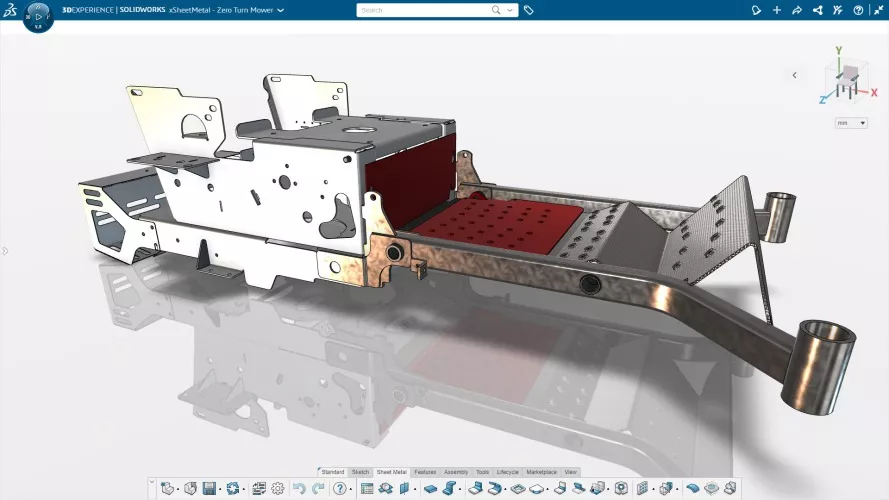

Sheet metal Design
- xDesign's xSheetMetal app streamlines the design of complex sheet metal components, assemblies, and enclosures.
- Key Features:
- Sheet metal-specific feature set and context toolbars such as walls, flanges and corner reliefs
- Create complex 3D sheet metal models for press brake manufacturing, and auto-generate 2D patterns that update instantly with the folded geometry
- Reference existing mechanical or electrical assemblies to model enclosures and easily insert off-the-shelf components into assemblies
- Intuitively convert features to components, and components to assemblies, making enclosure assembly design more flexible and efficient
- Forego the general-purpose CAD tool's assembly structure constraints and upfront planning required to create sheet metal designs -
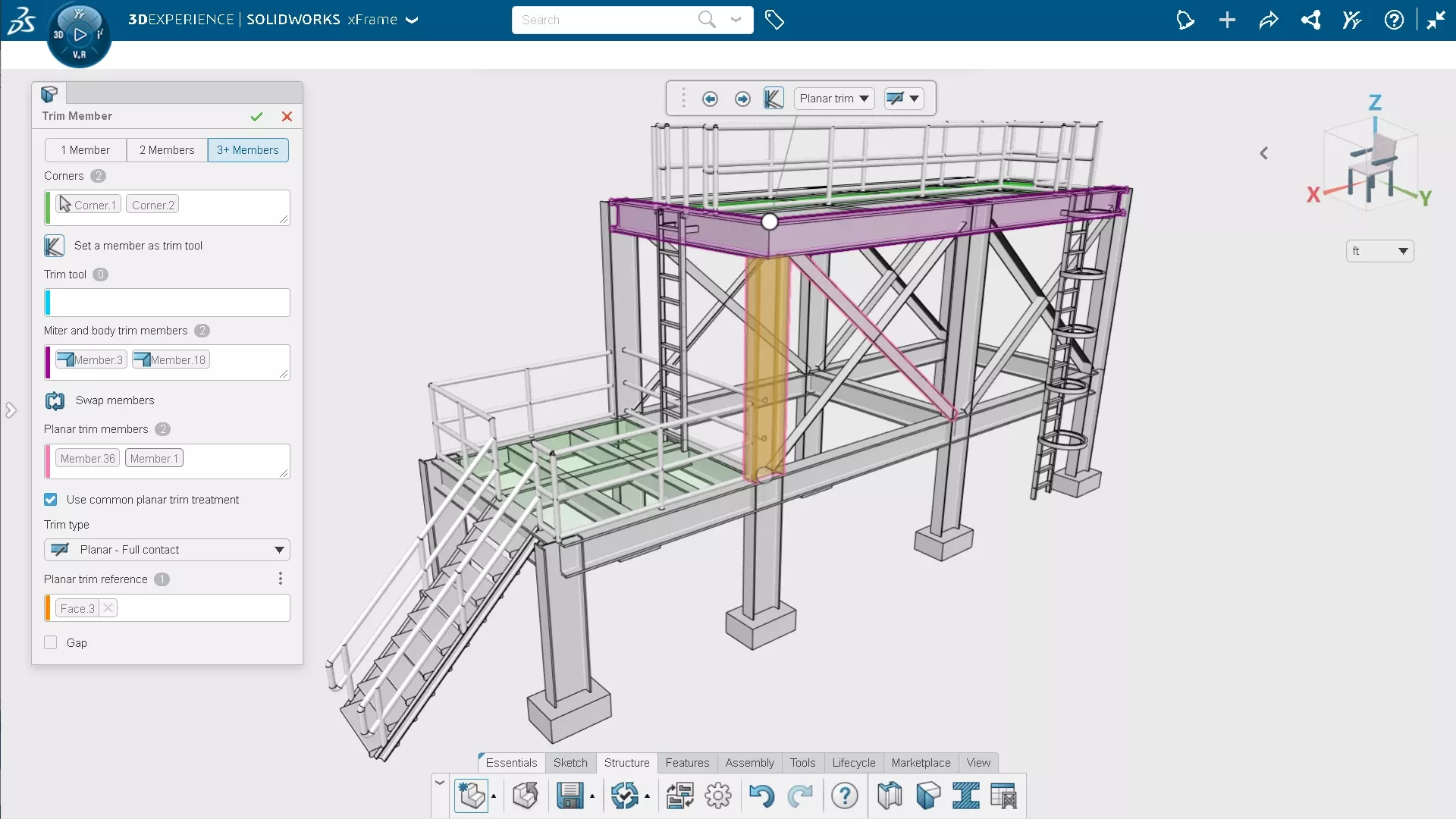

Weldments & Fabricated Structures
- xDesign's xFrame app provides a dedicated tool set for designing manufacturable structures.
- Key Features:
- Create structure members based on model edges, 2D sketch elements, or curves
- Choose profiles from a library of standard types and sizes
- Automatically trim members at endpoints and corners
- Automatically add gussets, end caps, and plates
- Automatically generate a cutlist based on the design to use for fabrication
- Add detail to structure designs by adding cutouts to structure members
- Increase productivity with streamlined structure design workflows and a dedicated design environment -


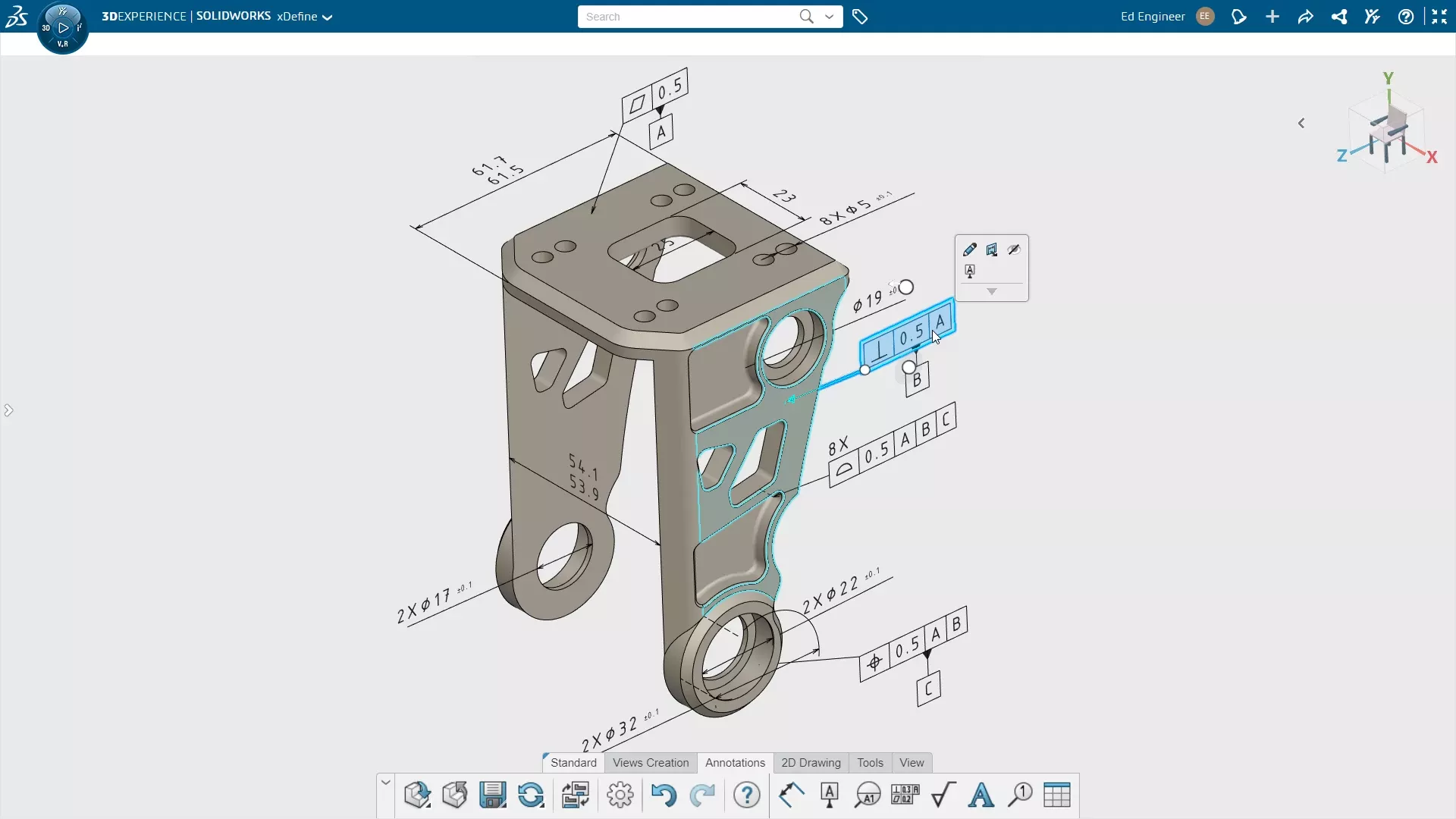

2D Drawings & 3D Model-Based Definition
- xDesign's xDefine app lets users define products in a more integrated and flexible way, but with the ease and familiarity of 2D drawings.
- Key Features:
- Define design requirements with annotations directly & intuitively on 3D models
- Organize and communicate definition with various orthogonal, axonometric, and custom views
- Eliminate rework & boost productivity by utilizing 3D annotations to create 2D drawings
- Eliminate costly errors and keep your definition in sync by seamlessly sharing annotations, dimensions, and tolerances between 2D & 3D
- Make changes with confidence
- Annotations, dimensions, and tolerances update automatically with model changes for both 3D & 2D definition -
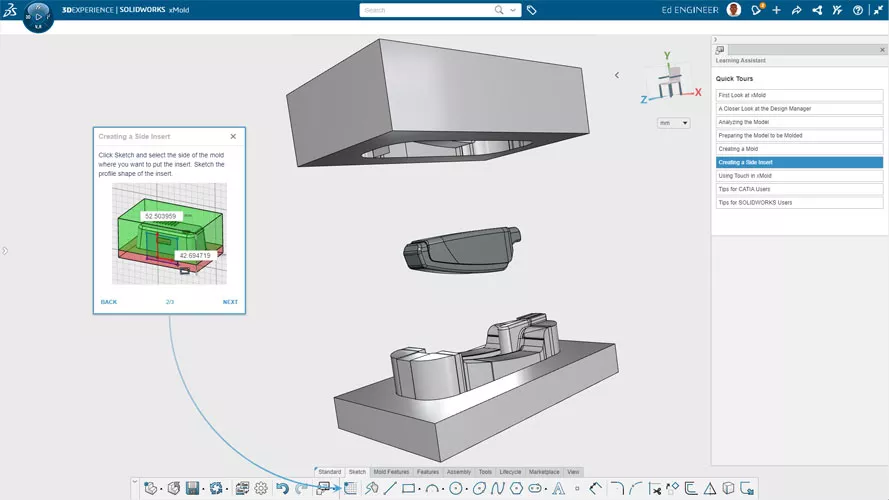

Mold Design
- xDesign's xMold app provides dedicated mold tooling design functionality that enables faster, automated, and more robust design.
- Key Features:
- Fully automatic and manual tools needed to create mold core, cavity and inserts geometry
- Check for draft and undercut issues and make model edits
- Compensate for plastic part shrinkage with part scaling
- Automatically determine and create the parting line
- Create inserts to handle undercut geometry
- Automatically create shutoff surfaces
- Automatically create parting surfaces
- Automatically split mold tooling into core, cavity, and inserts
- Mold geometry updates with design model changes -
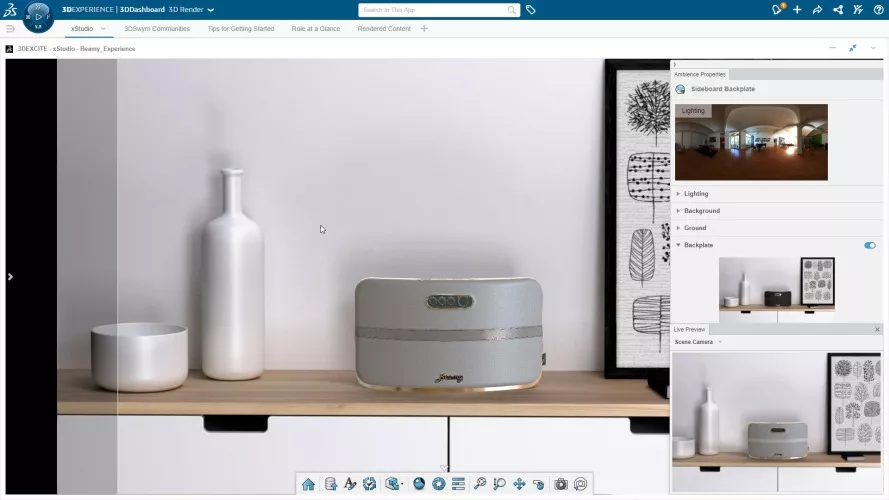

Photorealistic 3D Rendering
- xDesign's xStudio app brings photorealistic 3D rendering right into your web browser. Create product visualizations and marketing material on the cloud, without the need for expensive workstations with powerful GPUs.
- Key Features:
- A streamlined user experience enables anyone to create photorealistic product shots for validation and promotion.
- Experience stunning visual quality with a photorealistic preview, seamlessly integrated into your web browser
- A wide range of templates, from studio environments to outdoor scenes, featuring fully customizable area light sources
- Connect and continue working anytime, anywhere, with no client installation required
- Maximize creativity, minimize costs – Render smarter with our flexible Pay-Per-Use model -
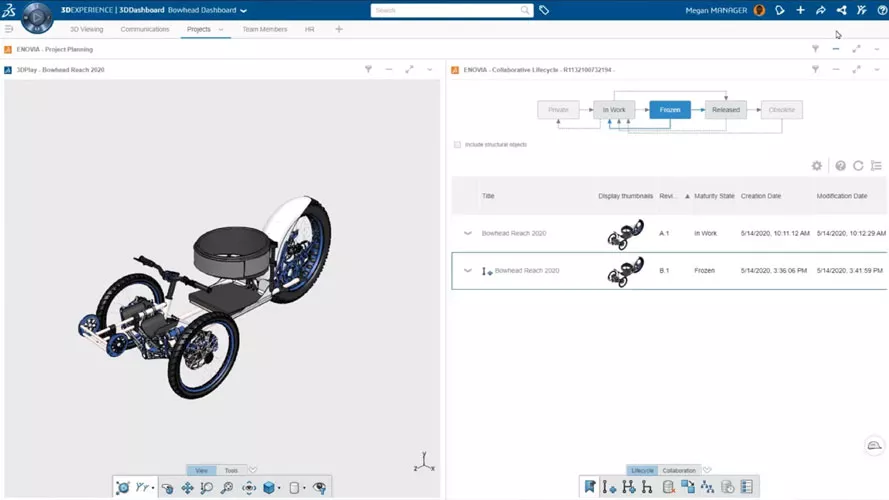

Cloud CAD & Data Management
- Collaborative Industry Innovator provides tools to manage & collaborate on multi-CAD data in real time with stakeholders in one environment on the cloud.
- Key Features:
- Securely store and share CAD data, from and to any device, with stakeholders at all levels
- Instantly visualize, explore, and mark up 3D CAD directly in the web browser
- Manage the creation, review, release, and obsolescence of design, simulation, and documentation data
- Use drag-and-drop Kanban dashboards to assign tasks, set priorities, and keep teams aligned
- Capture and resolve design issues faster with built-in tools tied to your 3D models
- Track and enforce design changes with integrated change management tools
- Work on all content securely from anywhere—no software installs or IT overhead required -
Frequently Asked Questions
SOLIDWORKS xDesign is a 100% browser-based CAD tool that runs entirely in the cloud, no installation required and runs on any device (including Macs and tablets). SOLIDWORKS Design (normally just called "SOLIDWORKS") is the classic, locally-installed Windows app that has been around since the 90s. While both share a similar interface, SOLIDWORKS xDesign is optimized for flexible, anywhere-access design, and SOLIDWORKS Design is preferred for massive assemblies and highly specialized detailing.
Yes. Because xDesign runs in a web browser (HTML5), it is platform-agnostic. It runs natively on macOS, iOS (iPad Pro), Android, and Chromebooks without the need for Boot Camp, Parallels, or high-end graphics cards.
No. SOLIDWORKS xDesign requires an active internet connection at all times to function, as it streams the geometry and saves directly to the cloud.
You can import native .SLDPRT and .SLDASM files directly into xDesign. To send files back to a SOLIDWORKS desktop user, you can export them as 3DXML, STEP, or IGES. Alternatively, you can grant them access to the data on your cloud PDM tenant, and through the 3DEXPERIENCE add-in in their SOLIDWORKS desktop app, they can load the parts and assemblies directly from the source.
In traditional CAD, changing a feature from an Extrude to a Revolve often requires deleting and recreating the feature. xDesign introduces Super Features, which allow you to swap feature types (e.g., change an Extrude to a Revolve or Sweep) on the fly without breaking downstream references or the design tree. This significantly speeds up conceptual design iterations.
Yes it does, because SOLIDWORKS xDesign is actually a bundle that includes several specialized CAD authoring cloud apps in addition to the general-use xDesign app. The other apps include xShape for complex organic shapes (push-pull sub-D modeling), xSheetMetal for sheet metal specialized bend tables and flat patterns for manufacturing, xFrame for weldment/structure design, and xMold for core/cavity mold design. The bundle also includes xStudio for photo realistic rendering and xDrawings for 2D drawings and model-based definition (MBD).
Data management is built-in, not an add-on. Because xDesign runs on the 3DEXPERIENCE Platform, every save is tracked. You can "Reserve" (lock) a file so no one else can overwrite your work while you are editing. When you are done, you "Unreserve" it. Revision history is automatically maintained in the background, allowing you to restore previous versions without needing a PDM admin.
All xDesign licenses include access to the MySolidWorks learning community and built-in "Welcome" tutorials inside the app. Additionally, GoEngineer provides specialized onboarding sessions and a vast library of YouTube tutorials specifically for the 3DEXPERIENCE platform apps.
More Design Tools For You
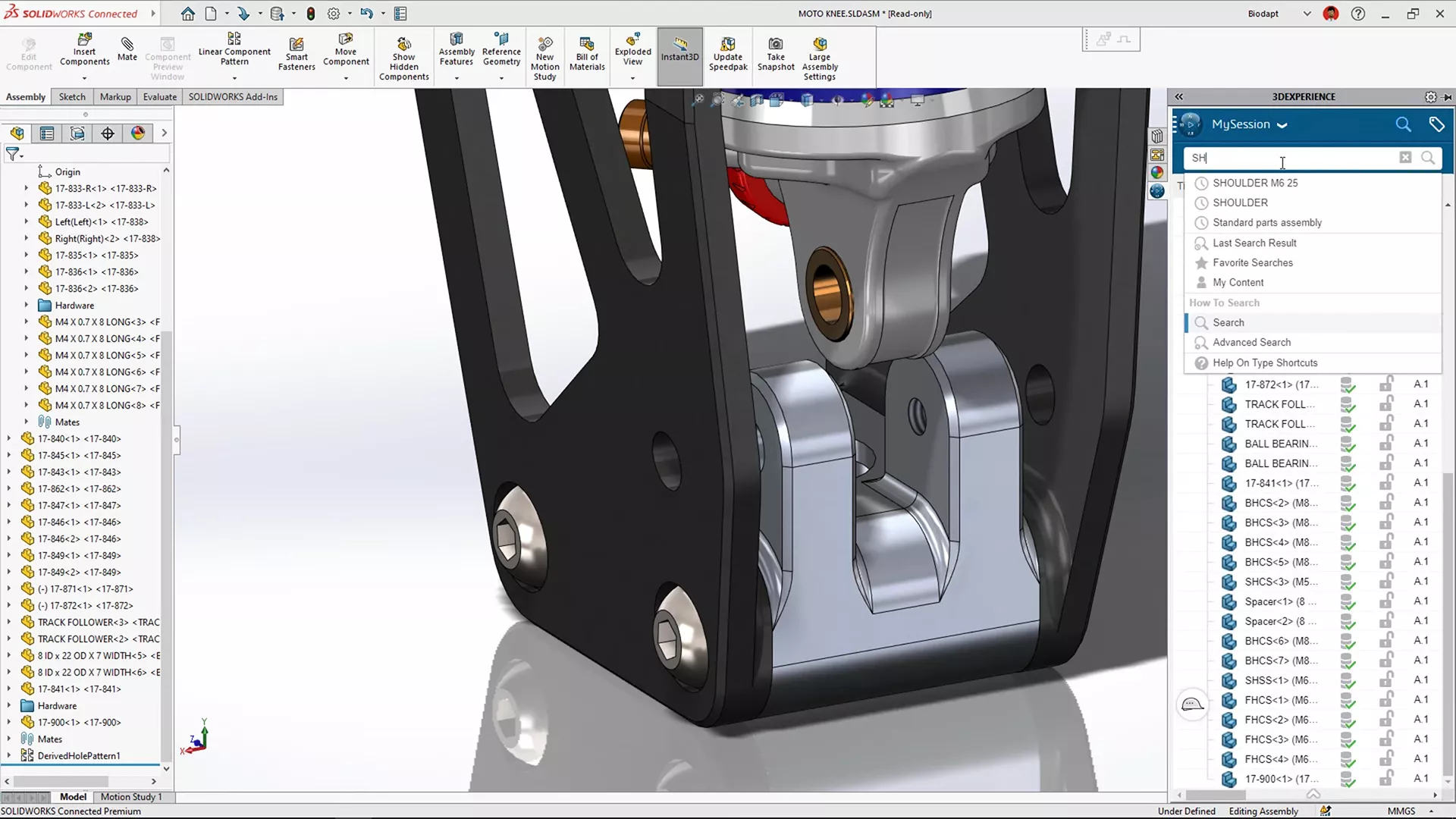
3DEXPERIENCE SOLIDWORKS
Desktop SOLIDWORKS with a cloud connection so you can work from anywhere, collaborate efficiently, and scale quickly.
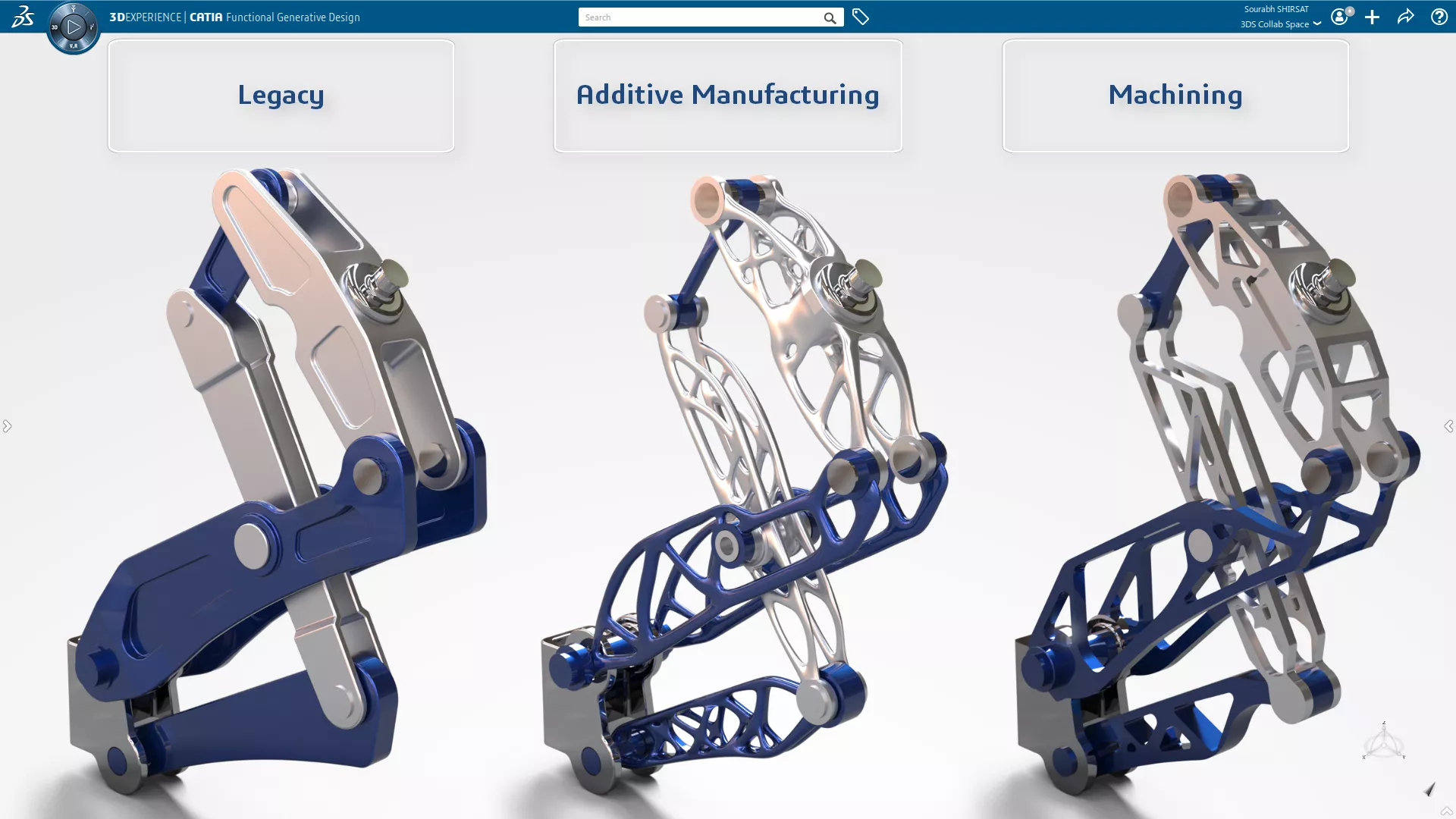
3DEXPERIENCE GENERATIVE DESIGN
Sophisticated, FEA- & CFD-driven design optimization in a CATIA CAD environment.
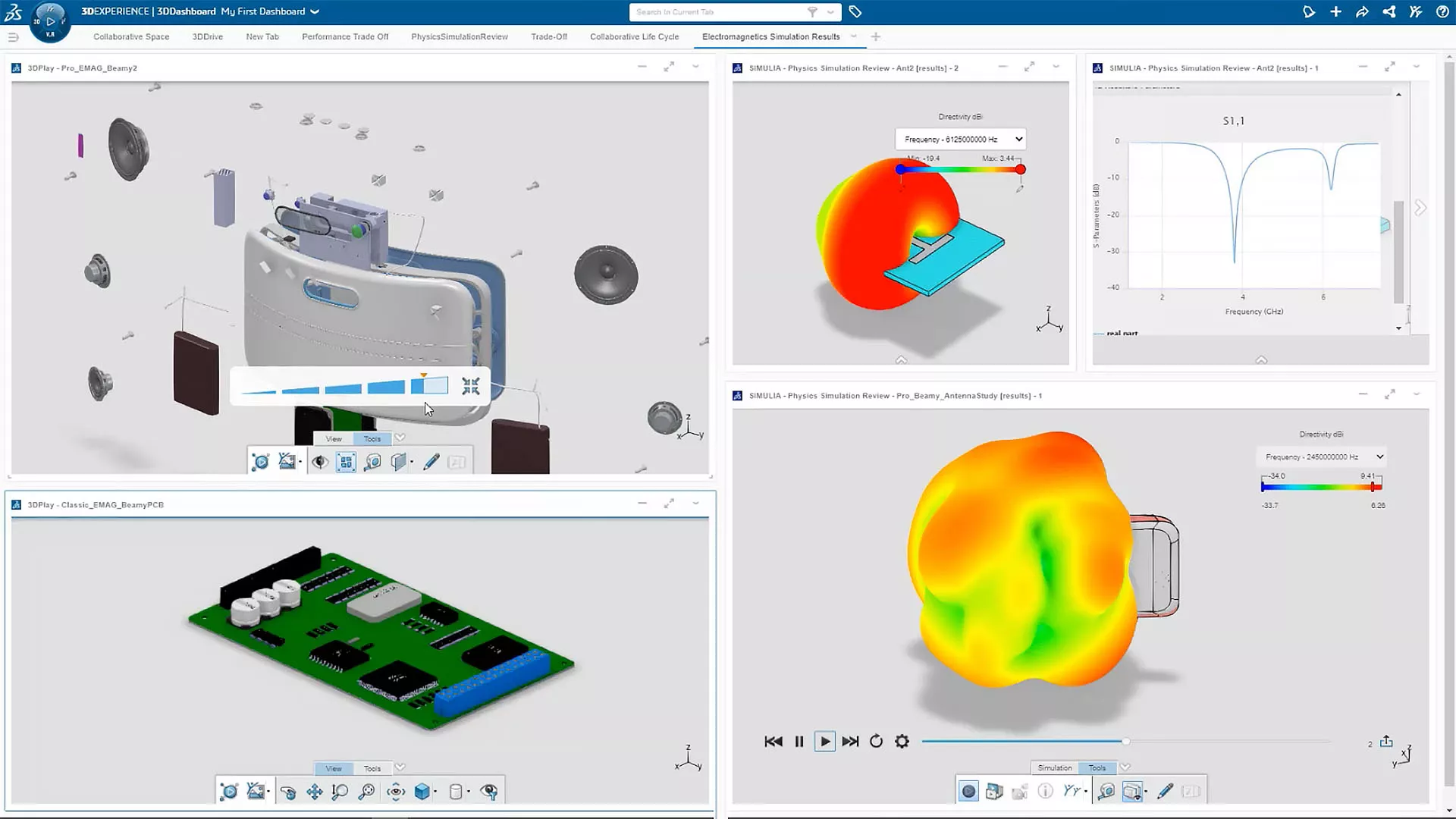
3DEXPERIENCE SIMULATION
Cutting-edge engineering simulation and virtual prototyping made accessible and affordable.
Additional Resources
Take Advantage of GoEngineer’s Extensive Knowledge Base and Resources

Find a Solution
Our robust Knowledge Base contains over 12,000 resources to help answer your product design questions. From basic CAD questions to in-depth guides and tutorials, find your solution here. Find a Solution

PROFESSIONAL TRAINING
Improve your skills with professional training and certifications in SOLIDWORKS, CAM, 3D Printing, and 3D Scanning offered four ways: self-paced, online, on-site, or in-classroom. Certified Training Courses

BLOG
#1 Technical Resource Worldwide - Right at your fingertips. Search or browse through hundreds of SOLIDWORKS tips & tricks, additive manufacturing product developments, announcements, how-to guides, and tutorials. Blog

YouTube Channel
Our YouTube channel hosts hundreds of educational tutorials, product demonstrations, recorded webinars, and best practices for all of our products and services. GoEngineer's YouTube Channel
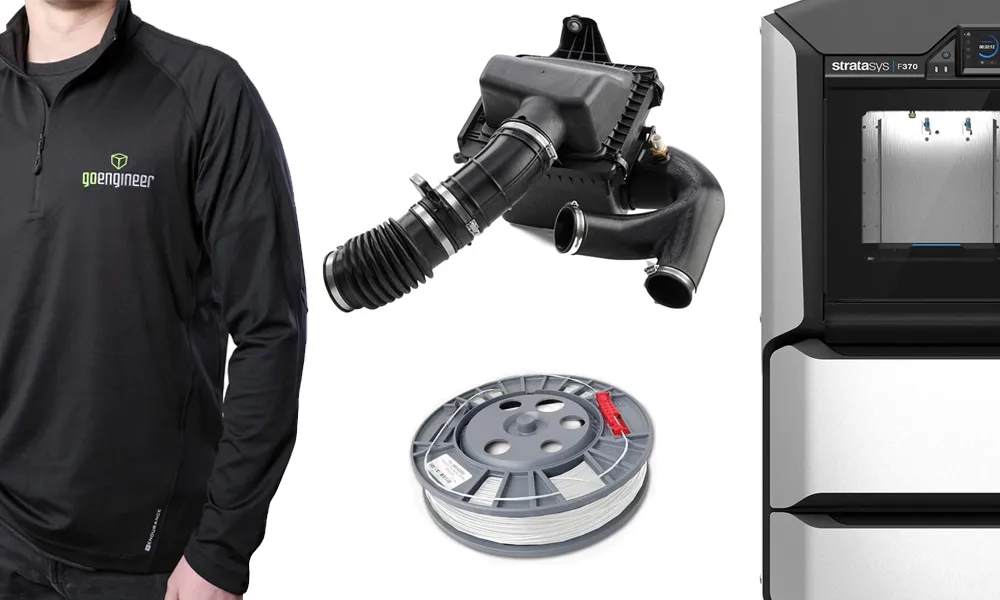
ONLINE STORE
Order 3D printing materials and consumables, enroll in SOLIDWORKS training classes, and buy official GoEngineer gear directly from our online store. Online Store
WEBINARS
Our engineering webinars are hosted by some of the top experts in the industry. They are always recorded, always free, and always offer a live Q&A. WEBINARS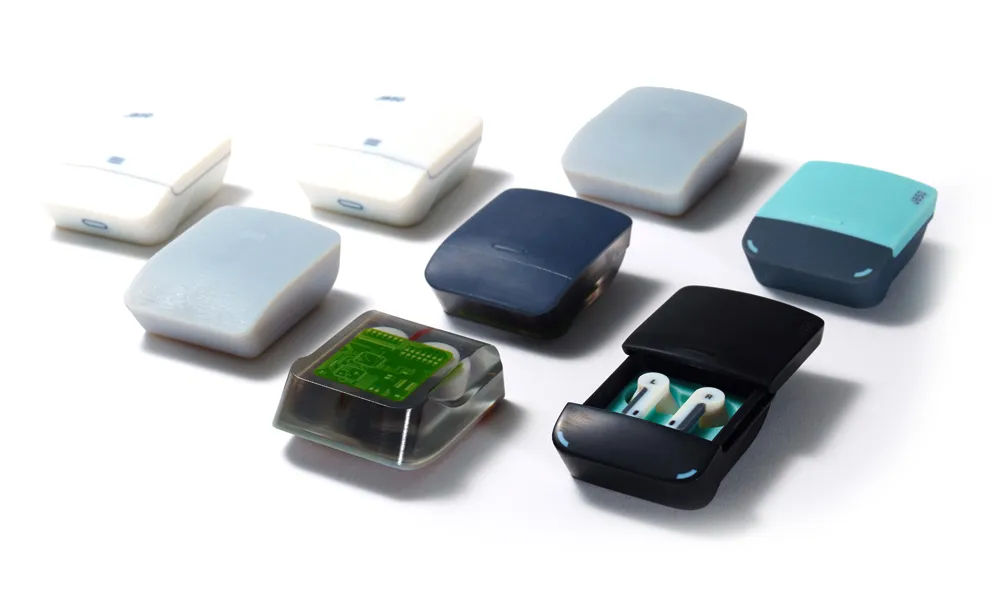
3D Printing Services
Need to 3D print a part? Our Additive Manufacturing experts will 3D print your part and deliver it to you using the latest technology on one of our professional FDM, PolyJet and SL 3D printers. 3D Printing Services