3DEXPERIENCE ROBOTICS
A virtual workplace to program, simulate, and validate industrial robots

Empowering Robot Programmers
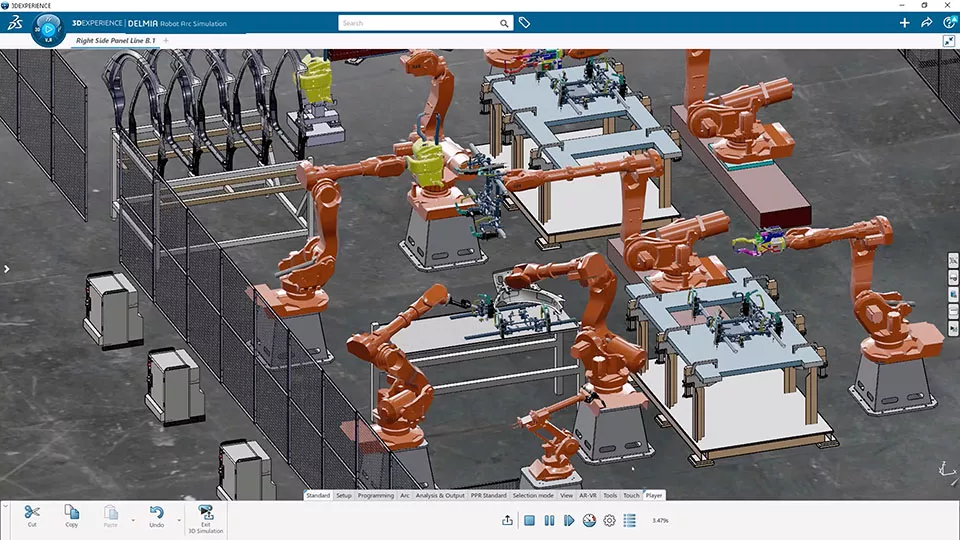
3DEXPERIENCE ROBOTICS is a scalable, comprehensive, and robust array of software tools designed to empower robot programmers. This innovative platform simplifies the entire manufacturing engineering process, offering features for layout, simulation, validation, calibration, and offline robot programming, all seamlessly integrated with the 3DEXPERIENCE Platform.
With 3DEXPERIENCE ROBOTICS, achieve offline robot programming without disrupting production, ensuring precise virtual validation through digital twin technology. This not only saves valuable time and reduces costs but instills confidence in your systems' performance. Say goodbye to extended production downtimes and the error-prone process of manual robot programming as you embrace a safer and more efficient approach to robotics for manufacturing.
3DEXPERIENCE ROBOTICS is part of the DELMIA manufacturing software portfolio.
HIGHLIGHTS
One Solution Streamlines Process Engineering
3D EXPERIENCE ROBOTICS cover all aspects of layout, simulation, and programming. As a comprehensive robot programming tool encompassing dozens of manufacturing processes and robot brands, it reduces license costs, training requirements, process fragmentation, and other associated overhead.
The regularly-updated robot library contains over two thousand 3D robot models from 25 robot vendors, with fully-defined kinematics.
Perfectly complements 3DEXPERIENCE NC PROGRAMMING and ADDITIVE MANUFACTURING solutions.
A Better Way to Program Robots
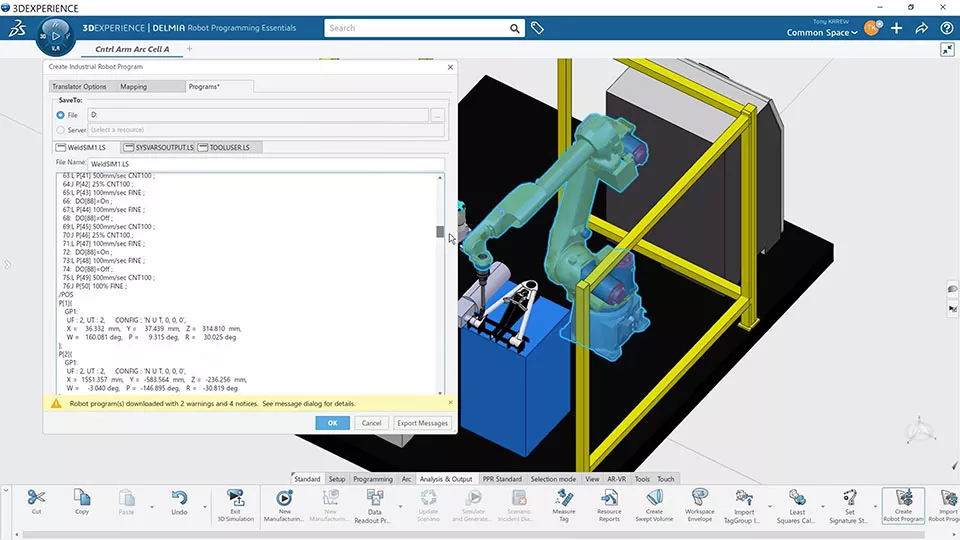
3DEXPERIENCE ROBOTICS delivers accurate, validated programs to the shop floor without interrupting production.
- Offline programming in a 3D virtual factory environment with calibration tools to align virtual and physical workcells
- Offline robot translators and controllers for production logic & I/O
- Open architecture to write or customize translators using VB.NET
- Control over robot position, motion, attributes, and multi-robot coordination
- Welding, adhesives, cutting, machine tending, pick & place, drilling & riveting, and more
- Kinematics for end effectors, clamps, and fixtures
- Workcell and plant layout
- Program import/export and customization
Optimize Efficiency & Risk with Simulation
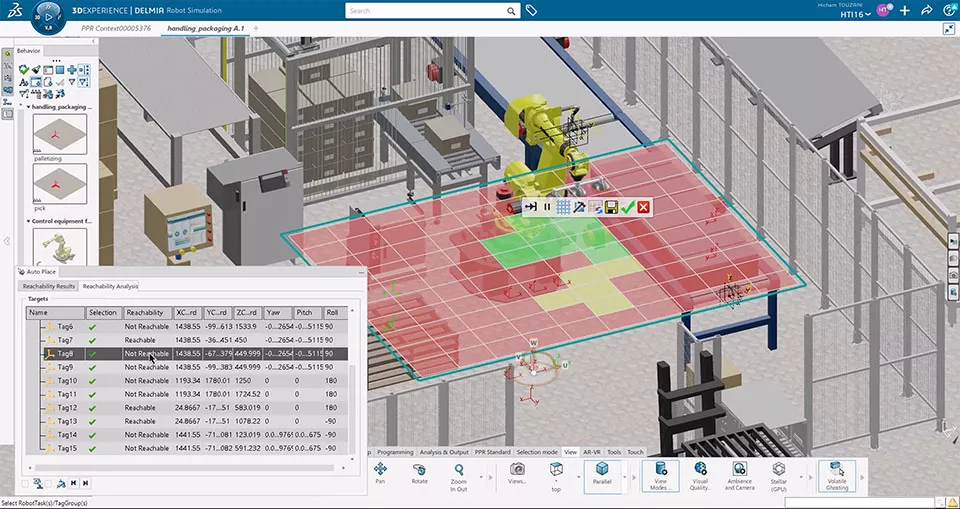
Getting it right the first time saves potentially enormous amounts of time and money. For this reason, 3DEXPERIENCE ROBOTICS provides process simulation prior to any real-world commitment.
- Detect collisions virtually and fix them before they happen
- Analyze cycle time by simulating the entire production process
- Evaluate robot tasks, with motion, in the full manufacturing context
- Account for the actual production environment, accounting for machines, tools, and robot guns
- Test scenarios for cost, floor space, and other factors
- Visualize the entire space and process before any physical build
Design & Manufacturing in Tandem
Shared product data on the 3DEXPERIENCE Platform enables design and manufacturing to optimize their output concurrently and collaboratively, in real-time.
- Single-click program updates after design changes
- Quickly reveal manufacturing issues and understand downstream impact of such changes
- Conduct feasibility and optimization studies on robot tasks
- Accelerate timelines by working concurrently and identifying potential problems before they're locked in
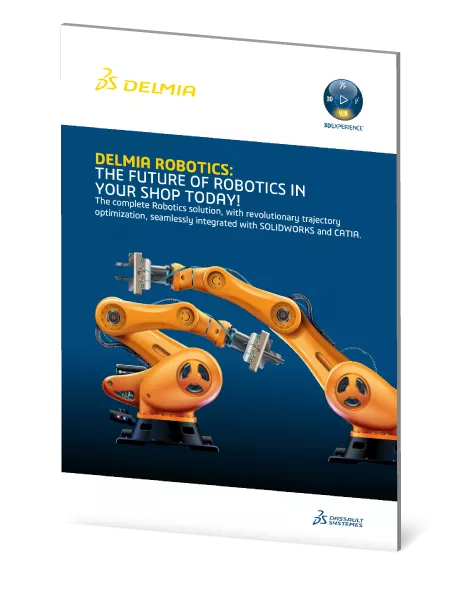
The Future of Robotics in Your Shop – Get the Guide
DELMIA Robotics helps manufacturers program, simulate, and optimize robotic systems in a virtual environment before production begins. With built-in robot libraries, automatic trajectory optimization, and seamless integration with SOLIDWORKS and CATIA, it simplifies complex automation tasks and reduces downtime.
This guide explains how DELMIA Robotics improves efficiency, minimizes errors, and speeds up production. Learn how virtual commissioning and real-time simulation can help you get the most out of your robotic systems. Download now to get started.
3DEXPERIENCE PLM Express Manufacturing Bundles
Robotics
-
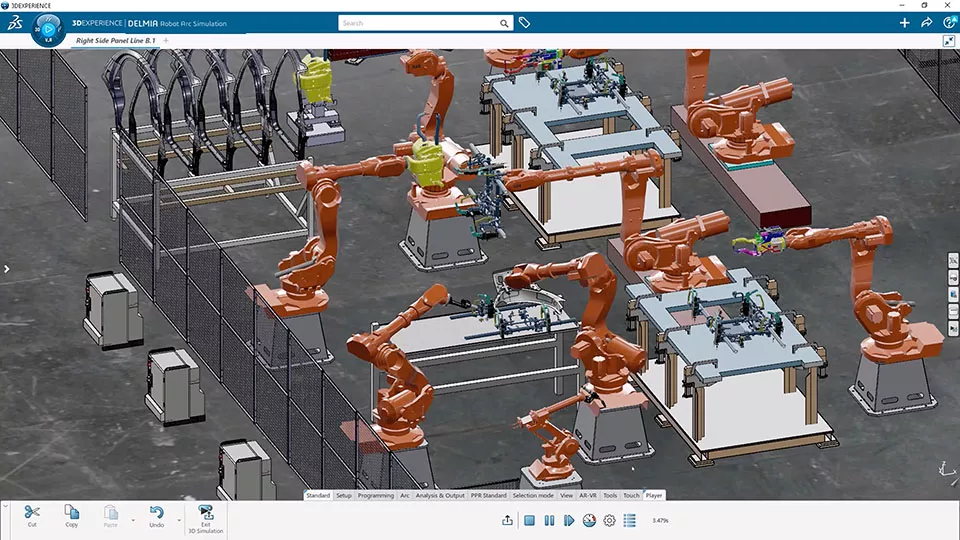
Combines offline robot material handling with advanced workcell simulation to program, validate, and optimize cycle times in a virtual environment before physical deployment.
-
- Program and validate material handling offline without line downtime
- Includes 2,500+ industrial robot models with 1D/2D/3D sensor logic
- Test reachability, collisions, and cycle times on a virtual twin
- Optimize cycle times vs. energy use to lower capital spend -
$578 /Month (billed annually)
15 Day Money Back Guarantee
3DEXPERIENCE ROBOTICS Products
-

Robot Programmer
- A single, cost-effective solution for layout, simulation, and offline programming of robot workcells as part of an end-to-end design-to-manufacturing process.
- Key Features:
- Best for arc welding, adhesives, cutting, machine tending, and pick & place applications
- Kinematics for end effectors, clamps, and fixtures
- Robot library covering thousands of robots from leading manufacturers
- Offline programming and calibration in native robot language
- Translation including production logic and I/O
- Customize or write your own translator using VB.NET - Typically used by:
- Robot machine programmer
- Manufacturing engineer/manager
- Production manager
- Engineering manager -
-
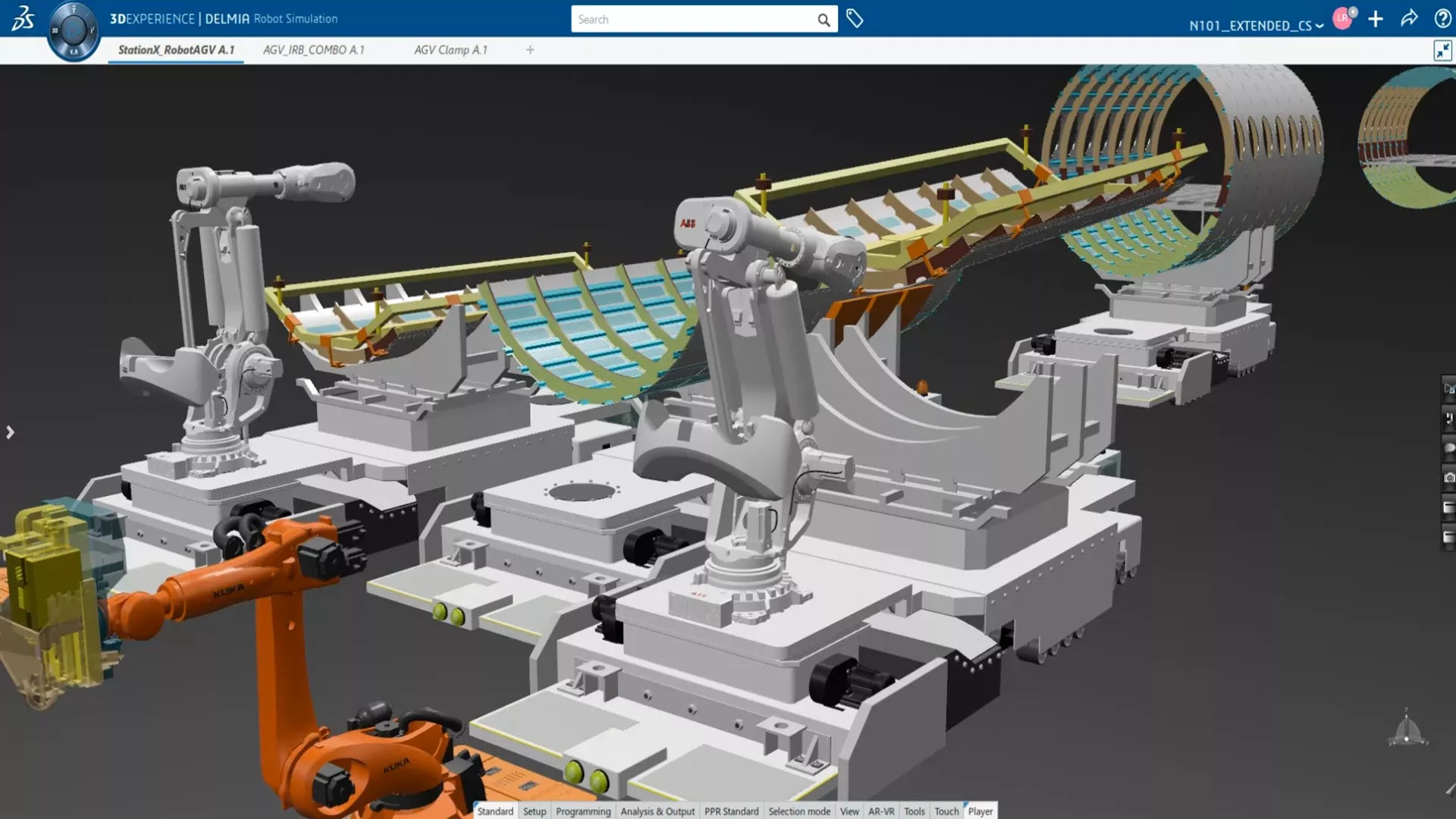

Assembly Robot Programmer
- Build, simulate, validate, and program robot assembly systems (particularly spot welding and drilling & riveting) in an interactive 3D environment.
- Key Features:
- Accurate, production-ready robot programming in native controller language
- Programmable I/O between robots and other devices
- Robot program import/export/customization
- Coordinated multi-robot simulation
- RRS-I protocol for increased simulation accuracy
- High-volume drilling & riveting simulation
- Riveting operation & patterning profiles
- Easy-to-use teach-pendant interface
- Easy and intuitive welding scenario analysis
- Automatically generated robot tasks with motions, motion attributes, and spot operations
- Automatic distribution of welds according to robot proximity
- Automatic robot path updates to accommodate design changes - Typically used by:
- Robot machine programmer
- Manufacturing engineer/manager
- Production manager
- Engineering manager -
-
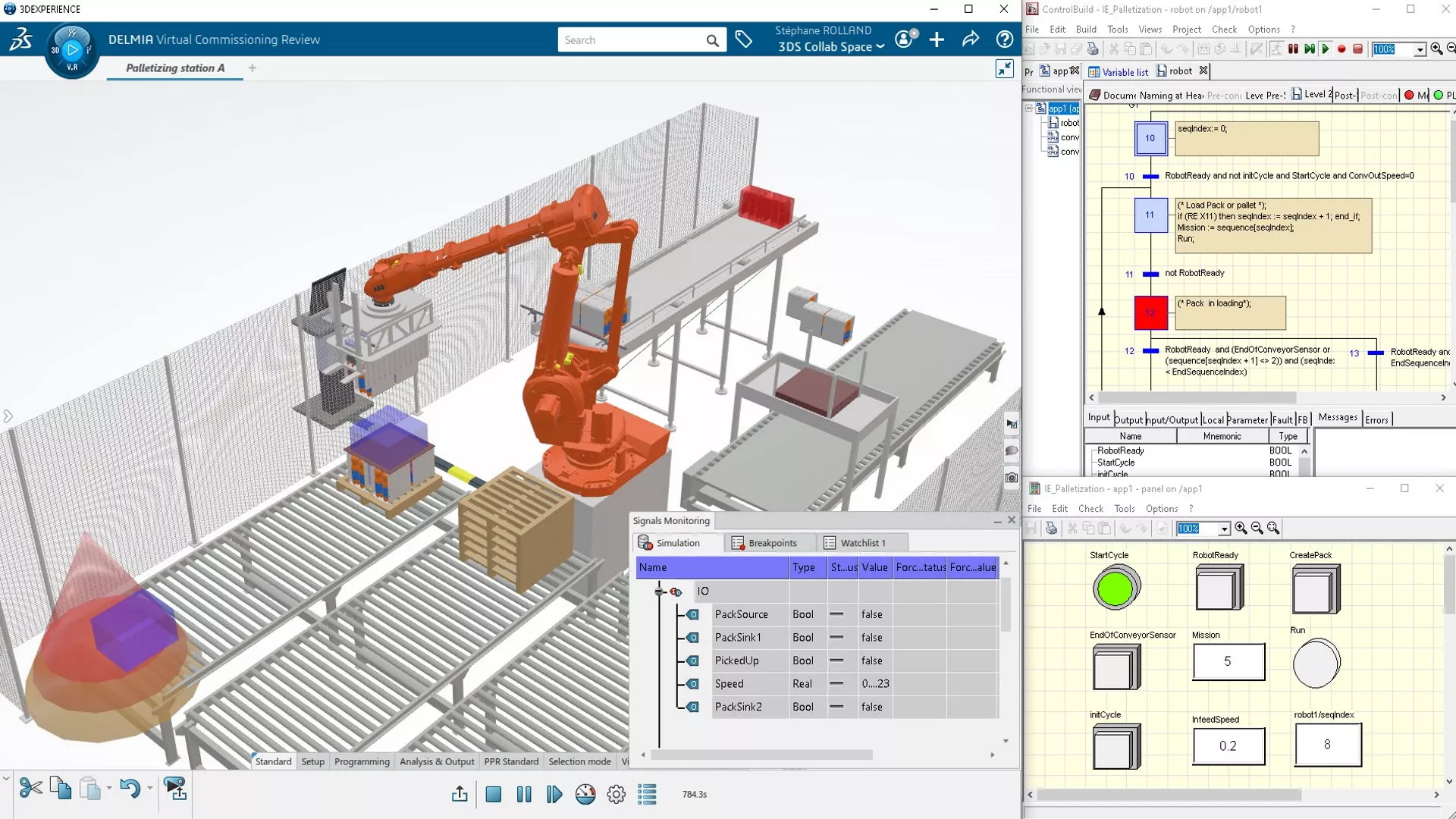

Robotics Virtual Commissioning Analyst
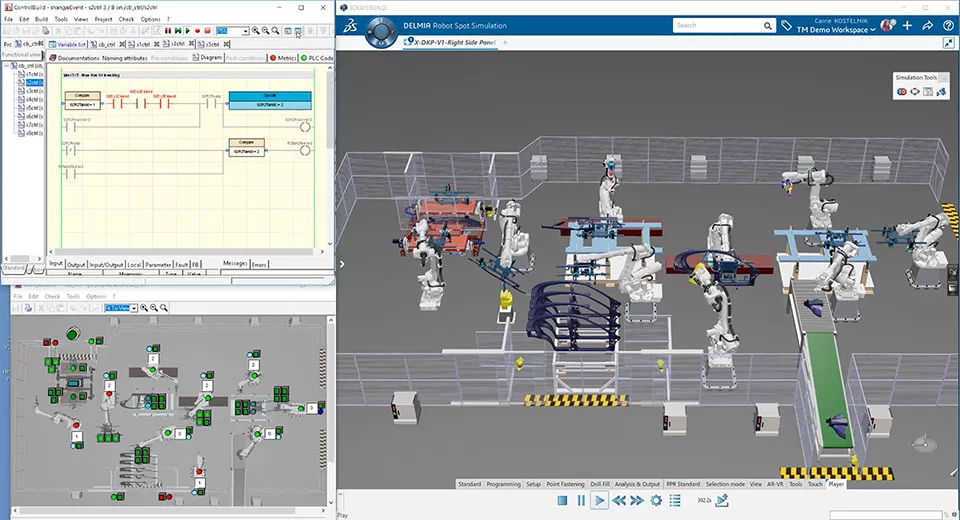
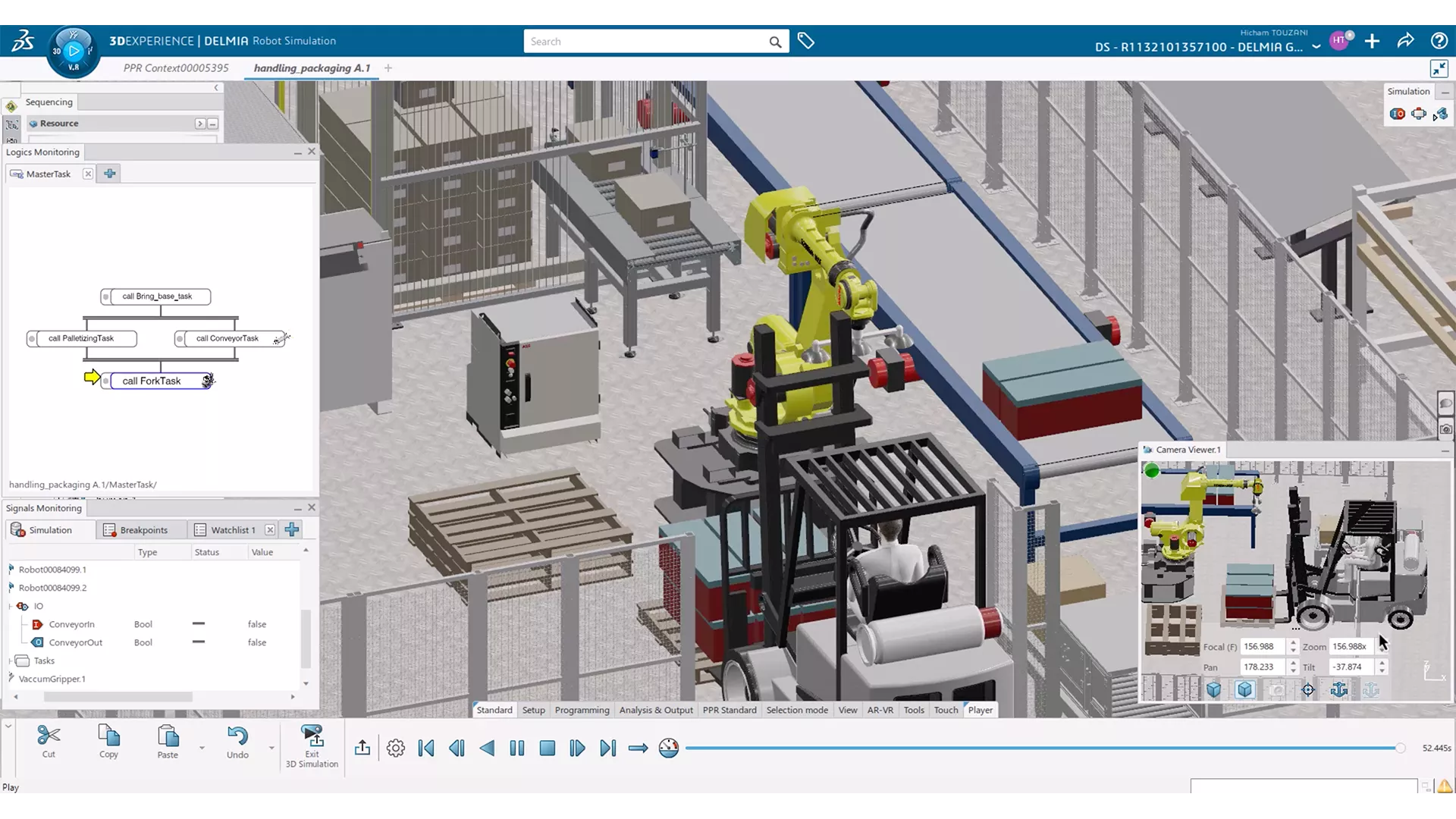
- Validate the PLC program of robots, equipment, and sensors in a simulated virtual factory environment.
- Key Features:
- Create sensors, generate and transform parts for multicycle scenarios
- Enable virtual validation and correction of the PLC program to accelerate the start of production
- Reduce costly downtime by leveraging the virtual twin to train operators and maintenance workers
- Forecast workcell cycle time by connecting the virtual robot to the RRS II standard or any proprietary virtual robot controller server - Typically used by:
- Robot machine programmer
- Manufacturing engineer/manager
- Production manager
- Engineering manager -
-
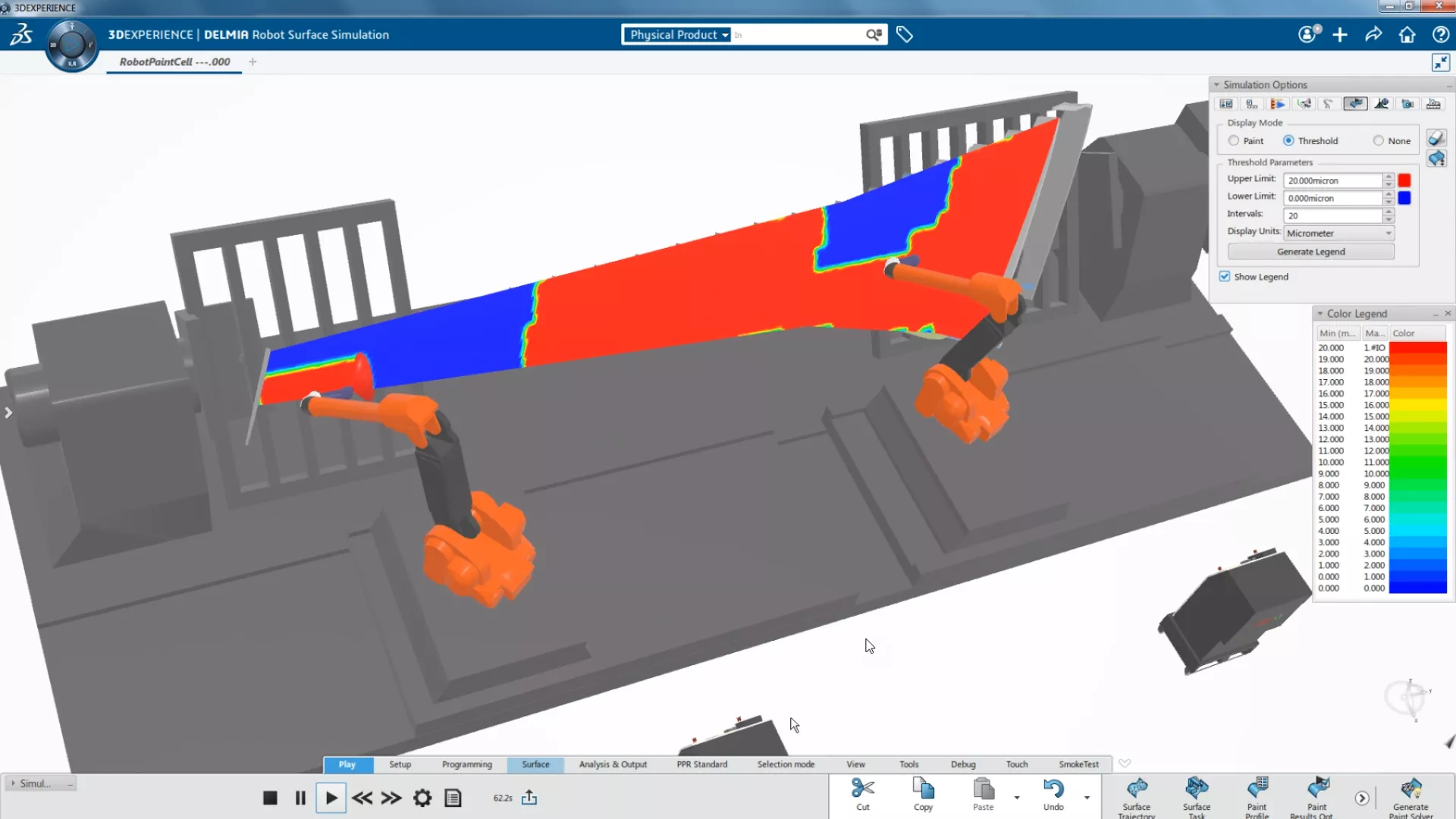

Surface Robot Programmer
- Create, program, and validate robot workcells for finishing systems in an interactive 3D virtual factory, ensuring accuracy and efficiency in surface processes.
- Key Features:
- Optimize motion in the painting and shot peening processes
- Reduce waste in coating and surface treatment processes
- Save and re-use programming styles
- Support for part positioners and spindles
- Support for advanced logic and I/O in the simulation
- Robot simulation "on-the-go" (offline mode)
- Alignment of 3D virtual workcells with physical workcells - Typically used by:
- Manufacturing engineer/manager
- Robot programmer
- Robot simulation engineer -
-
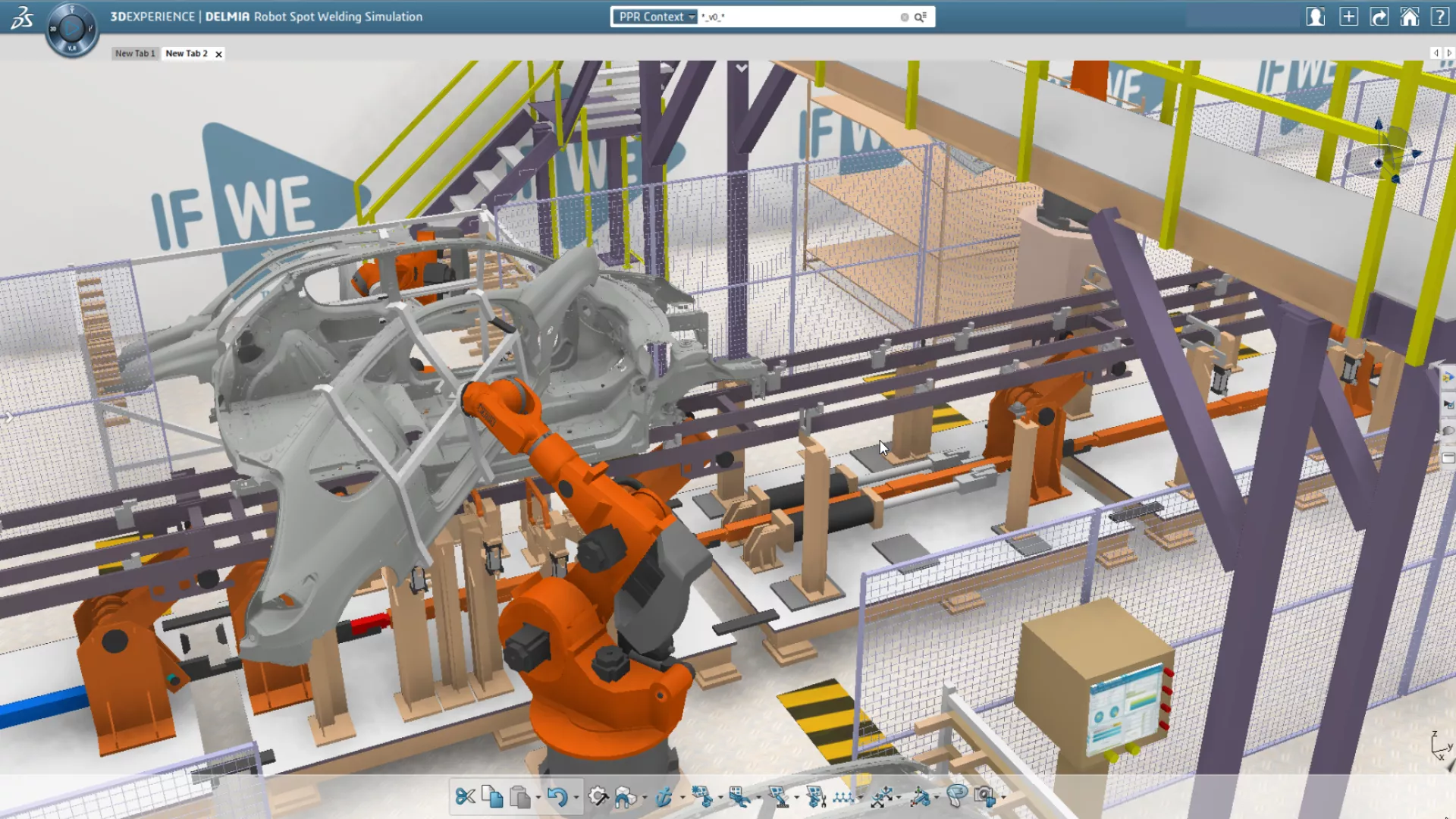

Robotic Workcell Simulation Engineer
- Design and validate complete robotic handle systems to ensure workcell feasibility before procuring expensive equipment.
- Key Features:
- Complete workcell validation
- Advanced logic and I/O support in the simulation
- Realistic Robot Simulation (RRS-I) for increased simulation accuracy
- Create, validate, and reuse mechanisms with automated support
- Calculate interference zones
- Fast and easy robot placement
- Robot simulation "on-the-go" (offline mode)
- Create 3D parts or assemblies - Typically used by:
- Engineering manager
- Production manager
- Manufacturing engineer/manager
- Machine programmer -
3DEXPERIENCE ROBOTICS Case Study
Metalworks: Improving Robotic Manufacturing Efficiency & Resource Utilization
Faced with the costly downtime of traditional programming, Metalworks, a leading precision metal parts manufacturer, integrated the 3DEXPERIENCE Robot Programmer software alongside their existing SOLIDWORKS and CAM solutions. This strategic shift enabled them to transition to remote, offline programming for a fleet of 27 robots across multiple facilities. As a result, they achieved:
- Maximized Uptime: Completely eliminated the need to take robots offline for programming.
- Increased Throughput: Significantly reduced downtime in critical welding and forming operations.
- Enhanced Agility: Gained the ability to seamlessly switch between multiple programs daily and prepare complex jobs in advance.
- Optimized Resources: Maximized the efficiency and output of both their human workforce and robotic assets.
Download the case study below to learn how embracing cloud-connected manufacturing can help you modernize, scale, and sharpen your competitive edge.
Frequently Asked Questions
Standard robot teaching requires you to stop production, using a physical teach pendant to program points manually. 3DEXPERIENCE Robotics (DELMIA) allows you to program, simulate, and validate the robot in a virtual environment (offline programming) while the physical robot keeps working. This eliminates machine downtime, reduces programming time between 20-40%, and improves safety by validating movements before real-world installation & execution.
Yes. While 3DEXPERIENCE has a seamless, native integration with SOLIDWORKS, it is a multi-CAD environment. You can import and simulate geometry from Autodesk Inventor, PTC Creo, CATIA, and neutral formats like STEP or IGES. The 3DEXPERIENCE Platform acts as a central hub, allowing you to create, simulate, and validate robotic cells regardless of where the original CAD data was authored.
Virtual Commissioning allows you to debug and validate the logic of your robotic cell (PLCs, sensors, and HMI) in a digital twin before any hardware is installed. This typically reduces on-site commissioning time by 50-75%, as most errors are caught digitally. It prevents expensive hardware collisions, reduces travel costs for integrators, and ensures the line runs at full capacity from Day 1.
The 3DEXPERIENCE Robotics solutions include an extensive, regularly-updated library of over 2,000 industrial and collaborative robots from 20+ major manufacturers, including Fanuc, ABB, KUKA, Yaskawa, Universal Robots, Omron, and many others. If a specific niche model is missing, users can define their own forward and inverse kinematic behaviour.
Yes. 3DEXPERIENCE supports the definition and simulation of flexible cable dress packs (dress-out) behavior, including specialized tools to simulate cable deformations to ensure they do not snag or violate safety zones during operation.
Yes. 3DEXPERIENCE Robotics includes the translators (i.e. post processors) that support bi-directional exchange (upload and download) of production-ready Native Robot Language (NRL) code for 20+ major robot OEM brands. (e.g. Fanuc, RAPID for ABB, KRL for KUKA). Users can upload/download (import/export) Native Robot Language (NRL) programs directly between the physical robot controller (or virtual robot workcell) with minimal manual touch-up.
It can be either. The vast majority of 3DEXPERIENCE customers use the public cloud (just like with Microsoft 365 or any other cloud SaaS). This eliminates the need for expensive high-performance servers and simplifies version updates, while adhering to ISO 27001 standards, ensuring IP protection that often exceeds typical on-premise server security. For defense or highly regulated industries requiring air-gapped environments (ex. ITAR or CUI), the on-premise deployment of 3DEXPERIENCE is required.
The programmer would need a 3DEXPERIENCE Robotics license, while the designers would not. The designers would be able to view simulation recordings in a 3DEXPERIENCE 3D web viewer and provide feedback for a given robotics workcell.
Yes. CATIA ControlBuild is the application used to communicate with PLC logic (OPC UA being one of the supported communciation protocols). Integration with legacy hardware varies significantly based on communication protocols (OPC UA vs. proprietary legacy drivers) and the specific architecture of your brownfield facility. Contact our engineering team for a feasibility assessment of your specific legacy hardware.
Yes. 3DEXPERIENCE Robotics supports the configuration and simulation of multi-robot co-ordinated motions. Speak with a GoEngineer simulation expert to see a proof-of-concept for your specific multi-arm setup.
Yes. While 3DEXPERIENCE Robotics focuses on articulated arms and programming AMG/AMR with explicit instructions, the 3DEXPERIENCE Platform has separate, advanced roles for factory flow and AGV fleet management. Integrating these two simulations to check for traffic bottlenecks vs. robot reach zones is possible but requires a multi-product workflow. Speak with a GoEngineer simulation expert to see a proof-of-concept for your specific multi-arm setup.
More Connected Manufacturing Solutions
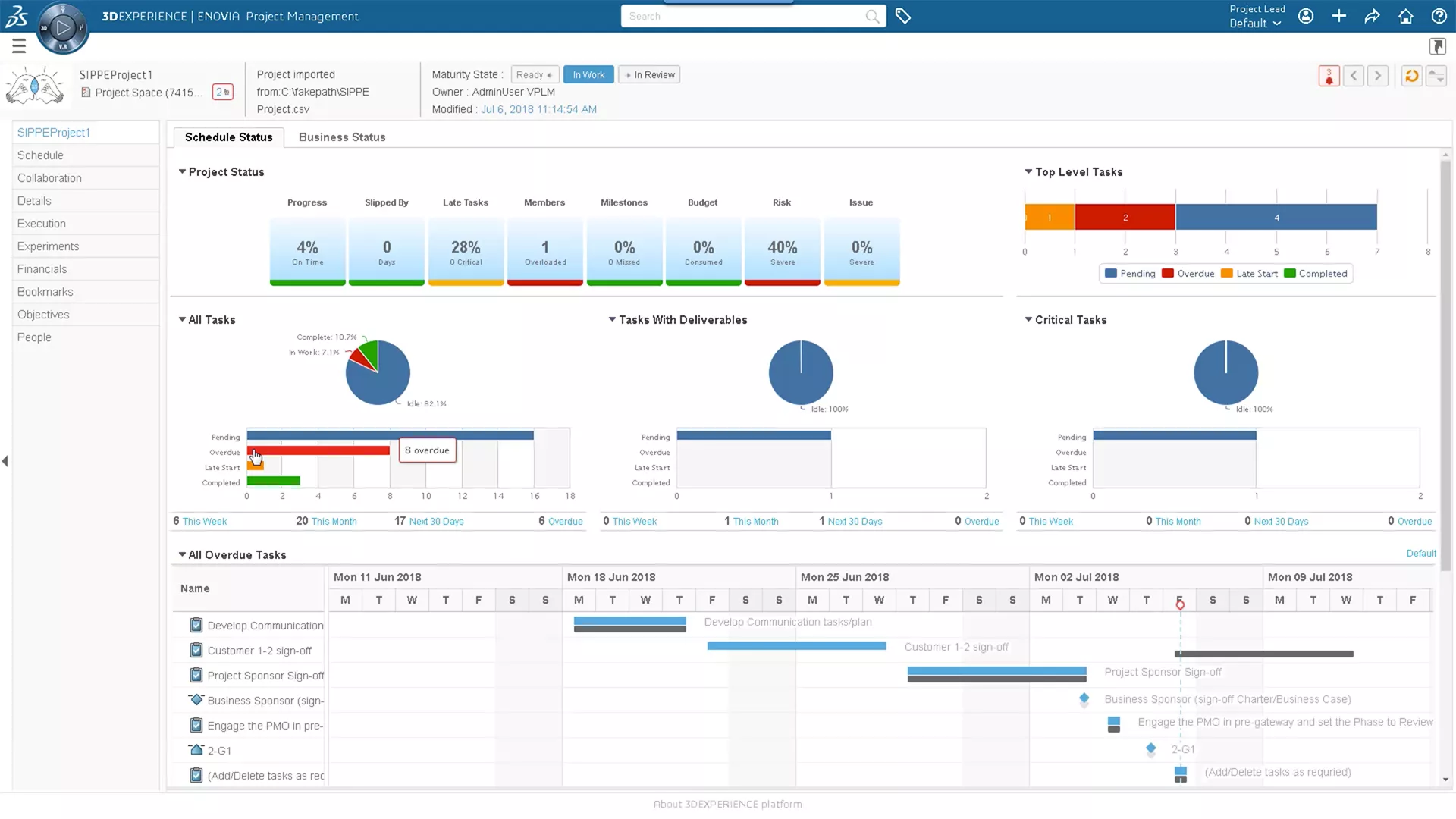
3DEXPERIENCE CLOUD PLM
Plan your definition of success with web-based cloud PLM tools that fully integrate design data.
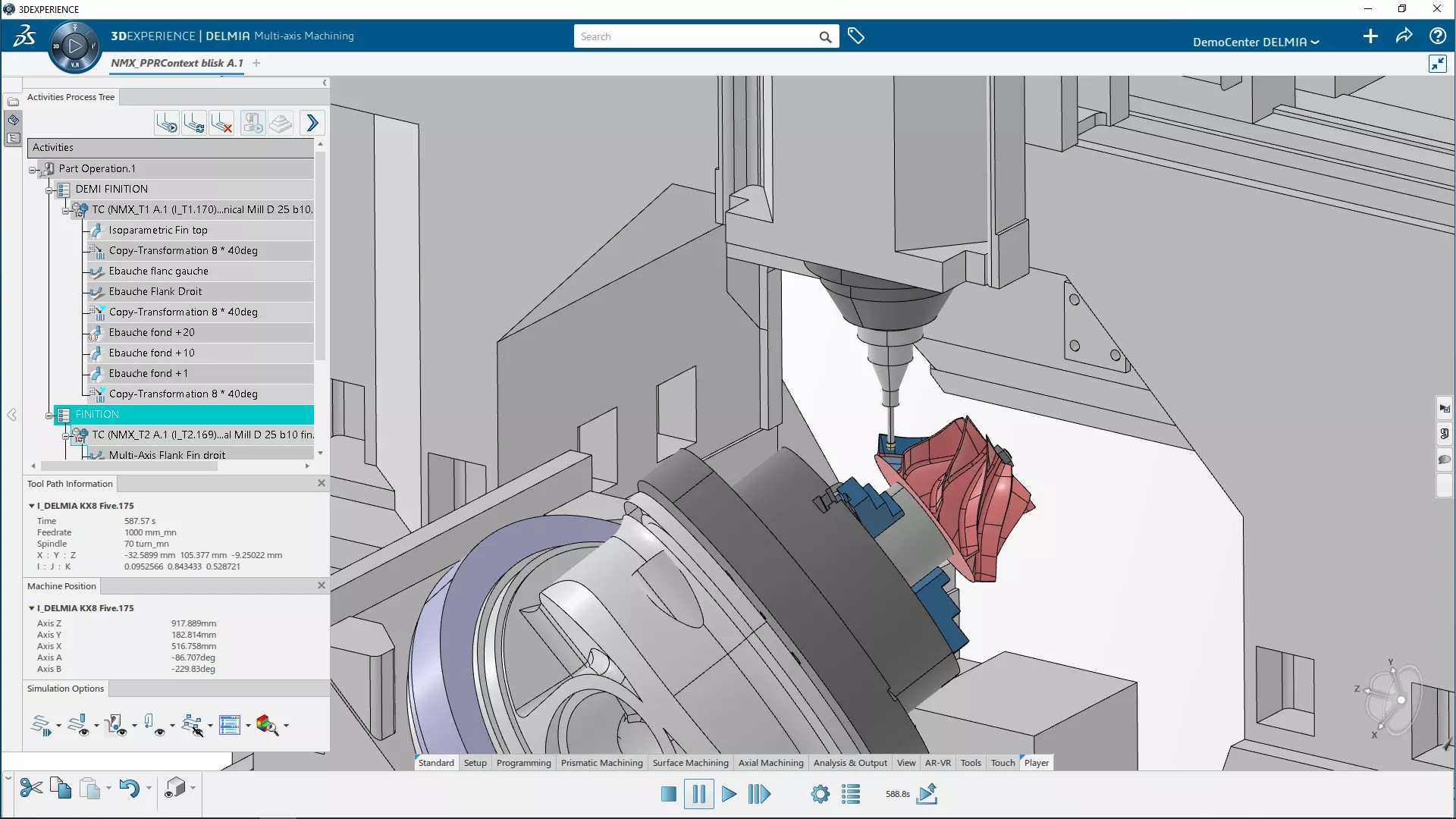
3DEXPERIENCE NC Programming
A realistic virtual workplace to create, enhance, and validate NC programs from live-linked, native CAD data.
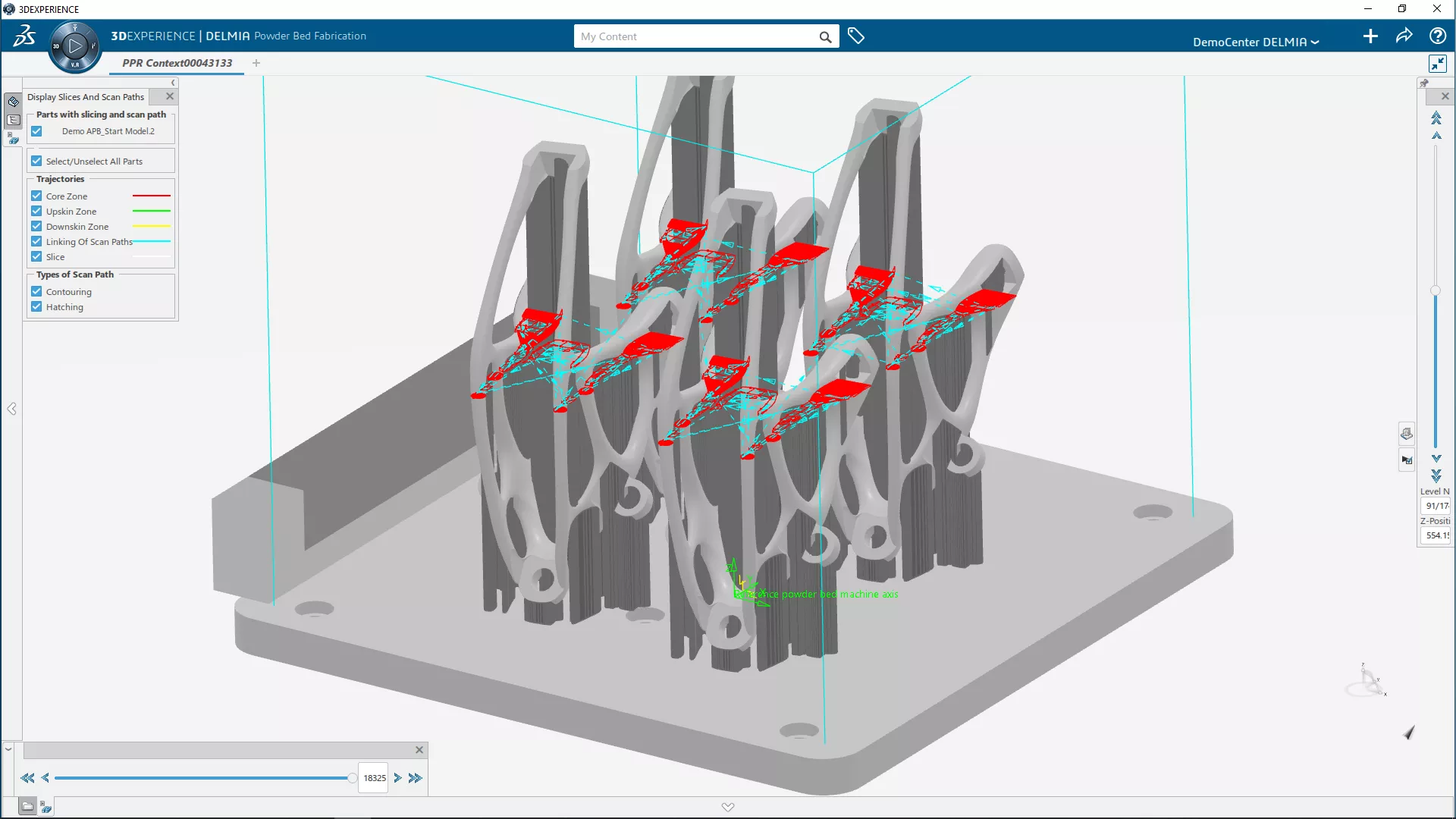
3DEXPERIENCE ADDITIVE MANUFACTURING
A realistic virtual workplace to create, enhance, and validate 3D printing programs from live-linked, native CAD data.
Additional Resources
Take Advantage of GoEngineer’s Extensive Knowledge Base and Resources

Find a Solution
Our robust Knowledge Base contains over 12,000 resources to help answer your product design questions. From basic CAD questions to in-depth guides and tutorials, find your solution here. Find a Solution
PROFESSIONAL TRAINING
Improve your skills with professional training and certifications in SOLIDWORKS, CAM, 3D Printing, and 3D Scanning offered four ways: self-paced, online, on-site, or in-classroom. Certified Training Courses

BLOG
#1 Technical Resource Worldwide - Right at your fingertips. Search or browse through hundreds of SOLIDWORKS tips & tricks, additive manufacturing product developments, announcements, how-to guides, and tutorials. Blog

YouTube Channel
Our YouTube channel hosts hundreds of educational tutorials, product demonstrations, recorded webinars, and best practices for all of our products and services. GoEngineer's YouTube Channel
ONLINE STORE
Order 3D printing materials and consumables, enroll in SOLIDWORKS training classes, and buy official GoEngineer gear directly from our online store. Online Store
WEBINARS
Our engineering webinars are hosted by some of the top experts in the industry. They are always recorded, always free, and always offer a live Q&A. WEBINARS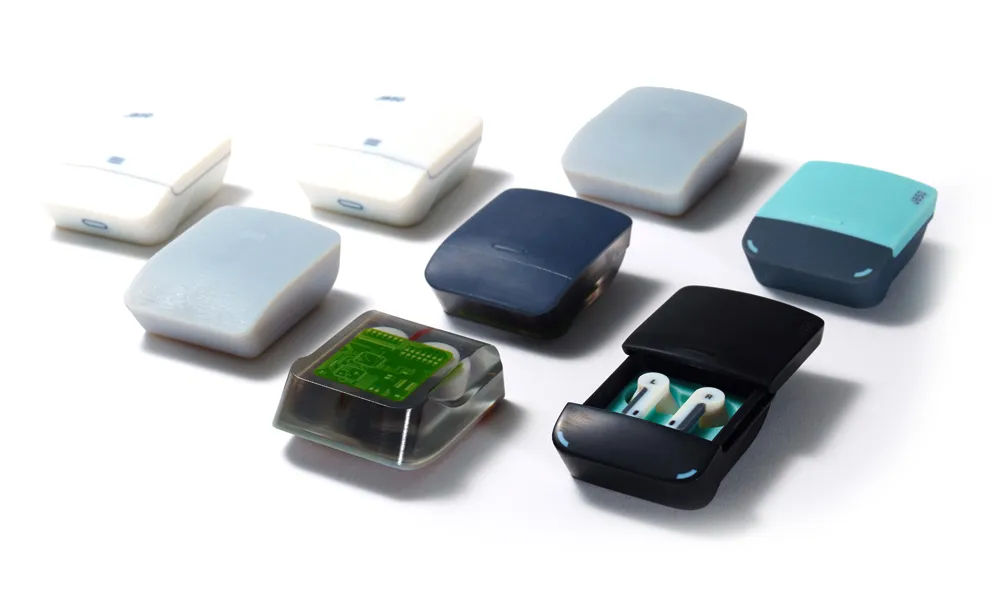
3D Printing Services
Need to 3D print a part? Our Additive Manufacturing experts will 3D print your part and deliver it to you using the latest technology on one of our professional FDM, PolyJet and SL 3D printers. 3D Printing Services