OrCAD X
Freedom to design boldly. Insight to unlock your potential.

Unified, High-Speed PCB Design
OrCAD X is a unified, cloud-connected PCB design platform built on the industry-standard Allegro X engine. It combines the modern OrCAD X Presto PCB Editor with integrated Sigrity SI/PI solvers, offering a 75% faster learning curve for designers switching from Altium or EAGLE while delivering up to 40x faster 3D rendering through the new 3DX Canvas.
Accelerate your design-to-manufacture workflow with OrCAD X:
- High-Performance Layout: Utilize the 64-bit multi-threaded 3DX Canvas for real-time 3D clearance checks and collision resolution.
- In-Design Exploration: Resolve Signal and Power Integrity (SI/PI) issues directly on the canvas using integrated Sigrity X technology.
- Simplify the preparation and delivery of manufacturing information.
- Automated Documentation: Eliminate manual drawing errors with LiveDOC, which auto-updates manufacturing files as your design changes.
- Real-Time Supply Chain: Access pricing, availability, and risk data during the schematic phase with LiveBOM.
- OnCloud Licensing: Maximize flexibility with single-user licenses that can be intalled on up to five devices per user.
Advance your PCB design potential with OrCAD X.
What is OrCAD X?
Powerful PCB Design
- Design faster in a modernized, intuitive environment powered by the industry-leading Allegro X constraint engine.
- Meet complex length and propagation goals instantly with interactive, heads-up display (HUD) constraint management.
- Reduce iterations with integrated analysis and Live DRC, giving you immediate feedback on design choices as you route.
Real-Time 3D Visualization with 3DX Canvas
- Visualize designs better than ever with the 3DX Canvas, with a 64-bit multi-threaded engine supporting unrestricted design sizes and 40x faster rendering.
- Design in full spatial awareness for rigid-flex bending and enclosure collision detection.
- Precisely space copper and components while detecting and resolving mechanical interferences between the PCB and housing in real-time.
- Run 3D design rule checks (DRC) for flex regions and bend lines to validate reliability in compact device enclosures.
Personalized Design Environment
- Experience a modernized layout environment that removes menu clutter and reduces mouse clicks by up to 75% for designers migrating from competitive solutions.
- Use smart search for properties, movable floating panels, and configurable shortcut keys to accelerate productivity across different engineering skill levels.
Integrated Multiphysics Analysis (Sigrity X & Celsius)
- Perform in-design Signal Integrity and Power Integrity exploration directly on the layout canvas to resolve impedance discontinuities, crosstalk, and IR drop using Sigrity X technology.
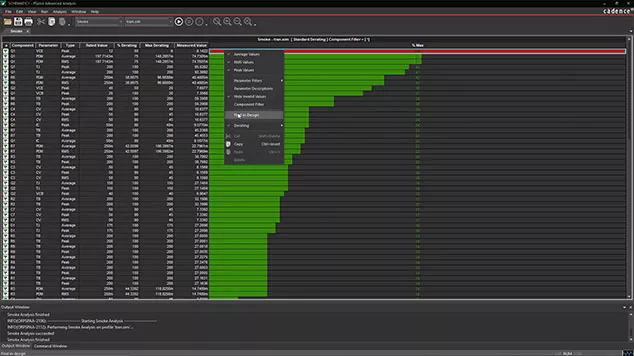
- Utilize PSpice for smoke analysis to identify overstressed components and run tolerance sensitivity analysis to optimize for production costs.
- Complete complex and high-speed designs faster with automated, signal-aware analysis.
- Optimize for production costs with tolerance sensitivity analysis.
Automated Manufacturing Documentation
- Eliminate documentation rework with LiveDOC, which automatically synchronizes fabrication and assembly drawings to the board file in real-time.
- Use variables in title blocks and assembly notes to generate standardized documentation packages with a single click.
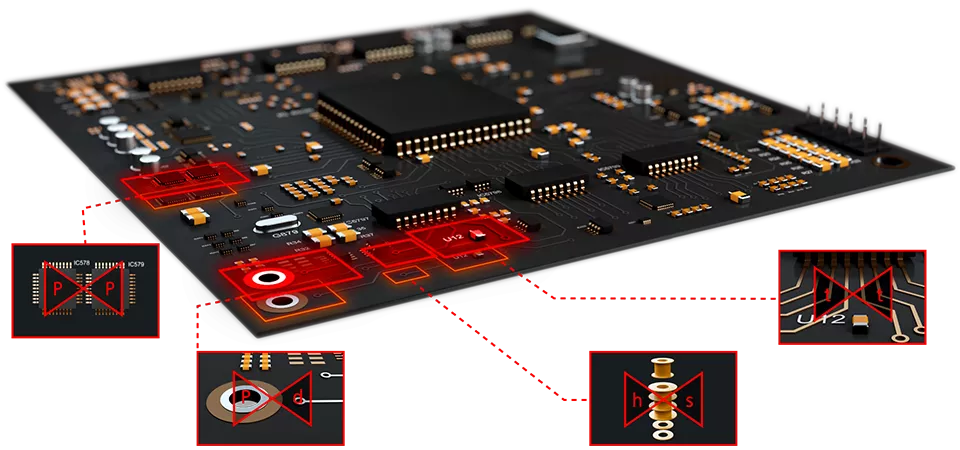
Rules-Driven Manufacturability (DesignTrue DFM)
- Ensure first-pass success with real-time design for fabrication (DFF), assembly (DFA), and test (DFT) rules.
- OrCAD X Professional supports over 1,000 advanced checks.
- Import DFM rules directly from your fabrication partner to ensure your design matches specific manufacturer capabilities.
Scalable Design IP & Reuse
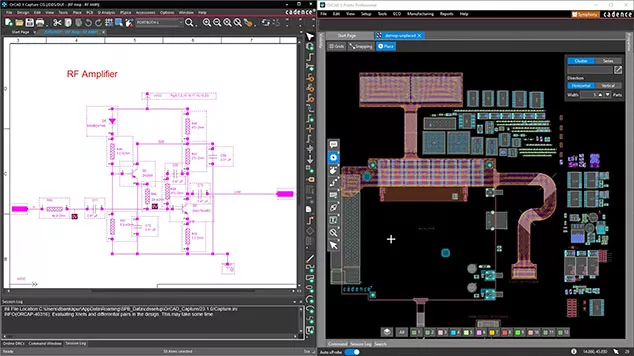
- Save time and reduce costs by reusing validated subcircuit designs and hierarchical blocks within OrCAD X Capture.
- Accelerate layout process and avoid SI & thermal issues by reusing modules of completed and validated circuitry.
- Maintain 100% file compatibility for a future-proof path from OrCAD X to the enterprise Allegro X platform for multi-board system design.
Enterprise Data & Supply Chain Intelligence
- Accelerate design cycles with user-defined project workflows and templates.
- Access real-time pricing, availability, and lifecycle risk data (Sourcengine/Datalynq) during schematic capture to avoid "End of Life" part delays with LiveBOM.
- Access your design environment anywhere with a single-user license that can be installed on up to five devices (office, home, laptop).
- Seamlessly integrate with the 3DEXPERIENCE Platform using the official connector from Dassault Systèmes.
- Build a robust, shareable part library that stays up-to-date in real time with information from the source.
ECAD-MCAD Collaboration
- Use MCADX to push and pull board outlines and component placements via industry-standard ProSTEP (IDX) for bit-perfect bi-directional transfer.
- Work concurrently on a single board database with Symphony, allowing multiple layout designers to collaborate without partitioning or file merging.
- Reduce misunderstanding and collaborate faster with markup and team communication directly on the OrCAD X design.
- Native SOLIDWORKS integration eliminates STEP file friction.
Technical eBook
Flex PCBs Explained:
From Materials to Applications
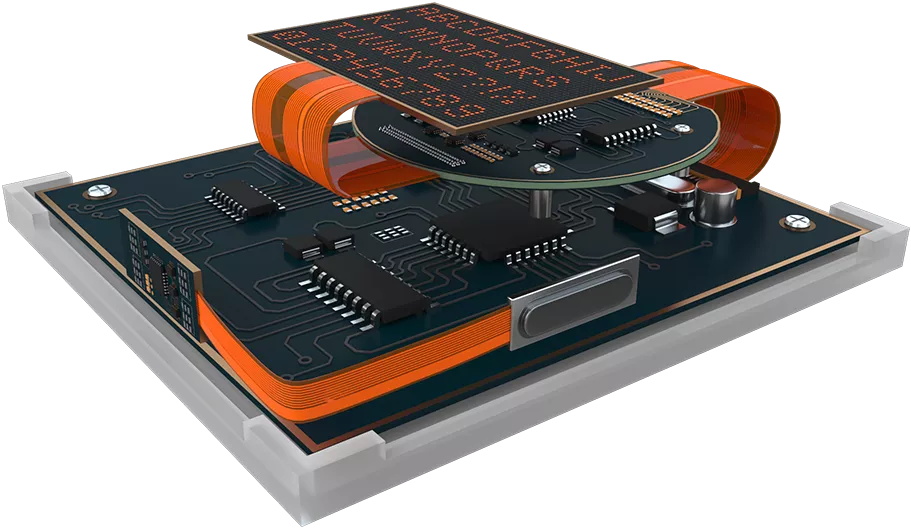
This eBook provides a comprehensive overview of flex PCBs, highlighting their unique benefits, materials used, common challenges, and how you can overcome them.
Learn about the various applications of flex PCBs in modern electronics and gain insights into the future of flex design.
Which OrCAD X Package is Right for Me?

Individuals
- A unified, intuitive environment that uses the same 64-bit Allegro X engine as the enterprise versions for high-performance layout.
- The 3DX Canvas provides an integrated 3D environment for real-time clearance checks and rigid-flex visualization.
- Native version control and component management within a secure cloud workspace.
- Streamlined UI designed specifically to reduce the learning curve.
Professional Engineers & Collaborative Teams
- Real-time collaboration with Symphony, allowing multiple designers to work on the same board file simultaneously.
- Defines and manages high-speed rules (differential pairs, propagation delay, min/max length) within the Constraint Manager.
- Real-time Design-for-Manufacturability with DesignTrue DFM, with 3,000+ checks to prevent fabrications and assembly errors.
- LiveBOM provides real-time pricing, availability and EOL status during schematic capture.
Professional Engineers & Collaborative Teams with high-reliability requirements or complex signal/power integrity
- Includes PSpice Advanced Analysis for Smoke Analysis (component stress), Monte Carlo (yield protection), and Sensitivity Analysis.
- B-directional co-simulation with MATLAB/Simulink and Celsius Thermal for heat management.
Compare OrCAD X Platform Tiers
OrCAD X
Standard
OrCAD X
Professional
OrCAD X
Professional Plus
Backwards compatible with previous versions (17.2 & above)
Design importers (Altium, PADS, Eagle)
Perpetual license
Time based license (TBL)
Cloud License (SUL)
Presto PCB Editor (Modern UI)
Classic PCB Editor (Legacy UI)
Unified manufacturer part search
Integrated access to Ultra Librarian, SnapMagic, Samacsys
Unified cloud library authoring
Component lifecycle management
Unified Component Information System
Part version control and history
IPC compliant footprint wizard (over 100 included footprint templates)
User management – individual, role, and group
Design sharing
Data storage, version control, & history
Data IP Protection (Secure Cloud)
Individual/private workspace
Shared workspace(s)
Schematic & PCB web viewers
Design review, commenting, and markup
Hierarchical & flat design
Constraint Management
Design variants
Dynamic online design rule check
Component information system (CIS)
BOM optimization & supply chain insight - Live BOM
Basic BOM exports
BOM component supply forecasting
Database Diary (design history tracking)
ISO 26262 compliant
PSpice – Integrated mixed signal simulation
PSpice Advanced Analysis (Smoke, Monte Carlo)
Included 35K parameterized models
Modeling Wizards
Electrical stress analysis (EOS)
Sensitivity analysis
Analog circuit optimization
Integration with MATLAB Simulink
Interactive routing - including multinet & bus routing
AI-Powered placement & Fanout assistance
Constraint driven design – Constraint Management
Constraint adherence feedback (green, red, yellow)
Custom pad stacks
Differential pair phase and uncoupling
DesignTrue DFM Rule Count
~100
3,000+
3,000+
Extended XNet rules
Package pin delay rules (for die to die delay)
Z axis delay feedback & DRC
3DX Canvas (Native 3D Engine)
Concurrent PCB Team Design
Can participate but not initiate
Trace timing & length tuning
Automated BGA fanout
Automated circuit replication
Automated teardrops and tapers
Automated via arrays and via shielding
Via structures
Automated constraint driven back drilling
Dynamic unused pad suppression
Split HDI Via stack
Slice through routed traces
PCB Footprint new pin/pad wizard
IPC compliant footprint wizard (over 100 included footprint templates)
Electrical rules (reflection, timing, cross talk)
Route Vision
In design coupling and impedance analysis
Sigrity X Aurora (In-Design SI/PI)
Basic (Impedance/Coupling)
Advanced (IR/Crosstalk)
Topology exploration & extraction
Specctra auto router
RF Coil Design
Rigid-Flex Design
IPC-2581 & ODB++
In Design DFx core checks (100+ DFA, DFF, DFT checks)
In Design DFx flexible circuit checks
Automated fab & assembly drawing creation - Live DOC
Customizable Live DOC documentation templates
Single button manufacturing export - Parameterized artwork generator
Native real-time 3D design
MCAD/ECAD codesign - Dassault Systemes SOLIDWORKS & CATIA, Siemens NX, Autodesk Fusion, PTC Creo
Included internal & external copper
MCAD driven component placement
Keep out & room synchronization
3D clearance & collision detection
Rigid-Flex synchronization (supported by Siemens NX & Dassault Systemes SOLIDWORKS)
Cadence community forums
Online training
Cadence online support documentation resources
Premium phone support
30-Day Free Trial
OrCAD X Professional Plus
Ready to revolutionize your PCB design process? Try OrCAD X Professional for 30 days and experience the future of integrated PCB design.
- Design like never before with the new Allegro constraint engine.
- Get real-time in-design analysis.
- Simplify the preparation and delivery of manufacturing information.
- Take control of your data.
- Collaborate and communicate with native tools.
Frequently Asked Questions


User Guide
OrCAD X DesignTrue DFM Rules Guide
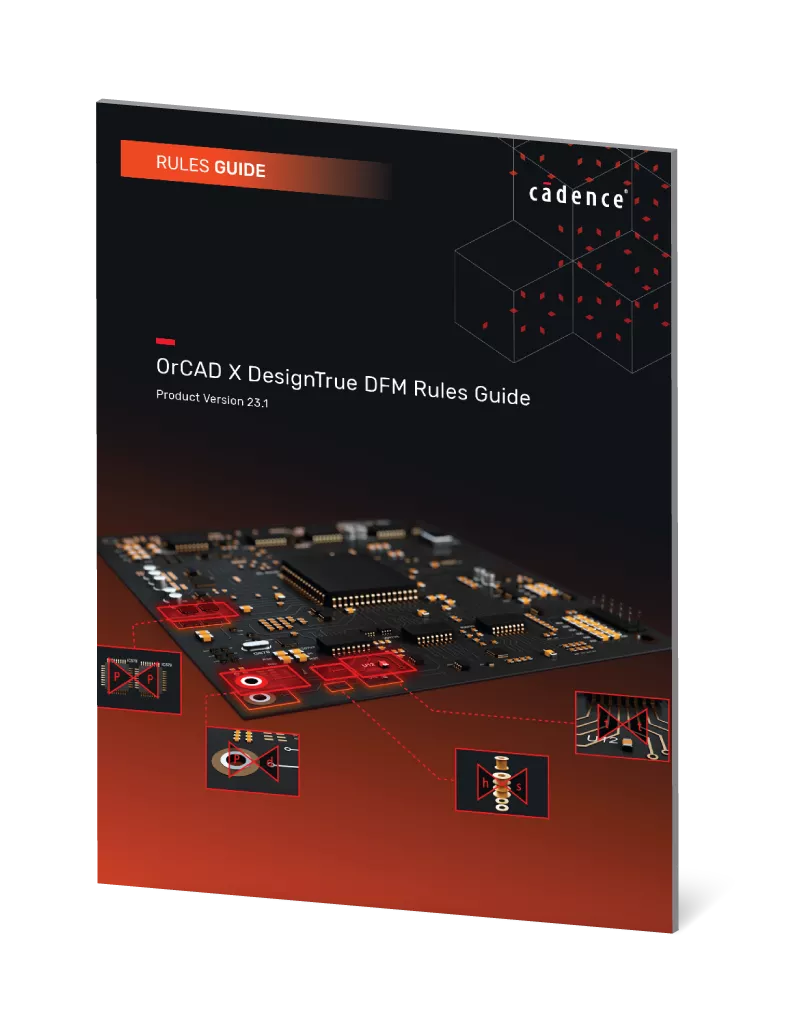
OrCAD X DesignTrue DFM helps you adhere to manufacturing guidelines and rules. It's a great way to avoid mistakes that cause project delays, increased costs, and reliability issues.
This rules guide provides information for core checks within the OrCAD X PCB DesignTrue DFM tools.
Quick Start Guide
OrCAD X Capture Cloud Workspaces
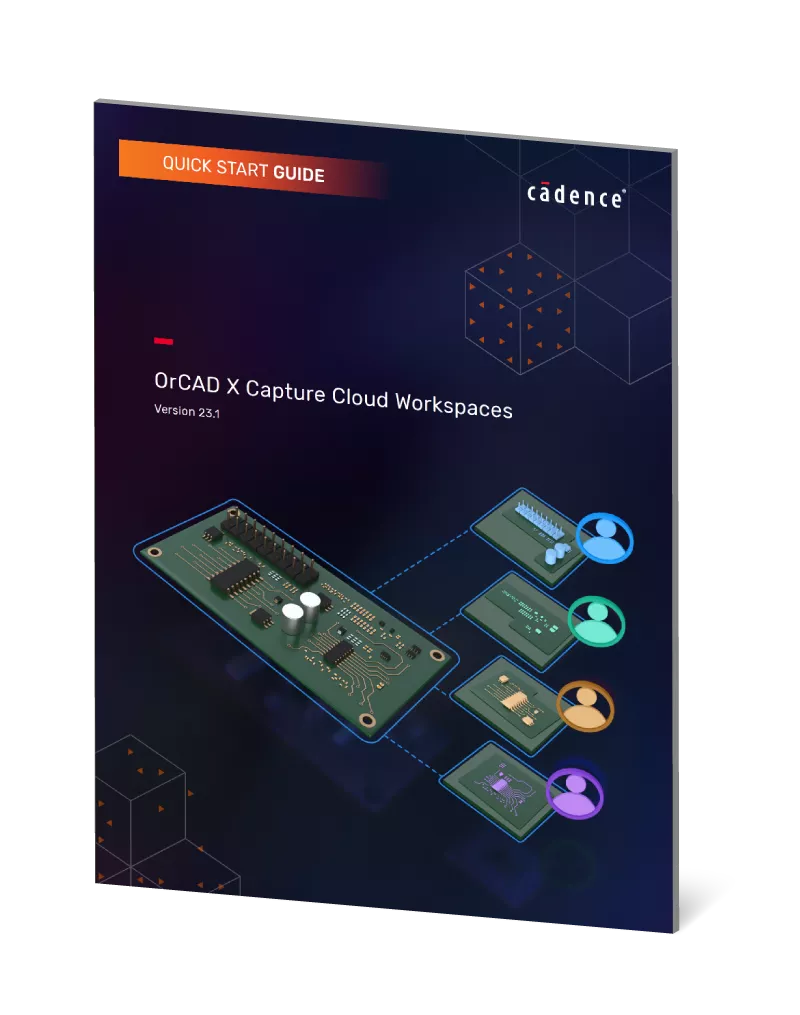
OrCAD X Capture provides a collaborative cloud-based development environment where you can create shared workspaces containing work-in-progress components, designs, libraries, board files, and project files.
This guide details startup and operation, step by step.
User Guide
OrCAD X Constraint Management Guide
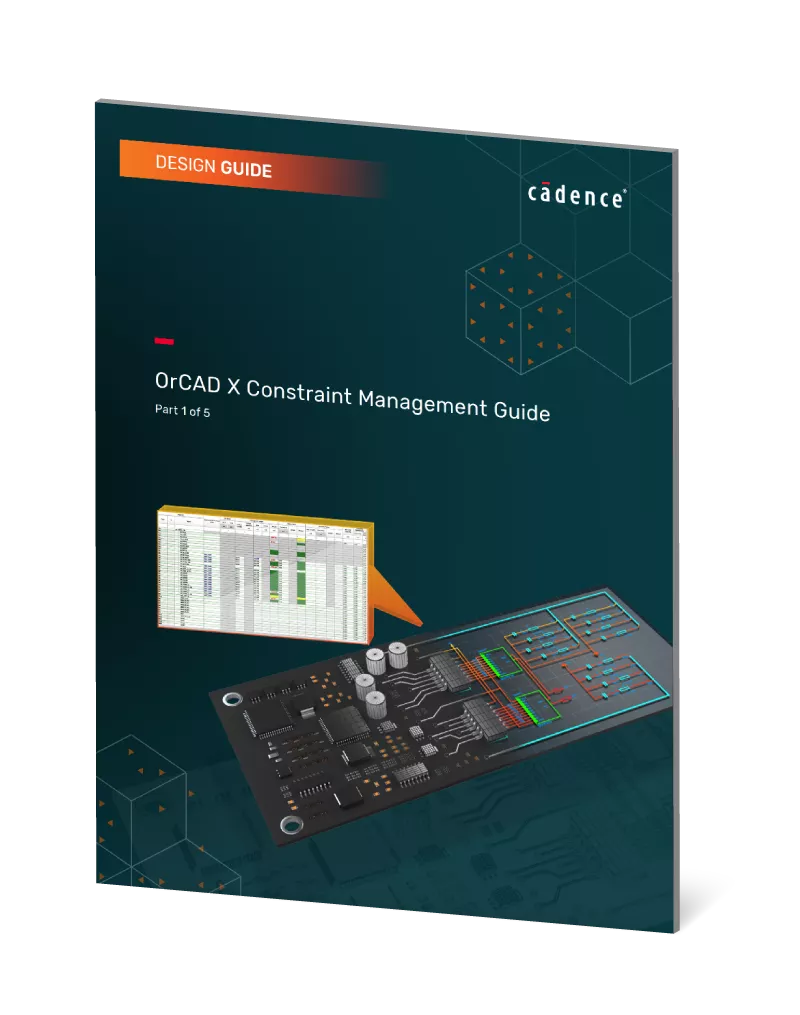
Constraint management offers a set of guidelines and automated tools to ensure design integrity. It's like having a vigilant guardian watching over every aspect of the PCB design, from signal integrity to thermal management.
This guide details OrCAD X's powerful and user-friendly constraint manager.
Additional Resources
Take Advantage of GoEngineer’s Extensive Knowledge Base and Resources

Find a Solution
Our robust Knowledge Base contains over 12,000 resources to help answer your product design questions. From basic CAD questions to in-depth guides and tutorials, find your solution here. Find a Solution

PROFESSIONAL TRAINING
Improve your skills with professional training and certifications in SOLIDWORKS, CAM, 3D Printing, and 3D Scanning offered four ways: self-paced, online, on-site, or in-classroom. Certified Training Courses

BLOG
#1 Technical Resource Worldwide - Right at your fingertips. Search or browse through hundreds of SOLIDWORKS tips & tricks, additive manufacturing product developments, announcements, how-to guides, and tutorials. Blog

YouTube Channel
Our YouTube channel hosts hundreds of educational tutorials, product demonstrations, recorded webinars, and best practices for all of our products and services. GoEngineer's YouTube Channel
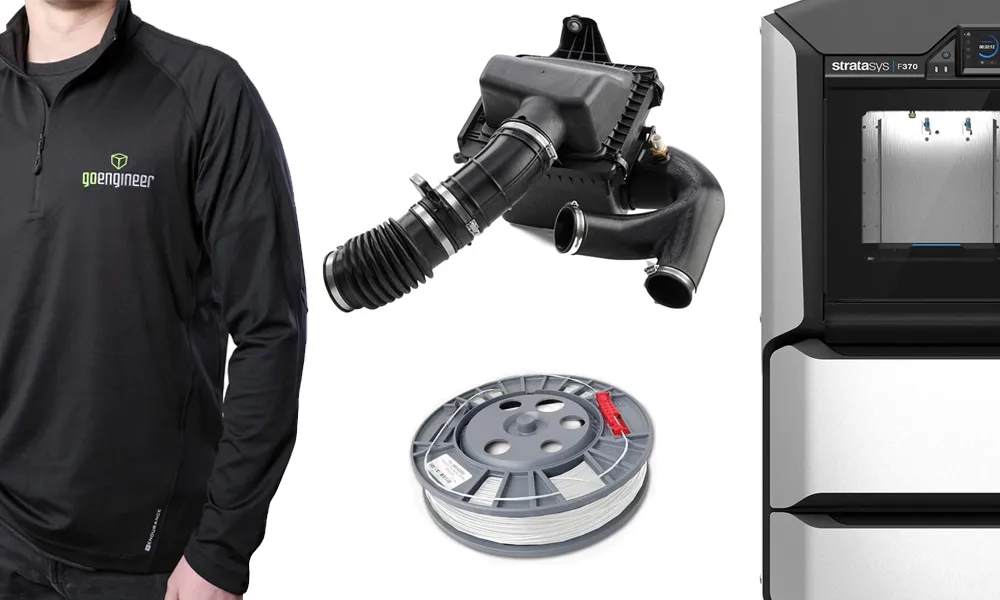
ONLINE STORE
Order 3D printing materials and consumables, enroll in SOLIDWORKS training classes, and buy official GoEngineer gear directly from our online store. Online Store
WEBINARS
Our engineering webinars are hosted by some of the top experts in the industry. They are always recorded, always free, and always offer a live Q&A. WEBINARS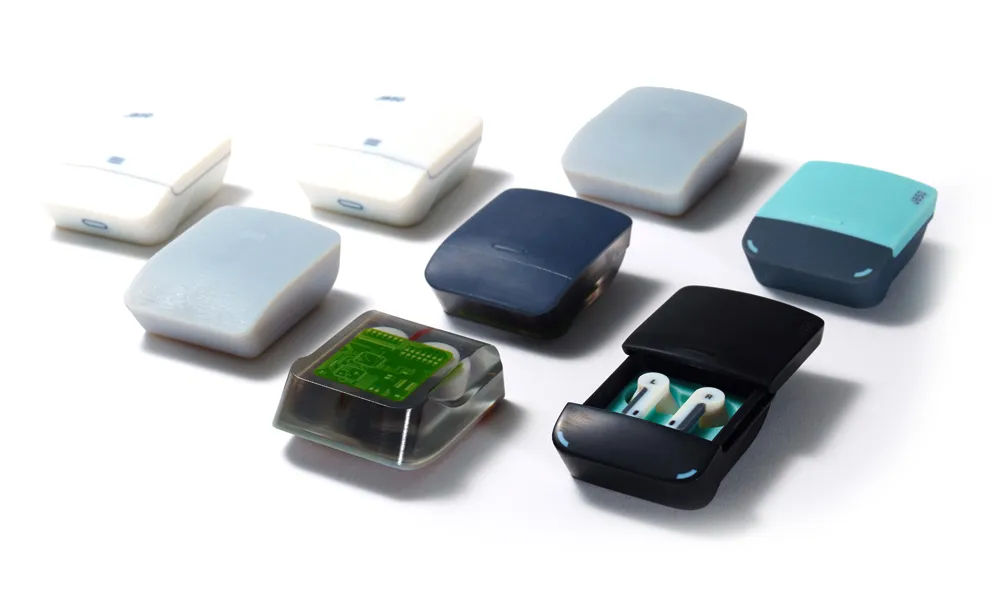
3D Printing Services
Need to 3D print a part? Our Additive Manufacturing experts will 3D print your part and deliver it to you using the latest technology on one of our professional FDM, PolyJet and SL 3D printers. 3D Printing Services