CATIA V5
An ultra-powerful, modular CAD solution for the development of both products and the tools to manufacture them.

multi-platform software suite
CATIA V5 Engineering Excellence is an extended set of CATIA V5 applications for the creation and management of sophisticated mechanical projects, including part design, sheetmetal, tooling, assembly design, functional tolerances and annotations, kinematics and fitting simulation, DMU review, advanced surface design, and more.
Start a new design and engineering journey while mitigating risk, by providing your team with extensive 3D modeling solutions, by protecting IP as well as CATIA V5 skills, by bringing new collaborators into the overall design and engineering process.
CATIA Engineering Excellence is the ultimate one-stop shop for CATIA V5 engineers, leveraging the free-of-charge 3DEXPERIENCE Social Collaboration Services (if implemented).
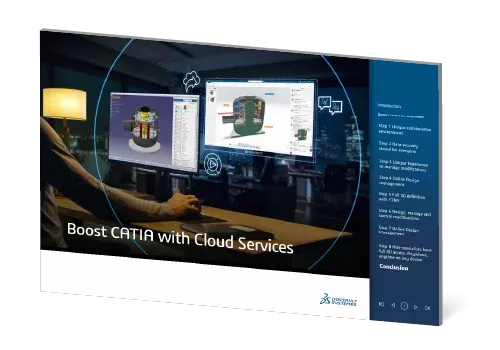
What Can CATIA Cloud Services Do When Old-School Collaboration Isn't Keeping Up?
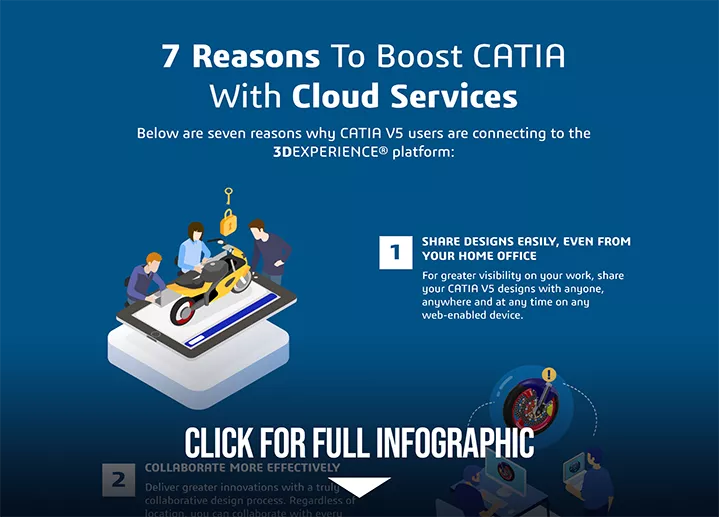
CATIA V5 purchases now come with cloud services at no additional charge! Explore how integrating these modern data and communication improvements will enhance your design process. This eBook shows how collaborative cloud storage and web-based 3D visibility of CATIA V5 data improves accessibility, streamlines workflows, and enables seamless teamwork across roles.
Follow a real-world design change scenario where designers, managers, and analysts work in sync to complete updates and reviews faster. Whether accelerating design reviews or enhancing version control, this guide highlights how cloud integration with CATIA V5 drives agility and boosts your team’s market competitiveness.
Why Design with CATIA?
Specification-driven modeling for solid, hybrid, and sheetmetal part design, assembly design and integrated drafting.
Highly-intuitive tools to easily create, validate, and modify any type of surfaces, from freeform surfaces to mechanical shapes.
Easily automate and validate design and manufacturing data. Capture and reuse of corporate know-how.
Simultaneously design and integrate electrical, fluid, and mechanical systems within a 3D digital mock-up while optimizing space allocation.
Accurately size design and quickly evaluate real-world performance with realistic simulation integrated into the design environment.
Plan, detail, simulate, and optimize machining activities with industry-proven NC manufacturing tools.
Work in a scalable collaborative environment with multi-CAD compatibility and integrated PLM solutions.
Leverage a complete set of tools, guides, and APIs to support the development process, from the initial product definition to the final product packaging.
Conduct design review and markup using just a 3D web app.
>> See CATIA V5's 3D Markup on Cloud
Which CATIA V5 ENGINEERING EXCELLENCE bundle is right for you?

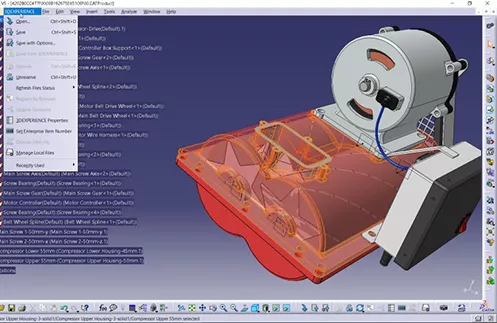
This baseline CATIA V5 bundle contains powerful part and assembly modeling, drafting, sheet metal, tooling, and technical spec review capabilities.

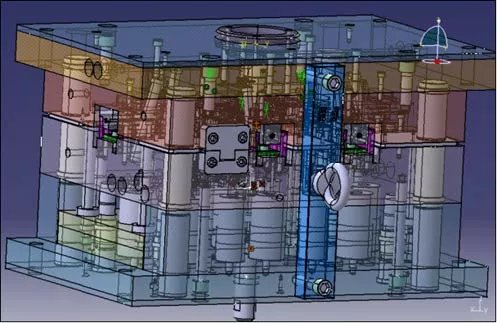
CATIA V5 Mechanical enhances part modeling, assembly, and spatial review capabilities, adds advanced features for molded part design, kinematics simulation, and more.


CATIA V5 Mechanical & Shape adds even more functionality to molded part creation, advanced freeform and stylized surfacing.

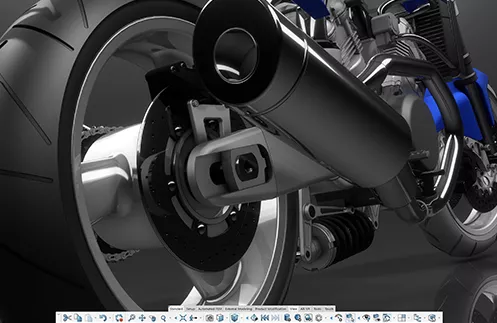
Did you know there's been a major new version of CATIA since CATIA V5? It's called 3DEXPERIENCE CATIA, and it provides a host of modern features to enable competitive engineering.
Compare CATIA V5 Packages
Baseline
Mechanical
Mechanical & Shape
- Provides a highly scalable and open platform for collaborative product development, combining the best of the current CATIA technologies with new generation standards.
- Helps existing CATIA Version 4 customers take advantage of the advanced technologies of Version 5 while preserving their investment in V4 data.
- Address 2D design and drawing production requirements, offering a highly productive and intuitive interactive drafting system.
- Generate drawings from 3D part and assembly designs with assistance to manage complex schema.
- Integrated capability to share 2D drafting information between the CATIA-CADAM Drafting and V5 drafting products.
- Part Design 1
- Helps users working in a heterogeneous CAD/CAM environment to exchange data through the neutral IGES format.
- Define mechanical assembly constraints, automatically position parts and check assembly consistency.
- Create in-context wireframe construction elements and basic surfaces during the preliminary design phase.
- Allow for the maximum reuse of secured intelligent feature, part, and assembly templates created using CATIA Product Knowledge Template 2.
- Ensure the consistency and quality of designers’ work using corporate standard rules bases created with CATIA Knowledge Expert 2.
- Allows users to read and write data in STEP AP214 and STEP AP203 data formats.
- Enable designers to leverage technological material specifications to produce realistic renderings of their model.
- Enables the browsing of 2D Layout for 3D Design data in a CATIA session, without the need for an authoring license.
- Provides the full technical platform architecture, and contains essential apps for users to collaborate with one another.
- Connects file-based CAD such as CATIA V5 to the 3DEXPERIENCE platform for use with the DS application portfolio.
- Design advanced welded products based on process definition and rules.
- Designs sheet metal parts in a very intuitive and productive environment, allowing concurrent engineering between the folded or unfolded representation of the part.
- Delivers all needed features for process integration up to drafting and manufacturing (drilling, splitting, etc.) and includes a rich content through catalogs.
- Rapidly design structures using catalogues of standard or custom sections.
- Easy-to-use capability to visualize and perform DMU reviews of engineering analysis studies.
- Manage and protect your intellectual property by selectively removing sensitive information prior to data exchange.
- Provide advanced fasteners technology validation and documentation capabilities.
- Visualize, query, and filter mechanical dimensioning and tolerancing information.
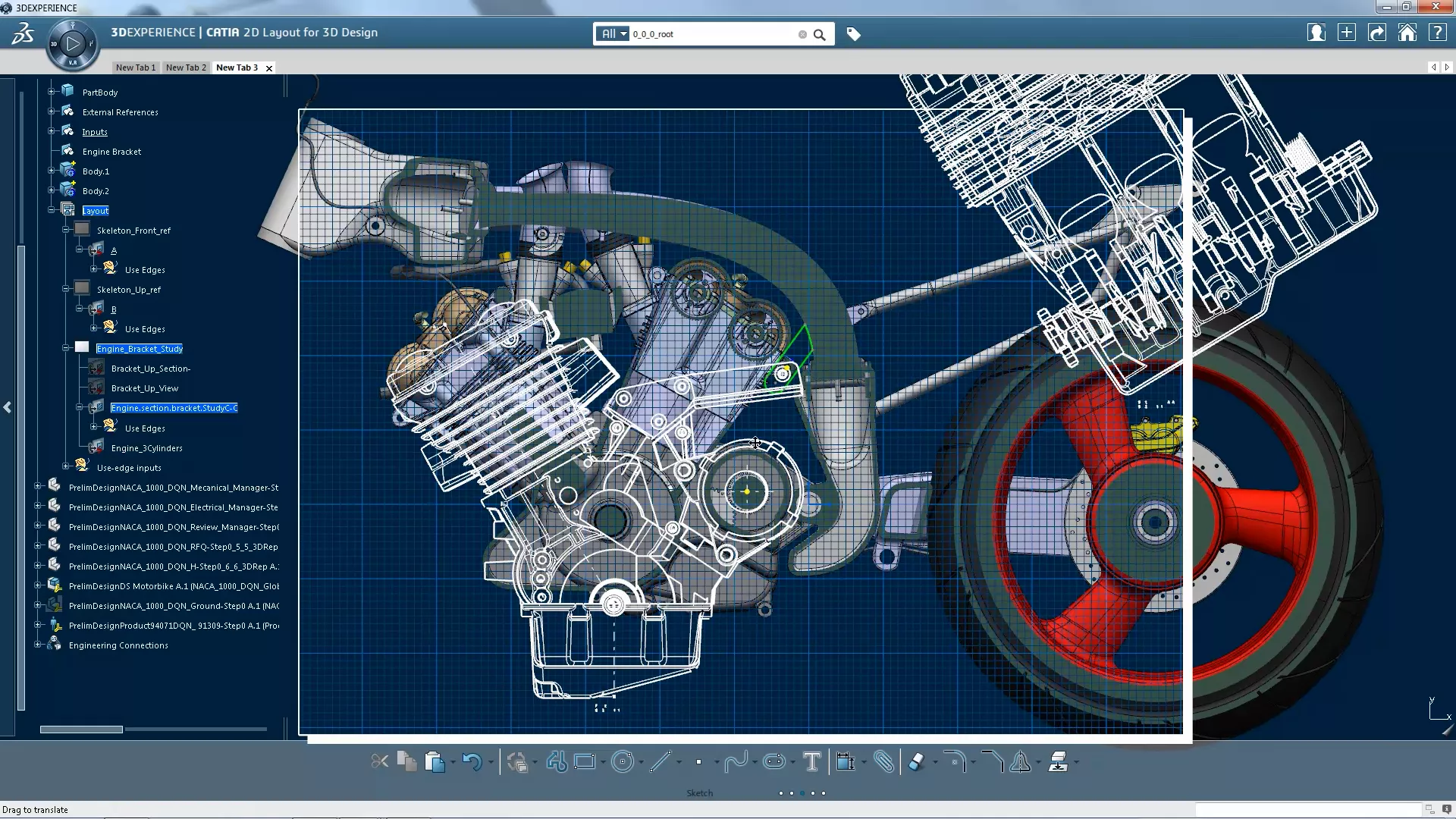
- Design and annotate 3D model using 2D conceptual approach.
- Define and manage tolerance specifications and annotations on 3D parts (enhanced).
- Define and manage tolerance specifications and annotations on 3D parts (enhanced).
- Define, simulate and analyze assembly/disassembly operations for digital product validation and animations.
- Perform optimum DMU verification using interference detection and analysis, sectioning analysis, measurement, distance analysis and 3D geometry comparison tools.
- Define, simulate, and analyze mechanisms for digital mock-ups of all sizes to check limits and interferences, and compute minimum distances.
- Extends Part Design 1 capabilities to intuitively design complex parts with highly productive and robust modeling features.
- Extends Assembly Design 1 capabilities to easily define mechanical assembly constraints, automatically position parts and check assembly consistency.
- Create in-context, specification-driven shapes based on a combination of wireframes and extensive multiple surface features.
- Design molded parts with great productivity and flexibility through advanced functional features such as extrude, cut, rib, boss, pocket, grill, etc.
- Design parts and related tooling using history-free functional design approach.
- Check the validity of imported geometry with regard to CATIA V5 modeling criteria and, if necessary, improve the topology and geometry of analyzed objects.
- Designed for the rapid prototyping of machines working with STL files as input, helps to generate and repair meshes to obtain machinable mock-ups.
- Quickly and easily unfold any type of free-form surfaces and develop curves on a revolution surface to define an associative flattened pattern from 3D models.
- Design advanced shapes based on a combination of wireframe and extensive multiple surface features, with full specification capture and reuse.
- Extend the combined wireframe and multiple surface creation features of Generative Shape Design 2 with its powerful global deformation technologies.
- Optimizes your 3D digital model through realistic shapes resulting from simulations, or measurements, of products in operation.
- Extend the shape and surface modelling functions of Freestyle Shaper 2 to the morphing of complex, multi-surfaces shapes.
- Address intuitive dynamic surface creation by sweeping a profile curve along multiple guides.
- Provides powerful surface-based tools to help designers create styled shapes and surfaces efficiently with automated multi-face curvature and tangency management.
- Allows the integration of stylists' work (such as 2D painting) into a 3D format, as the basis for 3D virtual mock-ups.
CATIA V5 Now Includes Cloud Services
CATIA V5 is the same industry-favorite CAD solution it's always been, but new purchases now come with "Cloud Services", a suite of add-ons and web apps that allow you to store, share, review, and collaborately design on V5 data via the 3DEXPERIENCE Cloud.
CATIA Learning and Support
GoEngineer Learning Resources
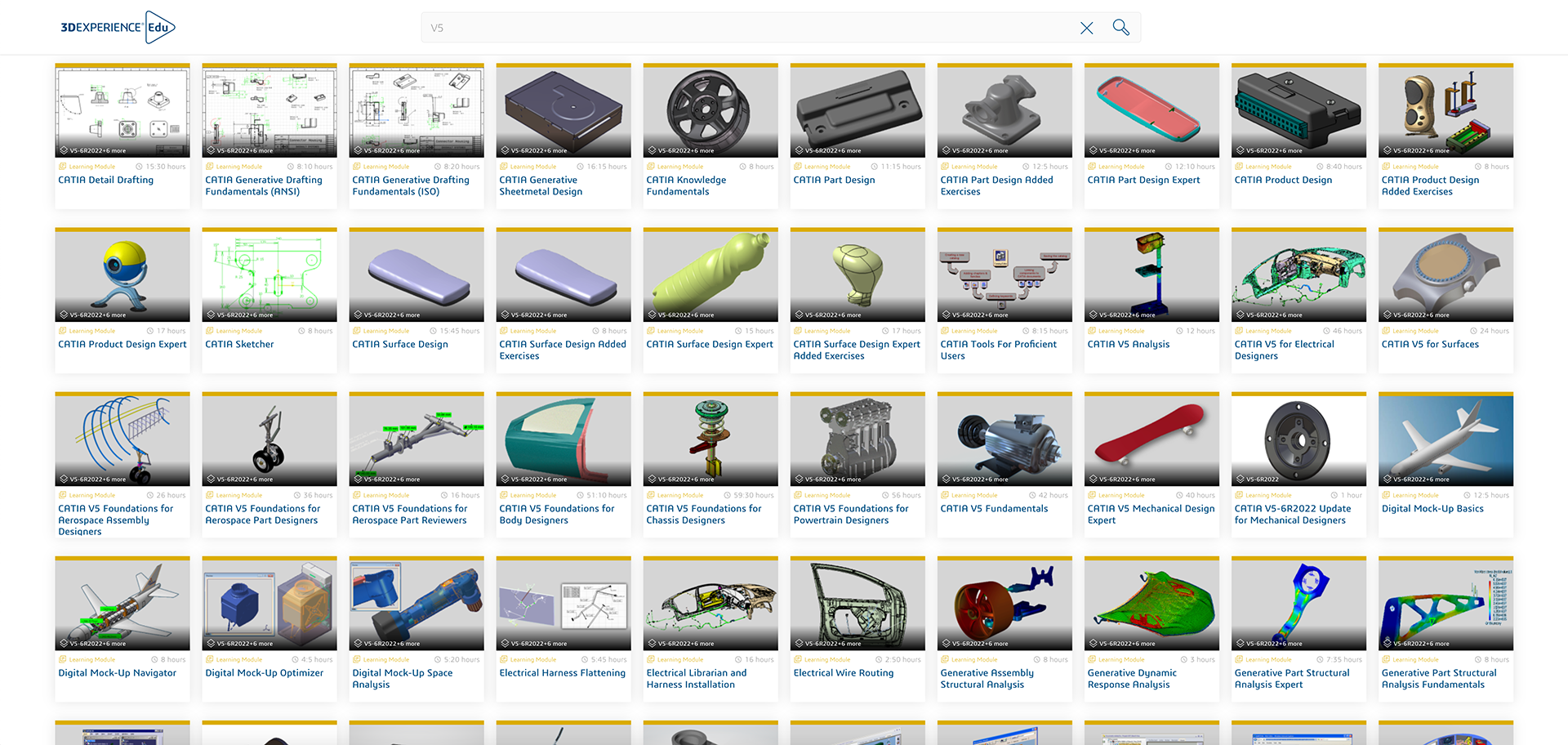
CATIA is powerful software, so learning to make the most of it isn’t trivial. Thankfully, Dassault Systèmes and GoEngineer provide plenty of resources on the path to proficiency:
CATIA Webinar
Easing the SOLIDWORKS-to-CATIA-V5 Transition
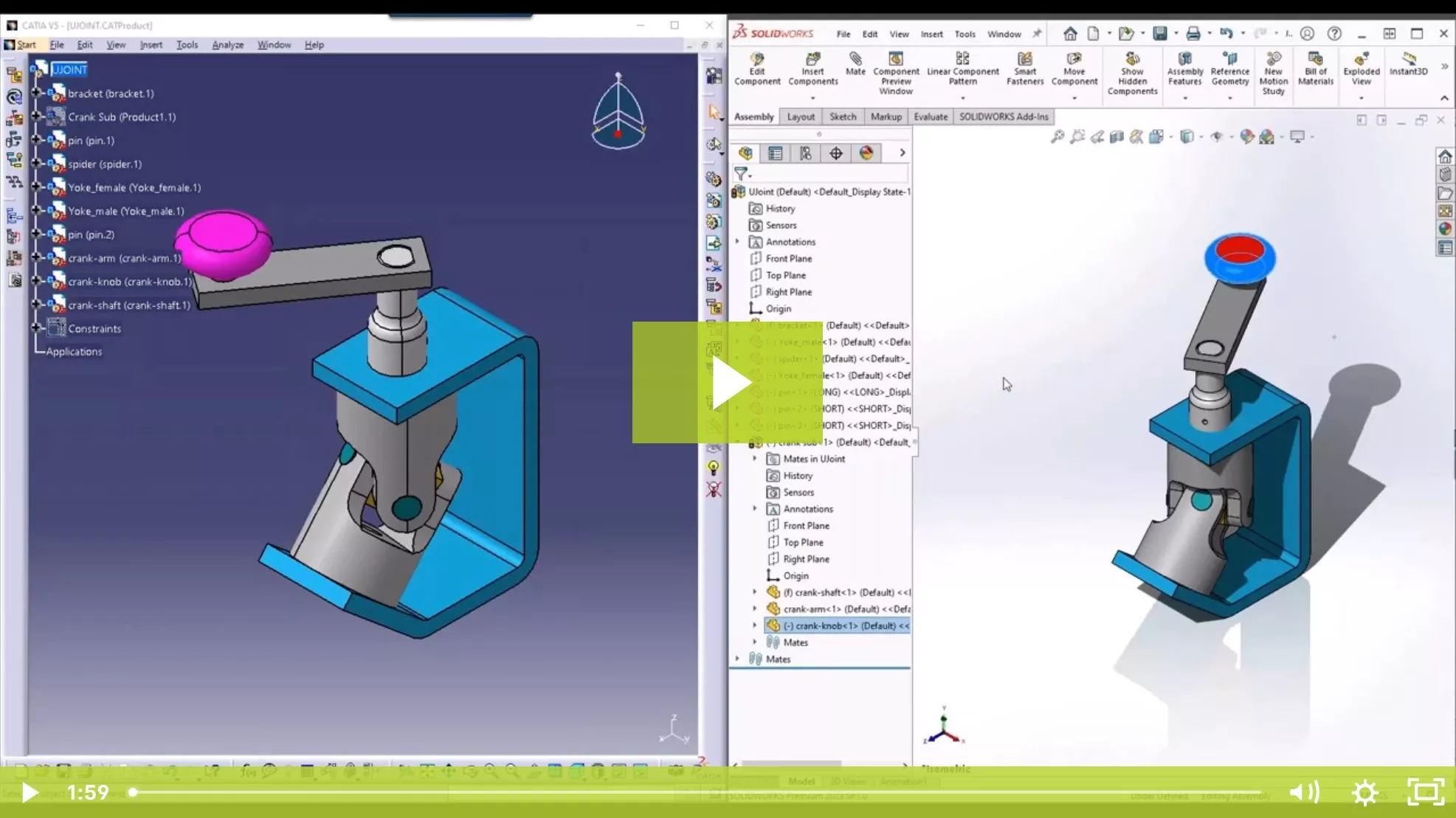
SOLIDWORKS users transitioning to CATIA V5 face unique challenges. In this webinar, SOLIDWORKS & CATIA expert Tim Ramos will illustrate the key differences between the two packages and show how to navigate them effectively.
We'll discuss some typical pain points that include:
- Interface - navigation, setup, and basics
- Part Design - sketching, part manipulation, rollback
- Assembly Design - placing and moving parts, basic mechanisms, clash detection
Still Confused About CATIA OPTIONS?
Check out GoEngineer's CATIA Buying Guide and get answers to these common questions:
and much more!
Frequently Asked Questions
While SOLIDWORKS is a powerful design tool, companies often migrate specific workflows to CATIA V5 for improved performance when product assemblies grow in size and complexity exceeding 10,000+ components. CATIA V5 also provides advanced surfacing capabilities that support Class-A requirements, with G3 and G4 curvature continuity control. CATIA V5 further includes specialized design capabilities for composites, Body-in-White (BiW), industrial design, and more.
Yes. Using multi-CAD add-ons, native files from Creo, NX, SOLIDWORKS, and others can be imported into CATIA V5 as datum solids, surfaces, and wireframe geometry. However, for full feature-based migration, GoEngineer recommends using a defined data migration strategy or to transition all your CAD authoring tools to 3DEXPERIENCE PDM. 3DEXPERIENCE PDM allows multiple CAD authoring tools to contribute to the same assemblies and product definitions in their native formats.
CATIA V5-6R20XX, often referred to as "V5", is Version 5 of the file-based CATIA platform that has been in use for decades. 3DEXPERIENCE CATIA, sometimes called "V6", is the latest version of CATIA which is database driven and platform based, with cloud and on-premise deployment options. The V5-6 nomenclature highlights interoperability between V5 and 3DEXPERIENCE CATIA, allowing OEMs and supply chains to collaborate and exchange data between versions.
Most suppliers require the CATIA V5 core mechanical design bundle named "CAT". This license includes part design, assembly design, surfacing, and drafting capabilities. The modular nature of CATIA V5 configurations allows you to extend the capabilities of the base bundle depending on the specific needs of your contract.
If you are working with a major automotive OEM, the answer is likely yes. Q-Checker is an add-on that validates the quality of a CATIA V5 design both geometrically and structurally, identifying potential issues or poor design practices before release. Many OEMs automatically reject models that fail this validation, so owning CATIA alone is often insufficient.
It is possible to import SOLIDWORKS designs into CATIA V5, but they will become feature-less solids, surfaces, and wireframe geometry. If your client requires a fully parametric model consisting of native CATIA design features, CATIA V5 is required.
No. Fully-featured CATIA V5 models are not backward compatible. Once a file is saved, it cannot be opened in an earlier release. You must install and use the V5 release level specified by your customer. GoEngineer can help you configure your environment to run multiple CATIA V5 release levels side-by-side on the same machine to support requirements from multiple customers.
This utility converts a V5 file to an earlier release level so that it can be opened in an older release of CATIA V5, but results in featureless solids, surfaces, and wireframe geometry. This utility is not intended to be used as part of your design workflow, but it can be useful for one-way data migration to older releases.
While CATIA V5 can run without a PDM system, managing native CATPart, CATProduct, and CATDrawing files requires strict link management and disciplined collaboration practices. We strongly recommend using the 3DEXPERIENCE Platform to manage CATIA data to prevent broken links, maintain revision control, and streamline collaboration.
You will need a base configuration of CATIA V5 called "CAT" and one of two add-ons, depending on the type of geometry to be flattened. The "FPE" add-on includes the Generative Sheetmetal Design workbench, which is used to flatten a formed part and generate a flat pattern based on defined material properties. The "DL1" add-on enables the Developed Shapes commands for flattening ruled and non-ruled surfaces. This is often used in the masking layup preparation process to convert complex curved surfaces to flat patterns.
Unlike SOLIDWORKS, CATIA V5 uses Dassault Systèmes’ proprietary DSLS (Dassault Systèmes License Server) application rather than FlexNet. DSLS has limited compatibility with virtual machines and a physical server is recommended. Alternatively, Dassault Systèmes offers a hosted DSLS solution at no charge to eliminate the need for local server hardware, installation, and maintenance.
Yes, but it requires specific GPU-accelerated instances like Azure NV-series or AWS G4 instances to handle rendering. Standard VMs may result in significant mouse latency and rotation stutter.
The "CAT" license represents the core mechanical design configuration of CATIA V5, onto which additional add-ons can be attached to extend capabilities. The "CAT" configuration includes part design, assembly design, wireframe and surface design, drafting, along with support for STEP, IGES, and DXF import and export.
Yes. Many aerospace and automotive contracts require suppliers to use a specific release, service pack, and hotfix level, such as CATIA V5-6R2016, to ensure file compatibility. GoEngineer supports these legacy environments and can help you install and run multiple CATIA release levels on a single machine.
Additional Resources
Take Advantage of GoEngineer’s Extensive Knowledge Base and Resources

Find a Solution
Our robust Knowledge Base contains over 12,000 resources to help answer your product design questions. From basic CAD questions to in-depth guides and tutorials, find your solution here. Find a Solution
PROFESSIONAL TRAINING
Improve your skills with professional training and certifications in SOLIDWORKS, CAM, 3D Printing, and 3D Scanning offered four ways: self-paced, online, on-site, or in-classroom. Certified Training Courses

BLOG
#1 Technical Resource Worldwide - Right at your fingertips. Search or browse through hundreds of SOLIDWORKS tips & tricks, additive manufacturing product developments, announcements, how-to guides, and tutorials. Blog

YouTube Channel
Our YouTube channel hosts hundreds of educational tutorials, product demonstrations, recorded webinars, and best practices for all of our products and services. GoEngineer's YouTube Channel
ONLINE STORE
Order 3D printing materials and consumables, enroll in SOLIDWORKS training classes, and buy official GoEngineer gear directly from our online store. Online Store
WEBINARS
Our engineering webinars are hosted by some of the top experts in the industry. They are always recorded, always free, and always offer a live Q&A. WEBINARS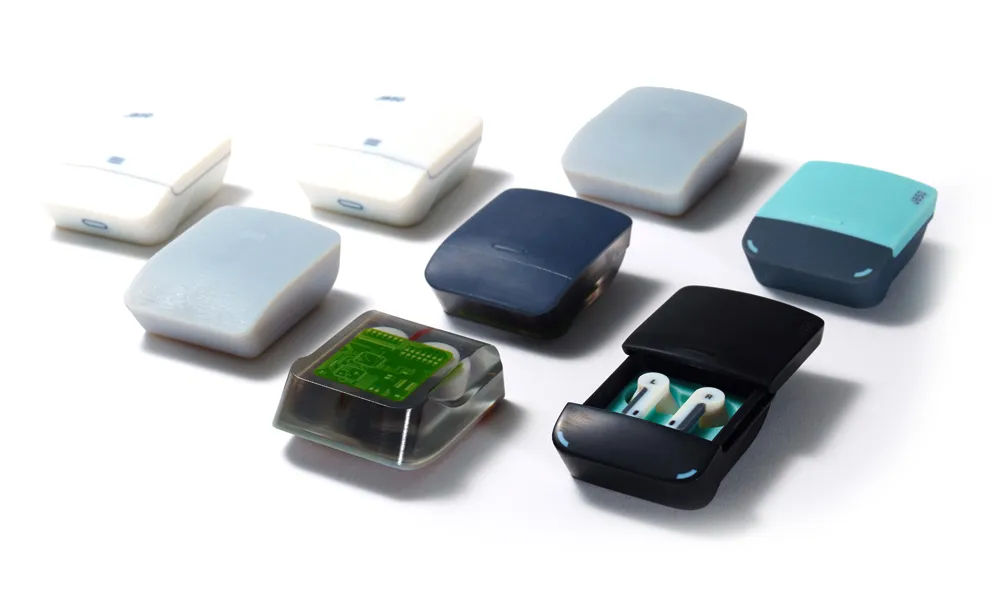
3D Printing Services
Need to 3D print a part? Our Additive Manufacturing experts will 3D print your part and deliver it to you using the latest technology on one of our professional FDM, PolyJet and SL 3D printers. 3D Printing Services