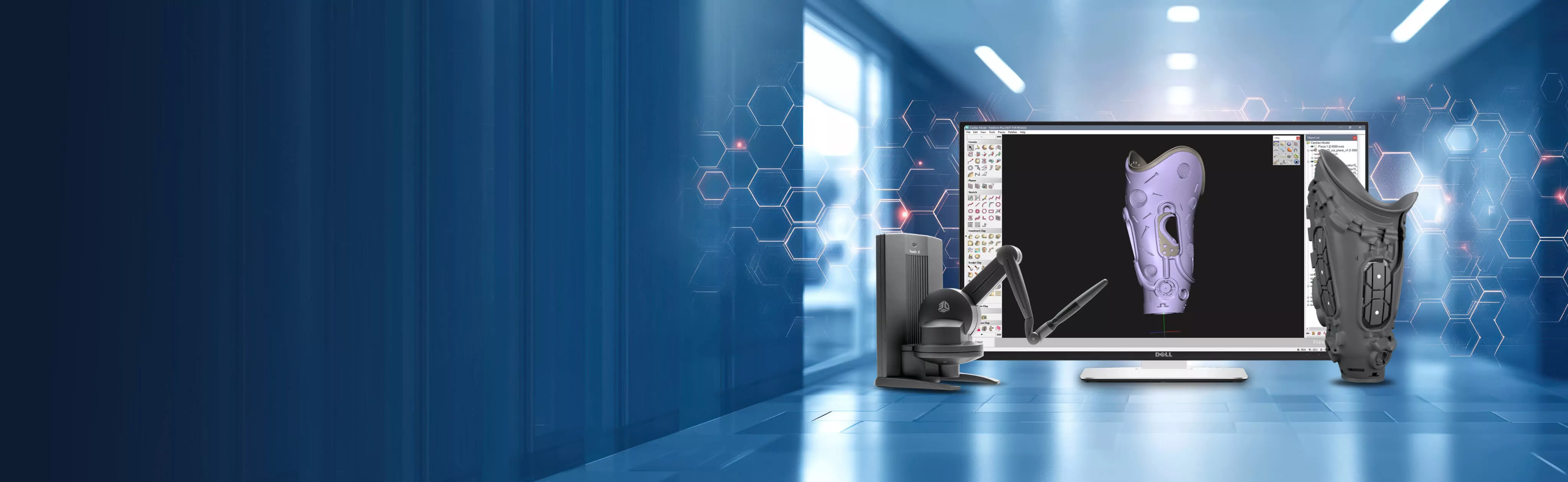
Design the Organic Shapes
Traditional CAD Can't
Sculpt complex, organic models with the precision your engineers need, then take them straight to 3D printing, machining, or molding.
What Is Geomagic Freeform?
Geomagic Freeform picks up where traditional CAD stops. Virtual clay sculpting, voxel modeling, and mesh editing come together in one environment, so you can shape complex, organic models without fighting a feature tree. Add a haptic device, and you can feel your design as you sculpt it.
From custom implants and orthotics to highly detailed consumer products, Freeform works directly with imported scan data and CAD-generated models. Sculpt, refine, and check manufacturability, then send your design straight to 3D printing or production without losing detail.
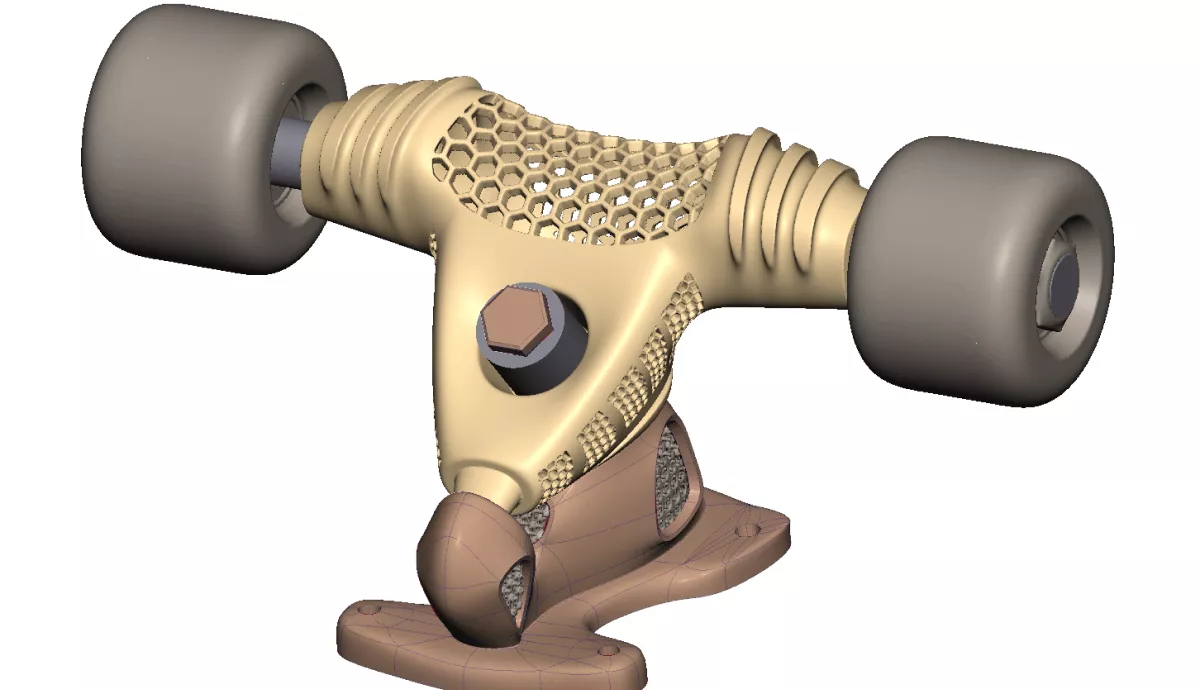
Geomagic Freeform Features
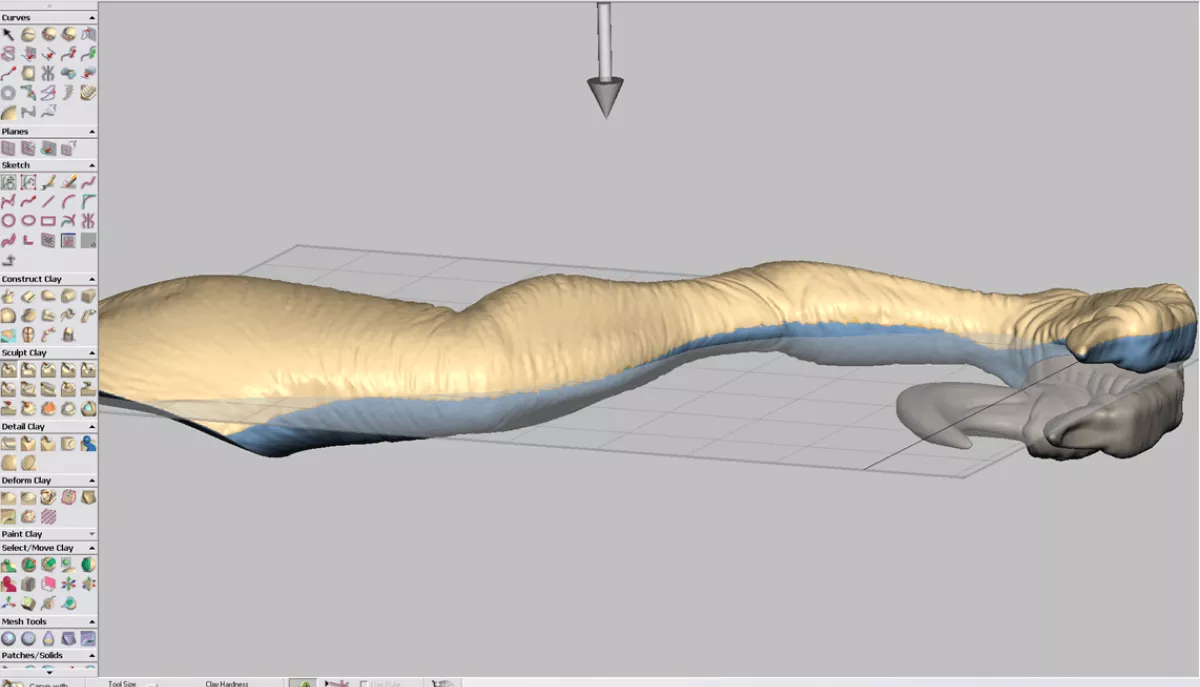
Design for Manufacture
Engineer models for production by controlling attributes such as real-world dimensions and draft, so organic designs are ready to print, machine, or mold.
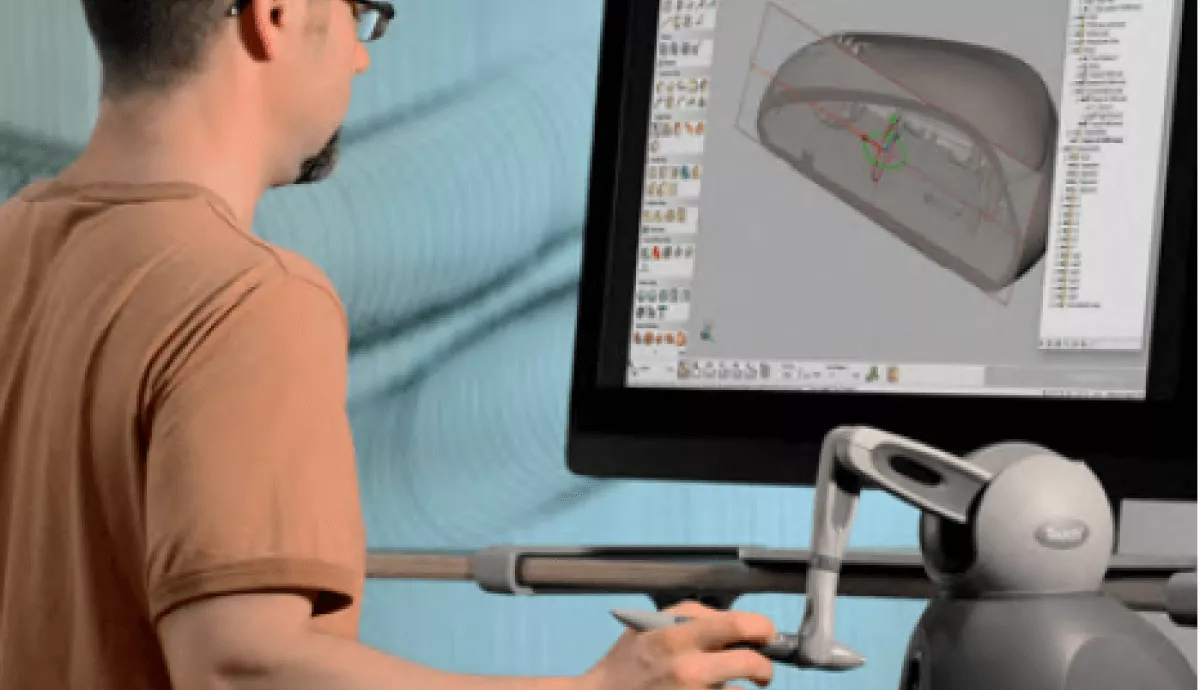
Intuitive UX
Model faster with the haptic interface. Feel the surface as you sculpt and bring traditional hand skills into the digital world.
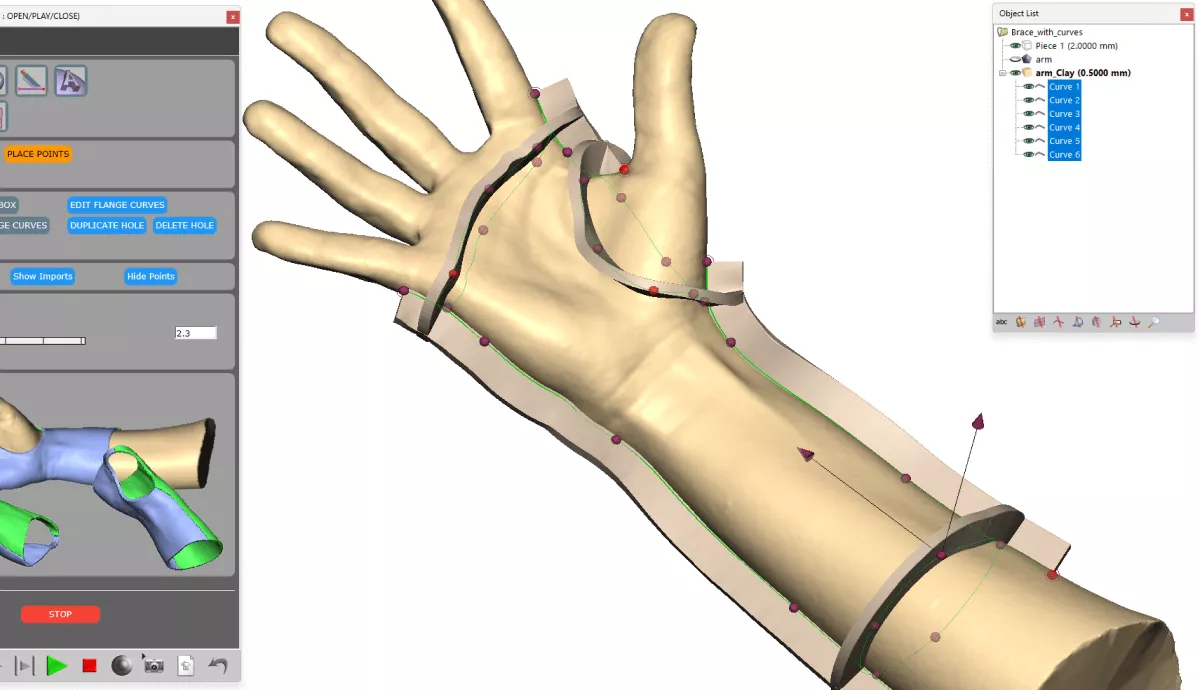
Flexible Automation
Capture repeatable workflows as Dynabots and extend them with the Python scripting API. Tasks that took an hour can drop to minutes, and you don’t need to be a programmer.
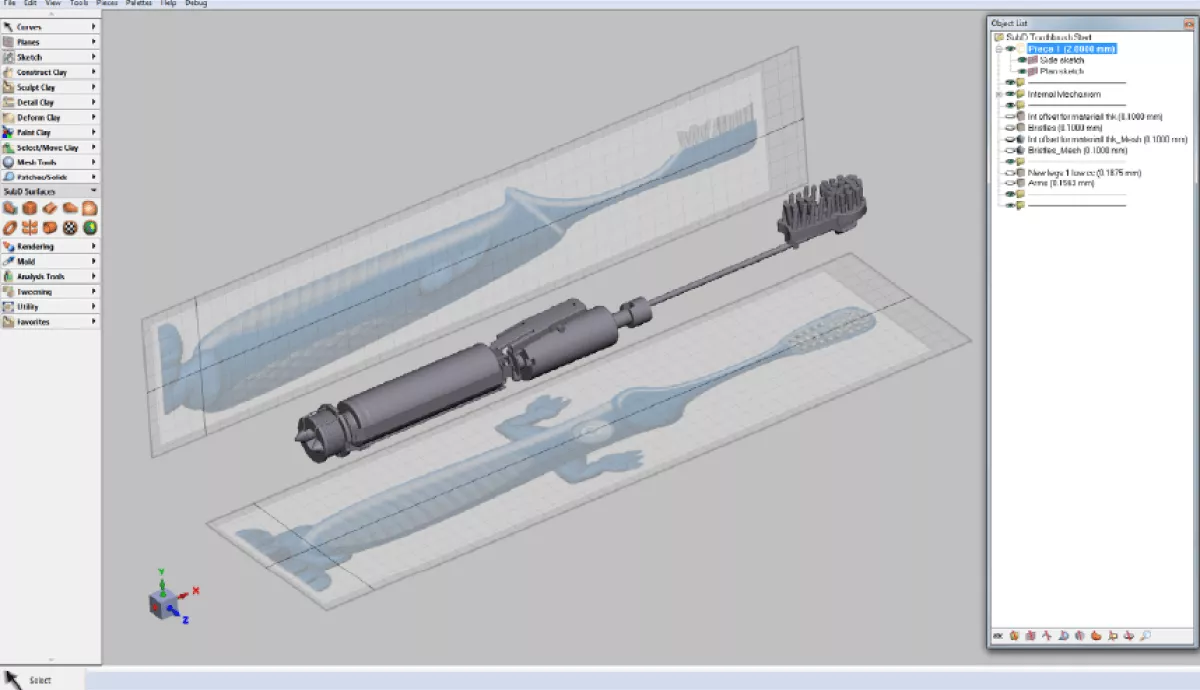
Workflow Integration
Work from 3D scan, CT and MRI data, and integrate with CAD/CAM workflows for additive, subtractive, and hybrid manufacturing.
Feel Your Design as You Sculpt It
Geomagic Freeform requires a haptic device. It gives you real-time force feedback, so you can feel the surface of your model and sculpt with the control of working in real clay. Freeform supports Haply Robotics devices, including the Inverse3 and MinVerse.
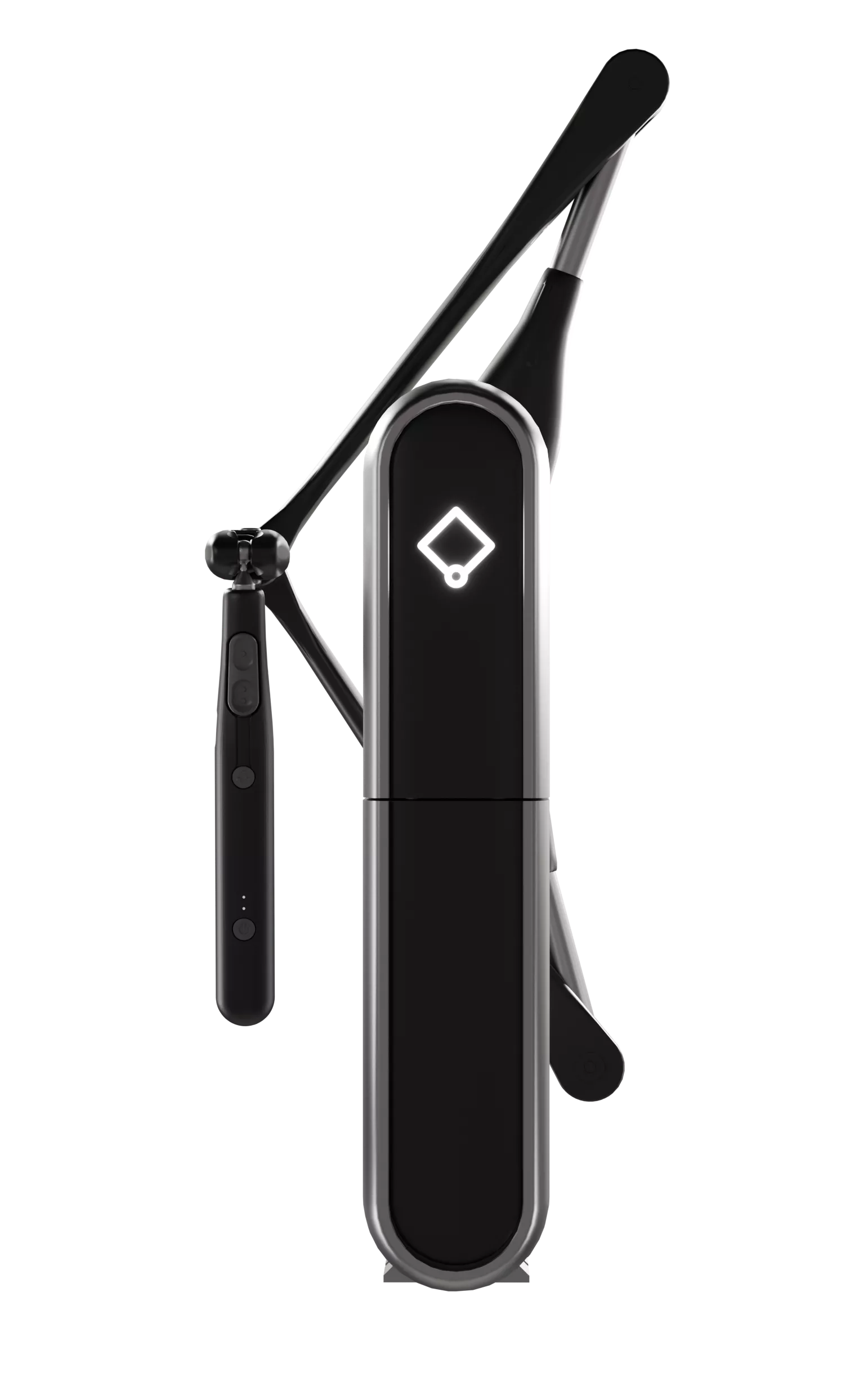
Haply Inverse3
A desktop haptic device for everyday design work at your desk.
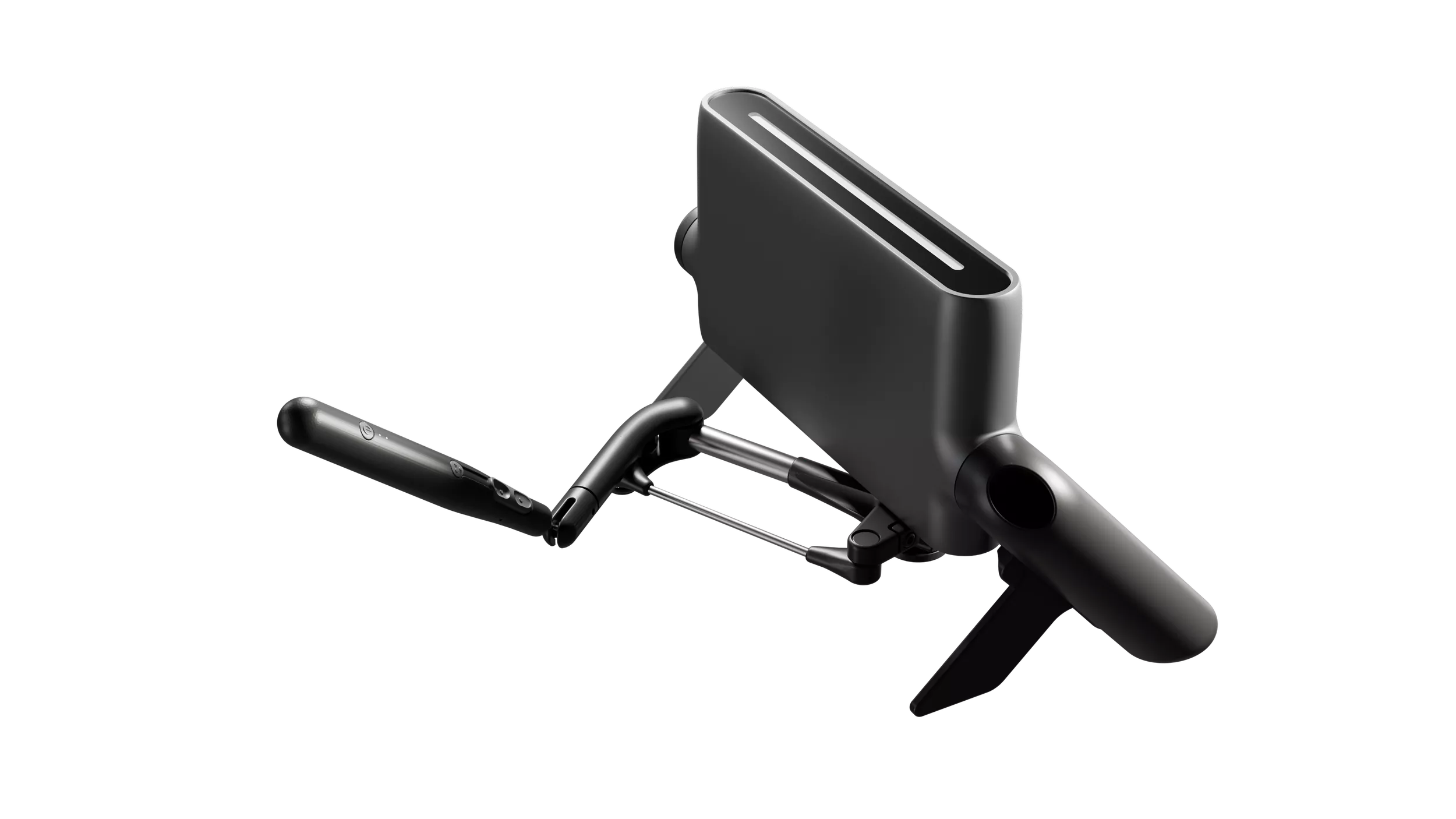
Haply MinVerse
An ultra-portable device for designing on the road, on site, or with patients.
Choose Your Freeform Package
From fast sculpting to advanced hybrid engineering, there's a Freeform package for every workflow. Our team will help you match the right one to your applications.
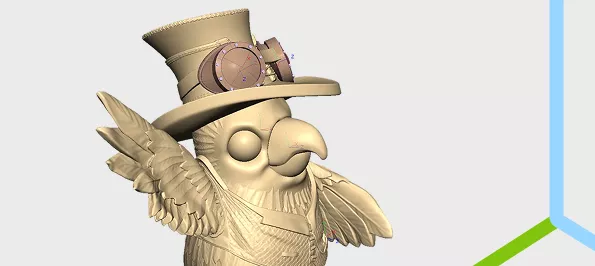
Freeform Sculpt
Simple, fast organic design for 3D printing with the core sculpting and SubD toolset.
- Full sculpting toolset
- Voxel and SubD toolsets
- Mesh analysis and fixing tools
- Modeling with real-world dimensions
- CAD-style sketching
- Painting tools
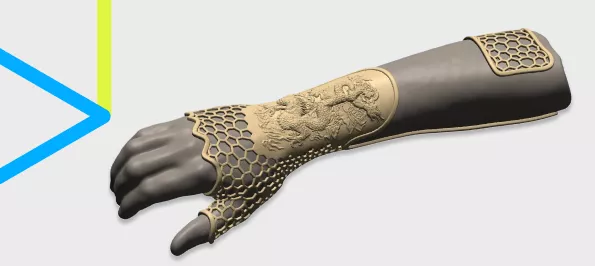
Freeform Modeling
An enhanced toolset to take your designs to the next technical level, with automation for more efficiency.
- Everything in Sculpt
- Mesh modeling tools
- Enhanced curve toolset for constructed workflows
- More deformation tools
- Alignment and registration tools
- Run automation scripts
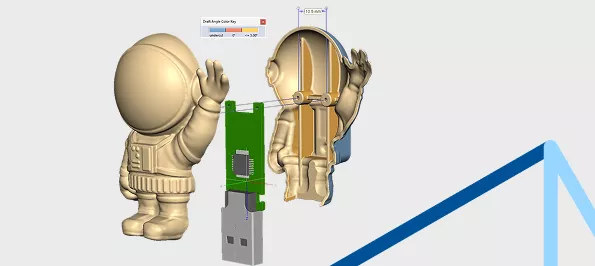
Freeform Plus
The complete toolset for engineered organic product design, with hybrid capabilities for the most flexible and complex workflows.
- Everything in Modeling
- CAD-style surfaces and solids
- Import/export IGES, STEP, and XT
- Write and run automation scripts
- Prep models for molding
- Design mold tooling
Who Uses Geomagic Freeform?
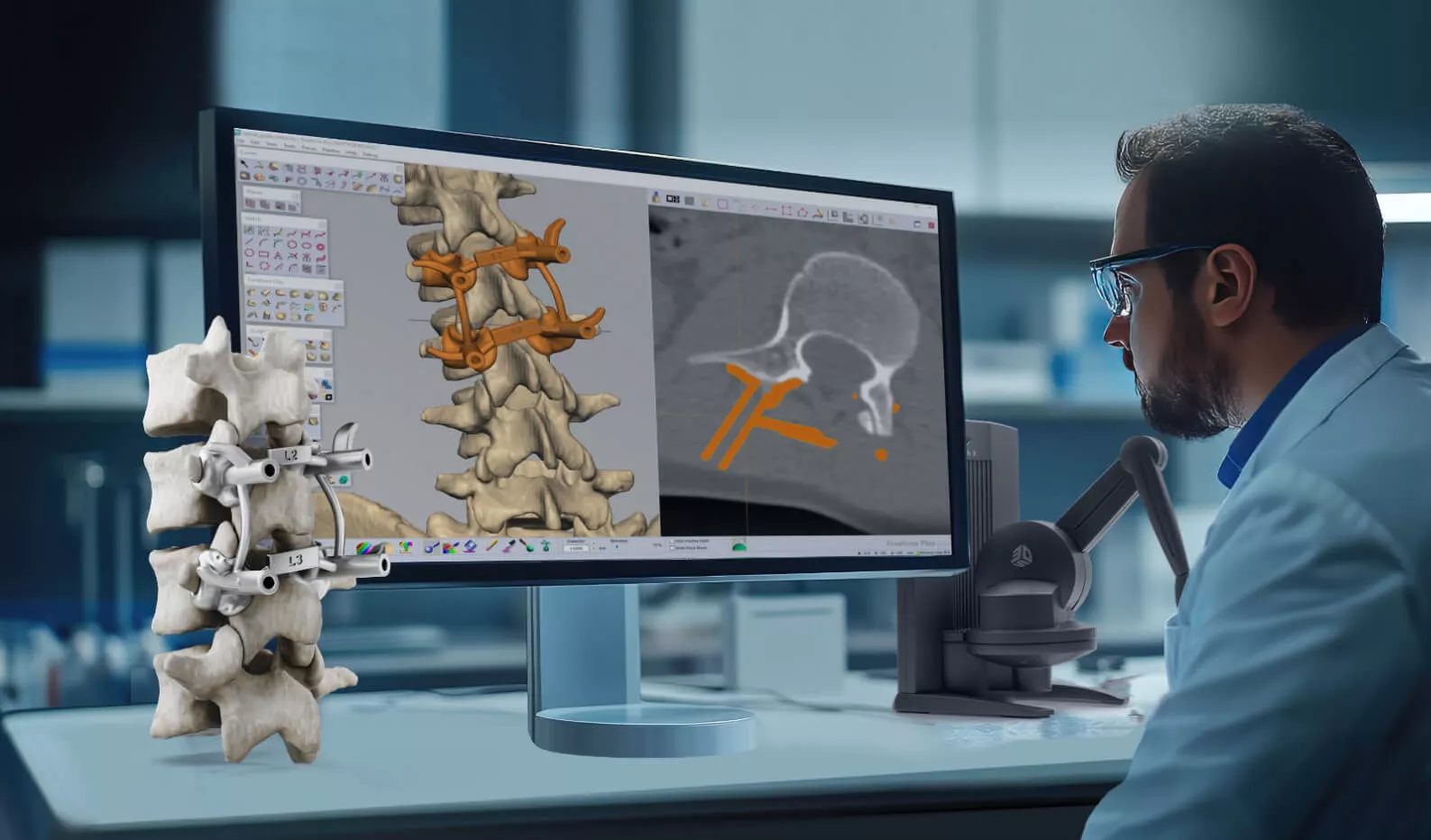
Healthcare
Design directly from patient-specific data. Create patient-specific implants, orthotics, and prosthetics with speed and precision, combining craftsmanship with automation to scale your output.
- Import CT/MRI via DICOM (incl. RTSTRUCT)
- Custom orthotics, prosthetics, and cranial plates
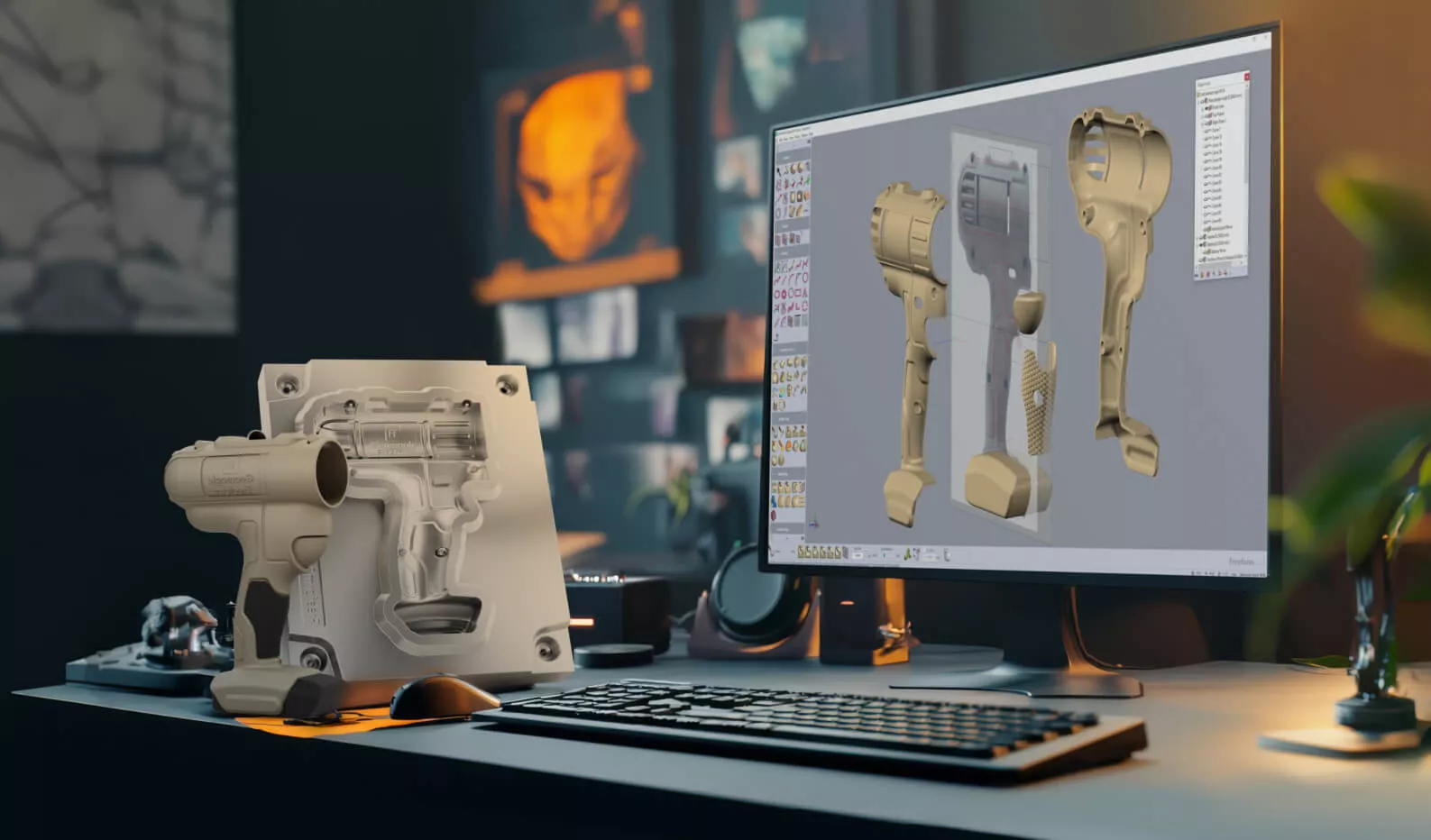
Industrial & Mold Making
Whether you're 3D printing, machining, or combining the two, Freeform delivers the model representation and export you need for any existing workflow.
- Mold and die design with draft control
- Textures and complex surface detail
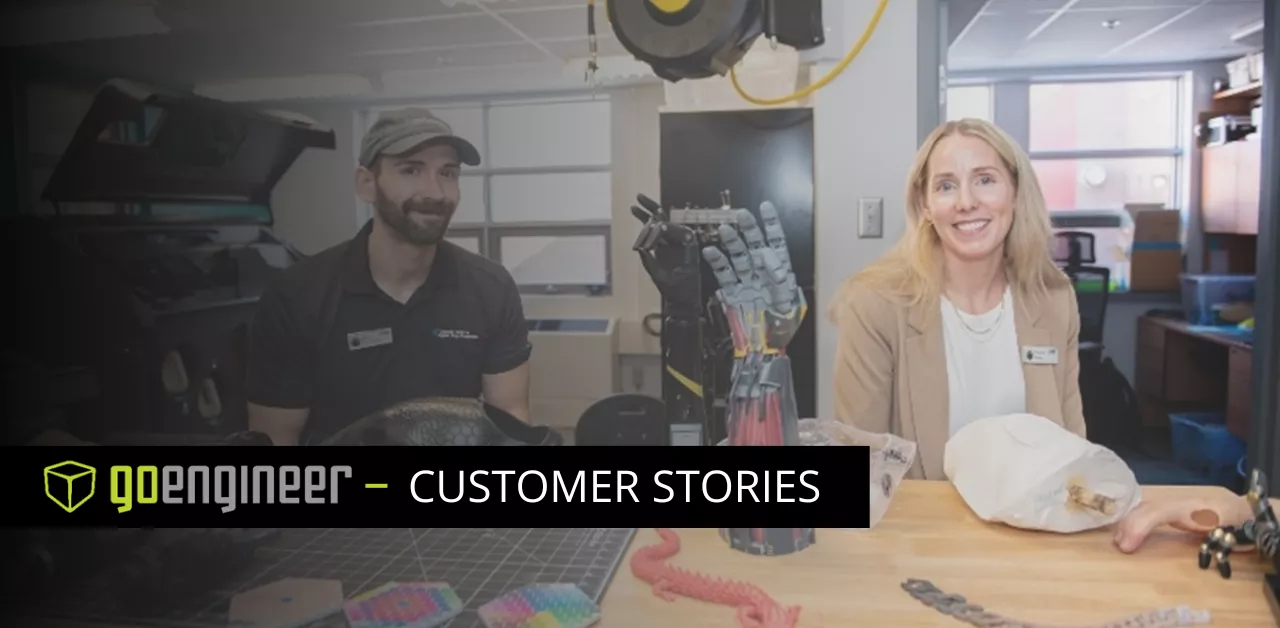
How ACULP Is Redefining the Possible in Prosthetics
ACULP moved from manual socket lamination to a scan, Geomagic Freeform, and 3D printing workflow.
- 90% digital workflow and 4x faster production
- Some devices in days instead of weeks
What's New in Geomagic Freeform
Hexagon updates Freeform regularly with new sculpting, automation, and workflow tools. Watch the overview, then see the full release notes for the latest version.
Frequently Asked Questions
Freeform is used to design complex, organic, and highly detailed shapes that are difficult to create in traditional CAD, including personalized medical devices, orthotics and prosthetics, toys and packaging, and mold and die tooling.
Yes. Freeform requires a haptic device, which gives you real-time force feedback so you can feel your model as you sculpt. Freeform supports Haply Robotics devices, including the Inverse3 and MinVerse.
Geomagic Design X converts 3D scan data into editable, feature-based CAD for reverse engineering. Geomagic Freeform is for designing new organic forms, often starting from scan or medical data, and preparing them for manufacture. Many teams use both.
Yes. Freeform works directly with 3D scan data and supports CT/MRI data through DICOM import, including RTSTRUCT, for patient-specific design.
Yes. Freeform integrates with CAD/CAM workflows for additive, subtractive, and hybrid manufacturing, so it can be used alongside your company’s standard CAD tools.
Yes. Freeform is available as a subscription or a perpetual license. Contact GoEngineer for pricing on the package that fits your team.
Complete Your Workflow