LeoShape
Modify patient scans and design custom orthotics within an automated digital workflow

What is LeoShape?
LeoShape is a web-based 3D design and editing platform built specifically for orthotics and prosthetics (O&P) professionals. It offers a practical alternative to manual plaster molding and traditional CAD software by providing digital tools that take you from a raw 3D scan to a manufacturing-ready file.
The software uses automated guides to help clinicians and technicians shape custom medical device like spinal braces, custom insoles, AFOs quickly without losing manual control over patient-specific details.
Tools

LeoInsole
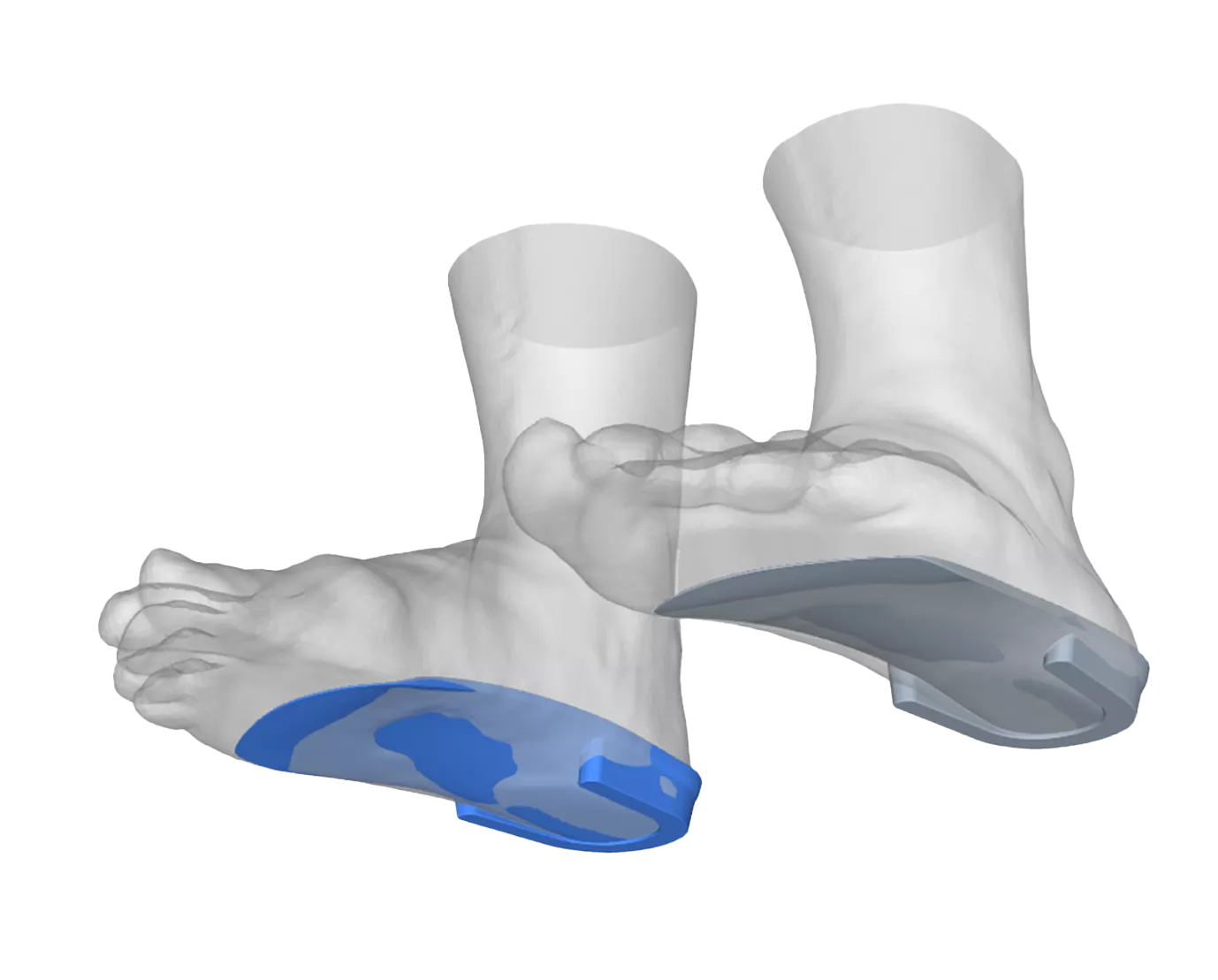
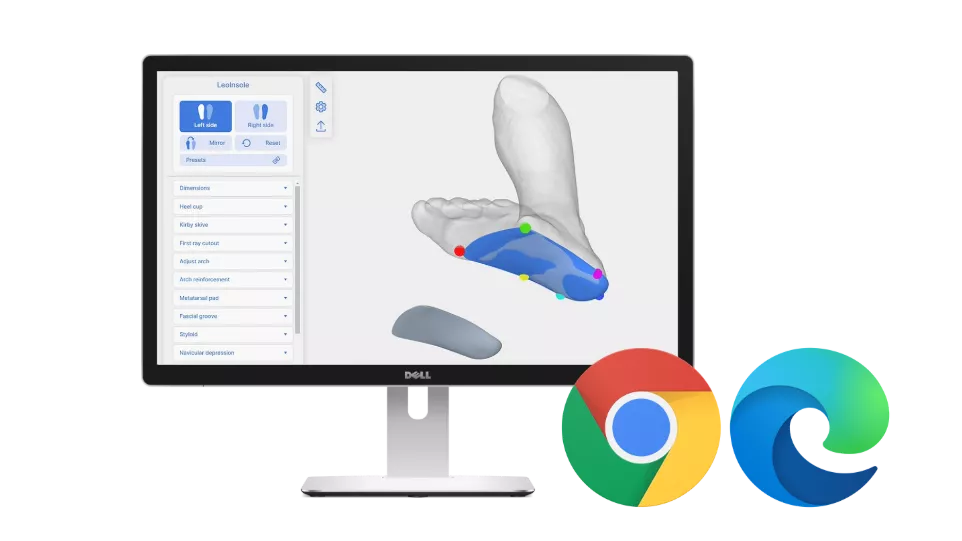
Design custom orthotic insoles using targeted tools for arch connectionAFs, heel leveling, and specific posture adjustments. The interface lets you apply biomechanical elements and material thickness variations based directly on patient gait data. This turns a traditional, multi-step grinding process into a clean, repeatable digital modification.
LeoAFO
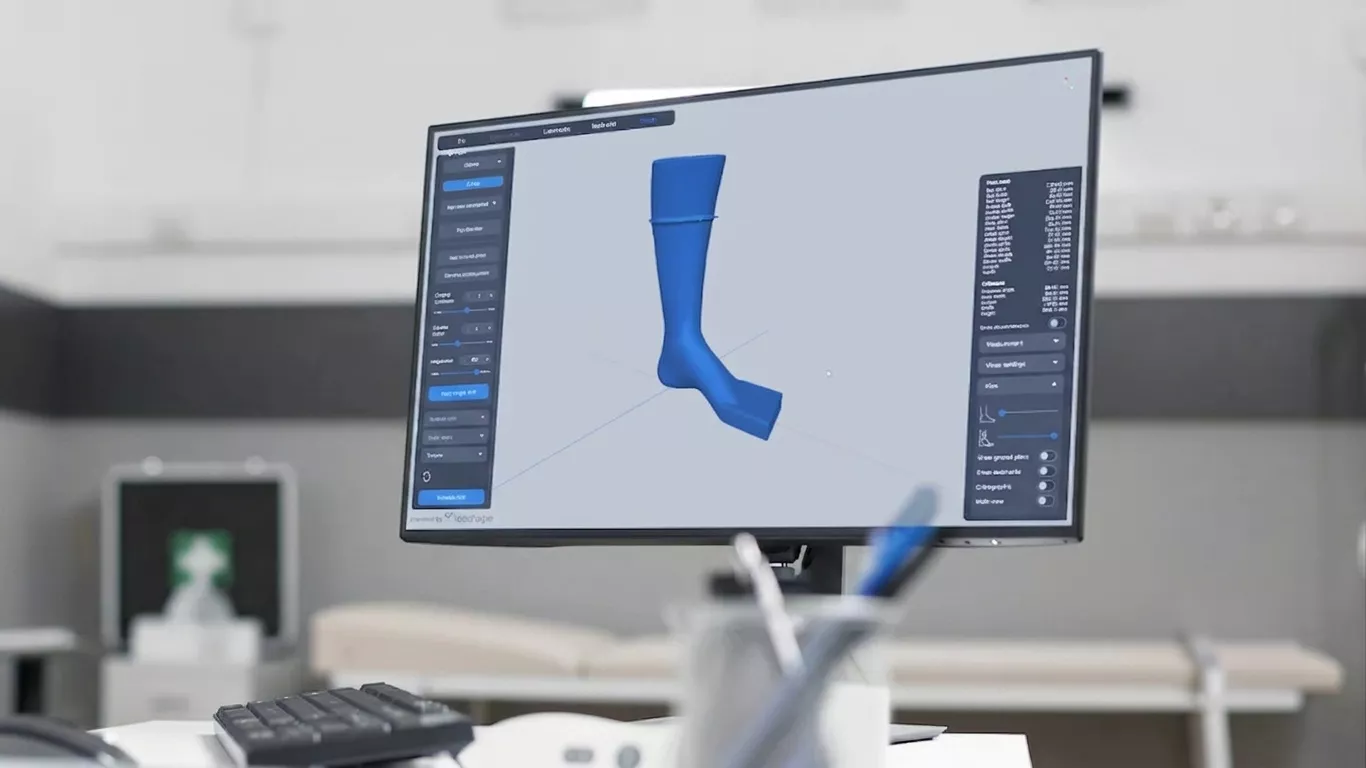
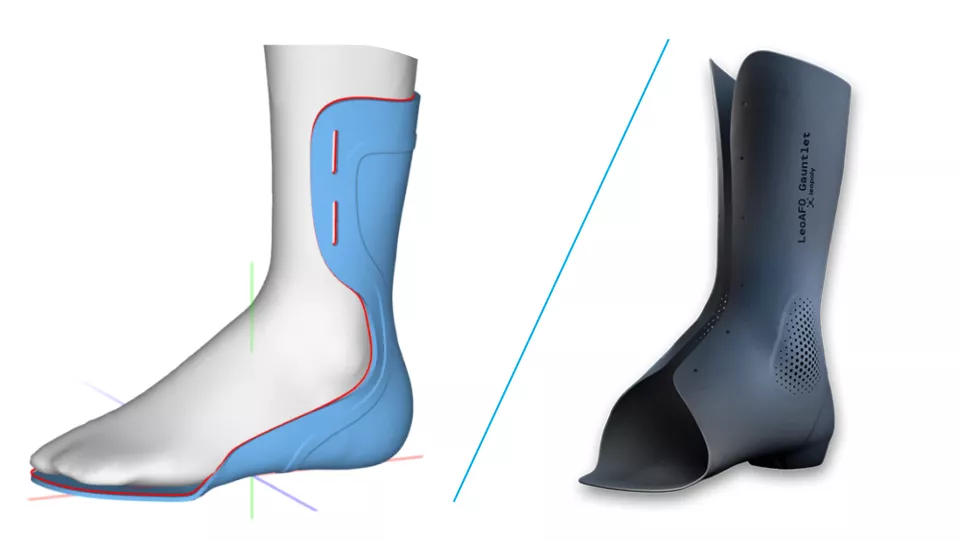
Create ankle-foot orthoses by leveraging pre-configured anatomical templates. The toolset simplifies joint alignment and trim-line definitions, reducing the time spent manually building up clearance zones around bony prominences. Technicians can quickly establish consistent wall thicknesses while adapting the geometry to the patient's unique shape.

LeoSpinal
Generate high-precision scoliosis braces and custom body jackets using specialized spinal curve correction tools. The software guides you through regional modifications and asymmetrical pressure applications required for corrective alignment. It balances automated volumetric calculations with manual carving controls, ensuring the final brace meets strict critical specifications.
Frequently Asked Questions
LeoShape is a 3D design application used by medical professionals to design custom orthotics. It replaces manual plaster casting by allowing users to digitally design patient-specific insoles, LFOs, and spinal braces.
Yes. LeoShape works with open-format 3D scanners and industrial 3D printers. The software imports raw scan data and exports clean, production-ready files optimized for additive manfuacturing technology or CNC milling.
Yes, LeoShape can be modified to fit your business. Clinics and production labs can configure the user interface, design modules, order tracking systems, and templates to match their existing workflows.
LeoShape is a web application that allows local storage of project data. Users can modify files, track orders, and complete 3D designs directly in a standard internet browser.
LeoShape Features
Automated Modifications
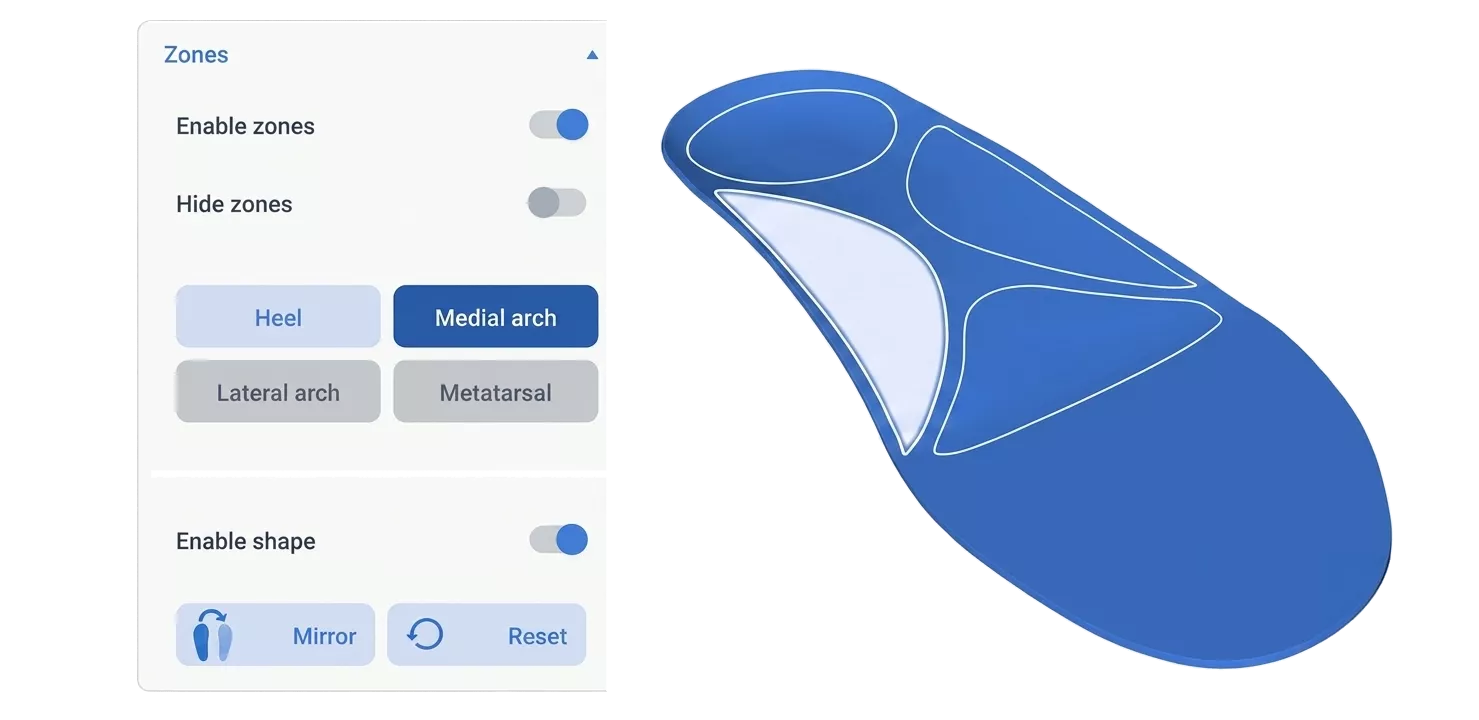
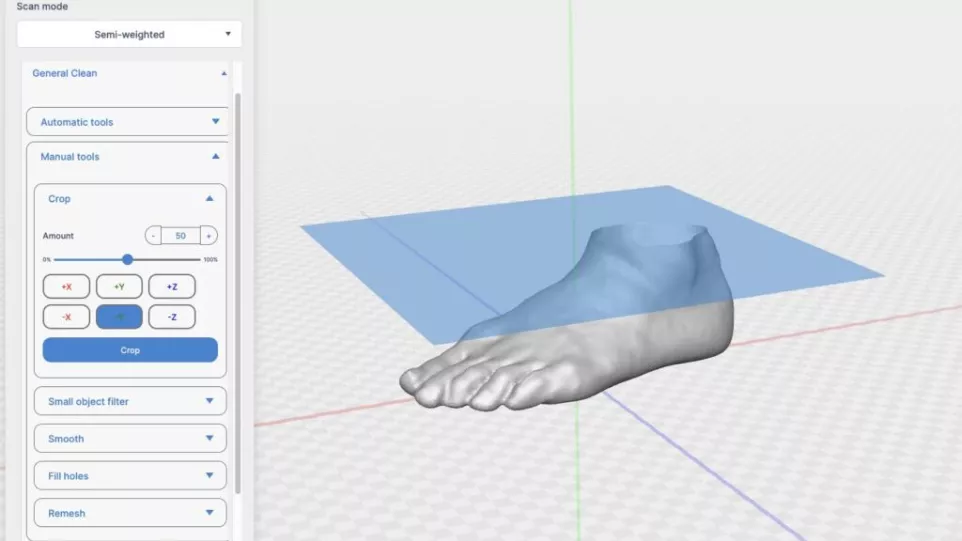
Speed up daily design tasks by automating repetitive modeling steps like applying standard relief zones and local thickness offsets. The software uses landmark points to guide common anatomical adjustments, allowing you to establish a consistent starting point for every model. Clinicians retain full control to fine-tune the final shapes, combining software efficiency with clinical experience.
Scan-to-Print Compatibility
Import open-format data from standard 3D scanners and export clean, solid files that are completely ready for production. The software ensures that the finalized meshes are manifold and optimized for industrial 3D printing technologies such as FDM, SAF, SLS, or Multi Jet Fusion. This eliminates the need for secondary file-repair software or manual mesh editing before sending jobs to the lab.
Web-Based Workspace
Access design tools, modify models, and manage your order pipeline directly through a secure web browser. This cloud-hosted setup removes the need for high-end local engineering workstations or complex IT infrastructure across multiple clinic locations. Files stay securely stored and accessible, allowing remote teams or external fabrication labs to collaborate on the same patient data.
Configurable Interface
Adapt the look, layout, and operational modules of the software to match the specific needs of your clinic or manufacturing business. You can set up custom design templates, strucutre the order-tracking dashboard, and white-label the interface for a consistent corporate identity. This flexibility helps the software blend directly into your established business practices rather than forcing you to change how you work.
Additional Resources
Take Advantage of GoEngineer’s Extensive Knowledge Base and Resources

Find a Solution
Our robust Knowledge Base contains over 12,000 resources to help answer your product design questions. From basic CAD questions to in-depth guides and tutorials, find your solution here. Find a Solution

PROFESSIONAL TRAINING
Improve your skills with professional training and certifications in SOLIDWORKS, CAM, 3D Printing, and 3D Scanning offered four ways: self-paced, online, on-site, or in-classroom. Certified Training Courses

BLOG
#1 Technical Resource Worldwide - Right at your fingertips. Search or browse through hundreds of SOLIDWORKS tips & tricks, additive manufacturing product developments, announcements, how-to guides, and tutorials. Blog
YouTube Channel
Our YouTube channel hosts hundreds of educational tutorials, product demonstrations, recorded webinars, and best practices for all of our products and services. GoEngineer's YouTube Channel
ONLINE STORE
Order 3D printing materials and consumables, enroll in SOLIDWORKS training classes, and buy official GoEngineer gear directly from our online store. Online Store
WEBINARS
Our engineering webinars are hosted by some of the top experts in the industry. They are always recorded, always free, and always offer a live Q&A. WEBINARS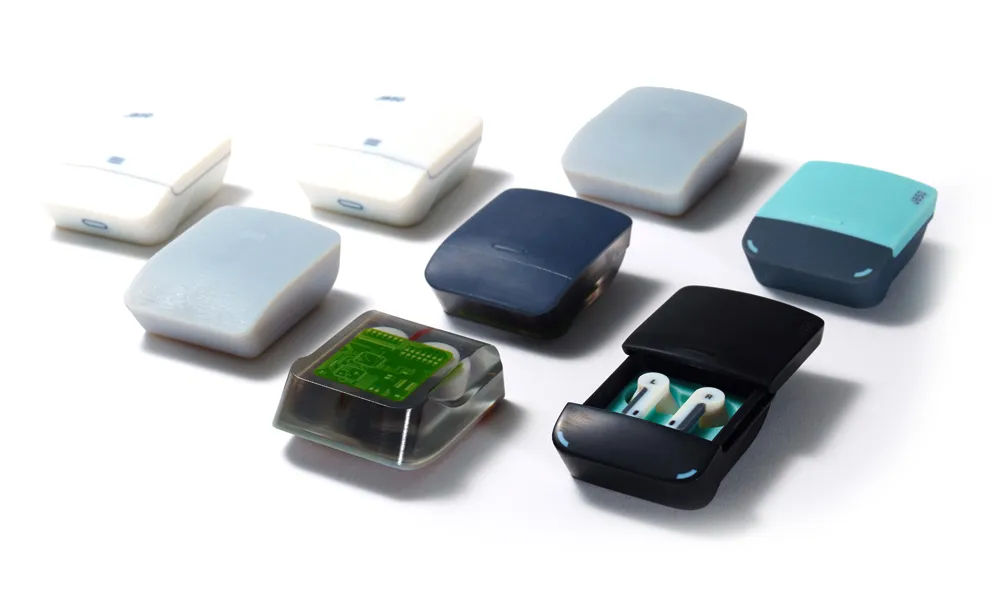
3D Printing Services
Need to 3D print a part? Our Additive Manufacturing experts will 3D print your part and deliver it to you using the latest technology on one of our professional FDM, PolyJet and SL 3D printers. 3D Printing Services