CATIA Composer Essentials
Learn how to create powerful views and animations of 3D models.

OVERVIEW
- CLASSROOM LENGTH: 2 days
- INSTRUCTOR-LED ONLINE LENGTH: 2 days
PREREQUISITES: Students should be familiar with Windows® operating system.
DESCRIPTION: This course is designed to teach you the main functionalities of CATIA Composer. You will learn how to create powerful views and animations of 3D models. You will also learn how to create technical documentation and how to publish, package and share CATIA Composer content in various formats.
QUESTIONS? Visit our Training FAQs Page.
All the ways to take
CATIA Composer Essentials
ONLINE CLASSES

IN-PERSON CLASSES
 Classroom Training

Private Training
LESSON PLAN
Lesson 1:
Getting Started with 3DVIA Composer
- Introduction
- Understanding the User Interface
Lesson 2:
Navigating 3D Data
-
Navigating in 3D
-
Capturing Views
Lesson 3:
Scene Appearance
- Visibility and Rendering Tools
- Collaborative Actors
Lesson 4:
Technical Illustration
- Transformations
- Bill of Material (BOM)
- Technical Illustration Workshop Tools
- Intelligent and Interactive Views
Lesson 5:
High Resolution Image Creation
- Light
- Texture
- High Resolution Image Workshop Tools
Lesson 6:
Animations
-
Animation Basics, Position & Property Changes
-
Animating Camera View Changes
-
Animating Collaborative Actors and Digger
-
Managing the Key Track
-
Creating Output Video
Lesson 7:
Assembly Animations
- Creating Animation Using Views
- Creating Compound Motion Animations
- Creating Kinematic & Interactive Animations
Lesson 8:
Content Management and Update
-
CAD Import, Update from CAD Files
-
ENOVIA 3DLive Bridge
-
3DVIA Composer File Types, Managing Animations
-
Search and Style-Filter Pane
Lesson 9:
Publishing and Sharing Content
-
Publishing Content
-
Reducing File Size
-
Securing 3DVIA Composer Content
Additional Resources
Take Advantage of GoEngineer’s Extensive Knowledge Base and Resources

Find a Solution
Our robust Knowledge Base contains over 12,000 resources to help answer your product design questions. From basic CAD questions to in-depth guides and tutorials, find your solution here. Find a Solution

PROFESSIONAL TRAINING
Improve your skills with professional training and certifications in SOLIDWORKS, CAM, 3D Printing, and 3D Scanning offered four ways: self-paced, online, on-site, or in-classroom. Certified Training Courses

BLOG
#1 Technical Resource Worldwide - Right at your fingertips. Search or browse through hundreds of SOLIDWORKS tips & tricks, additive manufacturing product developments, announcements, how-to guides, and tutorials. Blog

YouTube Channel
Our YouTube channel hosts hundreds of educational tutorials, product demonstrations, recorded webinars, and best practices for all of our products and services. GoEngineer's YouTube Channel
ONLINE STORE
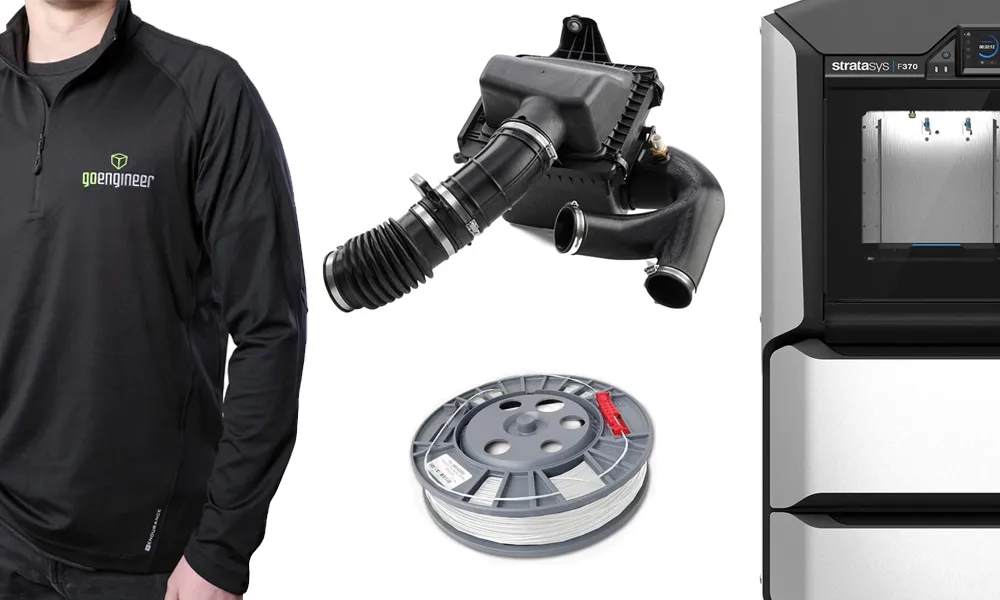
Order 3D printing materials and consumables, enroll in SOLIDWORKS training classes, and buy official GoEngineer gear directly from our online store. Online Store
WEBINARS
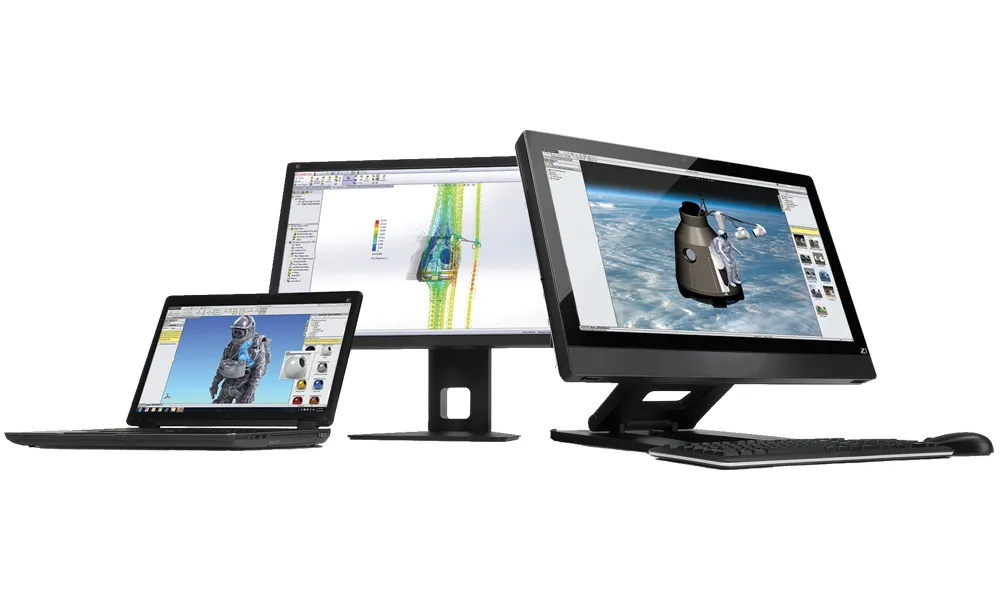
Our engineering webinars are hosted by some of the top experts in the industry. They are always recorded, always free, and always offer a live Q&A. WEBINARS
3D Printing Services
Need to 3D print a part? Our Additive Manufacturing experts will 3D print your part and deliver it to you using the latest technology on one of our professional FDM, PolyJet and SL 3D printers. 3D Printing Services