CATIA V5: Advanced Part and Assembly Design
Learn to create complex parts in CATIA V5, manage structured models, design in assemblies, reuse data, analyze designs, and annotate effectively.

OVERVIEW
- CLASSROOM LENGTH: 5 days
- INSTRUCTOR-LED ONLINE LENGTH: 5 days
PREREQUISITES: CATIA V5 Fundamentals.
DESCRIPTION: Create a complex part in CATIA V5, create and manage a structured model, design parts in the context of an assembly, re-use existing data to complete assemblies, manage relationships between assembled parts, and analyze and annotate your design.
QUESTIONS? Visit our Training FAQs Page.
All the ways to take
CATIA V5: Advanced Part and Assembly Design
IN-PERSON CLASSES
 Classroom Training
Private Training
ONLINE CLASSES
 Instructor-Led Training
LESSON PLAN
Lesson 1:
Introduction
- Design Intent
- Stages in the Process
- User Interface
- Parent/Child Relationships
- Organizing a Solid Model
Lesson 2:
Design complex Parts
- Create Advanced Sketch-Based Features
- Creating Mulit-Sections Solid
- Rib and Slot
- Thin Rib
- Multi-Sections Feature
- Advanced Drafts
- Advanced Dress-Up Features
- Replace a Model Face
- Solid Combine
- Advanced Draft
- Using Multi-Model Links
Lesson 3:
Surface Design
- Accessing the Generative Surface Design Workbench
- Creating the Reference Geometry
- Create Complex Wireframe
- Splines, Circles, and Projections
- Basic Surface Geometry
- Complex Surface Geometry
- Create Sweep and Blend
- Sweep and Fill
- Performing Operations on Surfaces
- Solidifying the Model
Lesson 4:
Analyze and Annotate Parts
- Analyzing the Part
- Curvature Analysis
- Exercise: Draft Analysis
- Creating 3D Contraints
- Annotating the Part
Lesson 5:
Sharing Information
- PowerCopy
- Parameters and Formulas
- Creating a Design Table
- Creating a Catalog
Lesson 6:
Assembly Design
- Structure
- Creating the Flexible Sub Assembly
- Load/Unload a Part Using the Desk Command
- Analyzing the Assembly
- Clash Analysis and Section
- Scenes
- Annotations
- Reports
- Assembly Management
Lesson 7:
Design in Context
- Work with Visualization Modes
- Creating Contextual Parts
- Creating Assembly-Level Features
- Manipulating the Contextual Components
- Save the Conextual Models
- Analyze Links
Lesson 8:
Complex Assembly Design
- Creating a Skeleton Model
- Creating Published Elements
- Using Published Elements
Lesson 9:
Master Project: Lifting Truck
- Reuse the Existing V4 Jack
- Design in Context
- Design the Right Fork Assembly
- Design the Left Fork Assembly
- Check Jack Clearance
Lesson 10:
Master Project: Mobile Phone
- Create Battery Reservation Space
- Create Mobile Phone Bottom Case
- Modify the Design
- Analyze and Modify the Design
Additional Resources
Take Advantage of GoEngineer’s Extensive Knowledge Base and Resources

Find a Solution
Our robust Knowledge Base contains over 12,000 resources to help answer your product design questions. From basic CAD questions to in-depth guides and tutorials, find your solution here. Find a Solution
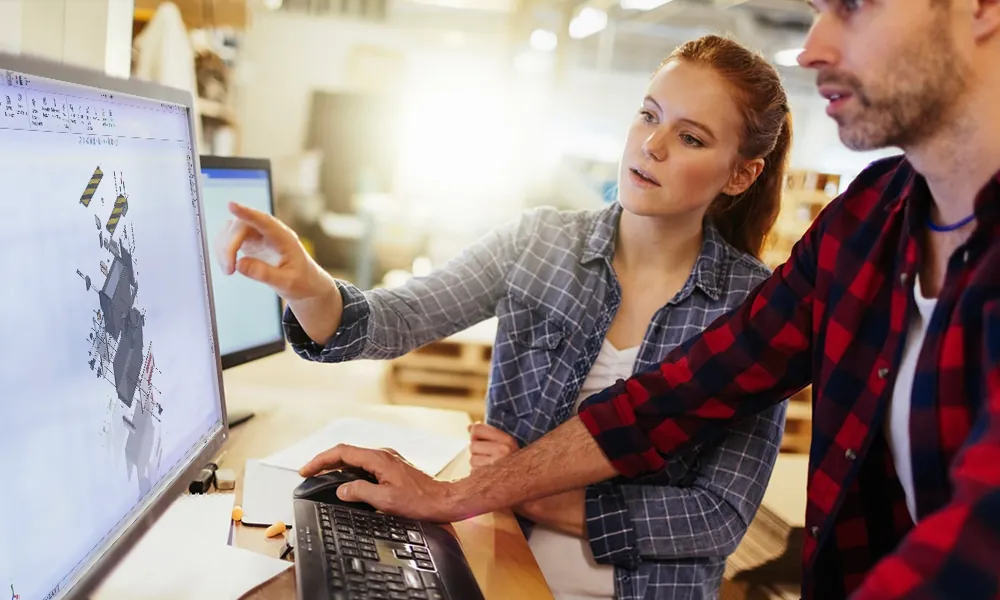
PROFESSIONAL TRAINING
Improve your skills with professional training and certifications in SOLIDWORKS, CAM, 3D Printing, and 3D Scanning offered four ways: self-paced, online, on-site, or in-classroom. Certified Training Courses

BLOG
#1 Technical Resource Worldwide - Right at your fingertips. Search or browse through hundreds of SOLIDWORKS tips & tricks, additive manufacturing product developments, announcements, how-to guides, and tutorials. Blog

YouTube Channel
Our YouTube channel hosts hundreds of educational tutorials, product demonstrations, recorded webinars, and best practices for all of our products and services. GoEngineer's YouTube Channel
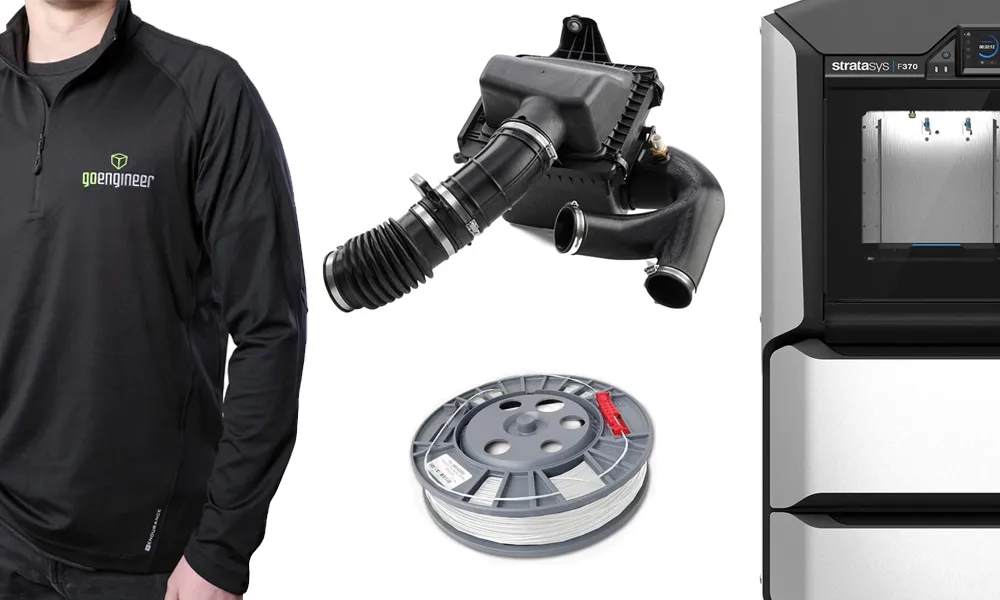
ONLINE STORE
Order 3D printing materials and consumables, enroll in SOLIDWORKS training classes, and buy official GoEngineer gear directly from our online store. Online Store
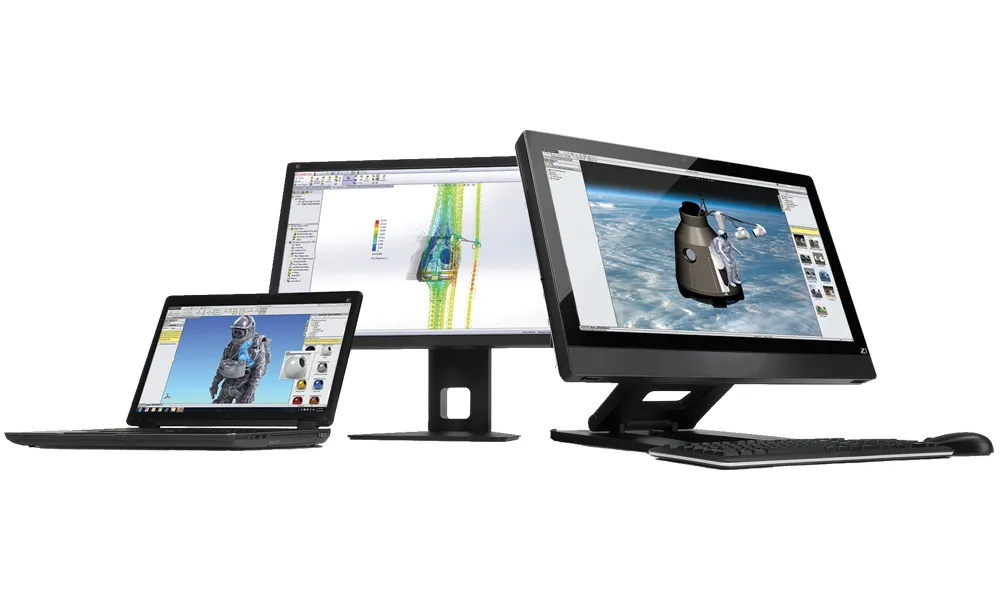
WEBINARS
Our engineering webinars are hosted by some of the top experts in the industry. They are always recorded, always free, and always offer a live Q&A. WEBINARS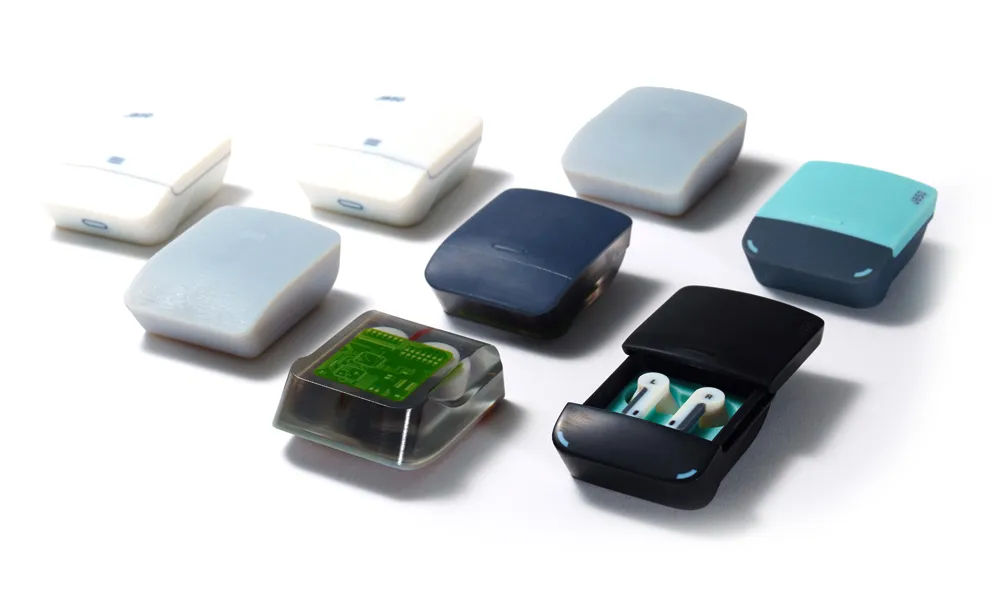
3D Printing Services
Need to 3D print a part? Our Additive Manufacturing experts will 3D print your part and deliver it to you using the latest technology on one of our professional FDM, PolyJet and SL 3D printers. 3D Printing Services