



- Importing Data
- Creating Solids From Surfaces
- Repairing and Editing Imported Geometry
SOLIDWORKS MOLD DESIGN TRAINING
Learn manual mold creation techniques and Mold Tools
OVERVIEW
- CLASSROOM LENGTH: 2 days
- INSTRUCTOR-LED ONLINE LENGTH: 4 days
PREREQUISITES: We recommend completing the SOLIDWORKS Advanced Part Modeling course.
DESCRIPTION: Mold Design Using SOLIDWORKS teaches you several manual mold creation techniques and how to use the Mold Tools in SOLIDWORKS mechanical design automation software.
QUESTIONS? Visit our Training FAQs Page.
LESSON PLAN
Lesson 1:
surface concepts and imported geometry
Lesson 2:
core and cavity
- Core and Cavity Mold Design
- Mold Analysis Tools
- Adding Draft
- Scaling the Model
- Establish the Parting Lines
- Shut-Off Surfaces
- Creating the Parting Surface
- Creating the Mold Tooling
Lesson 3:
side cores and PINS
- Additional Mold Tooling
- Trapped Molding Areas
- Side Cores
- Lifters
- Core Pins
Lesson 4:
advanced parting lines
- Manual Parting Line
- Splitting a Part
Lesson 5:
Creating Custom Surfaces For Mold Design
- Surfaces in Mold Making
- Creating New Drafted Faces
- Interlock Surfaces
Lesson 6:
Advanced Surfacing for Mold Design
- Surface Modeling for Mold Design
Lesson 7:
alternate methods for mold design
- Alternate Methods for Mold Design
- Using Combine and Split
- Creating a Cavity
- Techniques for Mold Tooling
Lesson 8:
reusable data
- SOLIDWORKS Resources
- Design Library
- Library Features
- Smart Components
Lesson 9:
completing the mold base
- Organizing the Assembly
- Modifying the Lifters
- Lifter Motion
- Ejector Pins
- Cooling the Mold
- Making the Drawing
Additional Resources
Take Advantage of GoEngineer’s Extensive Knowledge Base and Resources

Find a Solution
Our robust Knowledge Base contains over 12,000 resources to help answer your product design questions. From basic CAD questions to in-depth guides and tutorials, find your solution here. Find a Solution

PROFESSIONAL TRAINING
Improve your skills with professional training and certifications in SOLIDWORKS, CAM, 3D Printing, and 3D Scanning offered four ways: self-paced, online, on-site, or in-classroom. Certified Training Courses

BLOG
#1 Technical Resource Worldwide - Right at your fingertips. Search or browse through hundreds of SOLIDWORKS tips & tricks, additive manufacturing product developments, announcements, how-to guides, and tutorials. Blog

YouTube Channel
Our YouTube channel hosts hundreds of educational tutorials, product demonstrations, recorded webinars, and best practices for all of our products and services. GoEngineer's YouTube Channel
ONLINE STORE
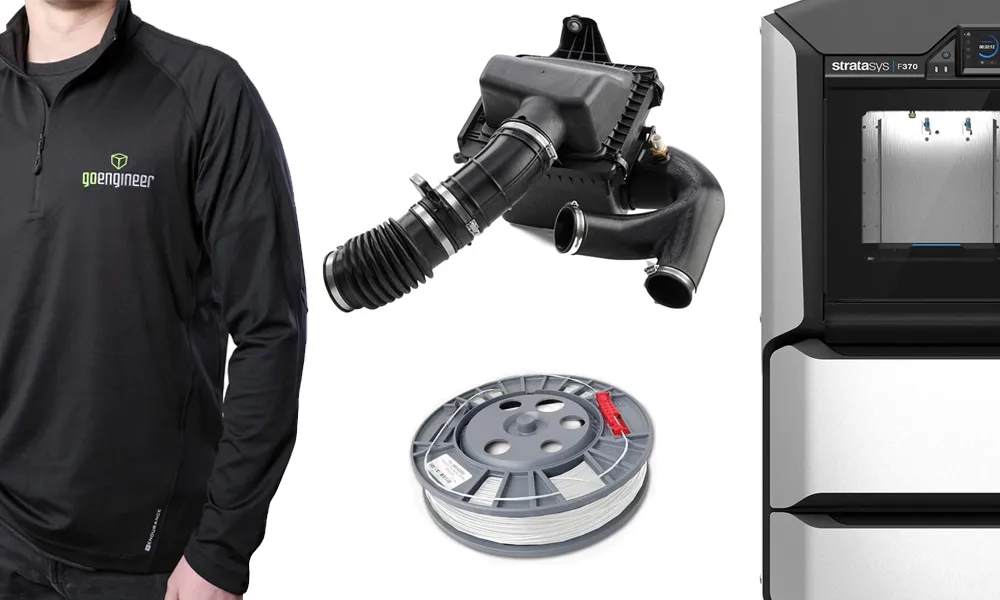
Order 3D printing materials and consumables, enroll in SOLIDWORKS training classes, and buy official GoEngineer gear directly from our online store. Online Store
WEBINARS
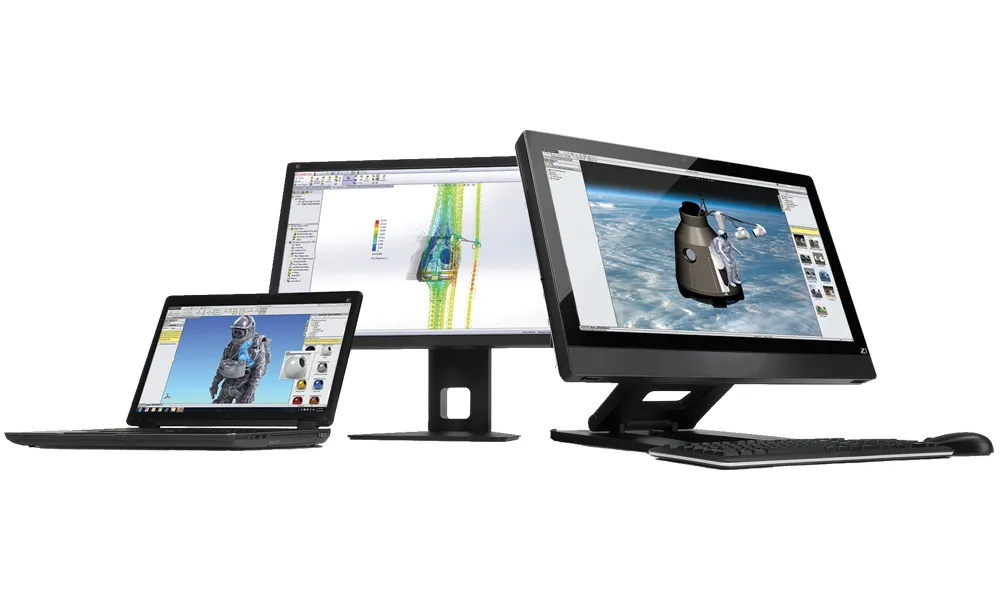
Our engineering webinars are hosted by some of the top experts in the industry. They are always recorded, always free, and always offer a live Q&A. WEBINARS
3D Printing Services
Need to 3D print a part? Our Additive Manufacturing experts will 3D print your part and deliver it to you using the latest technology on one of our professional FDM, PolyJet and SL 3D printers. 3D Printing Services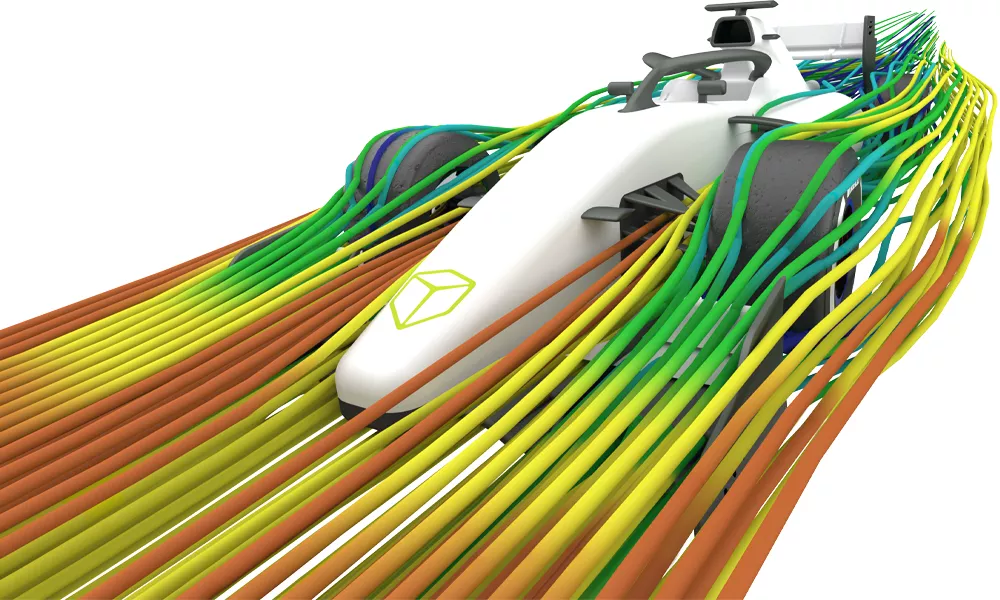
Simulation Services
GoEngineer's CAE consultants help you design better products faster. Our advanced FEA & CFD services provide critical engineering insight to world-class OEMs, suppliers, and start-ups alike. Simulation Services
×
![]()