Stop Paying the 'Assembly Tax': Why Your Next Design Should Be One Part, Not Ten

For decades, the standard engineering response to complexity was "break it down." If a component was too intricate to machine or cast, we split it into sub-assemblies. We added fasteners, gaskets, and weldments. We created sprawling Bills of Materials (BOMs) and accepted the "assembly tax", the inevitable accumulation of labor costs, inventory overhead, and potential failure points.
In 2026, that math has changed. As metal additive manufacturing (AM) moves from the prototyping lab to mainline production, the most significant ROI isn't found in making parts faster, it’s found in making fewer of them. In this post, we’ll quantify the hidden costs of traditional assembly, explore the DfAM toolset native to SOLIDWORKS, and dive into the advanced 3DEXPERIENCE optimization tools and industrial metal AM hardware that are making monolithic design a physical reality.
Hidden Costs of Traditional Assemblies
Every bolt in your assembly is a liability. It requires a hole (a stress concentrator), a torque spec, a line item in your ERP, and a human or robot to install it. When you consolidate a ten-part assembly into a single 3D printed component, you aren't just simplifying; you are eliminating:
Sealing Surfaces
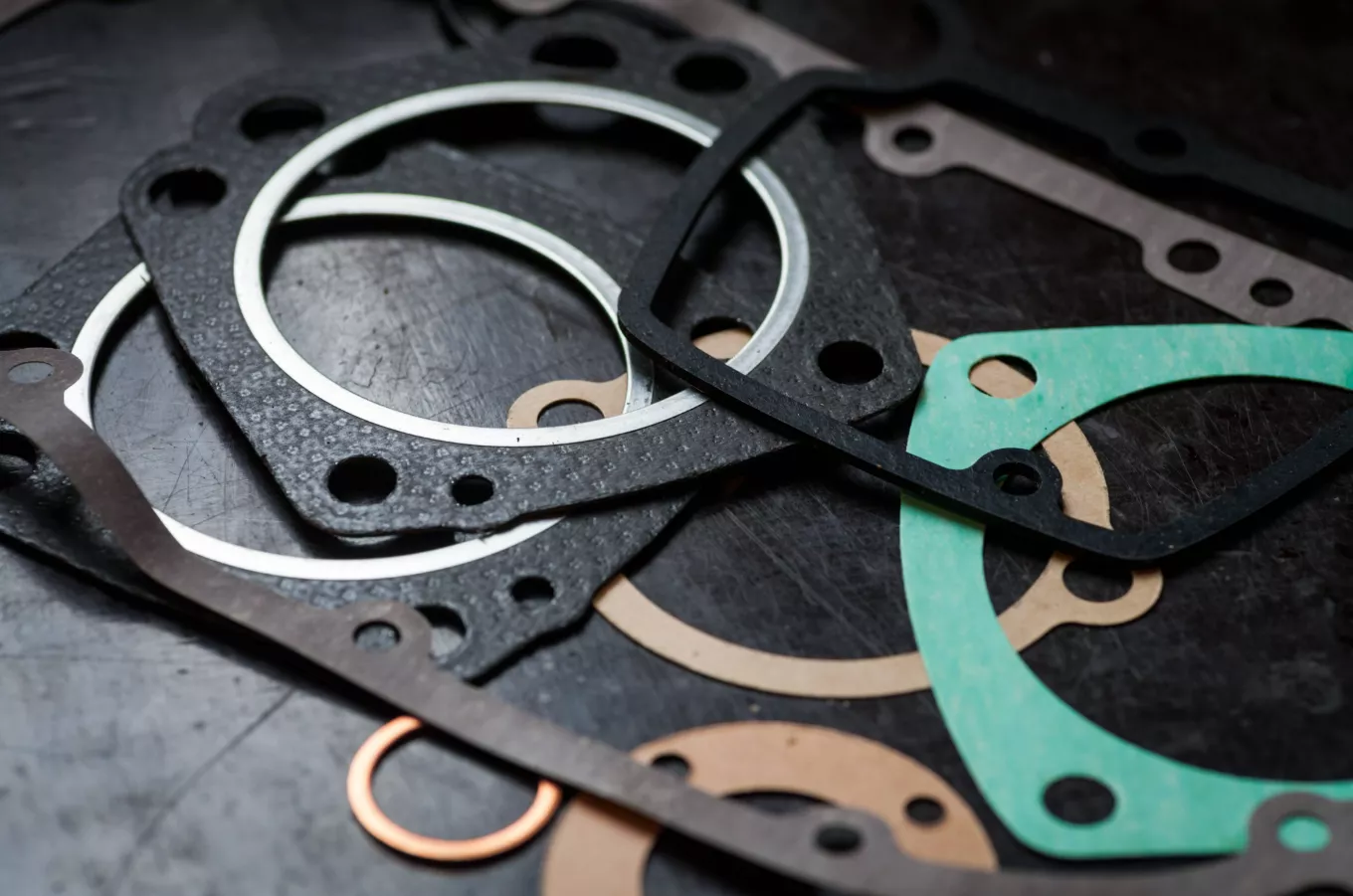
No gaskets mean no leak paths.
Fastener Mass
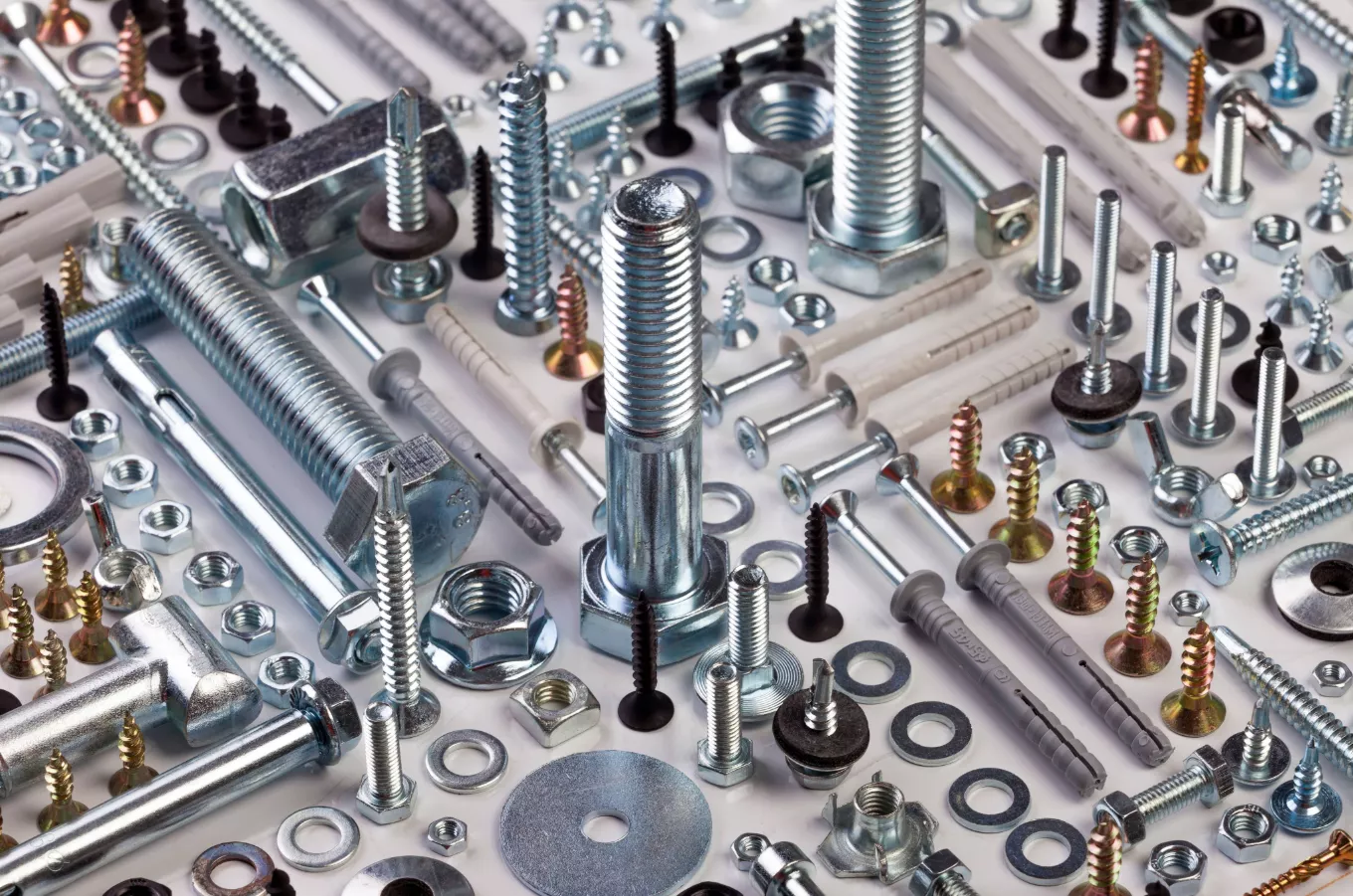
In aerospace and automotive, the hardware often accounts for 5–10% of total weight.
Supply Chain Lag
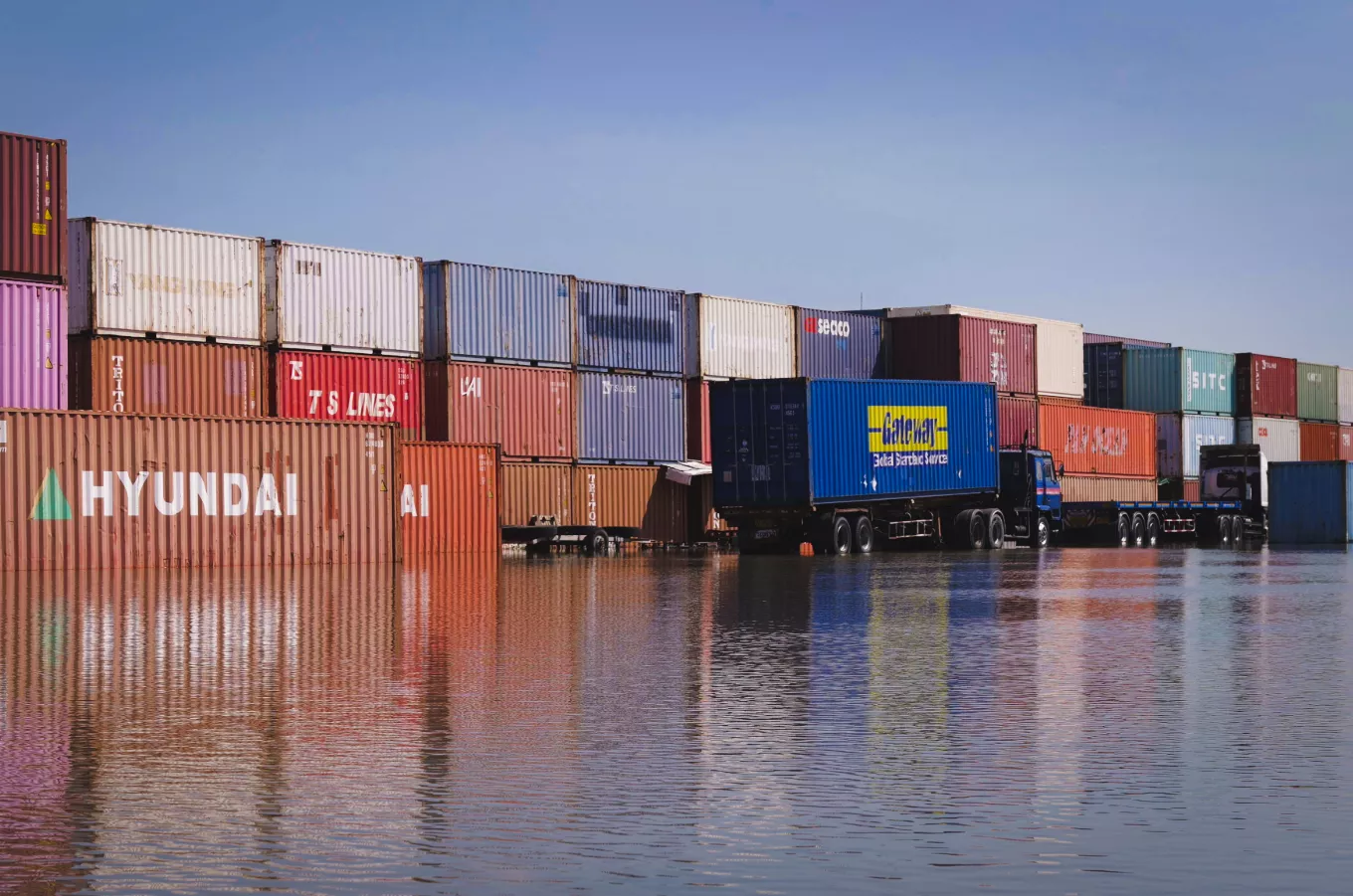
You no longer have to wait for eight different vendors to deliver eight different components before you can start production.
SOLIDWORKS DfAM Toolkit
Engineers can leverage several integrated tools within the SOLIDWORKS environment to begin the consolidation process. Designing for Additive Manufacturing (DfAM) requires a departure from traditional "subtractive" thinking, focusing instead on where material is functionally necessary. Current SOLIDWORKS features provide a perfect starting point for part consolidation, and additive manufacturing.
Print3D and Design Validation: Prepare and print parts without leaving the SOLIDWORKS environment with the Print3D tool.
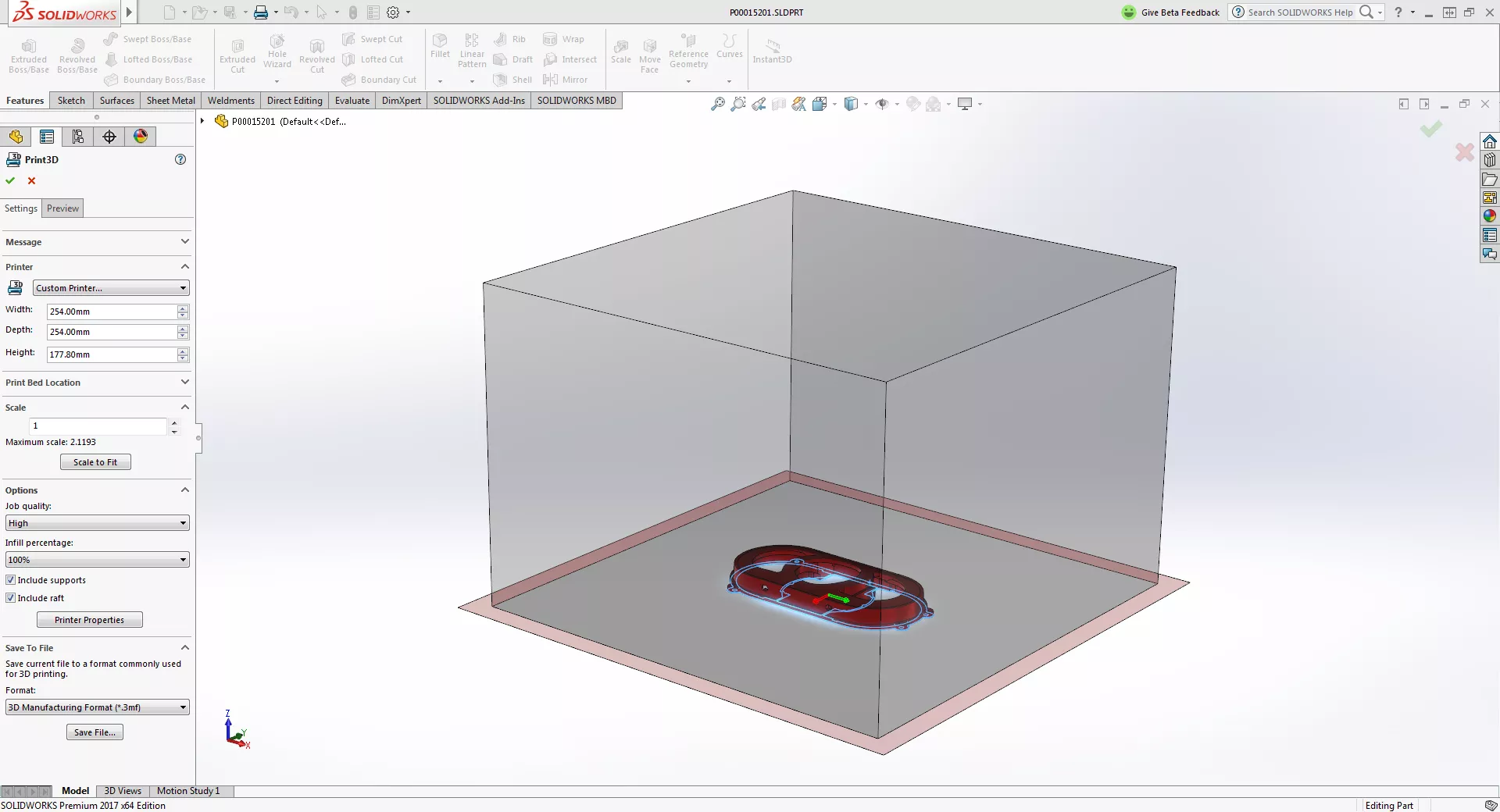
Key features include:
- Automatically detect thin walls, open faces, and problematic geometry prior to printing.
- Perform watertight or solid model checks.
- Instantly visualize how part orientation affects printability and material usage.
- Identify and address print issues early, helping to avoid wasted time and material.
- Generate supports and rafts optimized for the selected geometry and orientation.
- Quickly resize parts for prototyping, testing, or production needs.
- Efficiently position parts within the printable build volume.
- Export industry‑standard file formats (STL, 3MF, AMF).
- Provide a built‑in library of industry‑standard 3D printers, including platform sizes and key parameters, with the option to create custom printer profiles as well.
SOLIDWORKS Mesh Modeling Tools: Native tools make working with STL and mesh data faster, smarter, and far more flexible than traditional import‑and‑repair workflows. With advanced STL import settings, users can choose exactly how mesh data is brought into SOLIDWORKS - as a graphics body for visualization, a mesh body for lightweight interaction, or a BREP solid for downstream modeling. This gives designers and engineers the control they need to move seamlessly from scan data, supplier models, or generative outputs into production‑ready designs. By combining intelligent mesh handling, powerful repair and simplification tools, and direct integration with parametric modeling, SOLIDWORKS enables users to spend less time fighting geometry and more time refining designs that are ready for manufacturing.
Integrated Topology Optimization: The SOLIDWORKS Simulation topology study allows you to define a design space and load cases, then sculpt the part based on target stiffness or mass reduction. This is the primary driver for turning a multi-piece bracket assembly into a single, high-performance organic component.
Complex Designs to Qualified Parts with 3DEXPERIENCE
While desktop SOLIDWORKS handles the geometry, the 3DEXPERIENCE platform provides the manufacturing-grade intelligence required to move to production. No matter your starting point, SOLIDWORKS, STEP/IGES files, or pre-existing mesh files, you can get rolling with manufacturing in 3DEXPERIENCE. For companies consolidating assemblies, the platform offers a powerful tools to bridge the gap between a 3D model and a functional, qualified metal part:
- Lattice Designer: Complex assemblies often involve internal structures for heat dissipation or vibration dampening. The Lattice Designer role allows you to replace solid masses with intricate lattice structures, including Gyroids and TPMS (Triple Periodic Minimal Surfaces), that are impossible to manufacture via CNC. These structures provide a massive surface-area-to-volume ratio, allowing you to consolidate an entire heat exchanger assembly into a single printed unit.
- Additive Manufacturing 3DEXPERIENCE Roles: To retain precise control over the build process. 3DEXPERIENCE Additive Manfacturing tools provide easy-to-use machine programming workflows that optimize material usage, improve part quality, and speed up the printing process. Targeted roles allow users to:
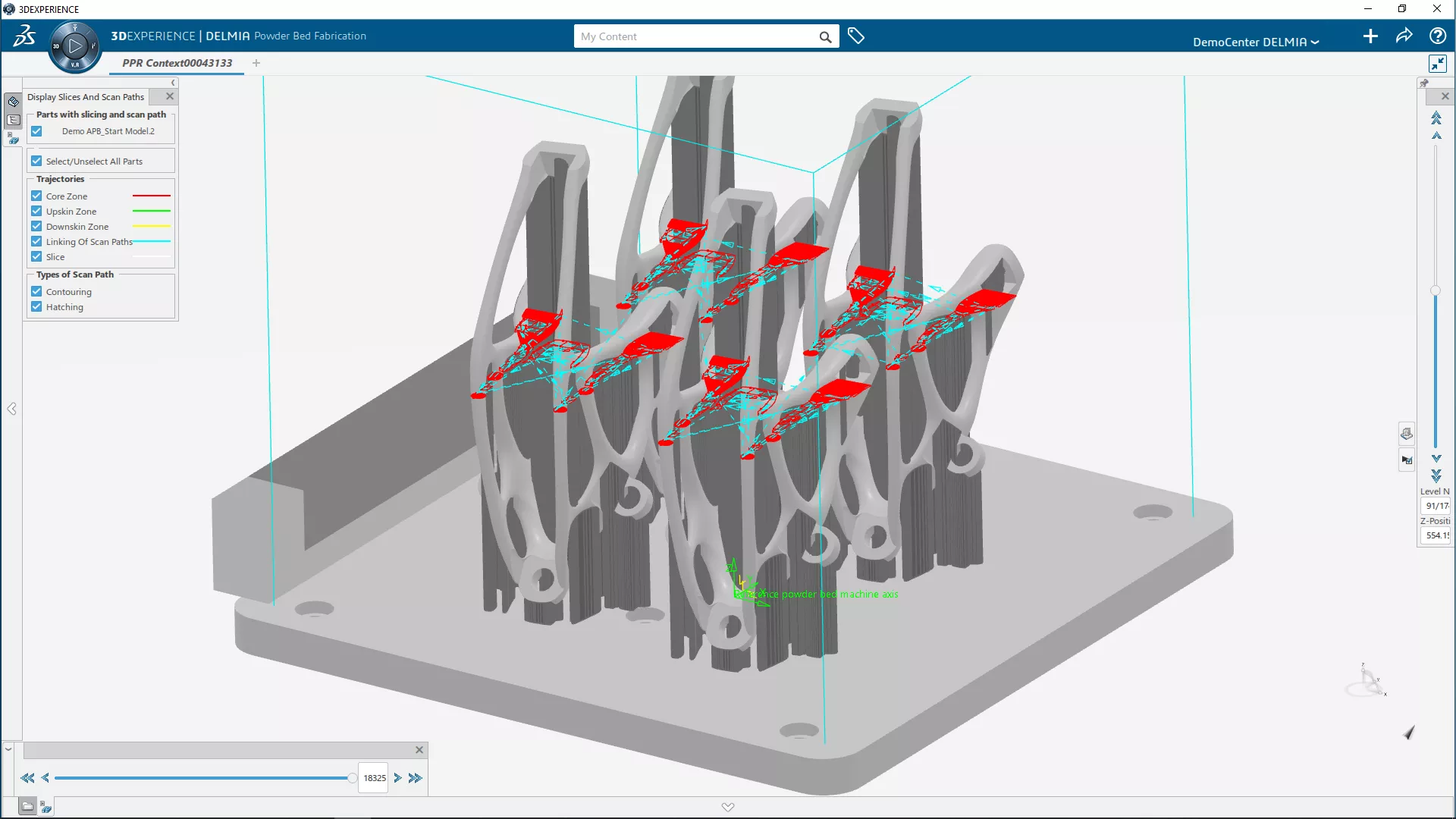
Validate Before You Print
Validate materials, laser paths, and distortions in a virtual environment to eliminate costly physical trial-and-error.
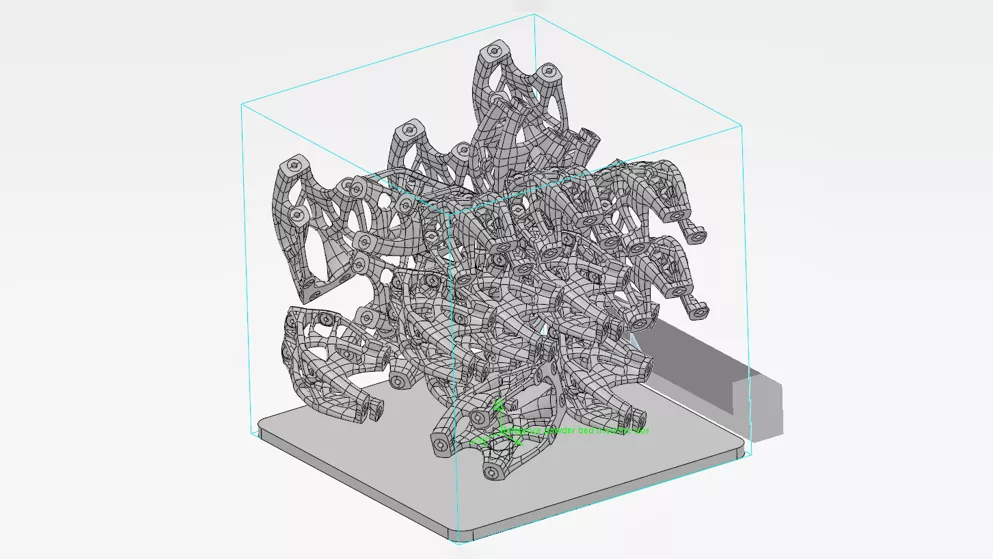
Maximize Resource Utilization
Maximize powder bed utilization through advanced 3D nesting while minimizing waste and unnecessary machine motion.
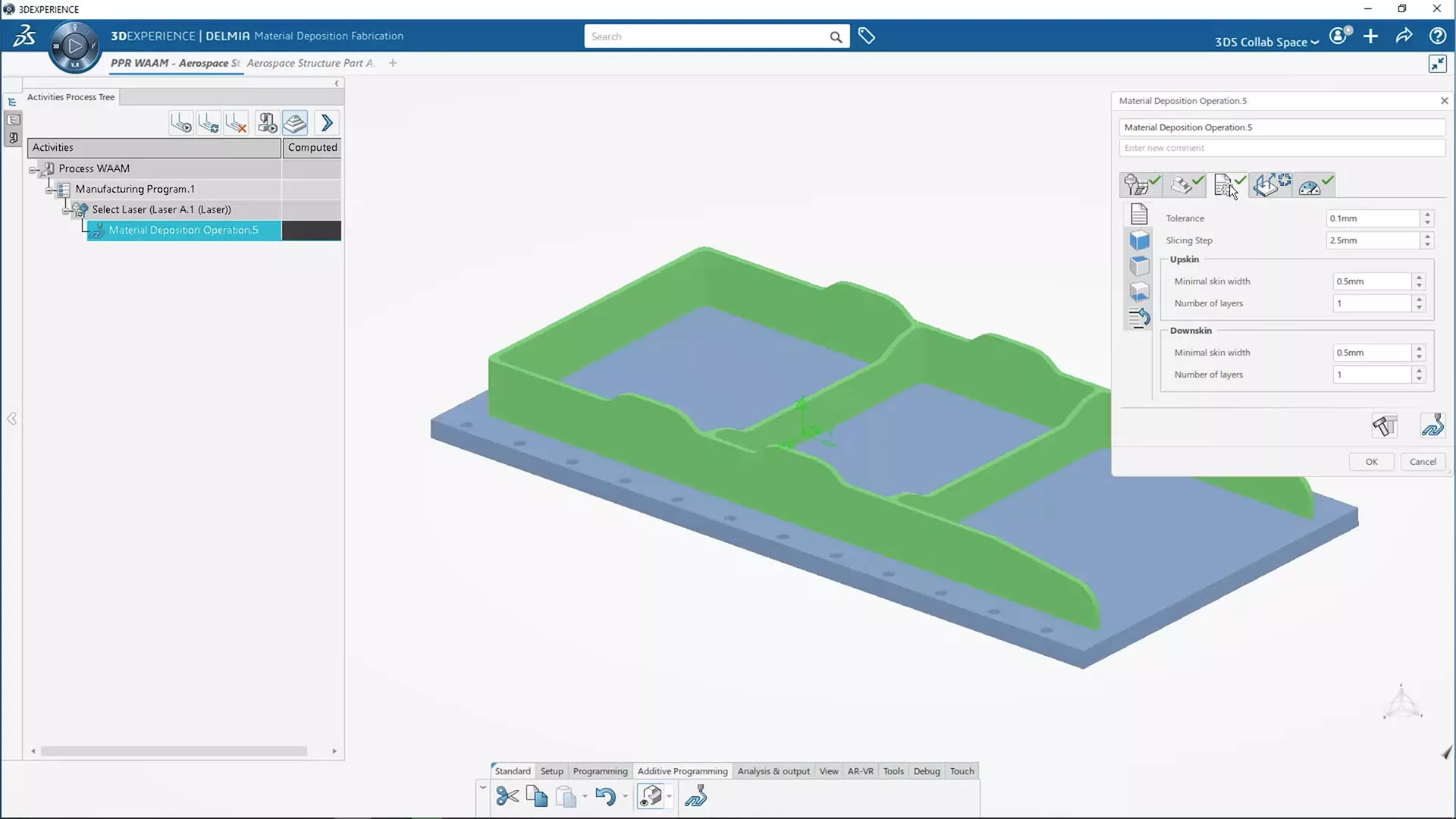
Program Quickly and Easily
Streamline setups with a familiar interface that automates part orientation, support generation, and geometry modifications.
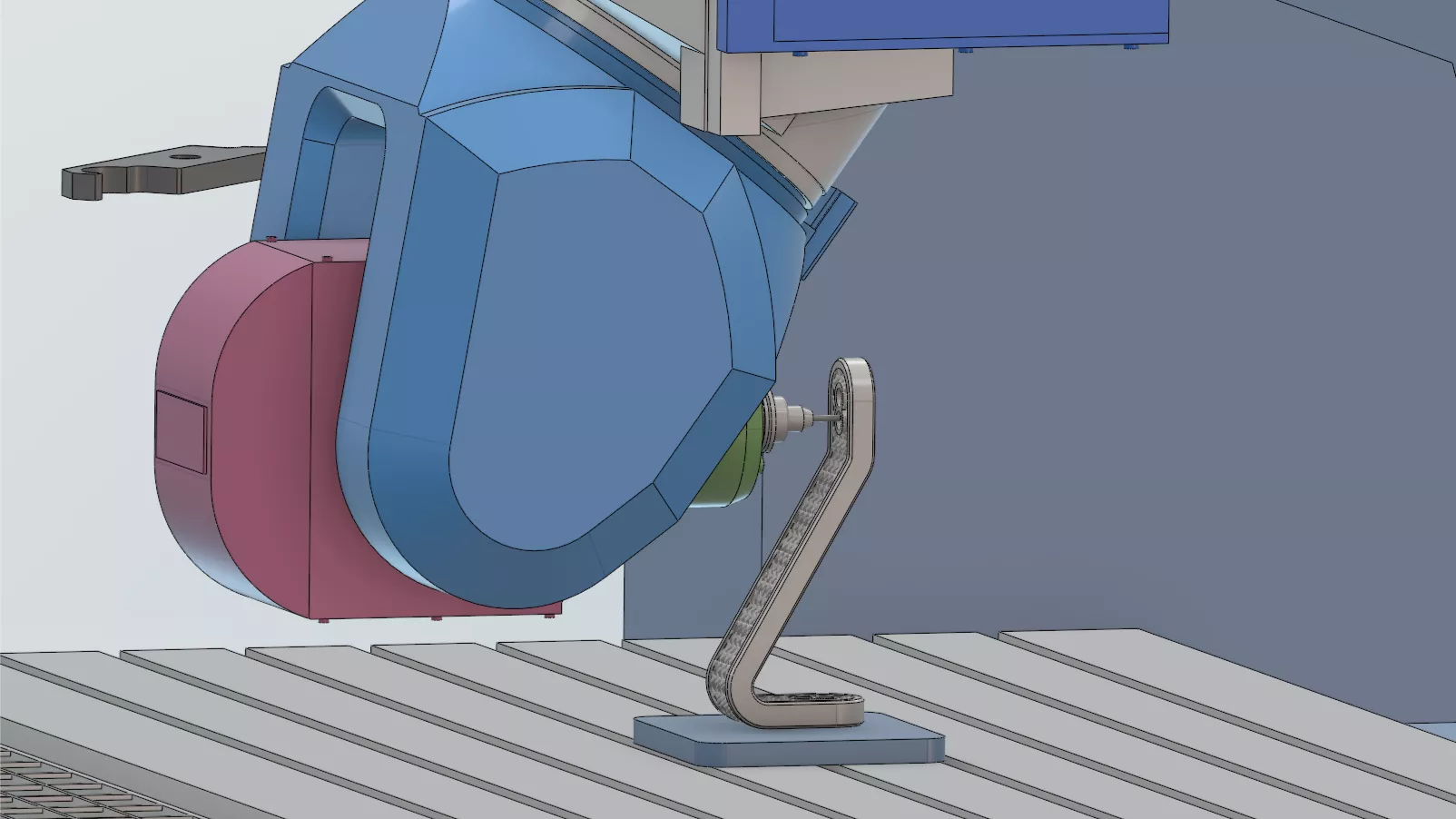
Print & Machine: Unified
Designs changes automatically update additive workflows, and finish machining toolpaths, unifying the full manufacturing process.
Watch the full webinar: Design for 3D Printing with SOLIDWORKS and 3DEXPERIENCE
Scaling with Bright Laser Technologies (BLT)
Consolidating parts only works if you have access to a 3D printing system that can handle your scale and the material demands. This is where the BLT-S Series (specifically the S400 and the large-format S800) are moving the needle for SMBs and enterprises alike.
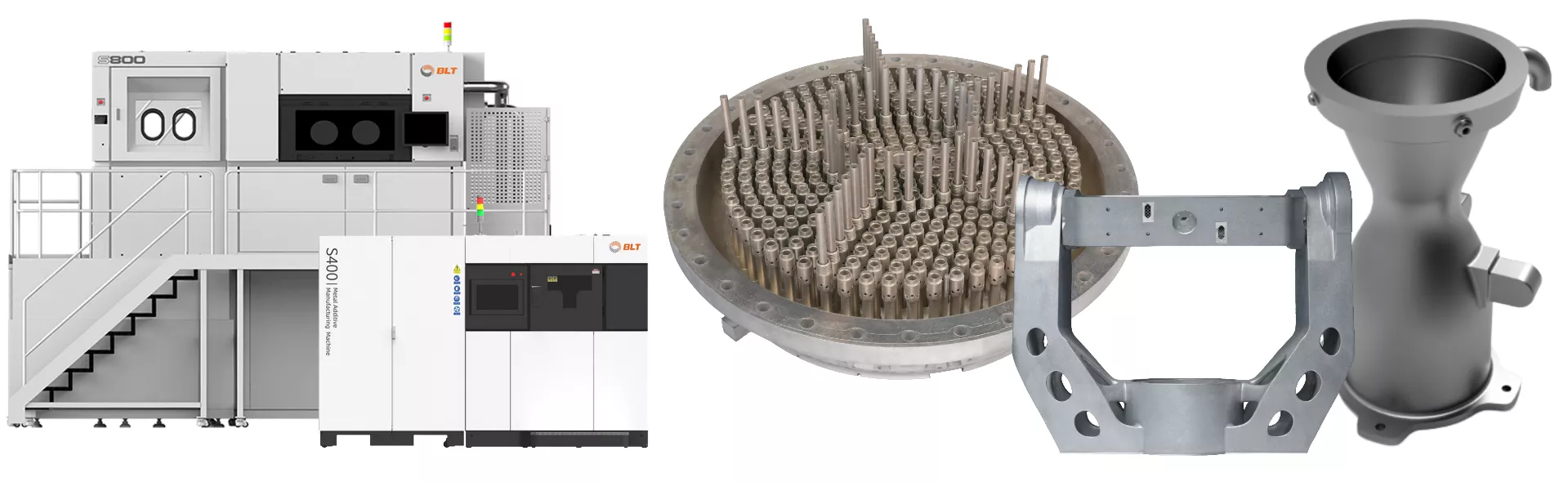
BLT Metal 3D printing systems offer key manufacturing advantages:
- Throughput that rivals machining: With multi-laser configurations (up to 26 lasers on larger platforms), the cost-per-part hurdle is falling. Recent data suggests that high-efficiency PBF (Powder Bed Fusion) can deliver up to a 37% part-cost reduction compared to traditional small-batch casting.
- Advanced material portfolios: Engineering professionals are no longer limited to basic stainless steel. For high-temperature environments (up to 650°C), BLT-Ti65 (a near-α titanium alloy) offers the creep resistance and thermal stability required for turbine and aerospace applications. For lightweighting, high-strength aluminums like BLT-AlAM500 provide the structural integrity needed to replace heavy steel weldments.
- 92% lead-time compression: By printing near-net shapes that require minimal CNC finishing, companies are seeing lead times drop from months to days.
Cost reduction, and lead-time reduction estimates provided by Metal 3D Printing Market Analysis by Mordor Intelligence
The Bottom Line
The hype phase of 3D printing is over; we are now in the execution phase. For a SOLIDWORKS user, the path to ROI is clear: identify your most complex, hardware-heavy assembly and ask if it needs to be an assembly at all.
By leveraging BLT’s industrial-scale hardware and the integrated simulation tools of the 3DEXPERIENCE platform, your next part could replace ten parts you’ll never have to buy, store, or assemble again.
Interested in seeing how your specific assembly could be consolidated? Reach out to our team for a DfAM audit and a look at the latest BLT material specs.
Related Articles
FDM Post-Processing: Oryx sca1200ht for Soluble Support Removal
How 3D Printing is Helping Manufacturers Fight Back Against Tariffs
Guide to Using Formlabs PreForm Software for SLA 3D Printing
DICOM-to-3D Print Medical Models: Methods Used to Compare Accuracy
Economic Change in Manufacturing Demands a New Approach by Leveraging 3D Printing

About Erica Manzella
As a member of GoEngineer's Marketing team, Erica works to spark conversation and learning by fostering GoEngineer's 3D Design community. The defining goal of every campaign is to ensure that each user stays on the cutting edge of their industry (and has fun doing it.)
Get our wide array of technical resources delivered right to your inbox.
Unsubscribe at any time.