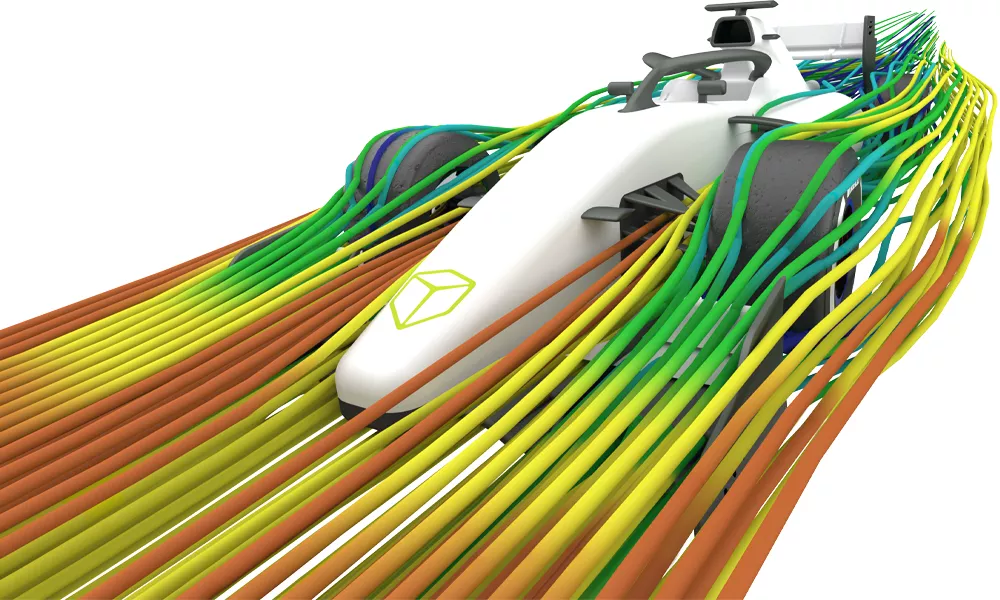
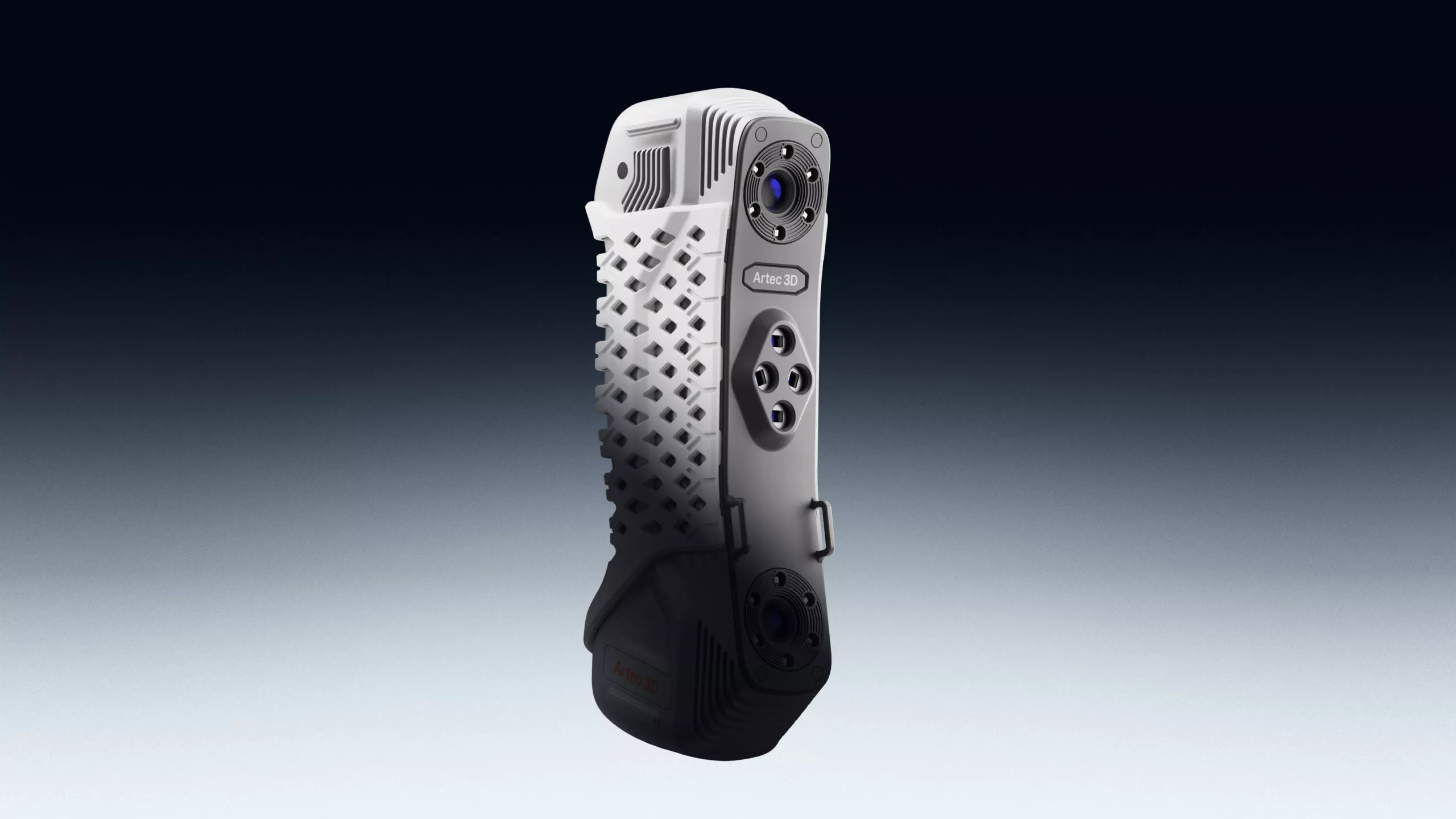
Artec Point
Metrology-Grade Precision in the Palm of Your Hand

High-Speed, Target-Based Industrial Inspection
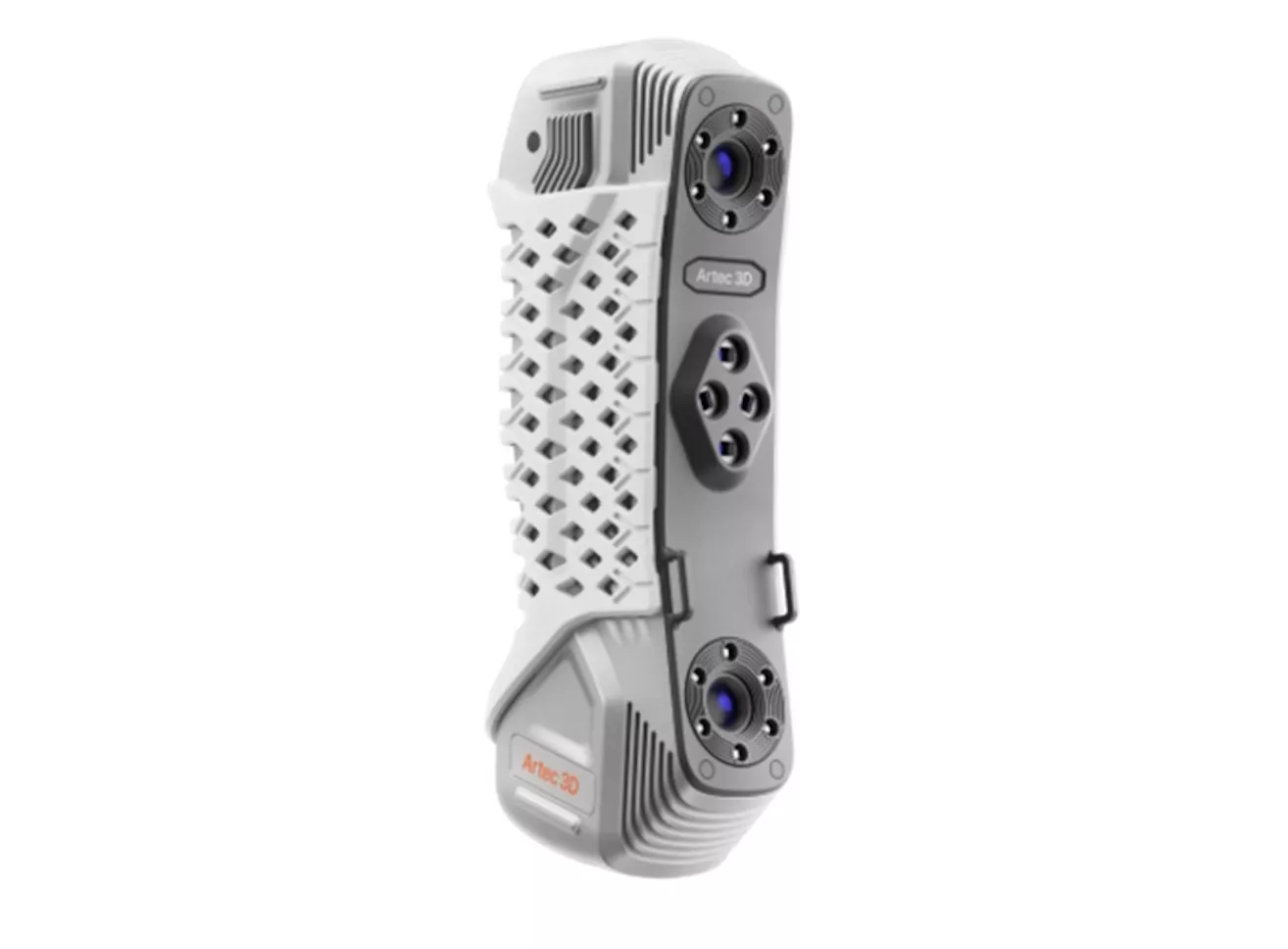
The Artec Point marks a major milestone as Artec 3D's very first target-based handheld laser scanner, engineered to bring uncompromising, ISO-certified precision directly to your shop floor. Developed specifically for advanced industrial metrology, reverse engineering, and stringent quality control, this scanner makes quick work of highly complex geometries, easily capturing notoriously difficult black, high-gloss, or reflective surfaces without requiring messy developer sprays.
Operating natively withing the Artec Studio ecosystem, the Point combines the lightweight freedom of a handhelf tool with the authoritative data certainty needed to verify tight tolerances in demanding fields like aerospace, defense, and automotive manufacturing.
Features
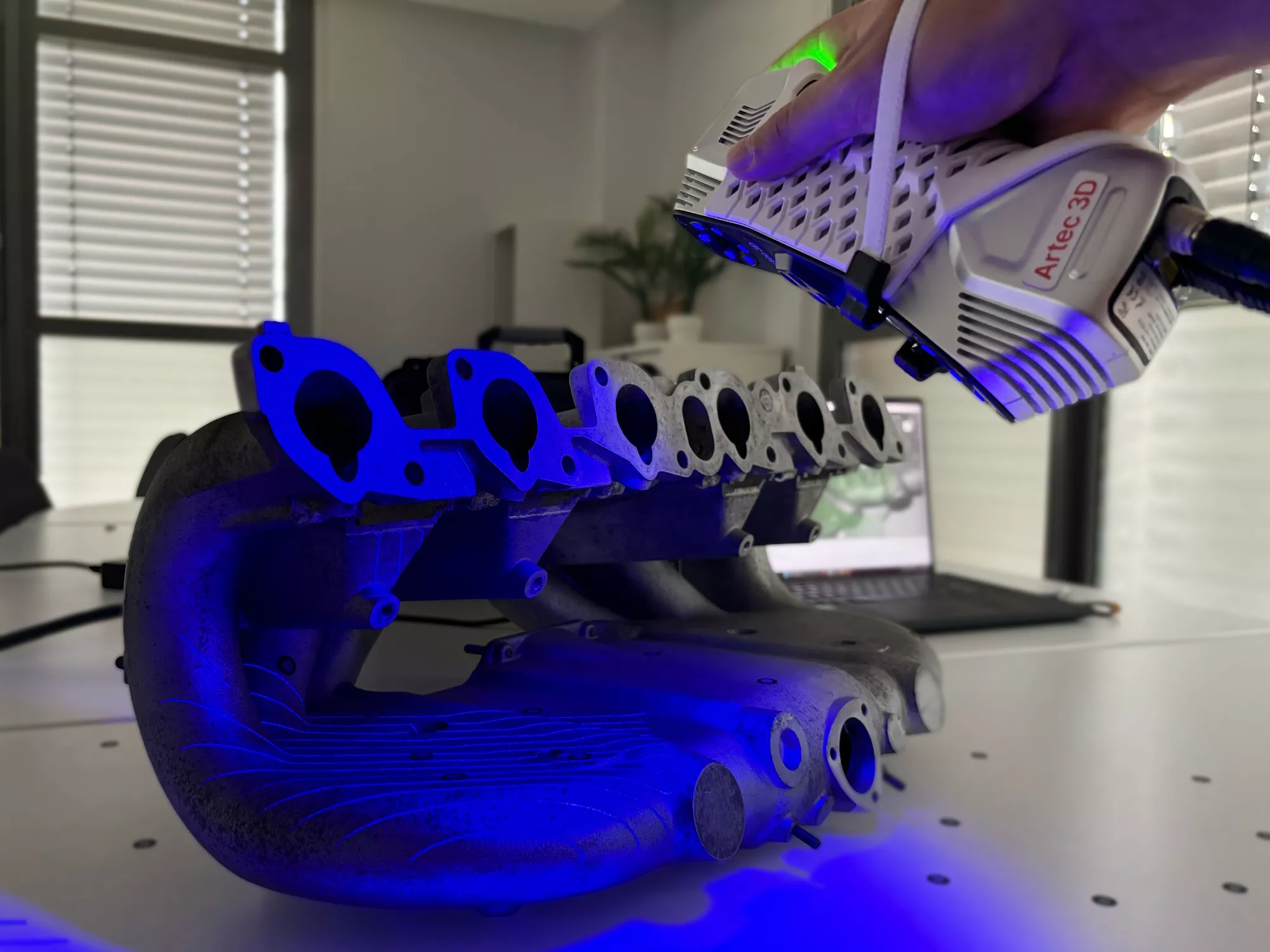
Three Adaptable Laser modes
Instantly switch between a 17 crossed-laser grid for rapid coverage, 7 parallel lines for fine textures, or a single isolated laser line to capture deep holes and hard-to-reach pockets.
0.02 MM Metrology Accuracy
Delivers highly repeatable, industrial-grade precision fully certified under ISO 17025 and VDI/VDE 2634 standards for strict quality control and legal inspection compliance.
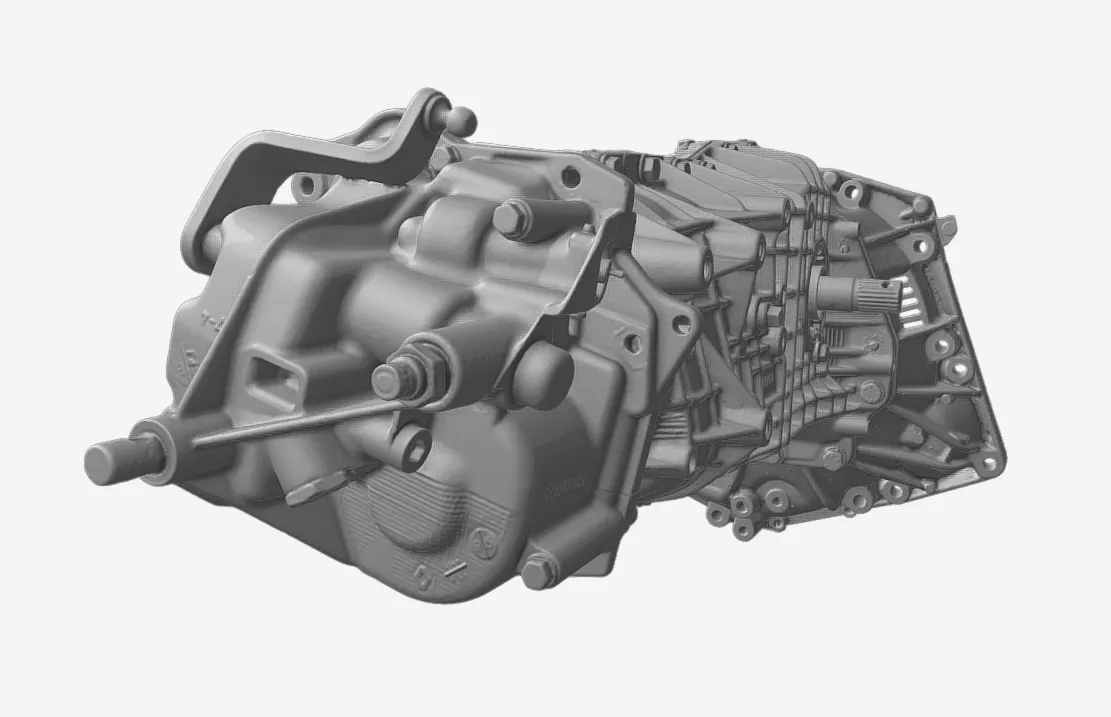
High-Speed 120 FPS Tracking
Tracks retro-reflective targets at an ultra-fast 120 frames per second, capturing up to 2.8 million measurements per second to prevent data gaps, even on shiny or pitch-black surfaces.
specifications
| 3D Point Accuracy | Up to 0.2 mm | |
| 3D Resolution | Up to 0.2 mm | |
| Volumetric Accuracy | 0.015 mm + 0.035 mm/m | |
| Light Source | Class II Blue Laser (eye-safe) | |
| Capture Rate / Speed | Up to 120 FPS / 2.8 million measurements per second | |
|
Scanning Modes |
Ultra-fast (17 crossed lines), Hyper-fine (7 parallel lines), Deep hole (1 line) |
|
| Object Size Suitability |
Small to Large |
|
| Working Distance |
Greater than 300 mm |
|
| Max Field of View (H x W) |
Up to 700 x 600 mm |
|
| Depth of Field |
550 mm |
|
| Weight & Dimensions |
570 grams (1.3 lbs) | 203 x 80 x 44 mm |
|
| Enclosure Protection |
IP50 Dust Protection |
|
| Output Formats |
Meshes: STL, OBJ, PLY CAD: STEP, IGES, X_T Data: CSV, XML |
|
Software
Artec Studio
From Raw Scan To CAD
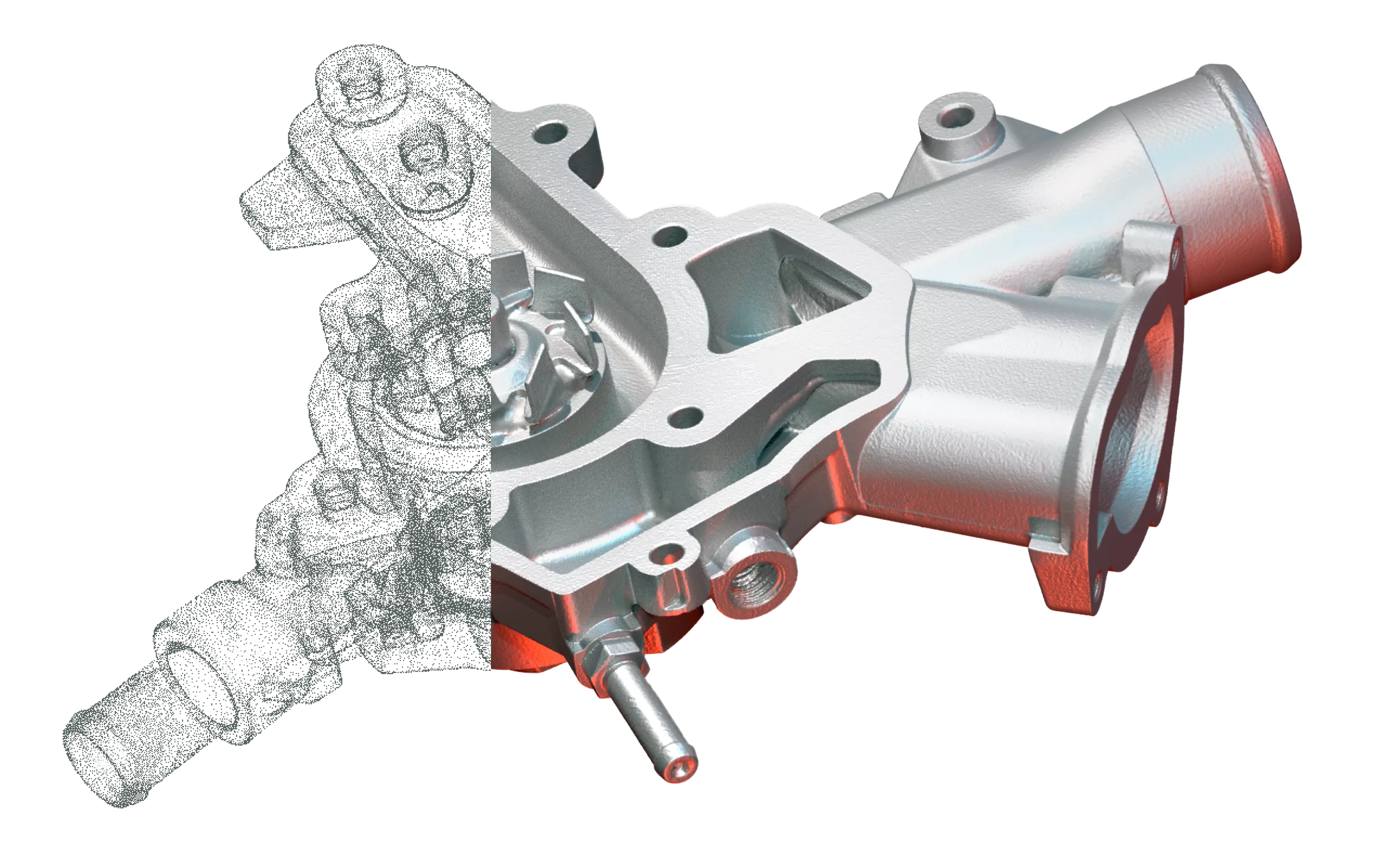
Artec Studio is the advanced software engine that transforms raw data into production-ready 3D models. It simplifies data processing with an automated Autopilot mode for quick, guided workflows, while leveraging a powerful AI-driven HD Mode to eliminate scan noise, resolve sharp edges, and dramatically enhance mesh resolution across supported hardware. Beyond simply processing meshes, the software features built-in Scan-to-CAD tools for fitting geometric primitives, basic metrology for full-color deviation heat mapping, and seamless direct exports to industry-standard engineering platforms like SOLIDWORKS, and Geomagic Design X, effectively bridging the gap between your physical object and an editable CAD environment.
Frequently Asked Questions


To handle real-time 120 FPS data reconstruction, Artec recommends a Windows 10/11 computer with an Intel processor featuring at least 8 cores (16 threads, 2.6 GHz or faster), 64 GB of RAM, and a dedicated GPU with at least 8 GB of VRAM. The absolute minimum setup requires 32 GM of RAM and a 4 GB VRAM GPU.
Additional Resources
Take Advantage of GoEngineer’s Extensive Knowledge Base and Resources

Find a Solution
Our robust Knowledge Base contains over 12,000 resources to help answer your product design questions. From basic CAD questions to in-depth guides and tutorials, find your solution here. Find a Solution

PROFESSIONAL TRAINING
Improve your skills with professional training and certifications in SOLIDWORKS, CAM, 3D Printing, and 3D Scanning offered four ways: self-paced, online, on-site, or in-classroom. Certified Training Courses

BLOG
#1 Technical Resource Worldwide - Right at your fingertips. Search or browse through hundreds of SOLIDWORKS tips & tricks, additive manufacturing product developments, announcements, how-to guides, and tutorials. Blog

YouTube Channel
Our YouTube channel hosts hundreds of educational tutorials, product demonstrations, recorded webinars, and best practices for all of our products and services. GoEngineer's YouTube Channel
ONLINE STORE
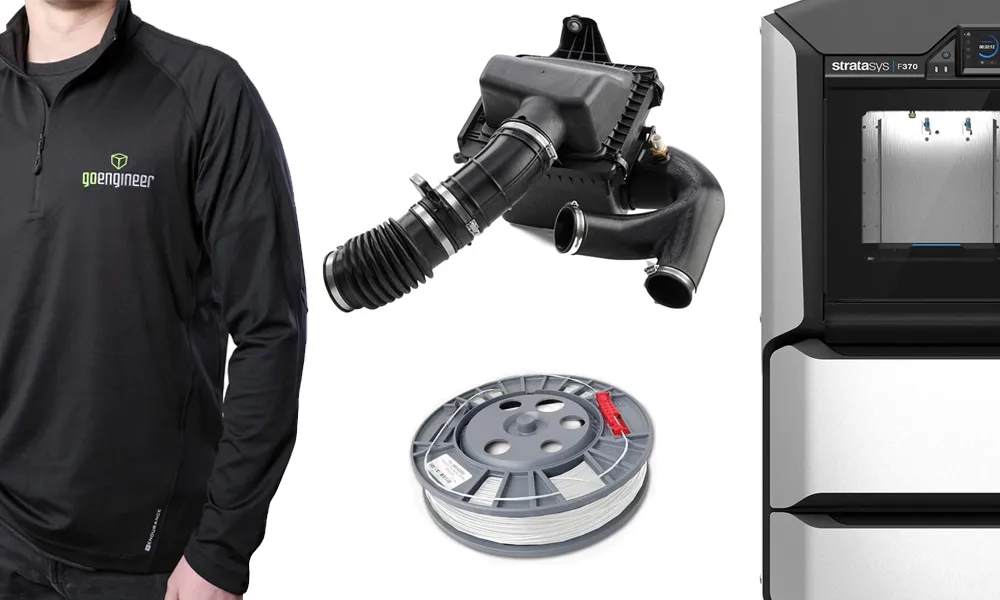
Order 3D printing materials and consumables, enroll in SOLIDWORKS training classes, and buy official GoEngineer gear directly from our online store. Online Store
WEBINARS
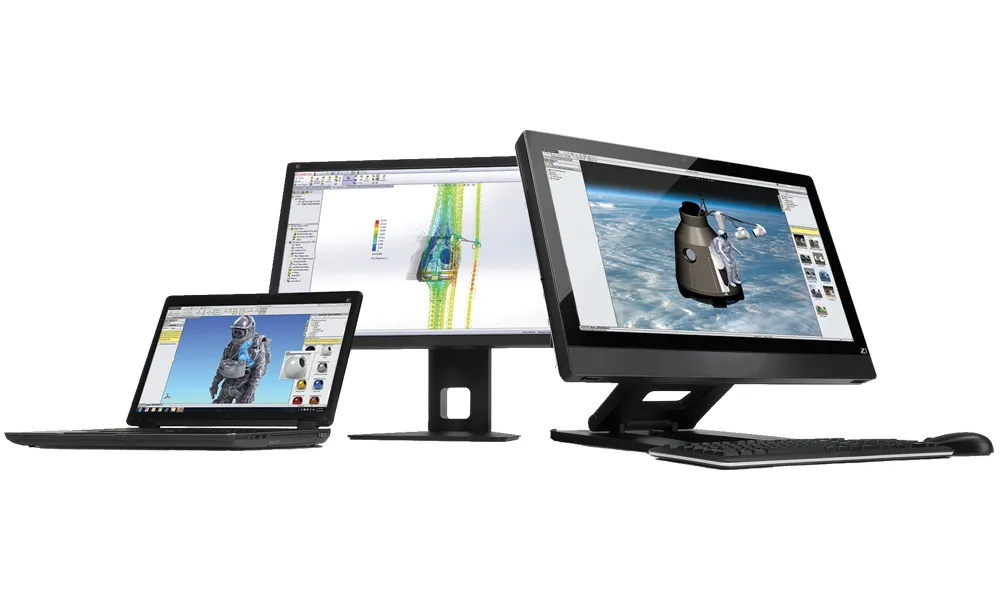
Our engineering webinars are hosted by some of the top experts in the industry. They are always recorded, always free, and always offer a live Q&A. WEBINARS
3D Printing Services
Need to 3D print a part? Our Additive Manufacturing experts will 3D print your part and deliver it to you using the latest technology on one of our professional FDM, PolyJet and SL 3D printers. 3D Printing Services