3DEXPERIENCE CATIA
The cloud-integrated evolution of the flagship, ultra-powerful CATIA design software

cloud-integrated Design Software
3DEXPERIENCE CATIA (formerly CATIA V6) brings the world’s leading multi-industry solution for product design into the age of connectivity. For contributors of all kinds, it delivers process-focused, CATIA-based design and engineering solution packages.
This dramatic update of CATIA desktop CAD solutions improves the user interface, user experience, integration with downstream tools, and data management systems.
It does away with much of the hassle and non-value-add work a design team would have to endure in times past. This saves time and money and improves job satisfaction, all ultimately resulting in better products.
HIGHLIGHTS
World-Class Capabilities
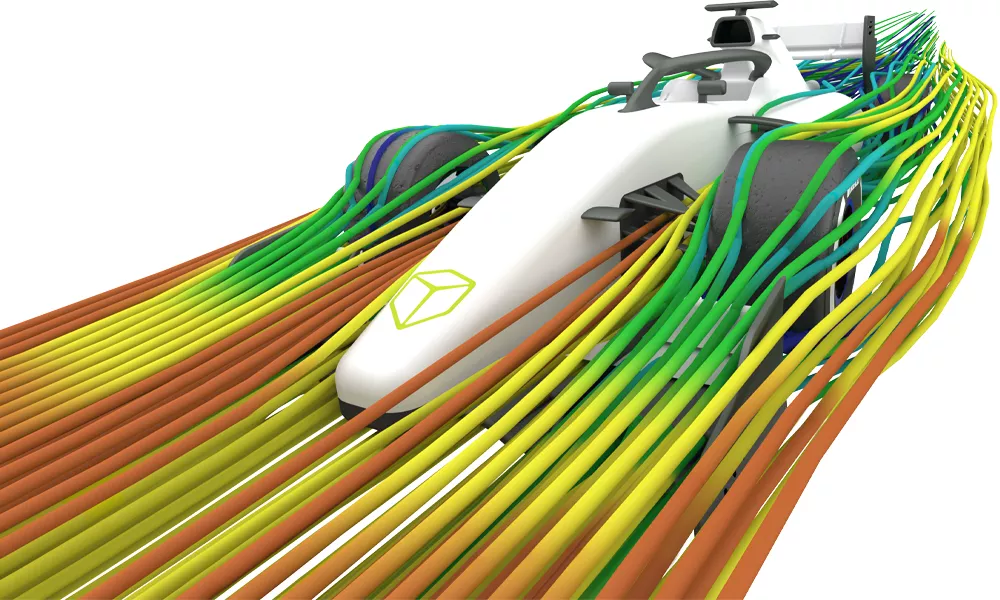
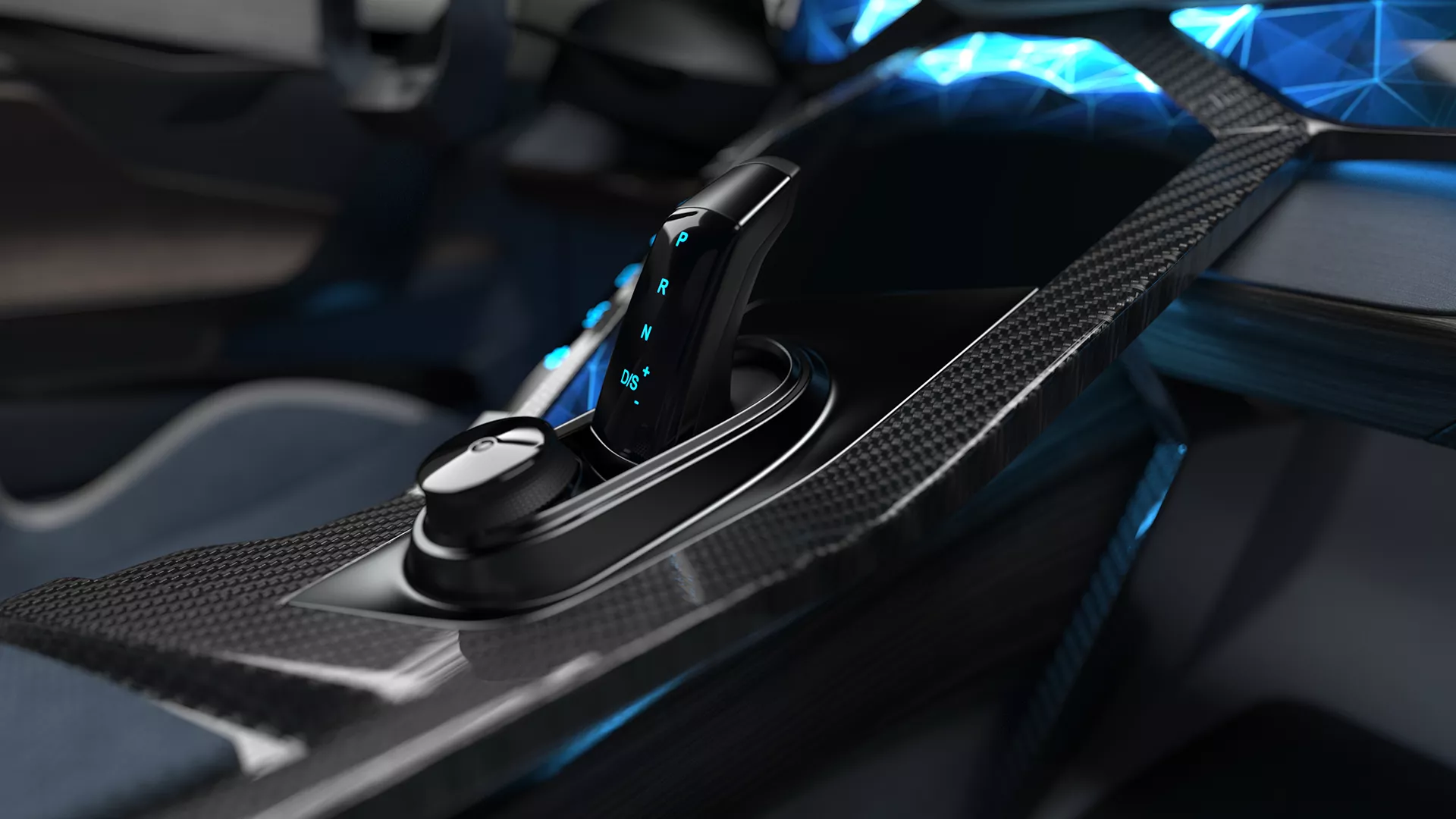
3DEXPERIENCE CATIA delivers the very best tools for the design and manufacture of products, including highly-specialized packages optimized for industry-specific applications.
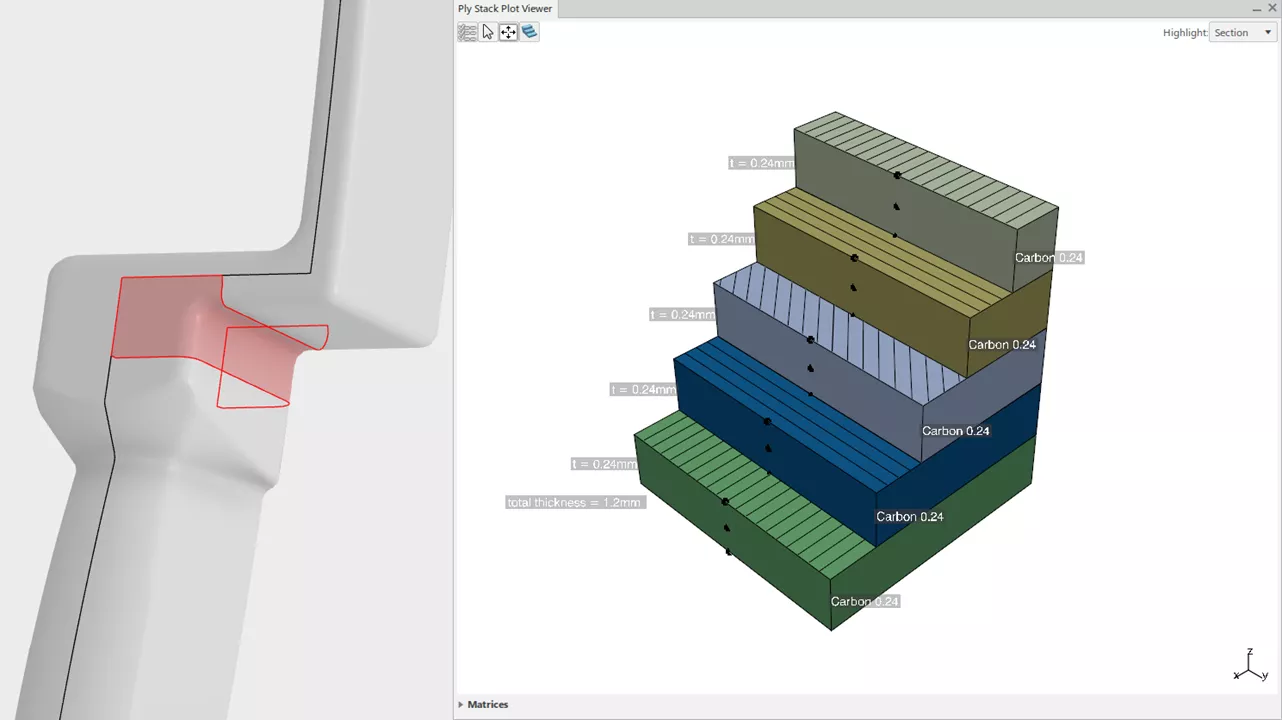
Unparalleled Composites Design
3DEXPERIENCE CATIA is build to handle all the unique challenges of designing for and simulating composite materials.
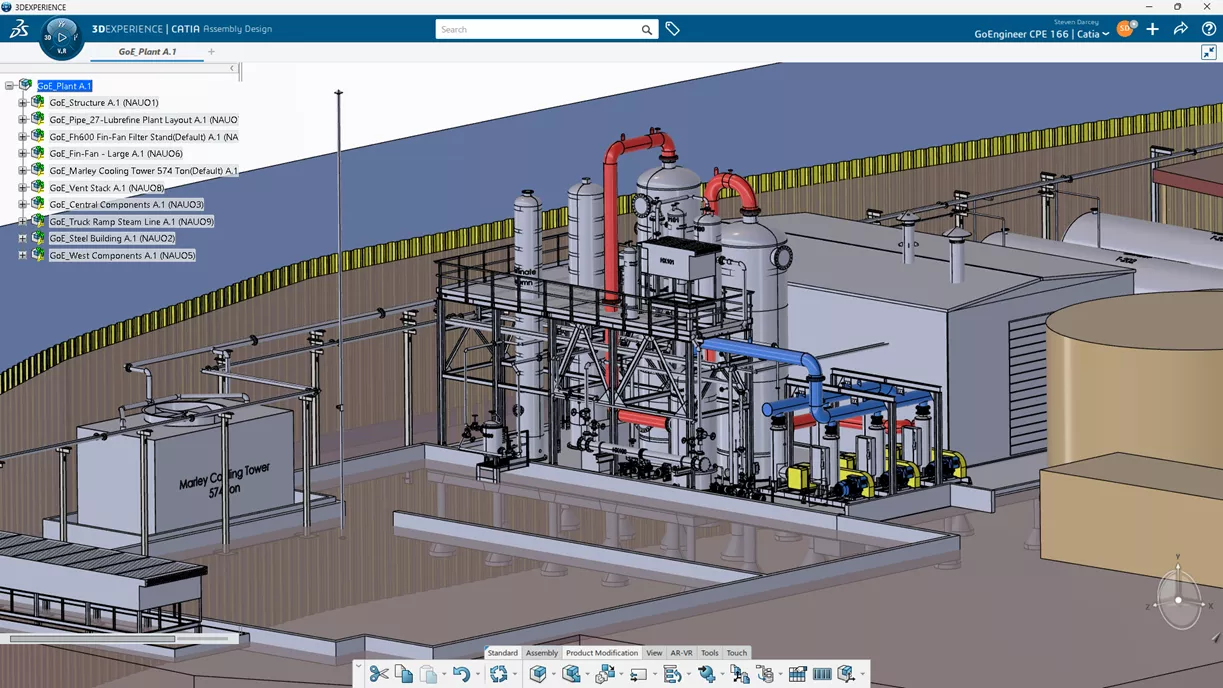
Made to Handle Large Assemblies
Like CATIA V5, 3DEXPERIENCE CATIA is the high-performance CAD solution for large assembly modeling. It saves, opens, visualizes, and rebuilds efficiently, no matter the component count.
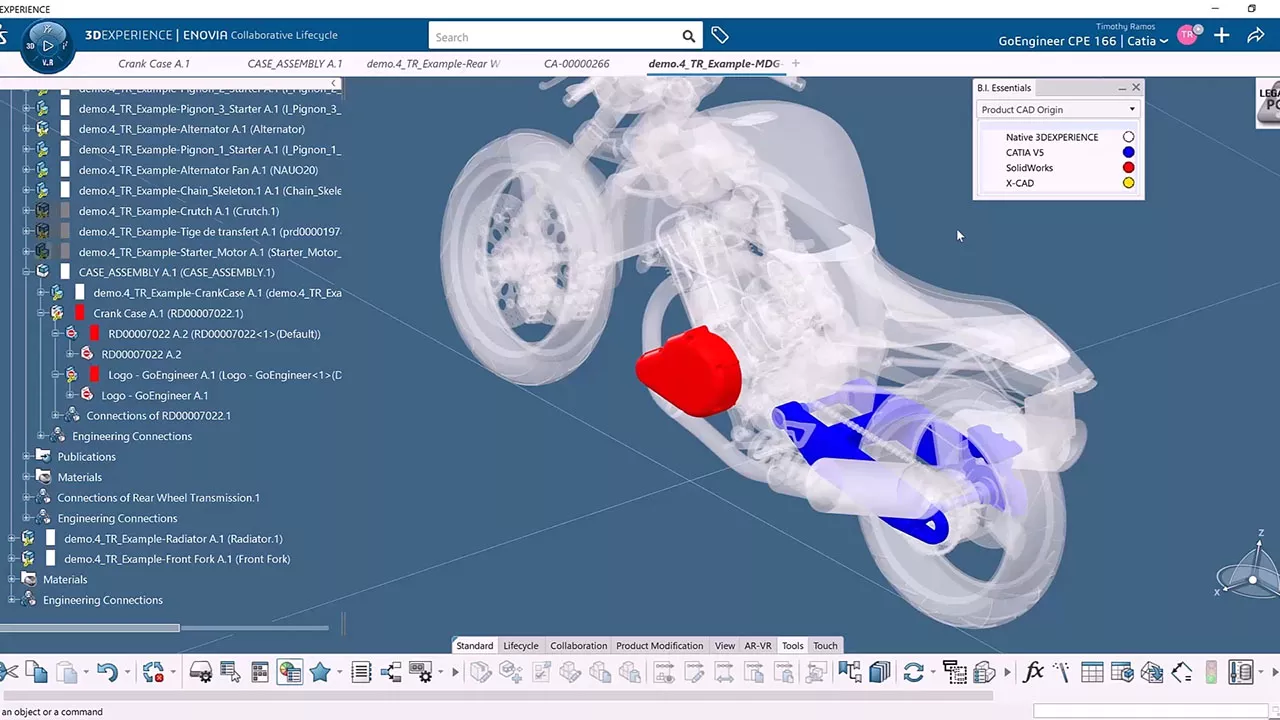
Multi-CAD Capability
3DEXPERIENCE CATIA works well with SOLIDWORKS and other CAD systems to build native multi-CAD assemblies that stay up-to-date in real time.
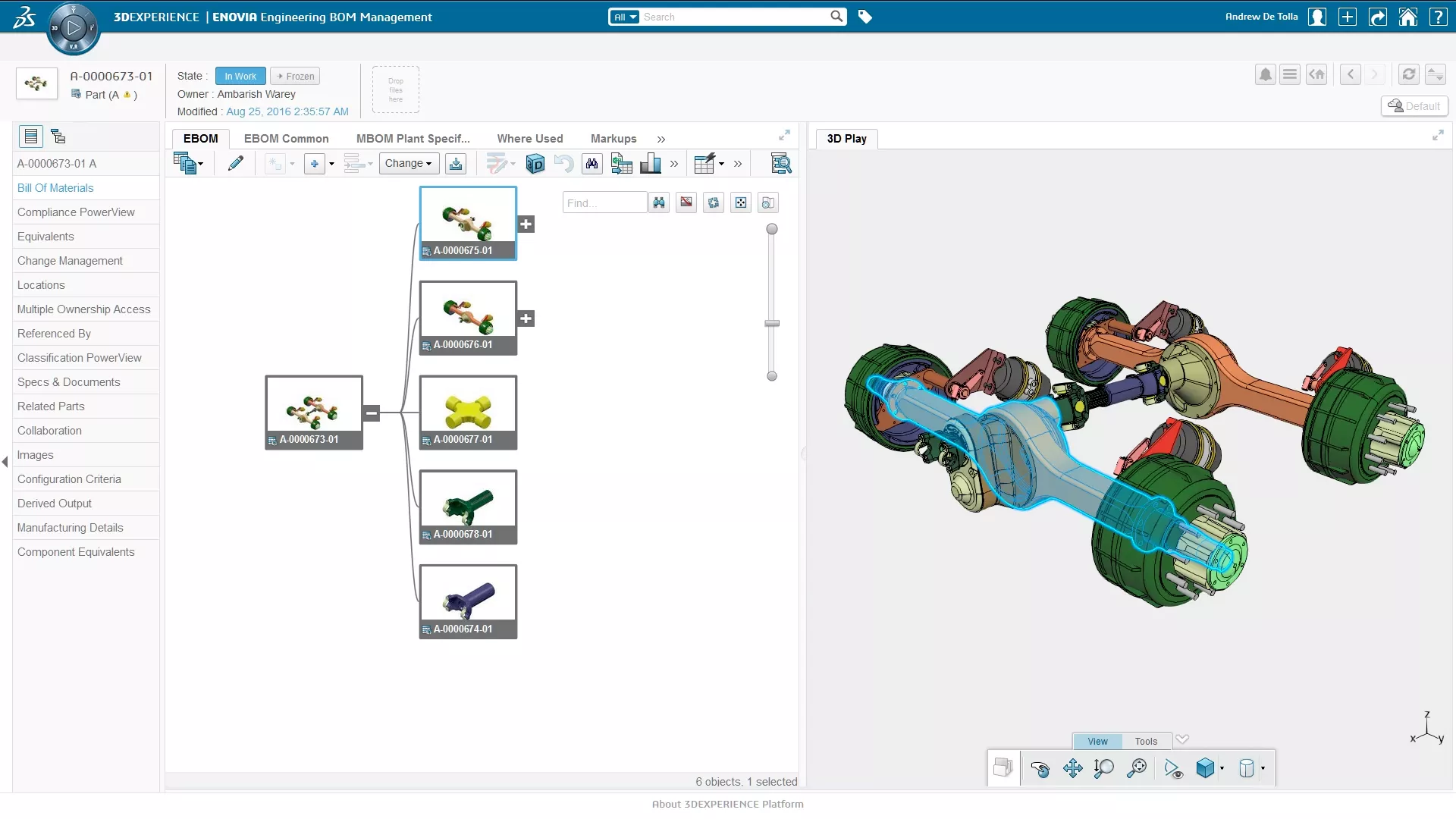
Social Design Environment
- Powerful 3D dashboards drive business intelligence
- Real-time concurrent design, simulation, and manufacturing
- Collaboration across all stakeholders including mobile workers
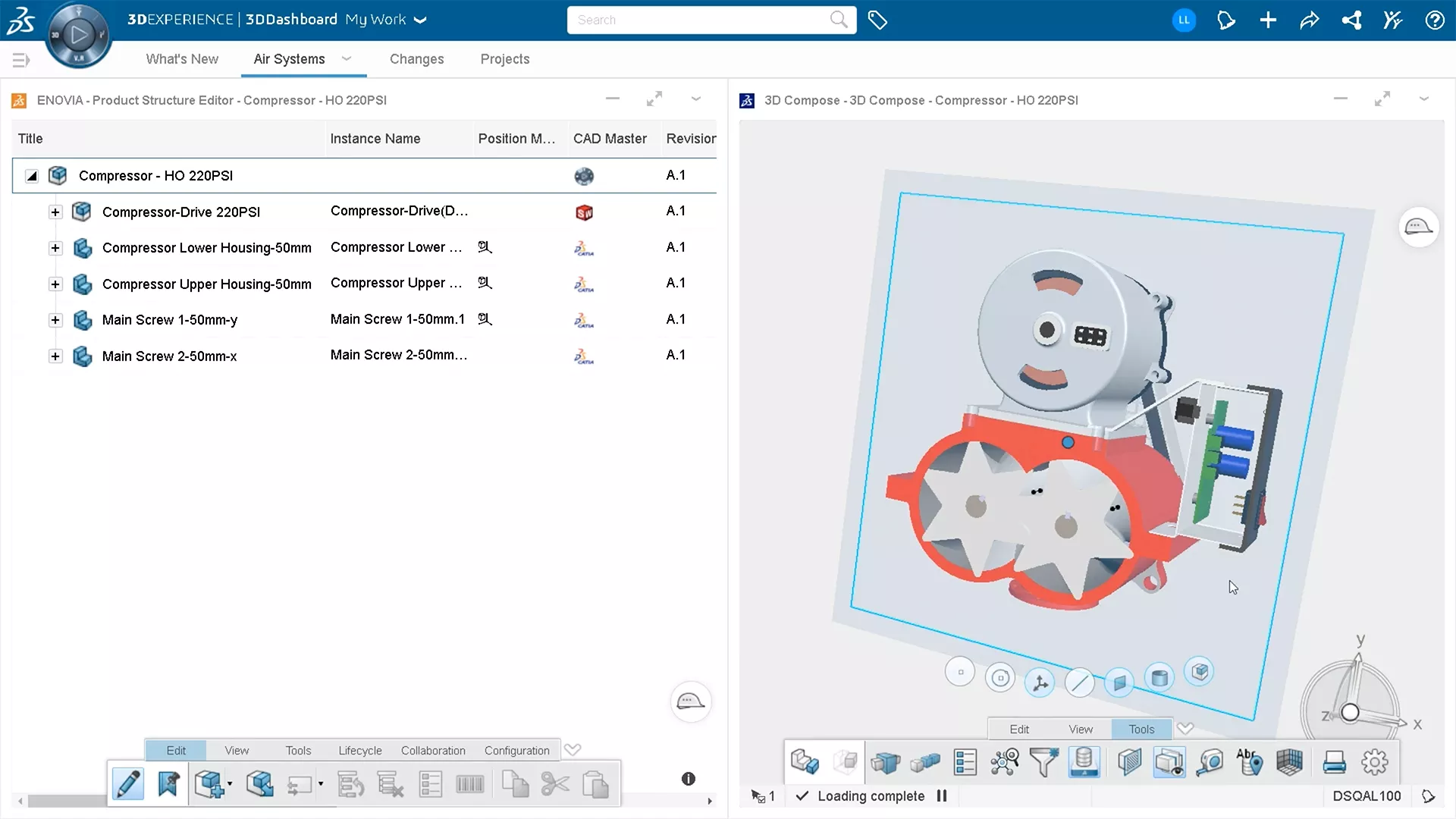
Total Platform Approach
The 3DEXPERIENCE Platform provides end-to-end data and process integration across the value chain: everything simplified, unified, and controlled, from a single source.
10 Reasons 3DEXPERIENCE CATIA Gives Mechanical Engineers An Advantage
Having the right tools for the right job can massively increase engineers' productivity, and there's no time to lose in today's competitive environment.
3DEXPERIENCE CATIA companies can experience:
- A 20% to 50% gain in productivity thanks to superior modeling and assembly management capabilities
- Seamless workflows and faster processing with cloud-based data management and high-performance cloud computing
- Up to a further 30% improvement in productivity thanks to a unified modeling and simulation environment and design for manufacturability
Download this whitepaper for a closer look at what makes CATIA the ultimate mechanical design tool.
3DEXPERIENCE PLM Express Design Bundles
-
Essential Bundle
-
Cloud-based CATIA design package for core mechanical design, precision modeling, collaboration, and product development workflows.
-
- Best in class modeling to be able to design anything
- High geometric precision for creating complex designs
- Core mechanical with Resilient Modeling
- AI-powered features and knowledge assistance
- Knowledge Design, Automation and Knowledge Assistance -
$590 /Month (billed annually)
15 Day Money Back Guarantee
-
Master Bundle
-
Expanded CATIA design package for advanced assemblies, engineering validation, collaboration, and more complete product design workflows.
-
- Everything included in Essential Bundle
- Automatic positioning of a list of parts and sub-assemblies
- Creation of mechanical interfaces by recognizing relevant surfaces (AI)
- Semantic Tolerance Advisor to comply with standards
- Advanced kinematics simulation capabilities
- Static simulation to predict the assembly structural behavior -
$753 /Month (billed annually)
15 Day Money Back Guarantee
-
Elite Bundle
-
Advanced CATIA design package for complex products, surfacing, shape refinement, design automation, and high-end engineering workflows.
-
- Everything included in Master Bundle
- Exploration of alternatives with Modules and Interfaces technology
- Command prediction based on the context (AI)
- Immersive and always-on Navigation Bar
- Superior surface quality for product excellence
- Smart commands to save up to 30% design time -
$1,217 /Month (billed annually)
15 Day Money Back Guarantee
3DEXPERIENCE CATIA Products by Application
-
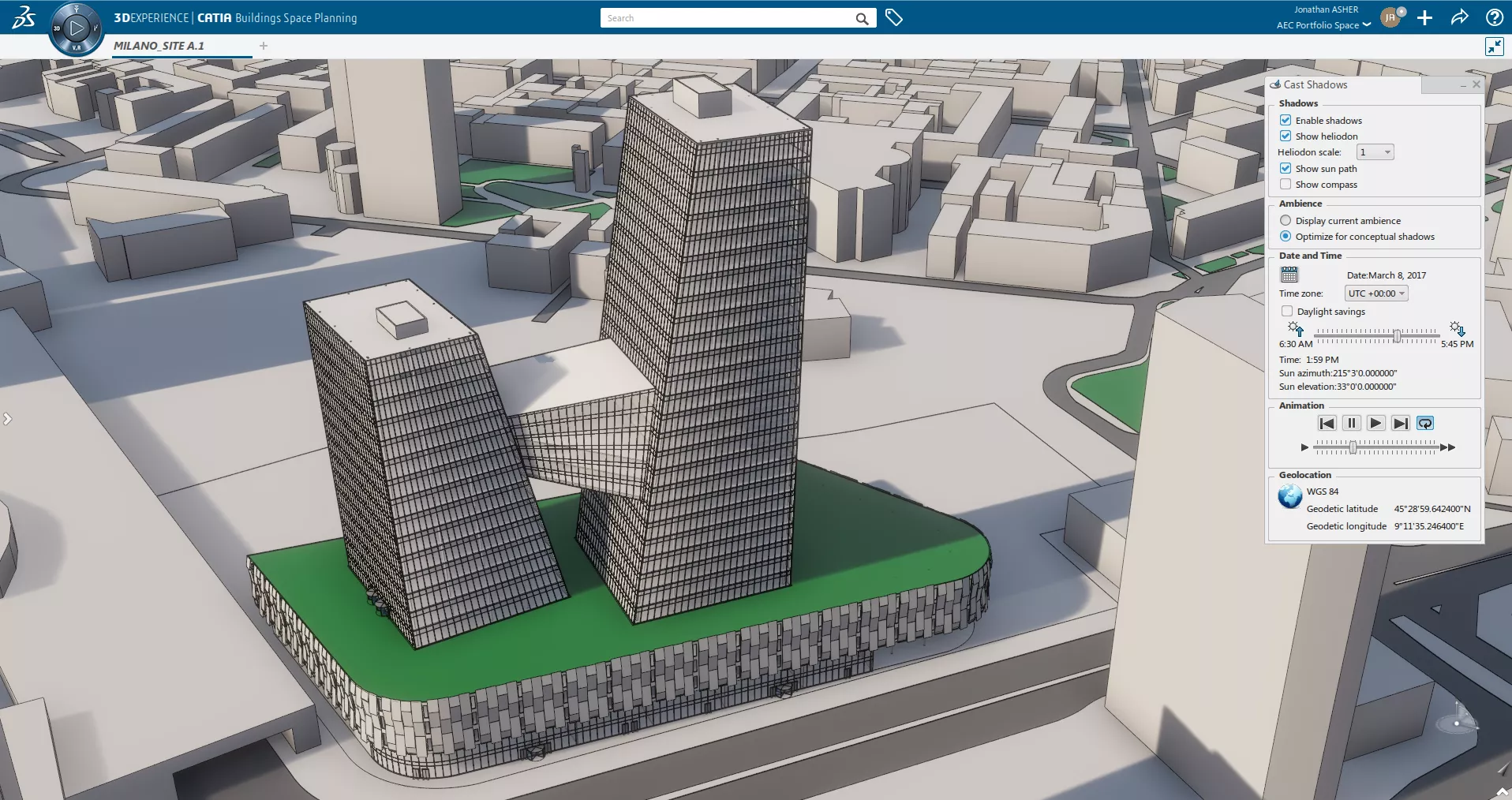

Building Designer
- A complete package for conceptual design building, including CATIA subdivision surface modeling, Building Structures, and Building Space Planning applications.
- Key Features:
- Geolocate a building project
- Perform site massing and daylighting studies
- Quickly model conceptual surface building driver geometry
- Create associative 2D design documents from the 3D model
- Quickly model all building elements with standard generic building component catalogs
- Model a conceptual building structure using standard steel sizes from different catalogs
- Import various file types to collect project site information
- Produce quality renderings -
-
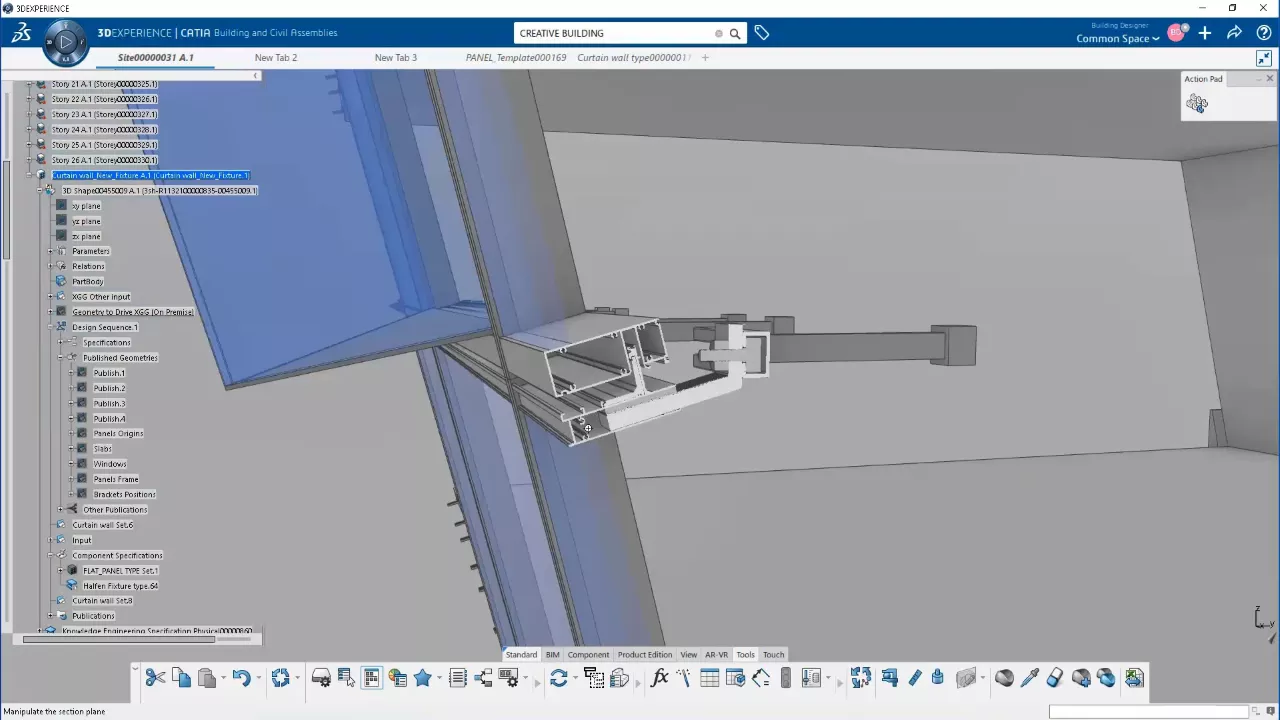

Building Design Engineer
- Design and deploy custom or standard parametric building components compliant with industry standards (IFC), and virtually assemble the building in its entirety before construction begins.
- Key Features:
- Geolocate a building project
- Model the surrounding terrain to a high level of detail
- Create low-LOD architectural models
- Create high-LOD architectural building components
- Design detailed building components using the Sheet Metal app
- Transition from low to high LOD automatically with component-based design
- Manage and visualize complete building assemblies and monitor the building information model attribute completeness
- Extract parts of the building assembly for fabrication
- Create associative construction documents from the 3D model
- Collaborate with fully compatible IFC import/export functionality
- Create Engineering Templates to maximize knowledge reuse
- Create custom scripts to automate repetitive tasks with knowledge patterns, actions, reactions, and rules -
-
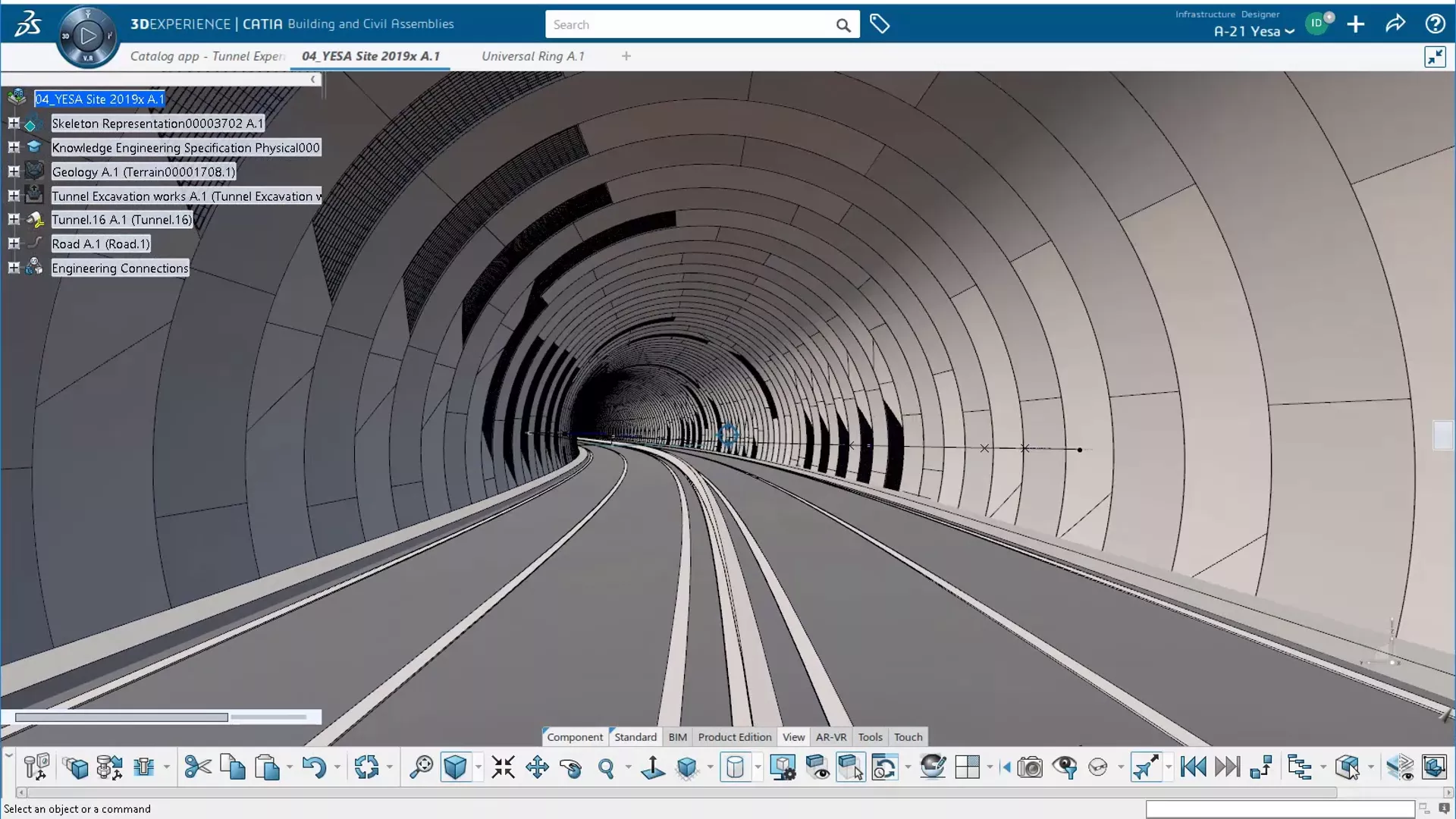

Civil Engineer
- Lets users create and geolocate realistic terrain representations to reduce design cycles, conceptualize the infrastructure project in 3D, then create Building Information Models (BIM) compliant with industry standards (IFC).
- Key Features:
- Geolocate the construction and infrastructure project
- Create alignments for roads, rails, bridges and tunnels
- Quickly instantiate infrastructure components using component-based design
- Inspect and analyze different parts of the project
- Extract parts of the construction for fabrication
- Create associative construction documents from the 3D model
- Leverage integrated terrain modeling
- Create Engineering Templates to maximize knowledge reuse
- Create custom scripts to automate repetitive tasks -
-
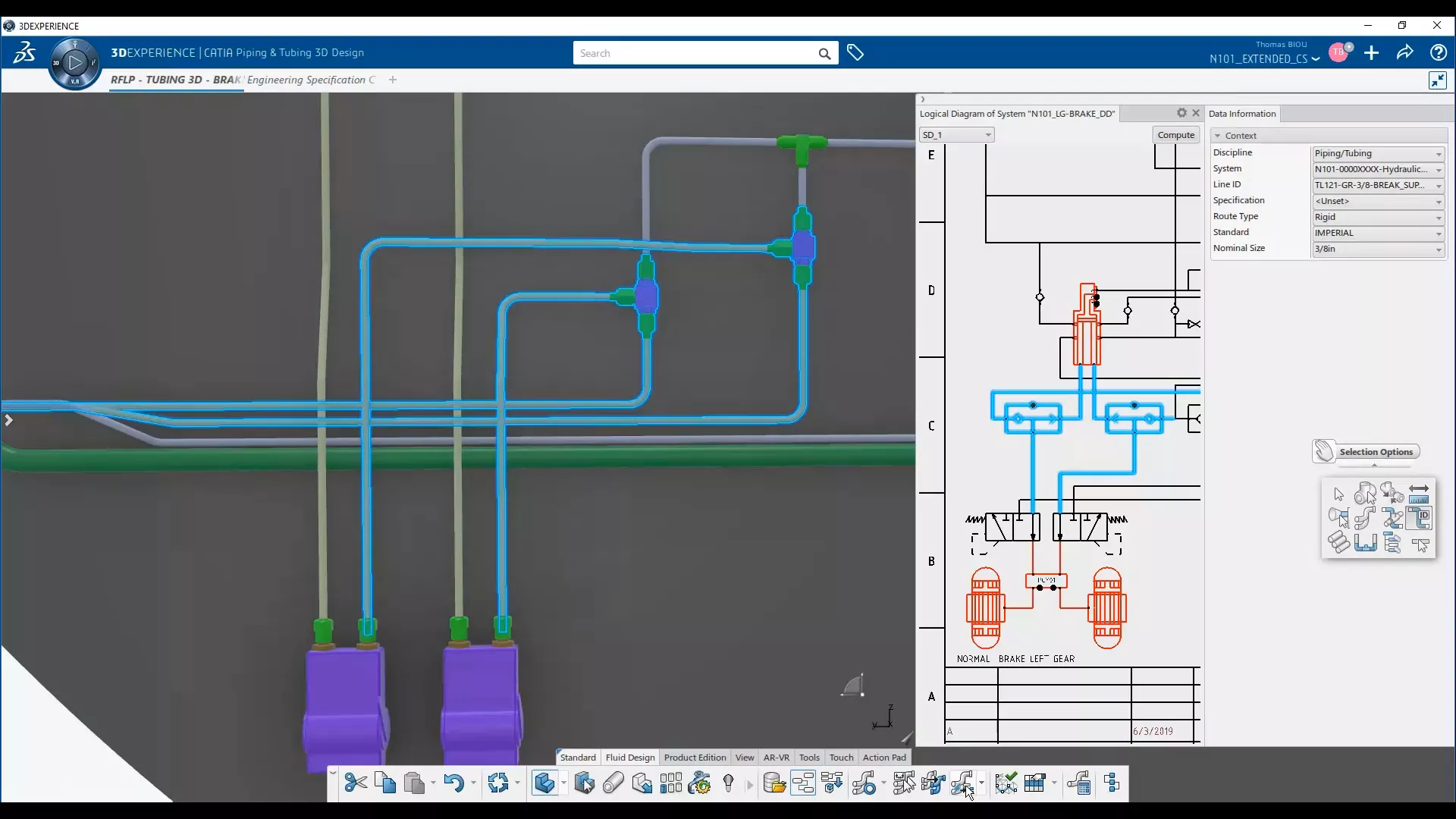

Building and Civil 3D Fluid Engineer
- Enables users to manage the design of their fluid systems all the way from conceptual functional design through to producing detailed manufacturing data.
- Key Features:
- Creation and management of routed systems discipline including tubing, piping & HVAC systems using smart UI
- Automatic (or manual) function-driven piping and tubing part placement
- Evolution from preliminary to detailed design layout
- Integrated dynamic design rules, including manufacturability checking command
- Intelligent modification of piping and tubing objects and routes
- Query and analysis of piping and tubing parts and configurations
- Customizable report definition and drawings -
-
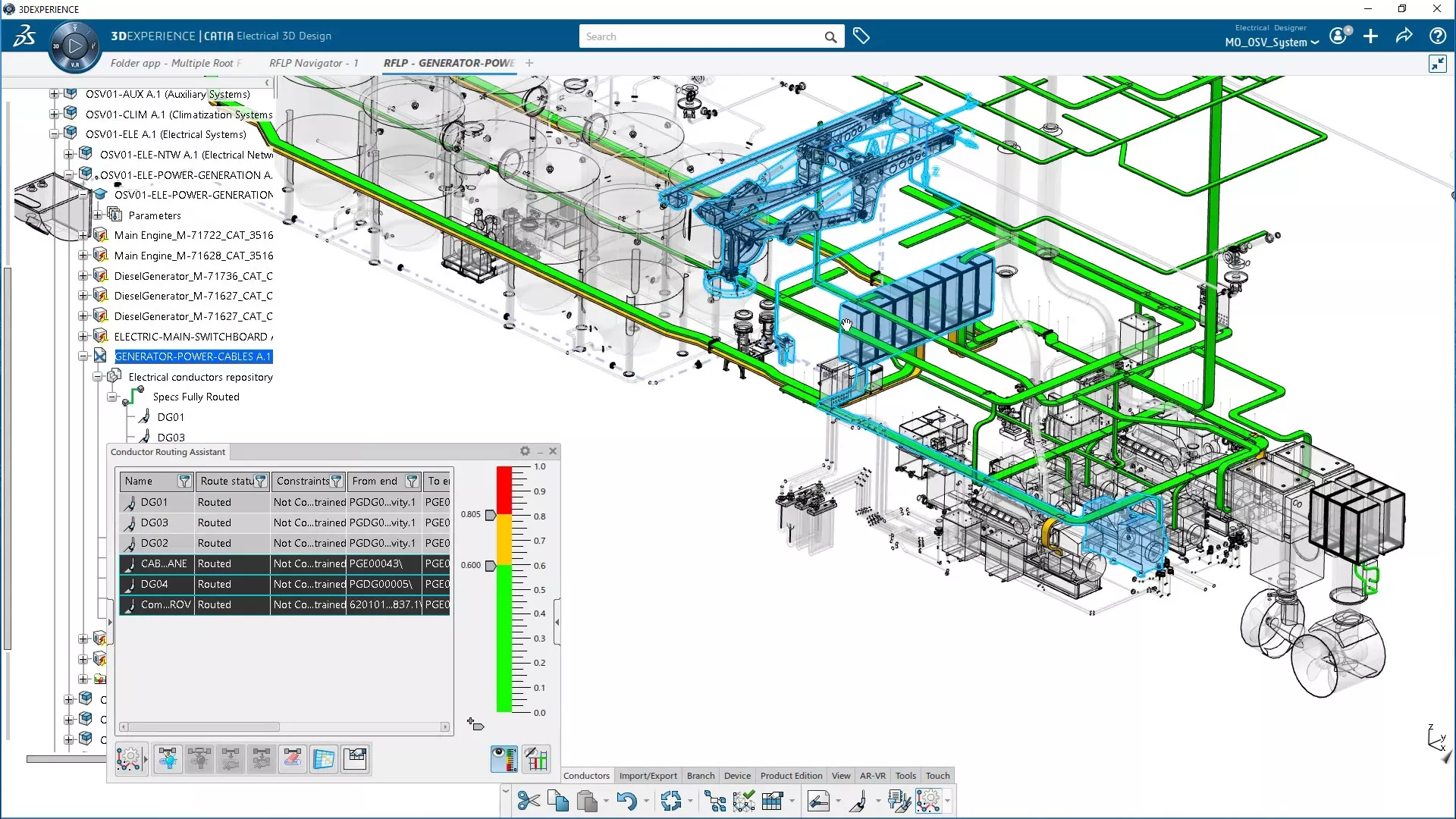

Building and Civil 3D Electrical Engineer
- A process-specific solution for designing physical wire harnesses, driven by logical specifications (schematics) and realistic simulation of the design and environment. It is integrated with harness manufacturing preparation.
- Key Features:
- Create an extended range of electrical 3D components (equipment, mountings, connectors, shells, wires, cables, harness supports and protections, etc.) and define their electrical and mechanical behavior
- Efficiently store, manage, and reuse all electrical objects in easy-to-use catalogs
- Design and route 3D electrical networks in context (harnesses and cableways), with accurate finite element modeling to provide realistic harness shape and behavior characteristics
- Leverage analysis tools to check design connectivity and quality
- Wire/cable content import and routing into network
- New 3D design capability from 2D schematics -
-
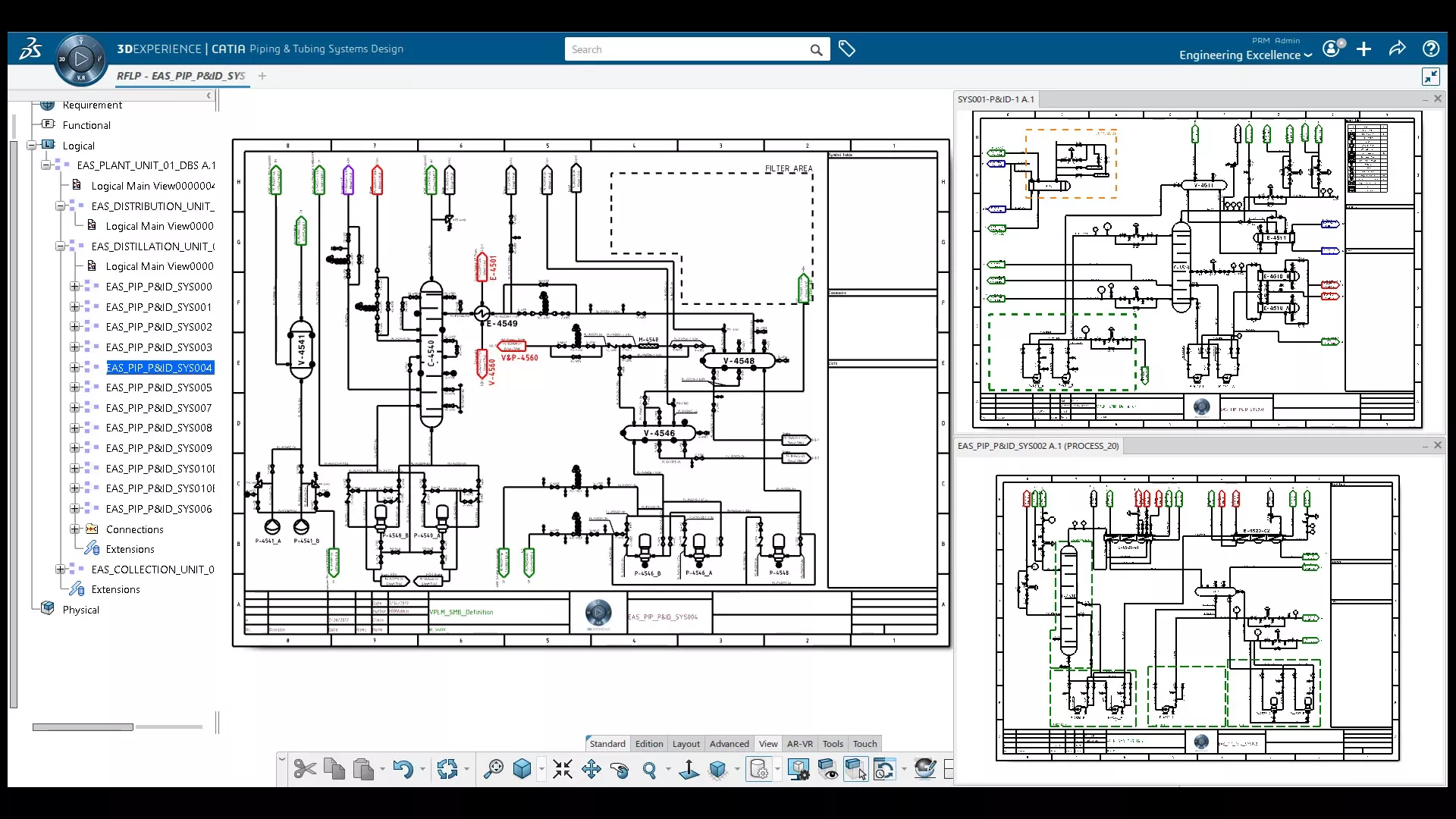

Building and Civil Systems Schematic Engineer
- Systems schematic designers can capture functional and logical architecture and connectivity of electrical and fluid systems in an optimized design process with an efficient UI and task automation.
- Key Features:
- Enable Requirement, Functional, Logical and Physical design of complex products in CATIA
- Define equipment with their electrical and fluidic interfaces, logical connectivity, and content with discipline-specific extensions of the logical model (piping/tubing, equipment, connectors, pin, nets, harnesses, wires and cable, etc.)
- Import/export electrical definition in ixfElec format (XML file)
- Route with rules and checks and anticipate systems integration issues using CATIA Systems Logical 3D architecture
- Validate and automate design work with knowledgeware
- Easily integrate with other ECAD applications with ELOG and legacy XML import/export -
-
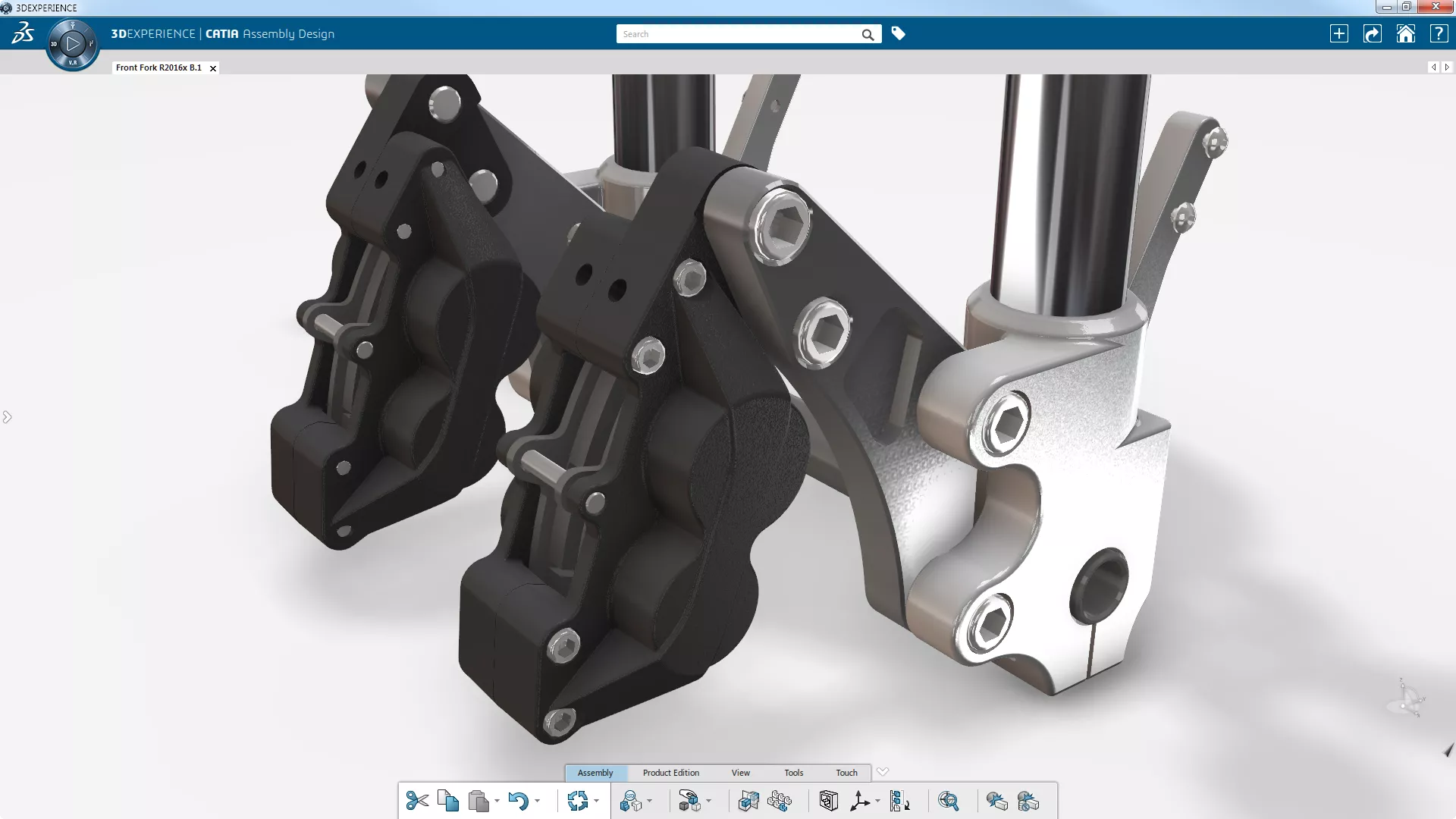

Mechanical Engineer
- Design mechanical products with highly accurate & reliable 3D geometry. Supports very large assemblies, including full model-based definitions for product manufacturing information.
- Key Features:
- 2D & 3D techniques to create a workable concept for detailed design
- Assembly & kinematics
- Knowledge design automation
- Static study to predict assembly behavior under load
- Product review tools to validate design
- Associative drawings with multi-view, dimensions, & BOM
- Unified user interface -
-
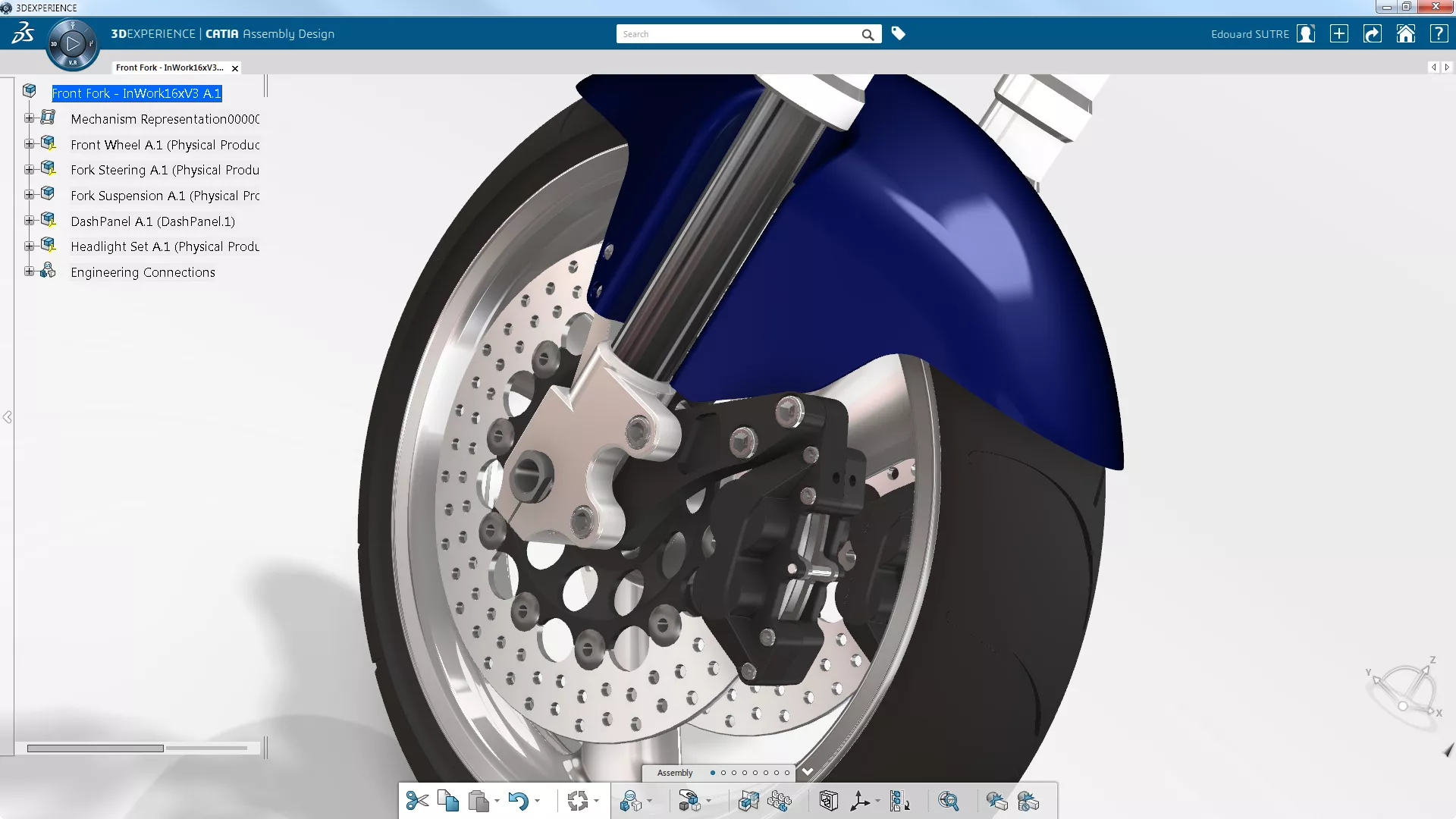

Mechanical & Shape Engineer
- Top-end tools for mechanical product design with a human-centric approach. Supports complex surface design and very large assemblies, with model-based definition for product manufacturing information and static and kinematic simulation for design validation.
- Key Features:
- 2D & 3D techniques to create a workable concept for detailed design
- Advanced surface design
- Accelerated detailed design with manufacturability checks
- Shape morphing & reverse modeler
- Human design tools
- Assembly & kinematics
- Knowledge design automation
- Static study to predict assembly behavior under load
- Product review tools to validate design
- Associative drawings with multi-view, dimensions, & BOM
- Unified user interface -
-
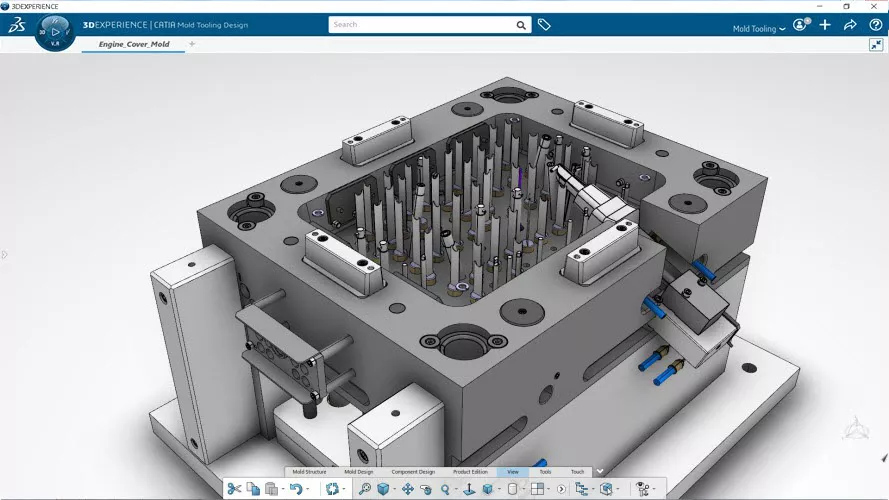

Mold and Tool Designer
- A flexible and highly-customizable approach to mold tooling design from conceptual to detailed design phases.
- Key Features:
- One integrated solution from part design to tooling manufacturing
- Automate design tasks and assist decision making
- Anticipate and check manufacturing compliance
- Simulate the plastic injection process while designing
- Capture and reuse company know-how
- Accelerate mold redesign thanks to automatic updates from part changes -
-
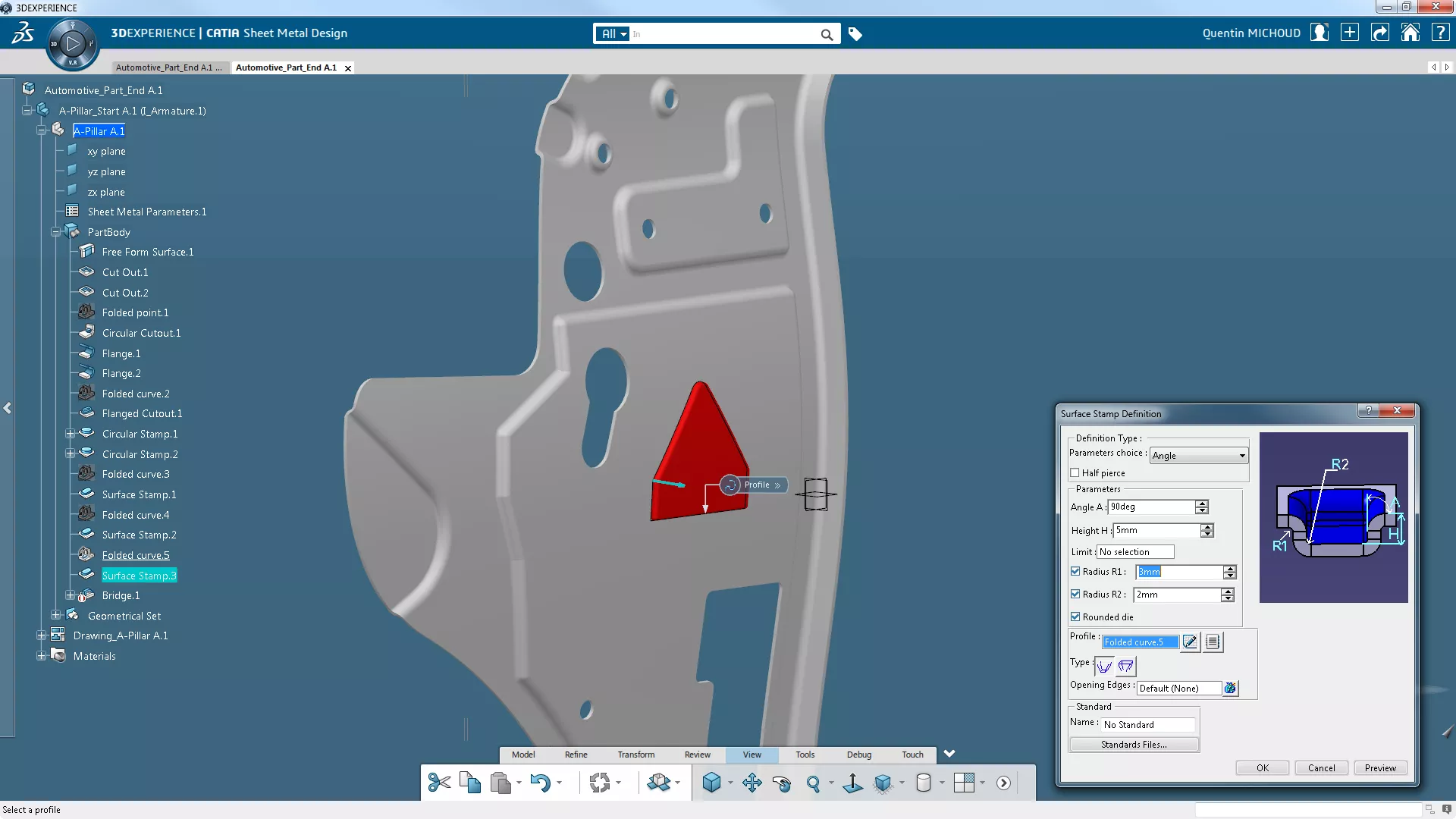

SheetMetal Designer
- Essential purpose-built tools to create sheet metal parts and products.
- Key Features:
- 2D & 3D techniques to create a workable concept for detailed design
- Accelerated detailed design with manufacturability checks
- Product review tools to validate design
- Associative drawings with multi-view, dimenions, & BOM
- Process-oriented sheet metal features
- Dedicated manufacturing preparation functions -
-
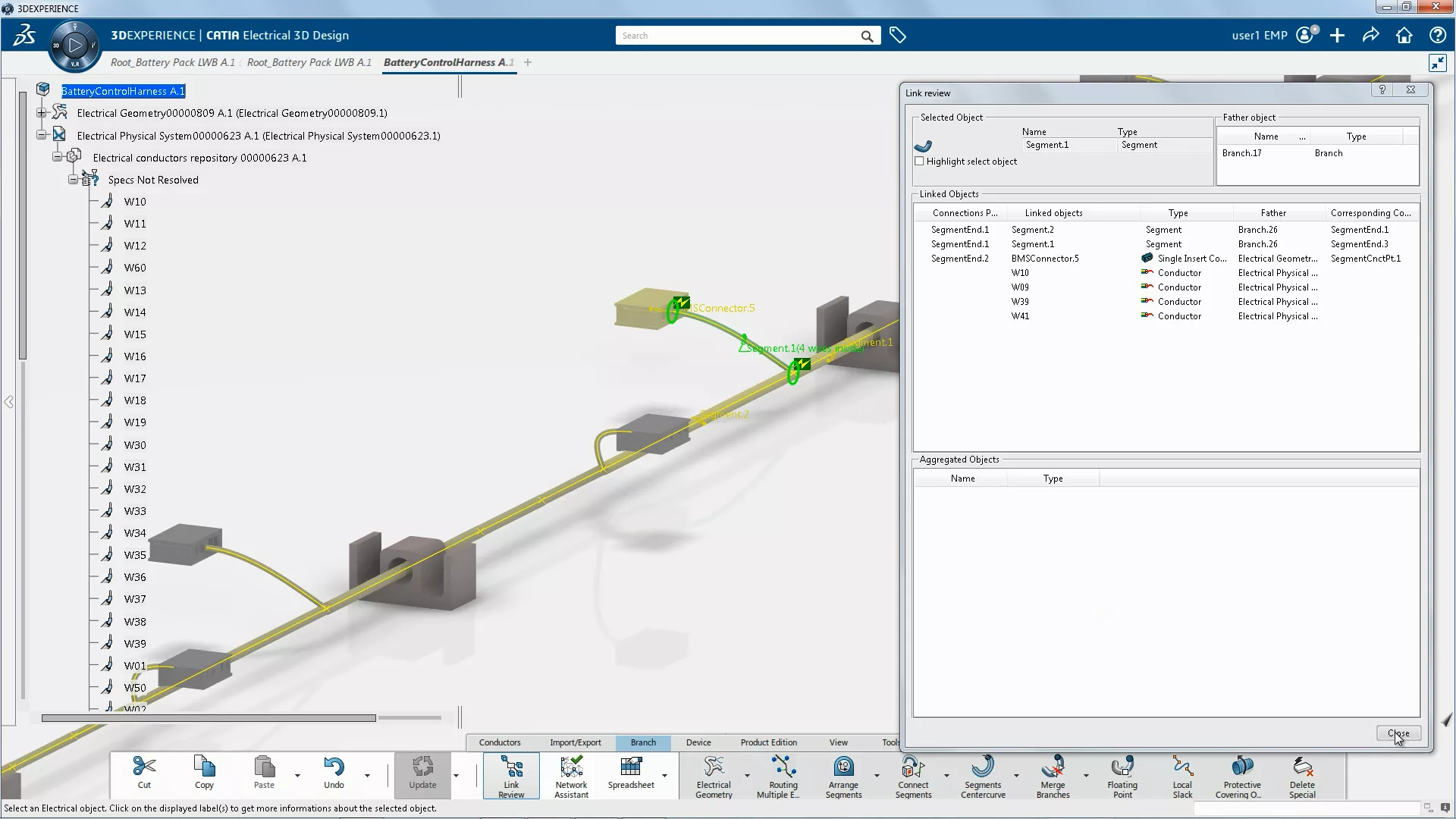

Electrical 3D Systems Designer
- A process-specific solution for designing physical wire harnesses, driven by logical specifications (schematics) and realistic simulation of the design and environment.
- Key Features:
- Create an extended range of electrical 3D components (equipment, mountings, connectors, shells, wires, cables, harness supports and protections, etc.) and define their electrical and mechanical behavior
- Efficiently store, manage, and reuse all electrical objects in easy-to-use catalogs
- Design and route 3D electrical networks in context (harnesses and cableways), with accurate finite element modeling to provide realistic harness shape and behavior characteristics
- Leverage analysis tools to check design connectivity and quality
- Wire/cable content import and routing into network
- New 3D design capability from 2D schematics
- Semantic Tolerancing Advisor guides compliance with standards like ISO, ANSI/ASME and JIS. -
-
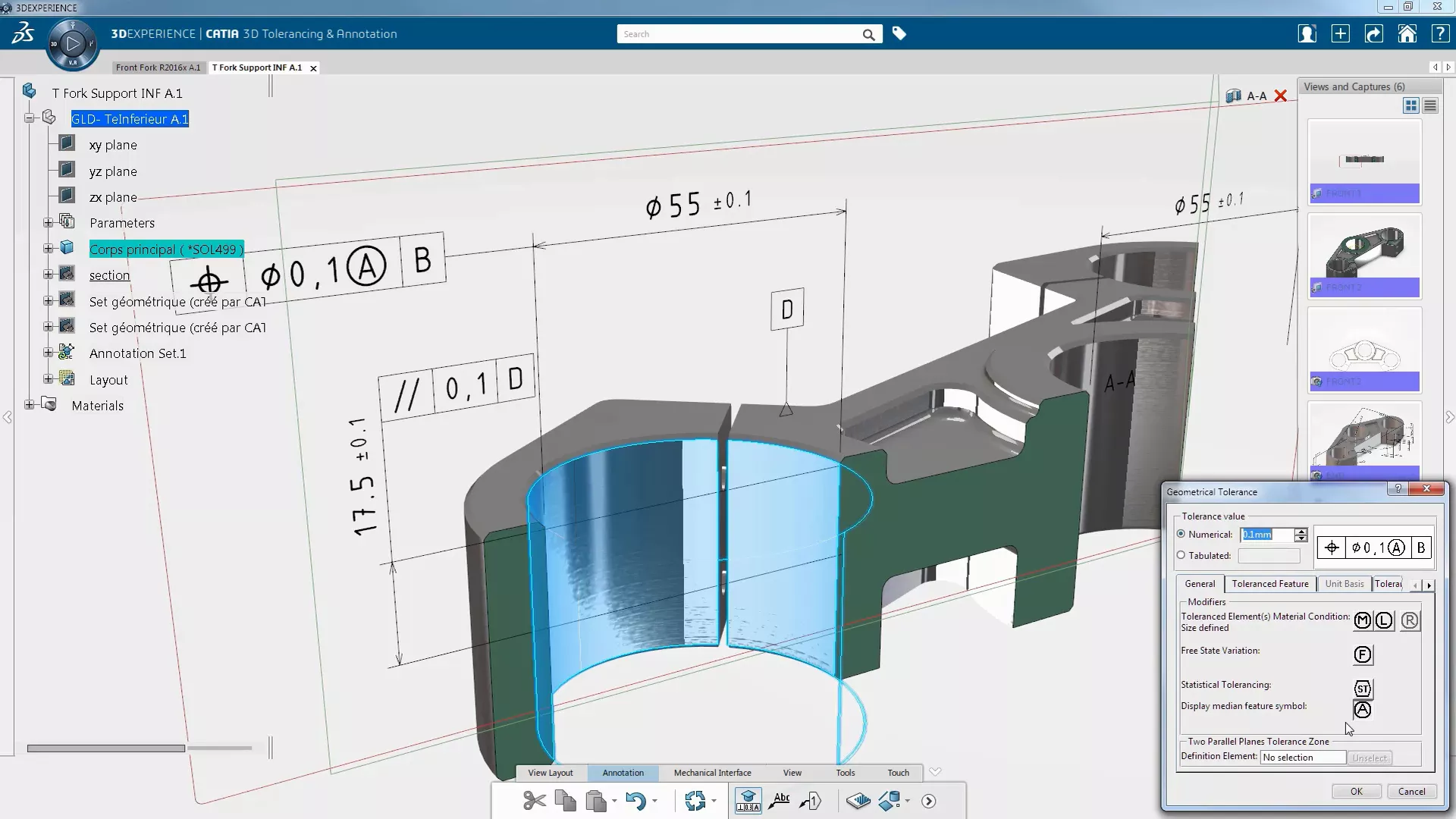

3D Tolerancing & Annotation Designer
- Complete design definition directly on the 3D model (also known as model-based definition), eliminating duplicated efforts for 2D drawing generation, update, and interpretation.
- Key Features:
- Allows a full tolerancing of the product from parts up to assembly level
- 100% product manufacturing information in 3D for accurate & annotated geometric definition
- Semantic Tolerancing Advisor guides compliance with standards like ISO, ANSI/ASME and JIS
- Eases the 3D definition understanding with a cross-highlight of the 3D geometry and related annotations
- Protects the company know-how and intellectual property thanks to 3D data filtering capabilities
- Exports 3D master definition to STEP format
- Improves the productivity for part’s family with easy duplication of 3D tolerances and annotations
- Re-uses any 2D definition to support conceptual design in 3D
- Generates drawings on demand -
-
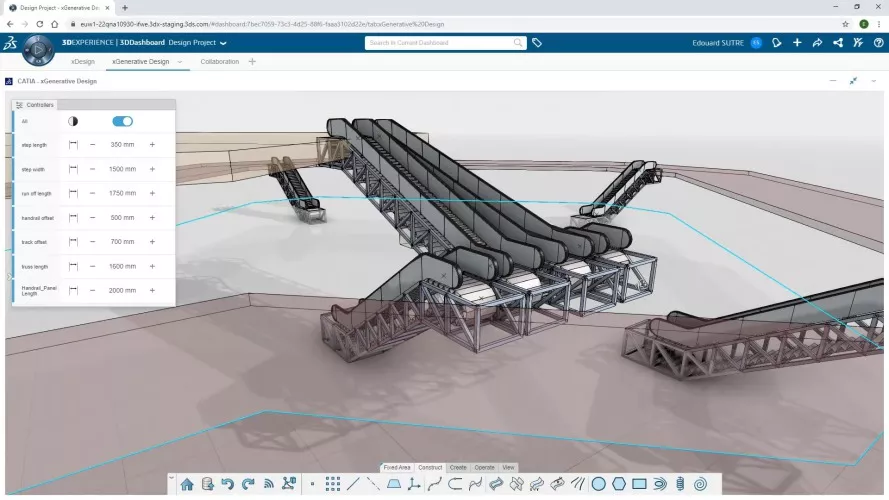

3D Pattern Shape Creator
- 3D Pattern Shape Creator is a parametric, logic-based design automation tool for creating complex and bio-inspired shapes.
- Key Features:
- Quickly generate simple to complex and non-regular shapes and patterns
- Extend the styling capabilities to create 3D innovative patterns and bio-inspired shapes
- Amplify the design process, increase creative flexibility, and explore more alternatives
- Interactive & 3D centric: make more informed design-decisions and shape research
- Capture and reuse the knowledge and design best practices
- Bring automation technology to a wider audience to reduce repetitive activities
- Guarantee the best geometry quality and accuracy for the downstream detailed activities -
-
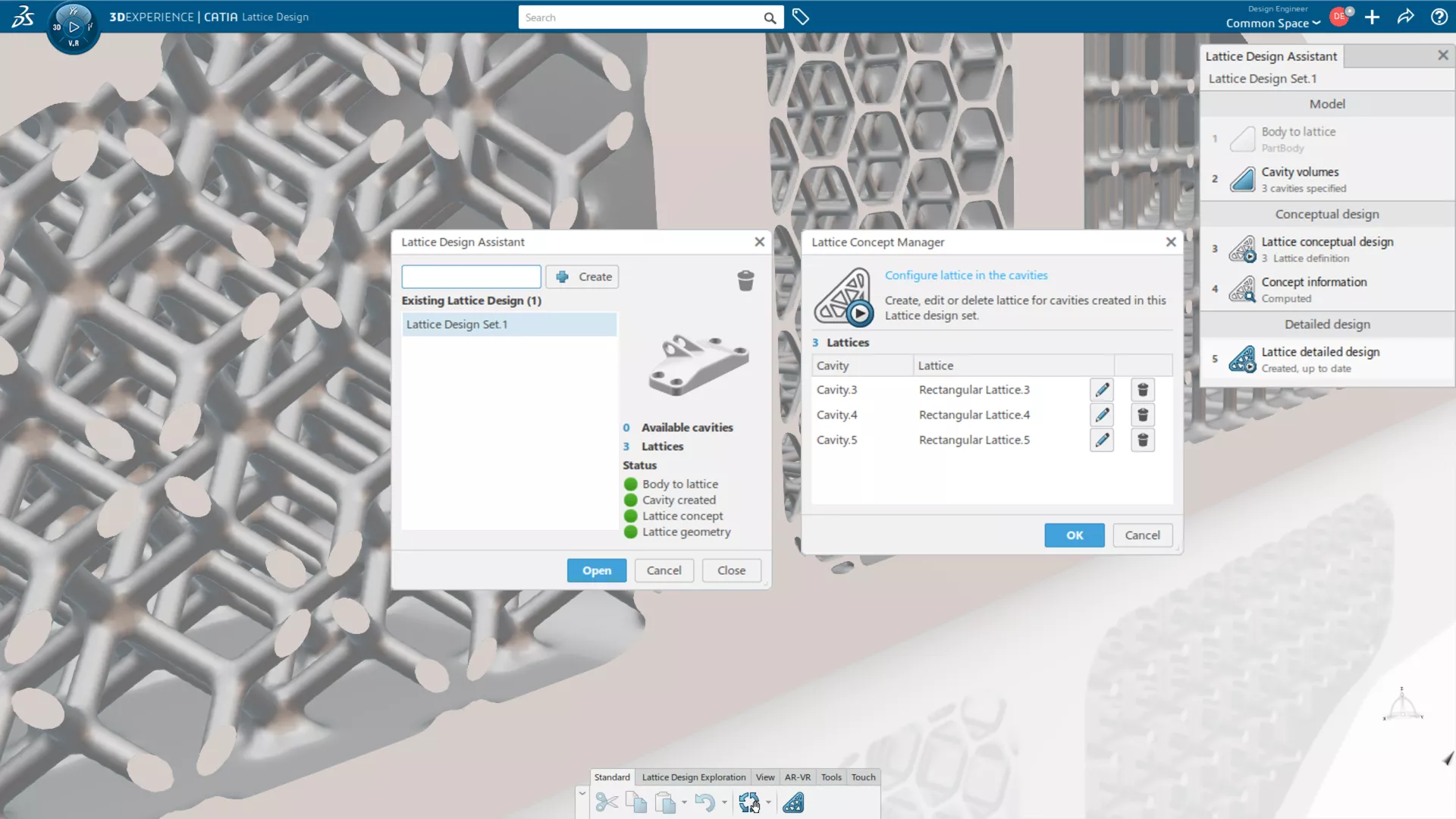

Lattice Designer
- One-of-a-kind parametric latticing software for legacy and 3DEXPERIENCE files. Rapidly transforms existing parts into additive manufacturing-optimized models. Retains CAD geometry after lattice generation with full associativity in case of design updates.
- Key Features:
- Direct editing for design for Additive Manufacturing (DFAM) conversion of traditional parts
- Automated TPMS heat exchanger design tools
- Beam lattices can be made in rectangular, circular, and conformal patterns
- TPMS lattices (e.g. gyroids) can be made in circular and rectangular patterns
- Latticed geometry is compatible with drawings
- Extensible with SIMULIA tools for lattice optimization & other CATIA roles for advanced part, custom lattice, and cavity creation -
-
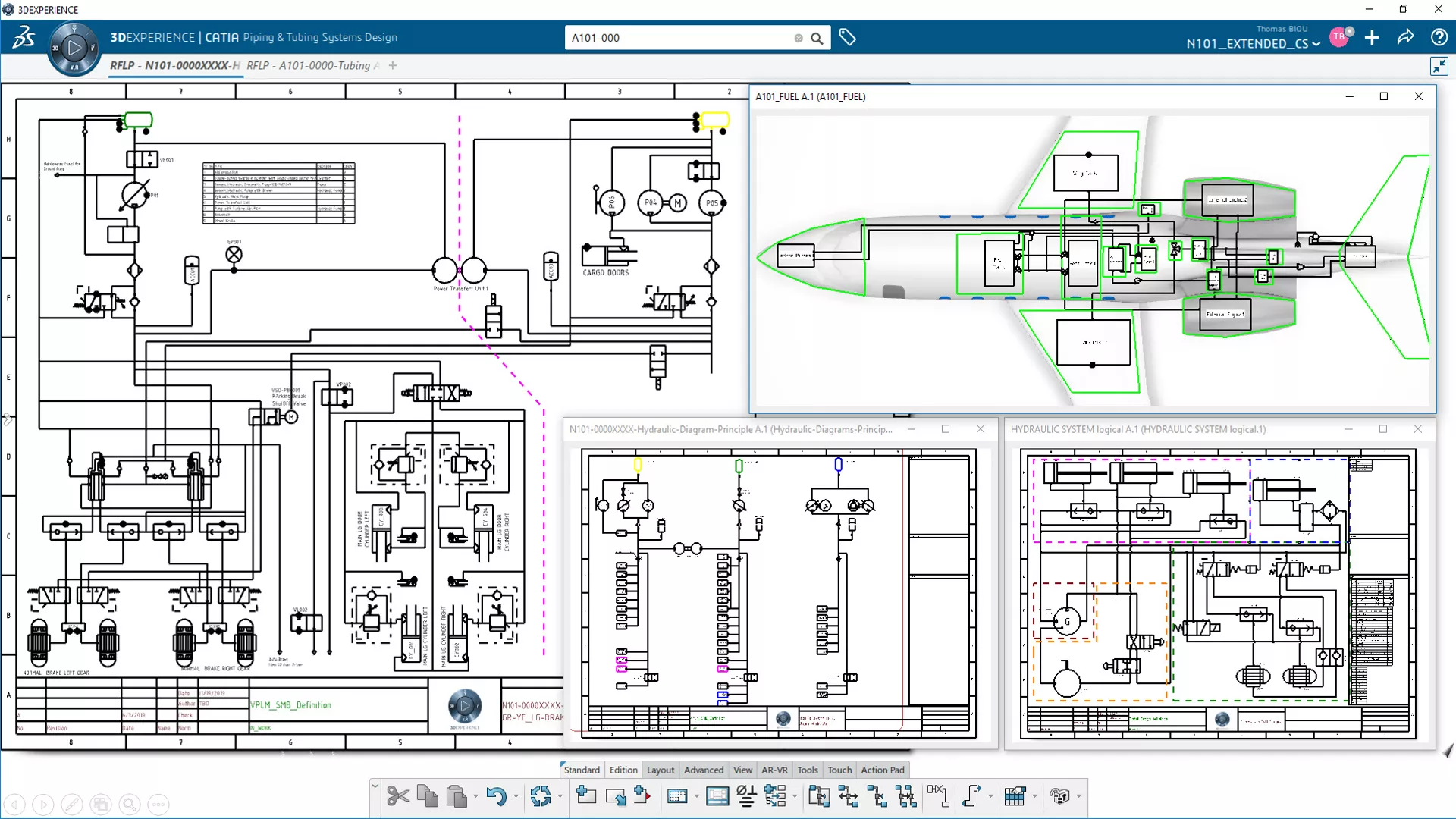

Systems Schematic Engineer
- A complete, integrated workflow that links systems architecture definitions through to detailed 3D electrical & fluid systems design.
- Key Features:
- Enable RFLP (requirement, functional, logical, and physical) design in CATIA
- Route in CATIA Systems Logical 3D Architecture
- Capture electrical and fluid systems architecture & connectivity
- Design check and automation with knowledgeware
- Import/export electrical definition in ixfElec format and electrical systems in ELOG format
- Generate reports based on templates defined by Report Template Designers
- Ensure end-to-end holistic traceability & collaboration on system models -
-
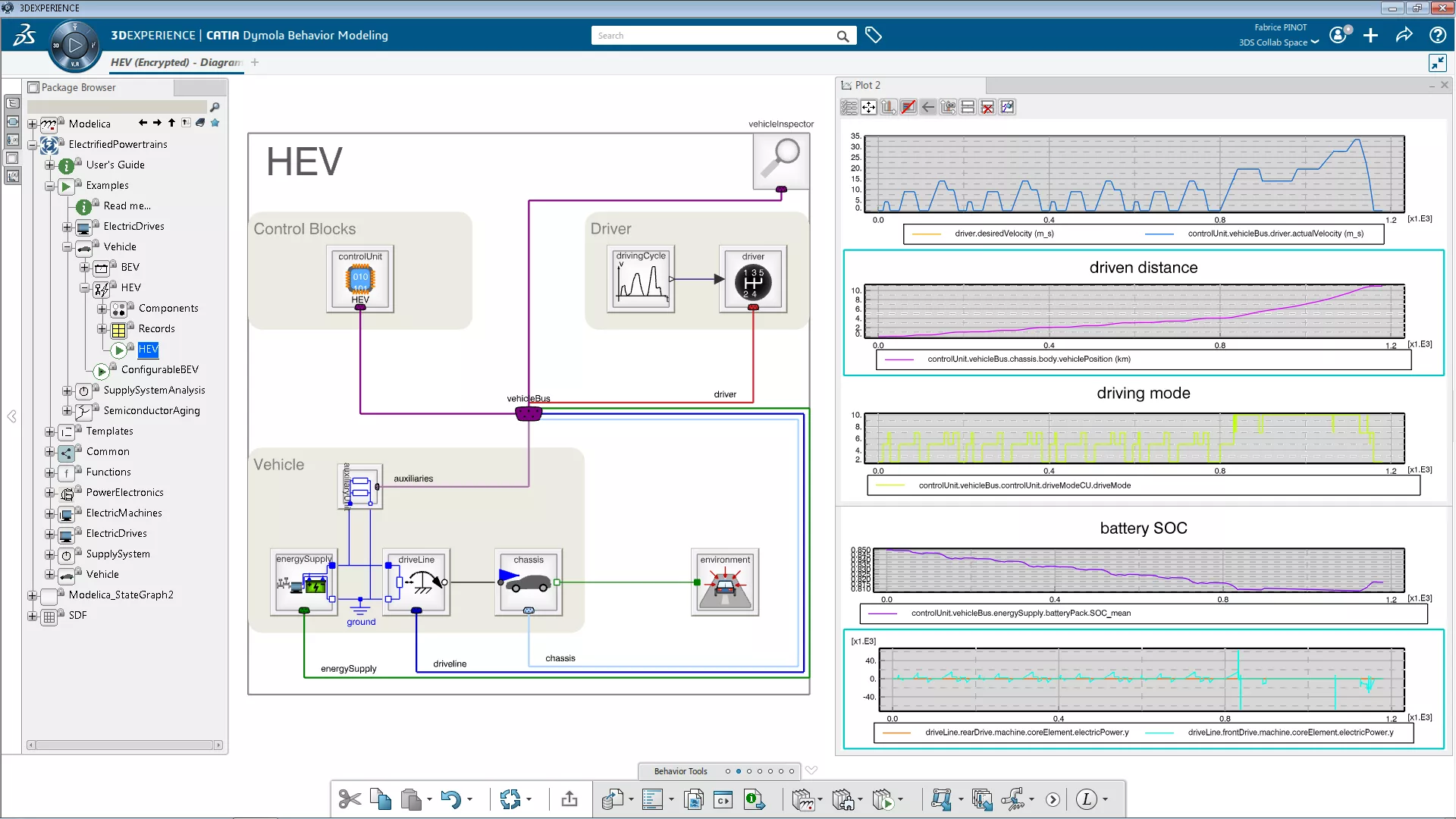
Dynamic Systems Engineer
- A Modelica- and FMI-compliant solution to efficiently model and simulate multiphysics dynamic systems.
- Key Features:
- Multi-discipline modeling & simulation, fully-compliant with the open Modelica language
- Enables the usage of company’s own or commercial domain-specific Modelica libraries for rapid modeling & simulation of complex multiphysics systems
- Integrated workgroup environment with shared digital representation for accurate model-based design
- Powerful integrated systems-simulation environment and systems-model management
- Functional Mock-up Interface (FMI) import capability enables co-simulation of models coming from heterogeneous solutions. -
-
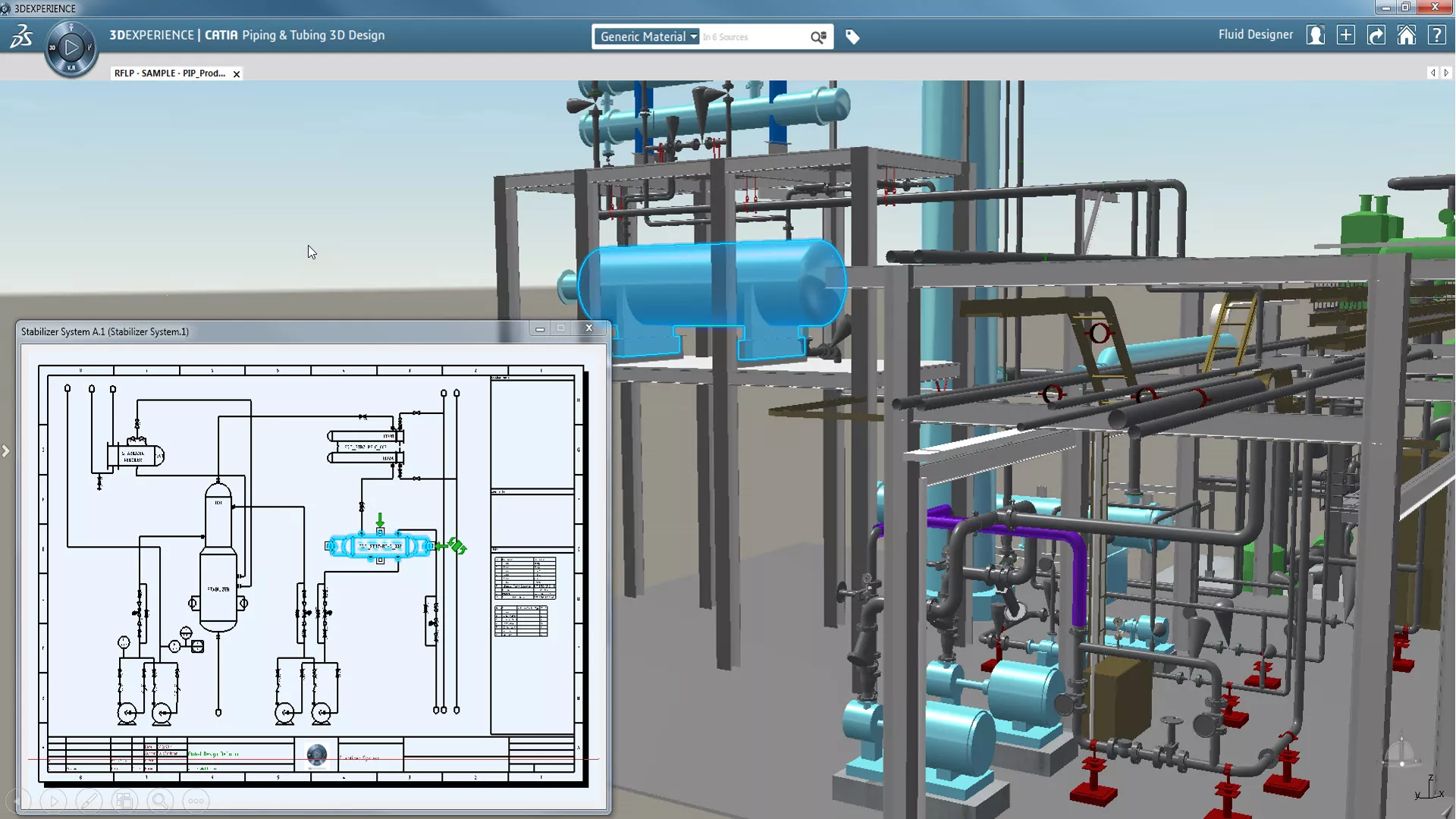

Piping & HVAC 3D System Engineer
- Enables the design of complex piping and HVAC systems from concept to detail phases, with tight 2D-3D integration.
- Key Features:
- Design and optimize the physical system of pipes and HVAC from basic routing to detailing
- Perform design integrity checks to ensure clean integration between 2D schematics and 3D designs
- Take advantage of specification- and schematic-driven design with automated part placement capabilities, ensuring ensure compliance with corporate and industry standards
- Automate spool generation and piping assembly decomposition based on rules
- Automate report generation based on company templates for all disciplines and purposes (fabrication, installation, supplier, etc.)
- Automate drawing generation for fabrication and installation -
-
Electrical 3D Systems Designer
- A process-specific solution for designing physical wire harnesses, driven by logical specifications (schematics) and realistic simulation of the design and environment.
- Key Features:
- Create an extended range of electrical 3D components (equipment, mountings, connectors, shells, wires, cables, harness supports and protections, etc.) and define their electrical and mechanical behavior
- Efficiently store, manage, and reuse all electrical objects in easy-to-use catalogs
- Design and route 3D electrical networks in context (harnesses and cableways), with accurate finite element modeling to provide realistic harness shape and behavior characteristics
- Leverage analysis tools to check design connectivity and quality
- Wire/cable content import and routing into the network
- New 3D design capability from 2D schematics
- Semantic Tolerancing Advisor guides compliance with standards like ISO, ANSI/ASME and JIS. -
-
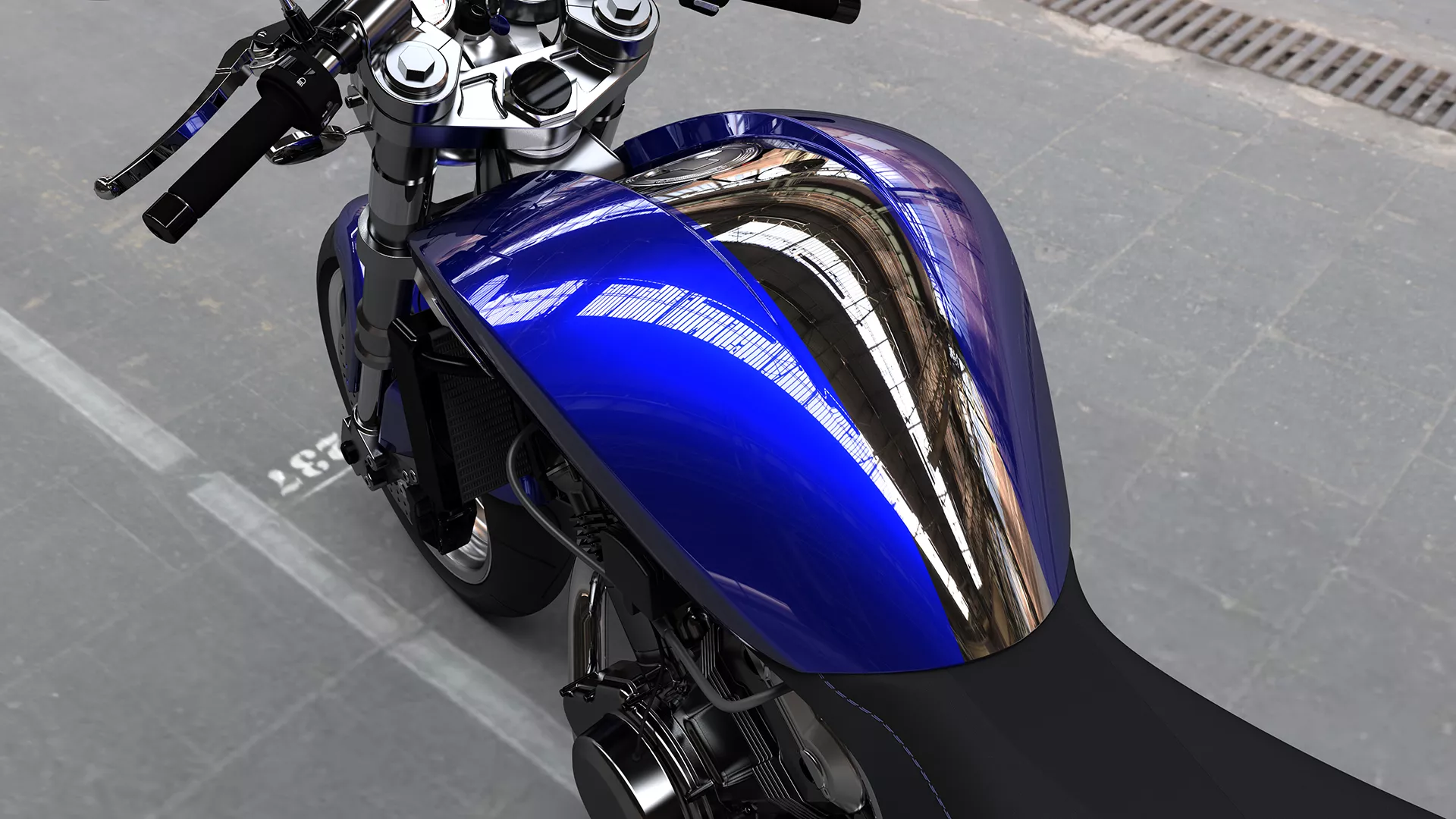

Style & Class-A Modeler
- A comprehensive suite of products to create, edit, and analyze aesthetic and ergonomic shapes from design sketches through to real-time rendering of the final shape.
- Key Features:
- CATIA apps for concept & Class-A modeling to deliver final product surfaces with G3-continuity based on inputs such as design sketches, scanned data, or subdivision surfaces
- Advanced direct and associative surface modeling, diagnosis, and evaluation tools
- High-end realtime and physically correct rendering tools -
-
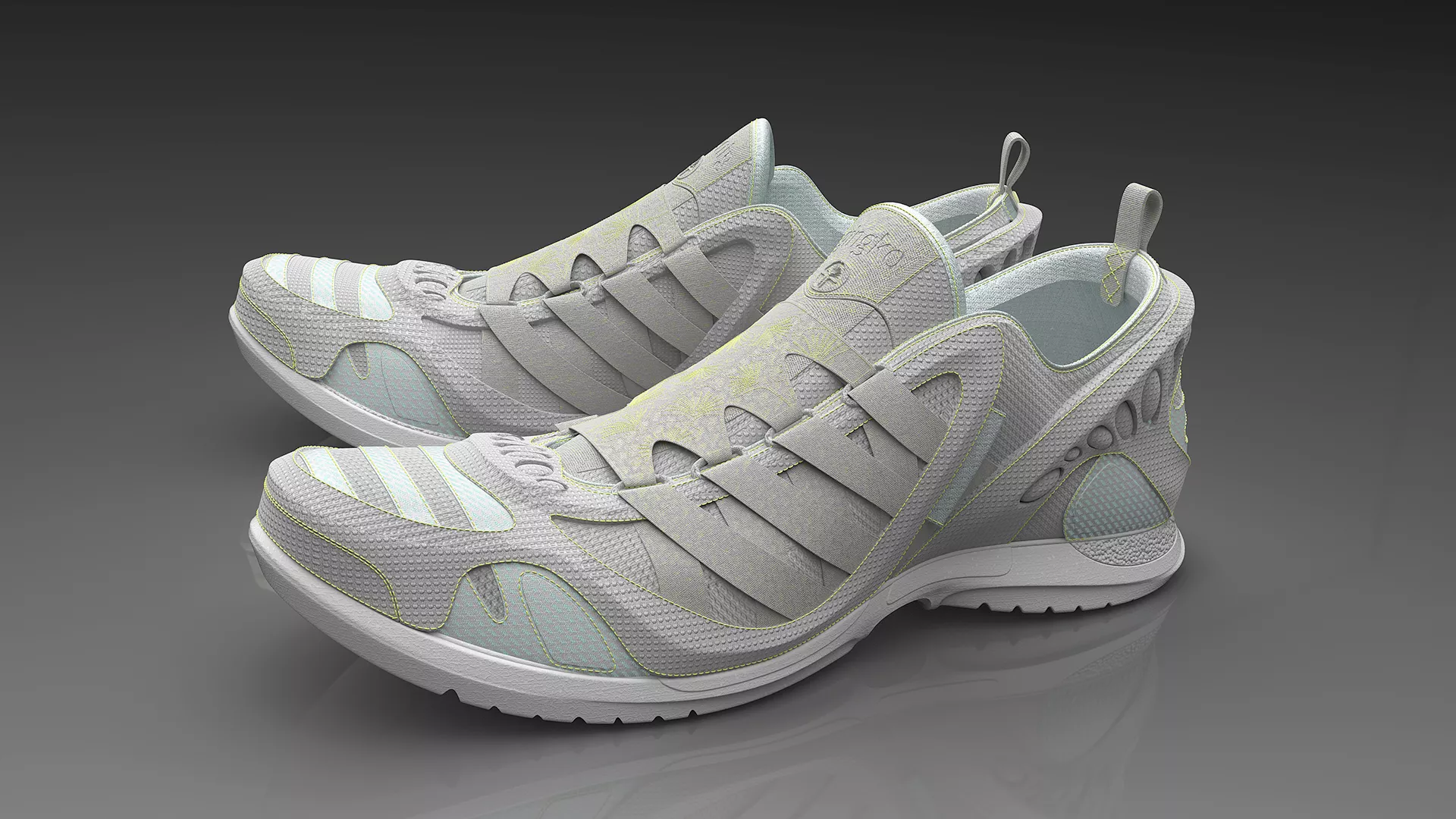

Creative Designer
- Brings a host of innovative new 3D tools into the product ideation process, allowing you to quickly transition those sketches into lifelike settings with human models and realistic rendering.
- Key Features:
- Import 2D sketches and develop ideas with a unique 3D sketching technology
- Sculpt in 3D with ultra-fast virtual clay modeling using subdivision surface technology
- Design within the context of the human model
- Transform real objects to virtual from a set of 2D photos
- Visualize products and work on colors and trims with high-end real-time visualization and photorealistic rendering -
-
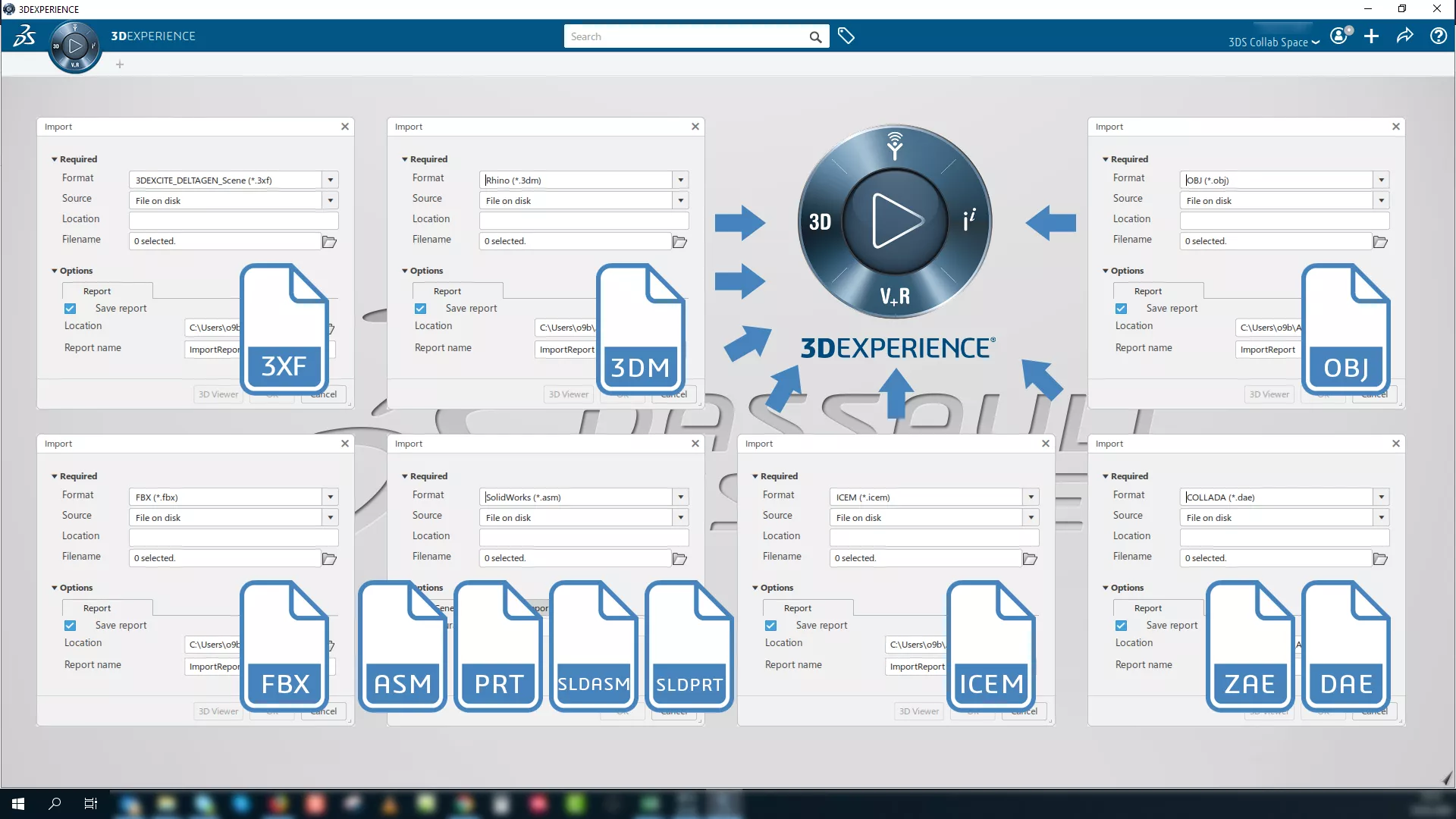

Converters for Design and Styling
- 3D EXPERIENCE CATIA provides a powerful design visualization environment, but what if you work in a multi-tool environment (e.g. with different suppliers)? This package includes seven converters to bring it all together.
- Key Features:
- GDELTAGEN (3XF); ICEM Surf (ICEM)
- SOLIDWORKS (ASM, PRT, SLDASM, SLDPRT)
- FBX (FBX)
- OBJ (OBJ)
- COLLADA (DAE, ZAE)
- Rhinoceros (3DM) -
-
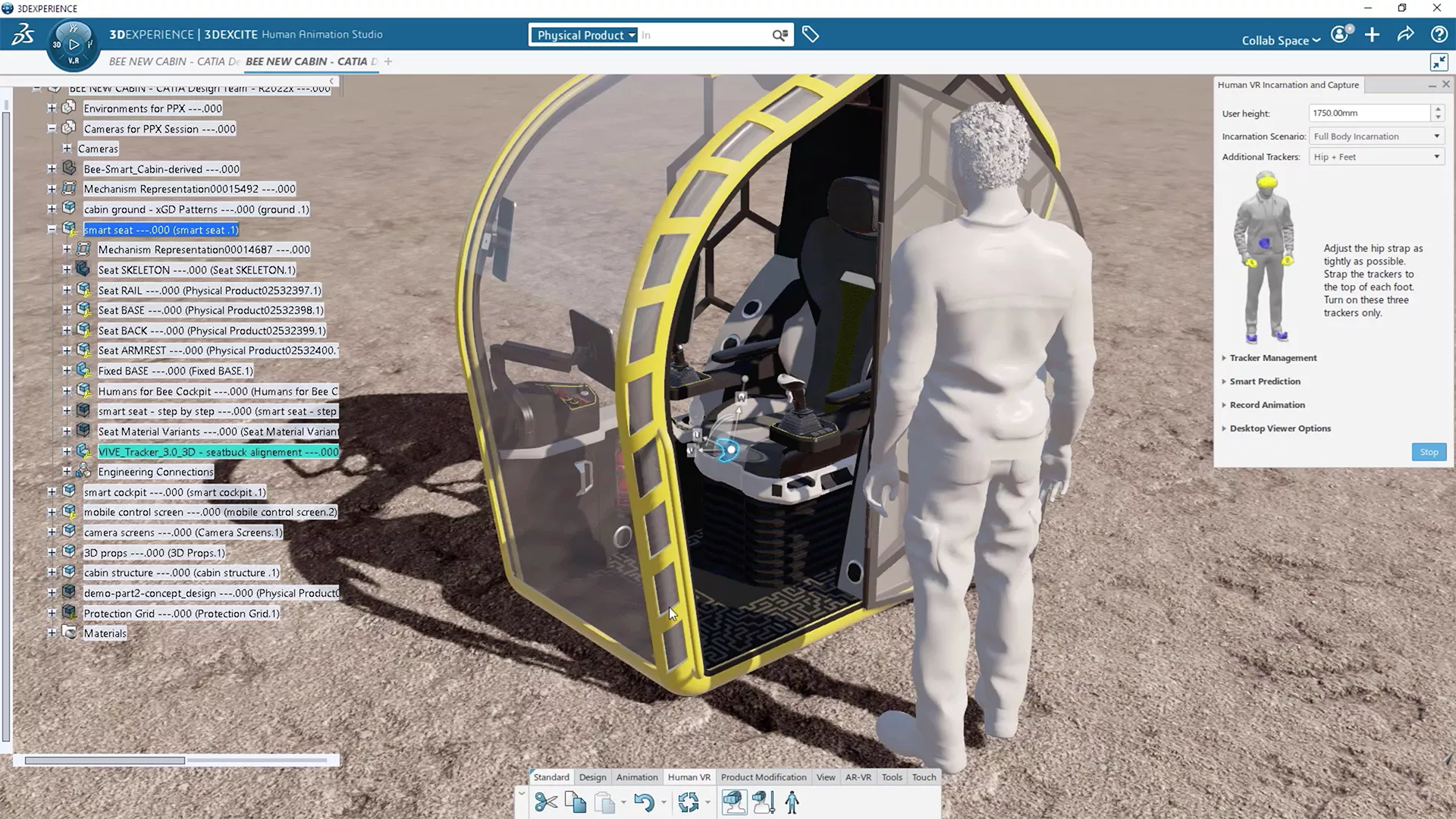

Human Experience Designer
- Lets designers evaluate user experience early in the design and engineering phases. By leveraging a virtual human model, they can validate their ideas, and even their assembly and kinematic designs, in a more complete and real-world context.
- Key Features:
- Posable, configurable virtual human model
- Body kinematics and human-to-product interaction to better capture the consumer experience
- High-quality integrated rendering (up to and including raytracing) for enhanced realism
- Human model as VR avatar in VR design and review processes -
-

Visual Experience Designer
- Allows 3D designers and modelers to produce photorealistic visuals from native CAD data inside of CATIA. Accurately visualize designs in realtime and make informed decisions accordingly.
- Key Features:
- Produce physically-correct real-time and interactive visuals with Dassault Systèmes Stellar and NVIDIA Iray rendering engines
- Create and apply highly realistic visual material appearances, with support for Adobe Substance and X-Rite AxF
- Create lights and add 360° degree HDRi surroundings for context and illumination
- Add 3D humans as a reference in your visual experience
- Deliver high-quality renderings and animations with a friendly and intuitive user-experience
- Integrate with native CAD data; Manage the data preparation process to secure, optimize, organize, and simplify heavy models -
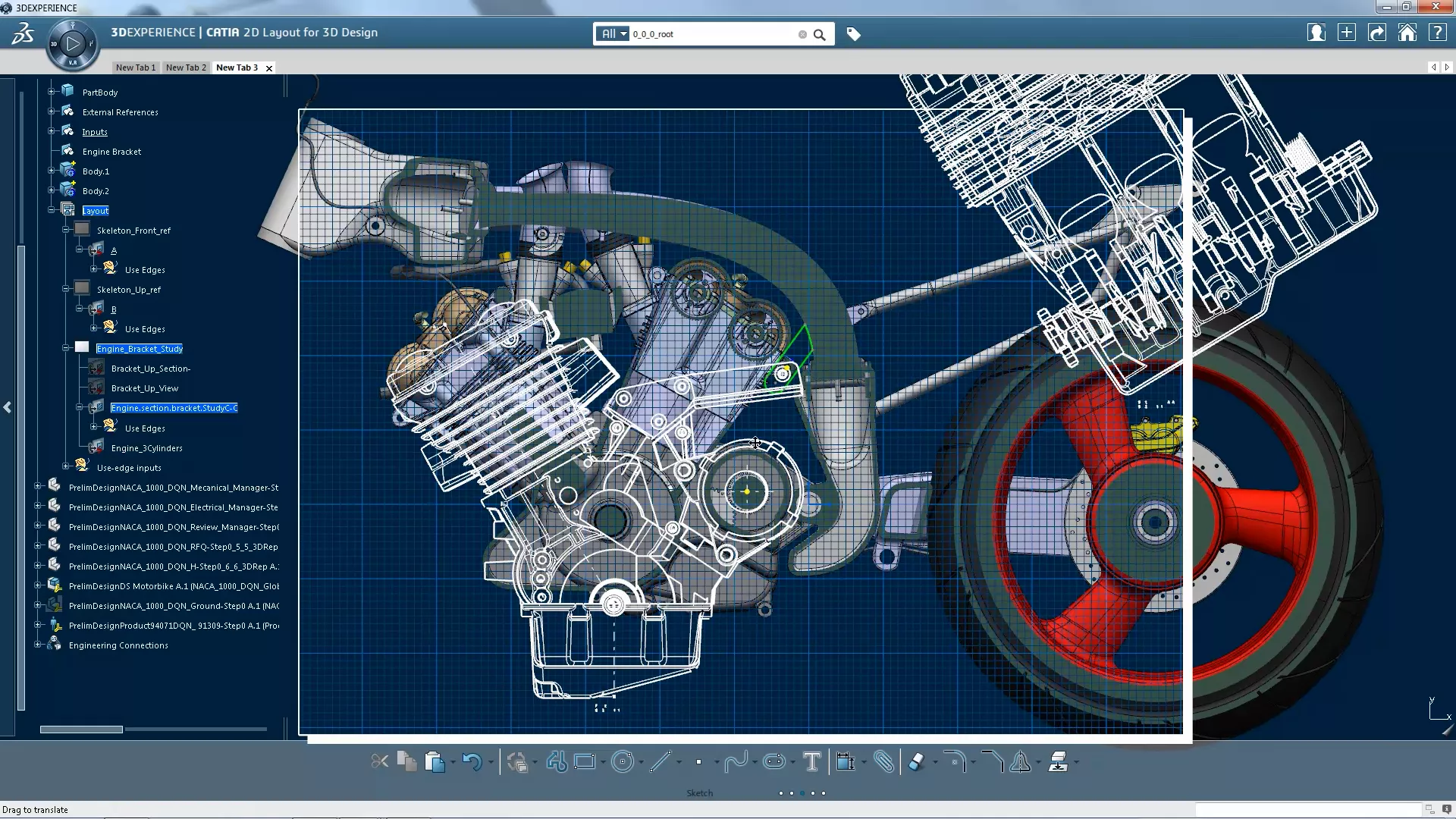
Still Confused About CATIA OPTIONS?
Check out GoEngineer's CATIA Buying Guide and get answers to these common questions:
and much more!
Frequently Asked Questions
The main difference is CATIA V5’s desktop, file-based system for managing design data. 3DEXPERIENCE CATIA uses a secure online database system that can be shared natively and in real time across the value chain. 3DEXPERIENCE CATIA also leverages modern networking and computing technology to offer significantly more modern and cross-functional capabilities, including simulation-driven design and artificial intelligence.
They are effectively the same product, with 3DEXPERIENCE CATIA being the preferred name. The initial iteration of the CATIA product running on the platform was named CATIA V6 to show the transition from V5.
Yes, 3DEXPERIENCE CATIA will open direct CATIA V5 files with full feature history, but will only save CATIA V5 files as featureless solids. However, you can have seamless two-way integration of CATIA V5 and 3DEXPERIENCE CATIA if they both save to the 3DEXPERIENCE Platform database rather than loose geometry files.
No, the 3DEXPERIENCE CATIA design application is installed locally on the user’s computer, so a robust workstation is suggested. It is your CAD data that is stored and managed in the cloud.
Unlike the floating or node-locked licensing of V5, 3DEXPERIENCE CATIA utilizes a named-user licensing style where access is granted and tied to a specific user account. Some roles are available as shareable licenses, that work like a floating license.
Yes, via an add-on, CATIA V5 can connect to the 3DEXPERIENCE Platform to save, load, and manage all CAD data alongside all 3DEXPERIENCE CATIA users.
No, there is the option to install an on-premise 3DEXPERIENCE Platform for which all network, software, and hardware infrastructure is controlled and administered by the company’s IT.
Dassault Systèmes typically follows a yearly release cycle with the naming corresponding to that year. Between these yearly releases, expect several "service packs" with bug fixes and added capabilities.
Updates and installations are automatic with the typical cloud implementation of 3DEXPERIENCE. When a new version or service pack is released, the software is updated on launch. For on-premise 3DEXPERIENCE, manual upgrades are required. Therefore, large on-premise installations typically wait for significant changes before upgrading.
No, the 3D design application can only be installed on a Windows-based system. 3DEXPERIENCE’S CAD review web apps, however, would be available on a Mac, iPad, mobile phone, or anything else with a modern web browser just not full CAD design capabilities.
Yes, the on-premise 3DEXPERIENCE CATIA can ITAR- compliant because the company controls the Platform and access. The on-cloud version currently cannot be ITAR- compliant.
Short internet outages cause no interruptions if you are not performing actions needing the database like search, lifecycle, save operations during that short time. During longer outages, the software may be forced to close however, because data is locally cached as you work, you will only lose progress since the last cache save, which is a setting you control.
The function performs similarly in both versions, but 3DEXPERIENCE has the advantage of storing the power copies on the cloud as managed objects ensuring the everyone uses the latest version. With CATIA V5 the power copies live locally or on a network, and without proper data control can cause use of incorrect versions.
No, the transition is mostliy about the user interface and differences between a file-based and database systems. In other words, finding and remembering where the icons are located and accessed.
More Design Tools For You
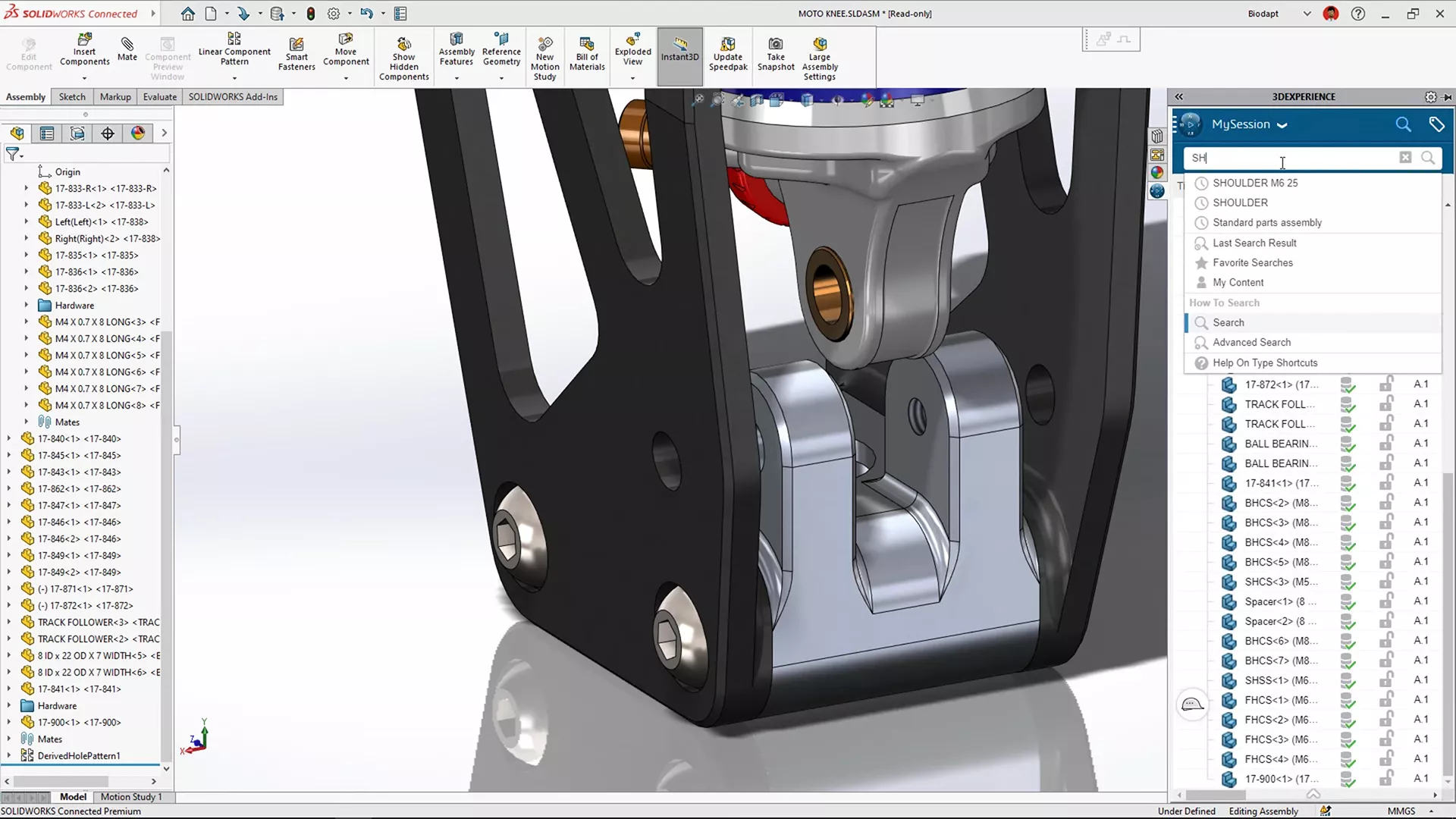
3DEXPERIENCE SOLIDWORKS
Desktop SOLIDWORKS with a cloud connection so you can work from anywhere, collaborate efficiently, and scale quickly.
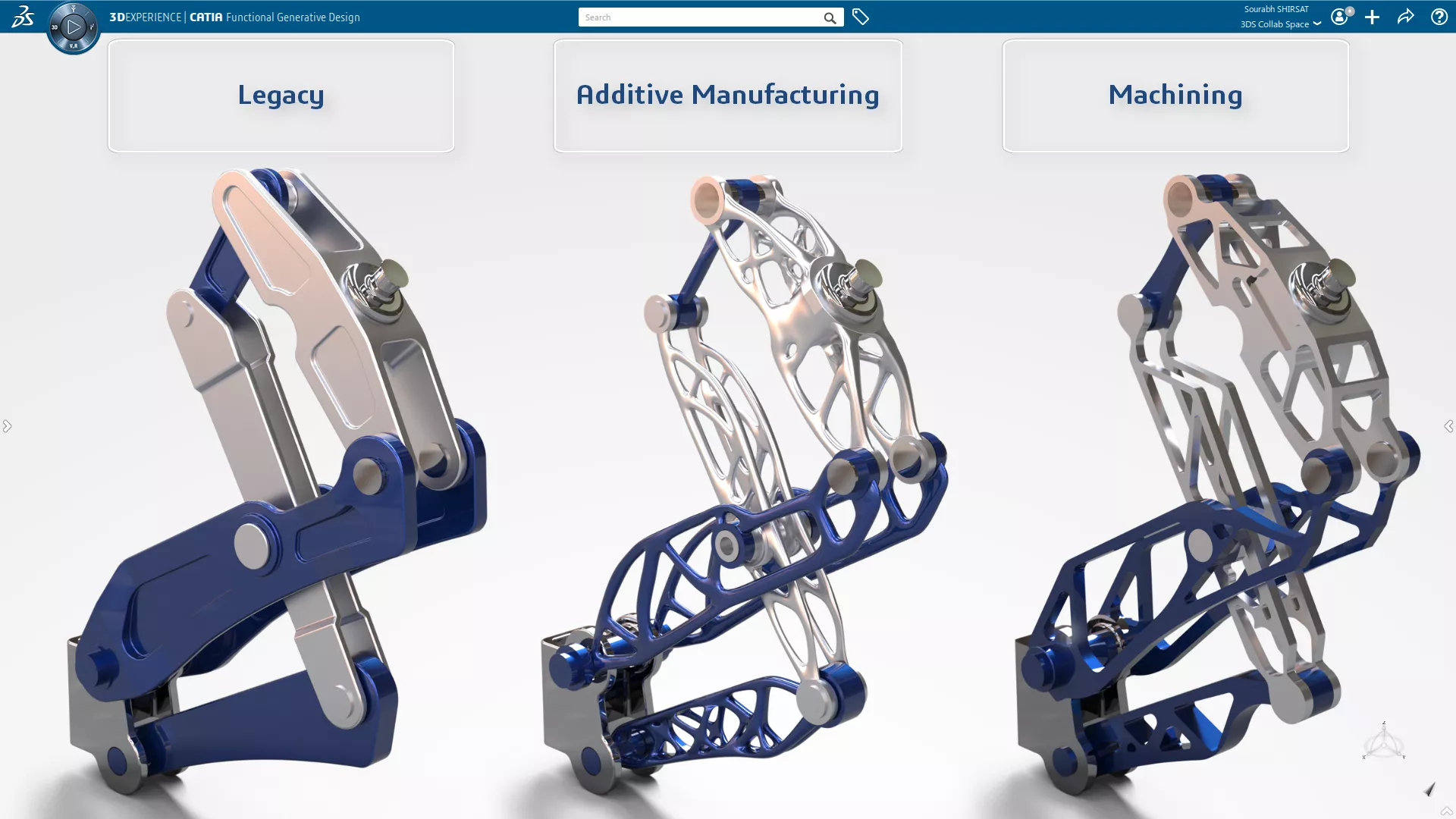
3DEXPERIENCE GENERATIVE DESIGN
Sophisticated, FEA- & CFD-driven design optimization in a CATIA CAD environment
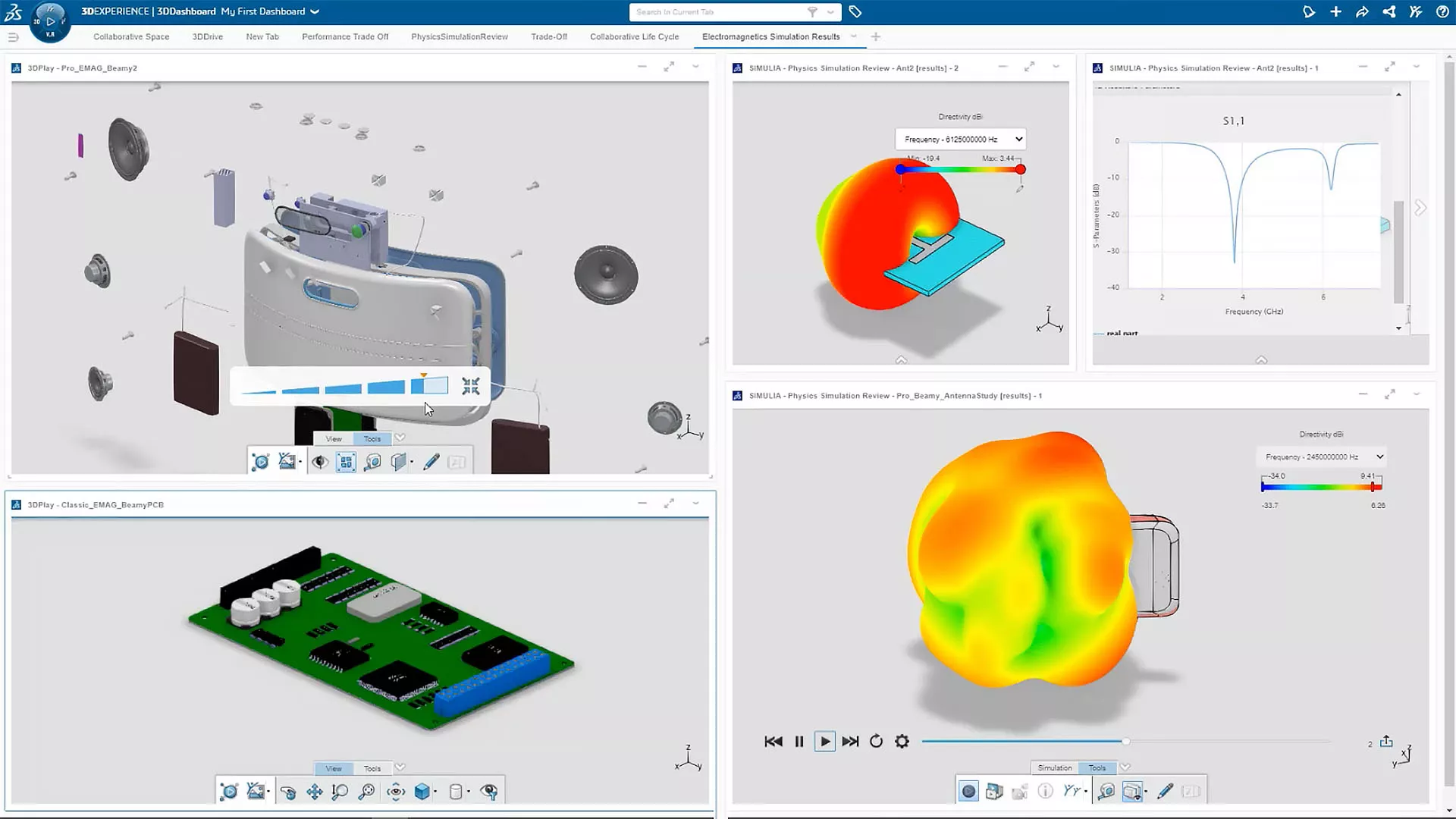
3DEXPERIENCE SIMULATION
Cutting-edge engineering simulation and virtual prototyping made accessible and affordable.
Additional Resources
Take Advantage of GoEngineer’s Extensive Knowledge Base and Resources

Find a Solution
Our robust Knowledge Base contains over 12,000 resources to help answer your product design questions. From basic CAD questions to in-depth guides and tutorials, find your solution here. Find a Solution

PROFESSIONAL TRAINING
Improve your skills with professional training and certifications in SOLIDWORKS, CAM, 3D Printing, and 3D Scanning offered four ways: self-paced, online, on-site, or in-classroom. Certified Training Courses

BLOG
#1 Technical Resource Worldwide - Right at your fingertips. Search or browse through hundreds of SOLIDWORKS tips & tricks, additive manufacturing product developments, announcements, how-to guides, and tutorials. Blog

YouTube Channel
Our YouTube channel hosts hundreds of educational tutorials, product demonstrations, recorded webinars, and best practices for all of our products and services. GoEngineer's YouTube Channel
ONLINE STORE
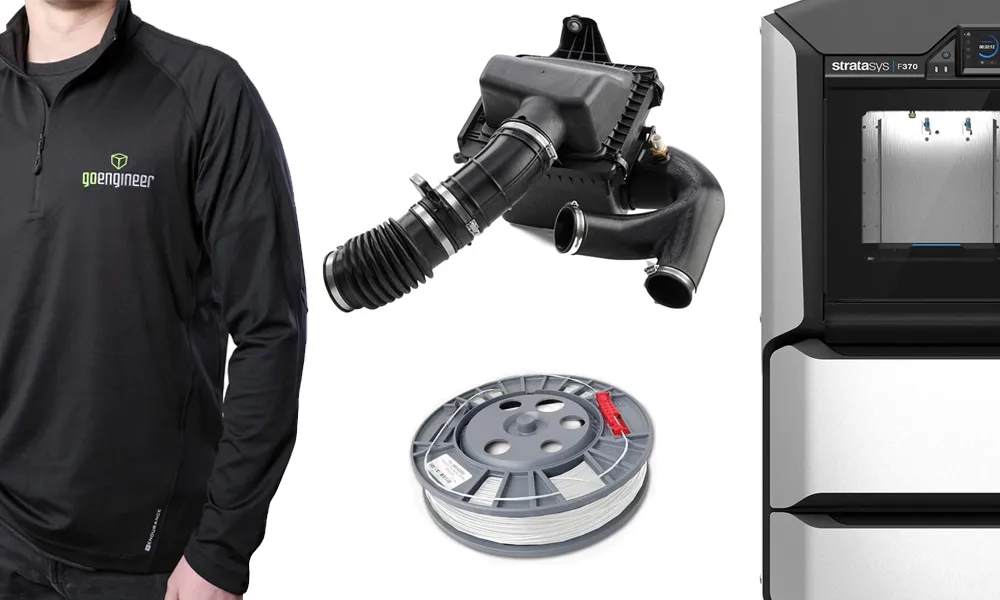
Order 3D printing materials and consumables, enroll in SOLIDWORKS training classes, and buy official GoEngineer gear directly from our online store. Online Store
WEBINARS
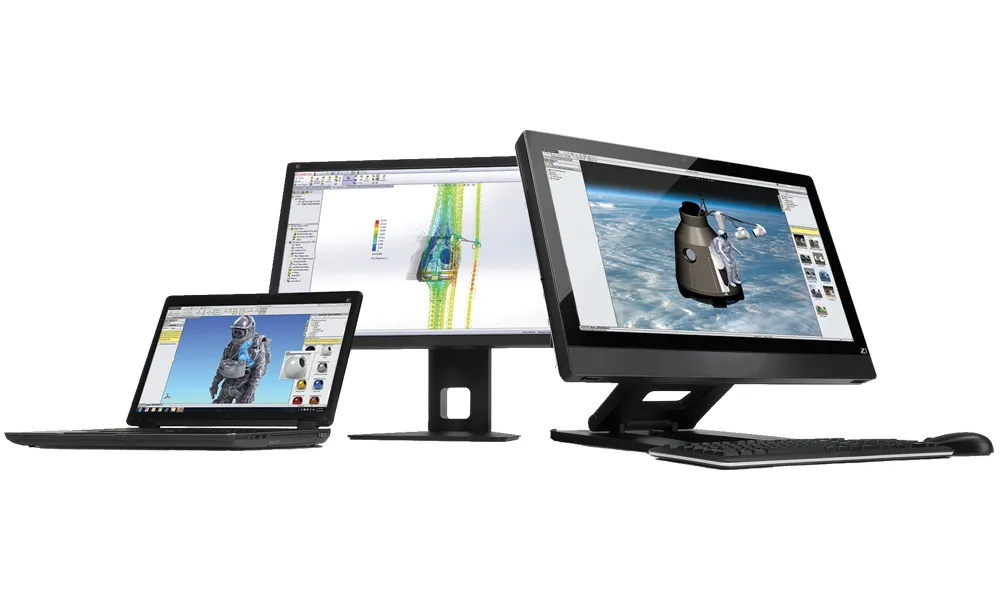
Our engineering webinars are hosted by some of the top experts in the industry. They are always recorded, always free, and always offer a live Q&A. WEBINARS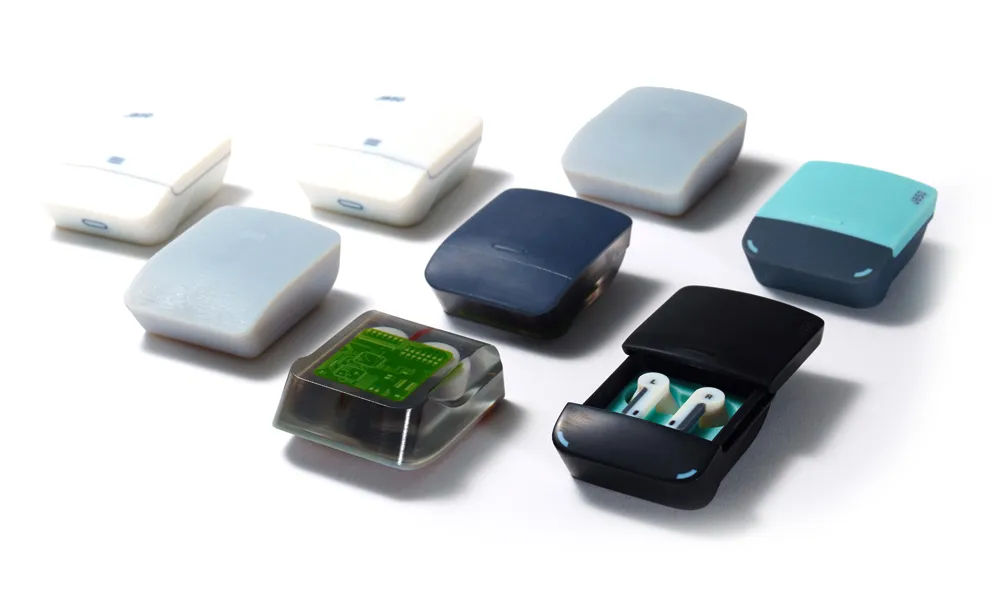
3D Printing Services
Need to 3D print a part? Our Additive Manufacturing experts will 3D print your part and deliver it to you using the latest technology on one of our professional FDM, PolyJet and SL 3D printers. 3D Printing Services