Intelligence Before the AI Hype: How SOLIDWORKS Has Guided Design for Years

Table of Contents
Long before generative AI and conversational assistants entered SOLIDWORKS, users were already relying on tools that diagnose modeling problems, recognize geometry, and automate repetitive setup. These features can feel intelligent, but they are purpose-built automation and not modern AI.
Smart Automation vs. Modern AI
The distinction is less about whether a tool feels intelligent and more about how it works. The features in this article apply established SOLIDWORKS rules, model context, and workflow logic to specific tasks: resolving sketch conflicts, managing features, applying mates, inserting hardware, or standardizing assembly setup. They do not rely on open-ended prompts or generate new engineering content.
Both approaches can reduce effort, but they solve different problems. For a detailed look at SOLIDWORKS’ current assistive and generative AI capabilities, see AI in SOLIDWORKS: What It Is (and What It Isn’t).
What These Tools Have in Common
Although each tool targets a different workflow, they share four practical traits:
- Purpose-built for specific tasks. Each operates within a defined SOLIDWORKS workflow rather than interpreting an open-ended request.
- Designed to reduce repetitive work. They automate steps such as finding sketch conflicts, managing fillets, applying mates, or inserting hardware.
- Driven by model context and established logic. They use geometry, relations, settings, and feature relationships already available in SOLIDWORKS.
- Designed to keep the user in control. The designer reviews the result and decides whether it preserves design intent.
Helping Users Work Like Experts
SOLIDWORKS Xperts
SOLIDWORKS Xperts help when a sketch, feature, dimensioning scheme, or assembly mate becomes difficult to diagnose or manage manually. Each Xpert focuses on a bounded problem, identifies likely conflicts or interactions, and gives the user a faster path to a workable result.
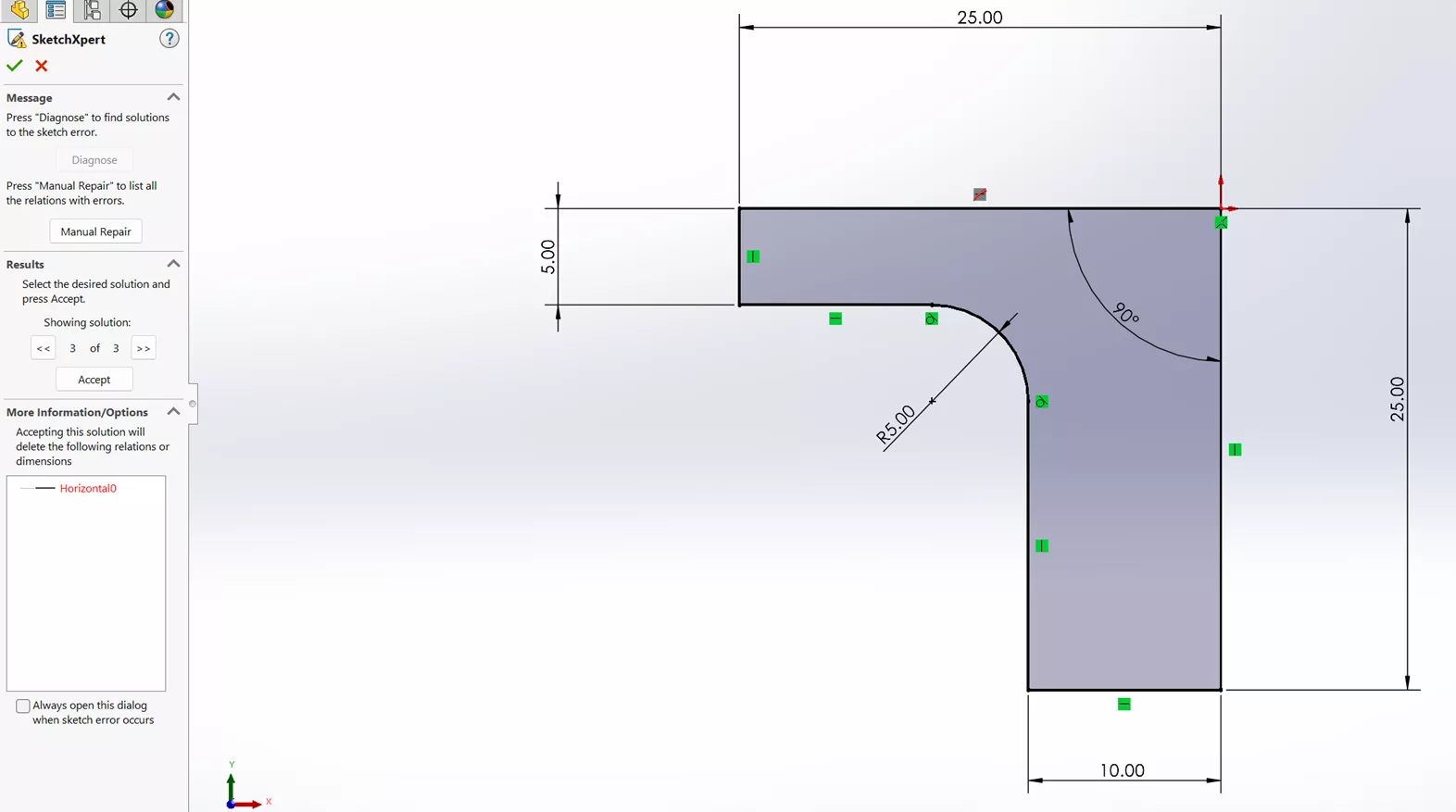
SketchXpert: When a sketch becomes over defined, SketchXpert identifies the dimensions and relations involved and presents possible solution sets. Rather than deleting constraints by trial and error, the user can compare the options and select the one that best preserves design intent.
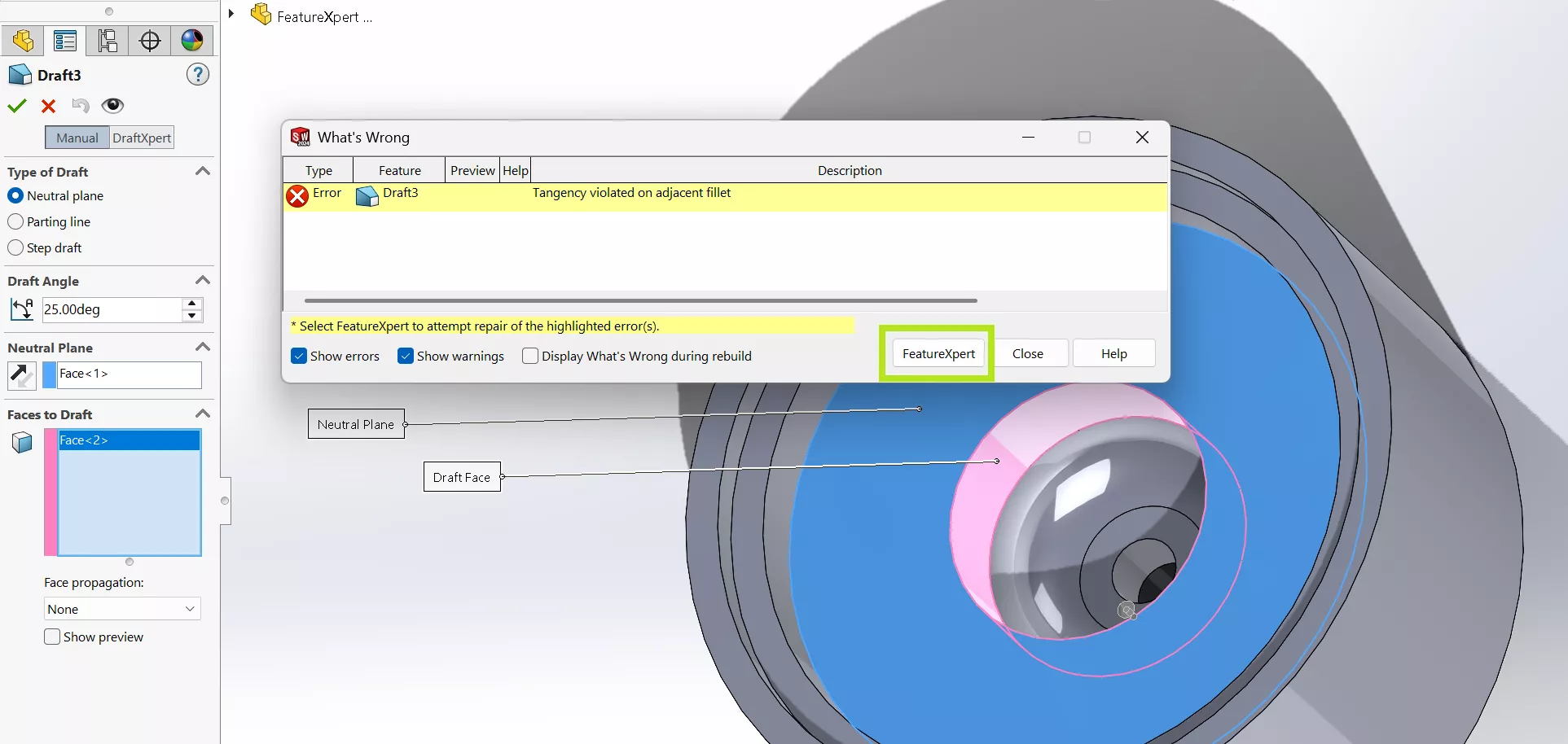
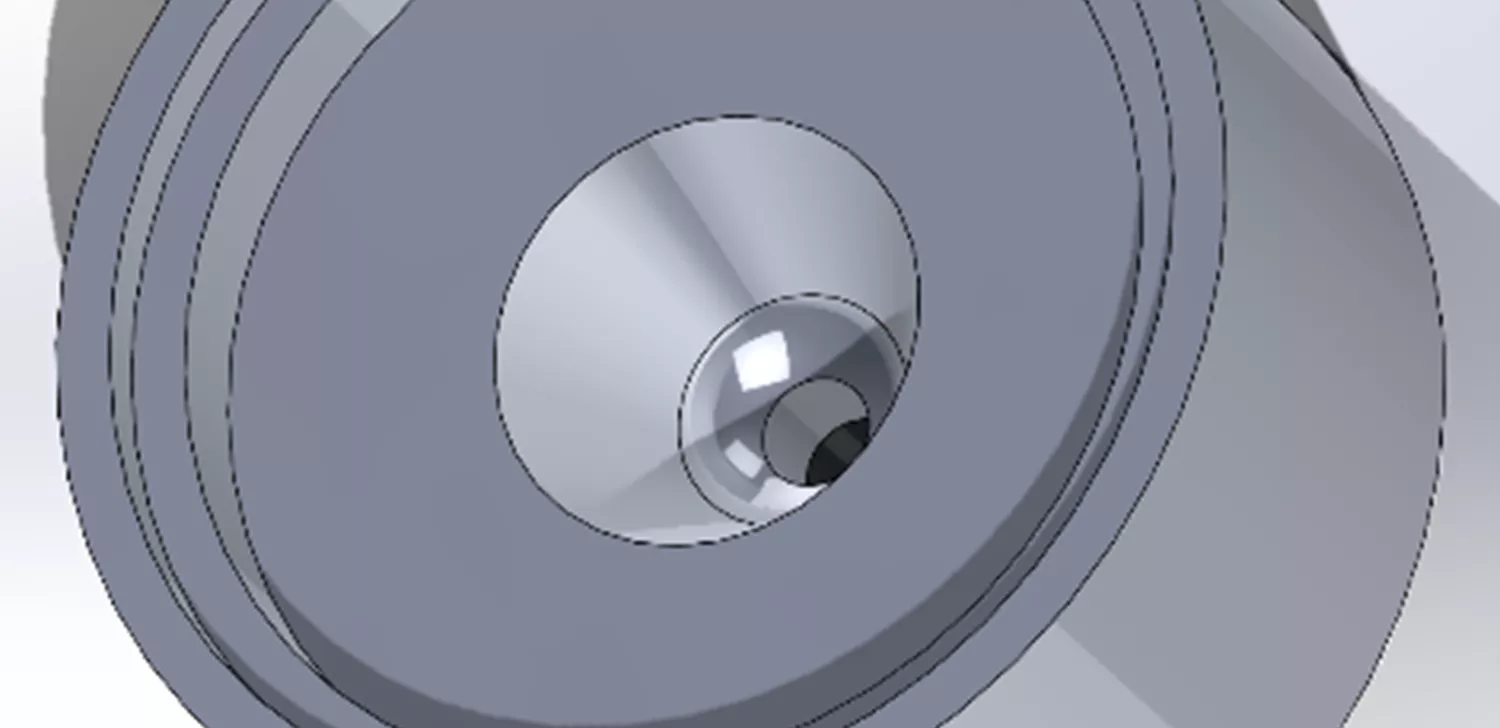
FeatureXpert addresses certain fillet and draft failures caused by interactions between features. It can adjust the order or properties of supported features to help the model rebuild, reducing manual experimentation in the FeatureManager design tree.
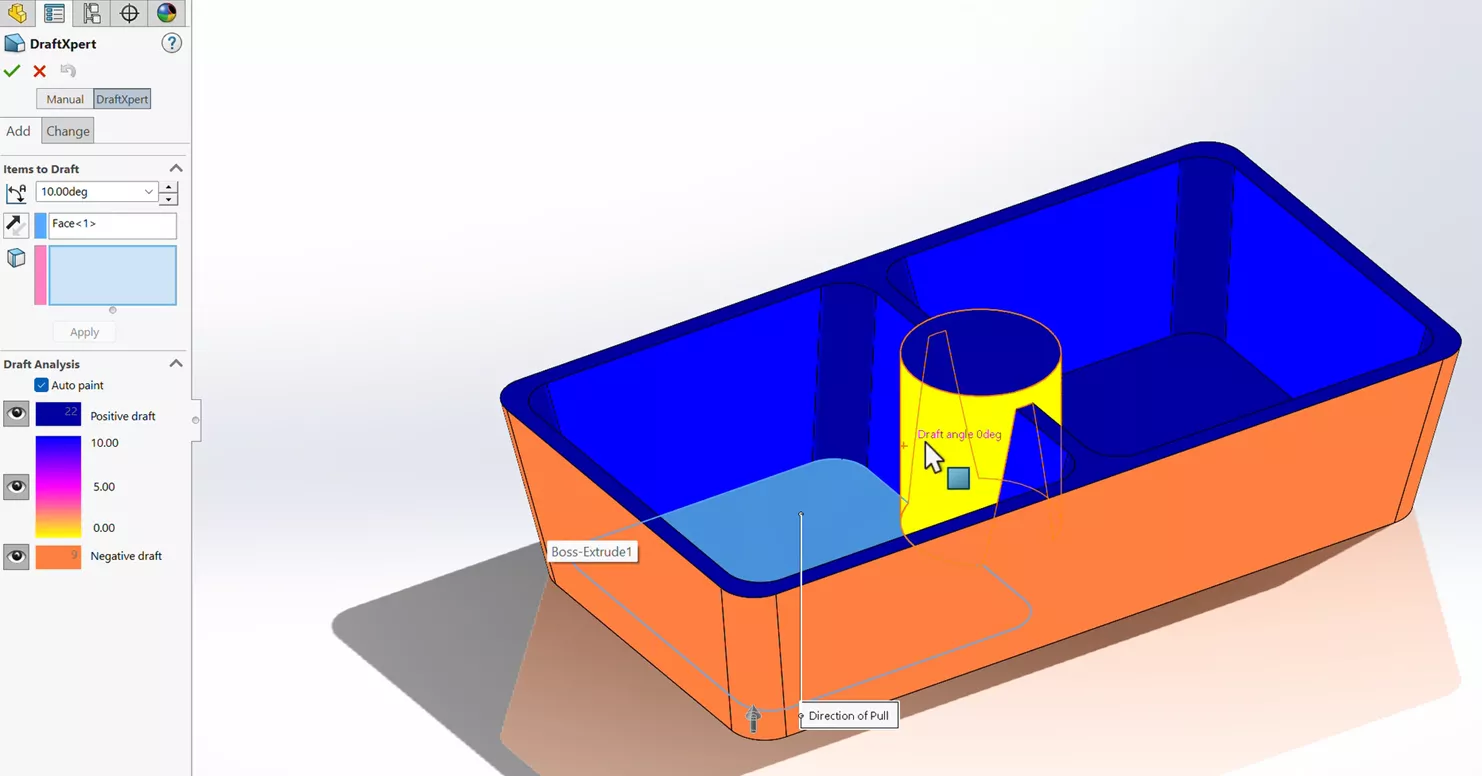
DraftXpert streamlines the creation and modification of neutral-plane drafts. It is particularly useful when draft requirements change, allowing users to revise the feature more efficiently than rebuilding the draft strategy manually.
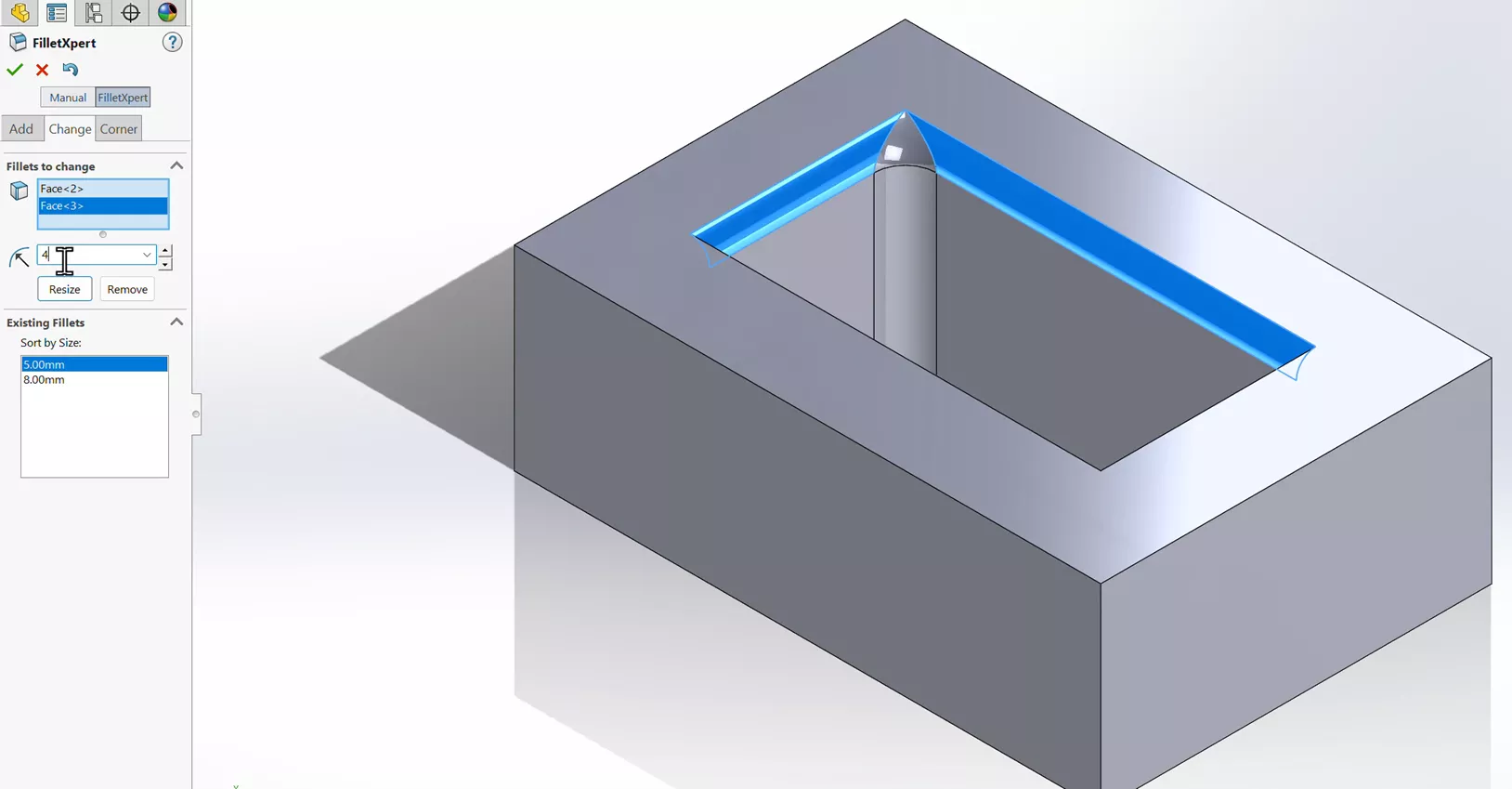
FilletXpert streamlines the creation and management of constant-radius fillets. It helps organize multiple fillets and manage their interactions, making complex fillet changes easier to apply without unnecessary rebuild problems.
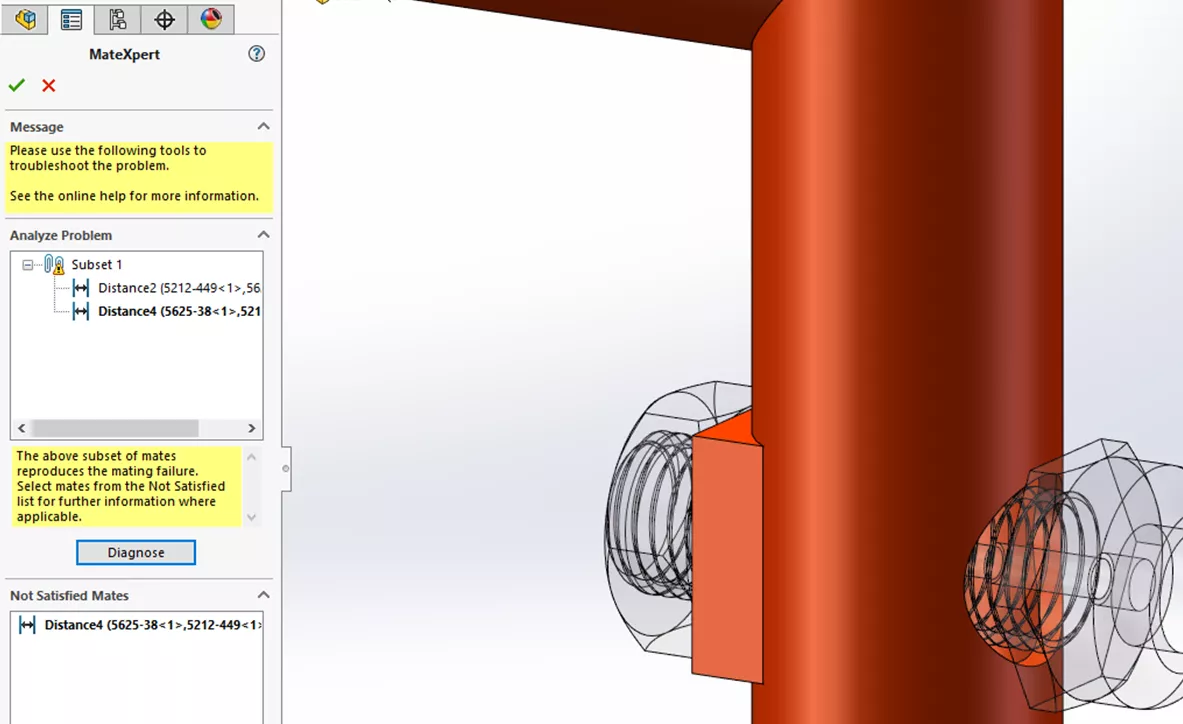
MateXpert helps diagnose assemblies that are over defined or contain conflicting mates. By narrowing the problem to the mates involved, it gives users a more direct path to repairing the assembly.
DimXpert recognizes manufacturing features and helps apply dimensions and tolerances to parts and drawings. For Model-Based Definition and drawing workflows, it can reduce the repetitive work involved in fully defining a part for manufacturing.
Automating Common Assembly Workflows
Assembly Smart Tools
Not every productivity tool appears when something goes wrong. SOLIDWORKS also includes assembly features that use geometry and predefined behavior to speed up component placement, mating, and hardware setup.
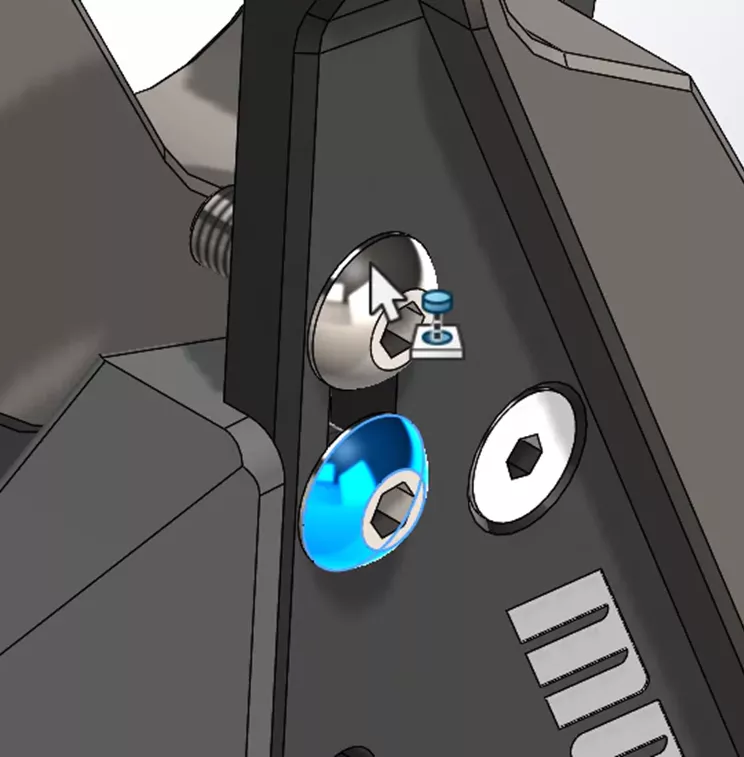
SmartMates create logical mates as components are dragged into an assembly. By recognizing selected faces, edges, vertices, and other references, they can reduce the number of separate mate commands needed while leaving the final relationship under the user's control.
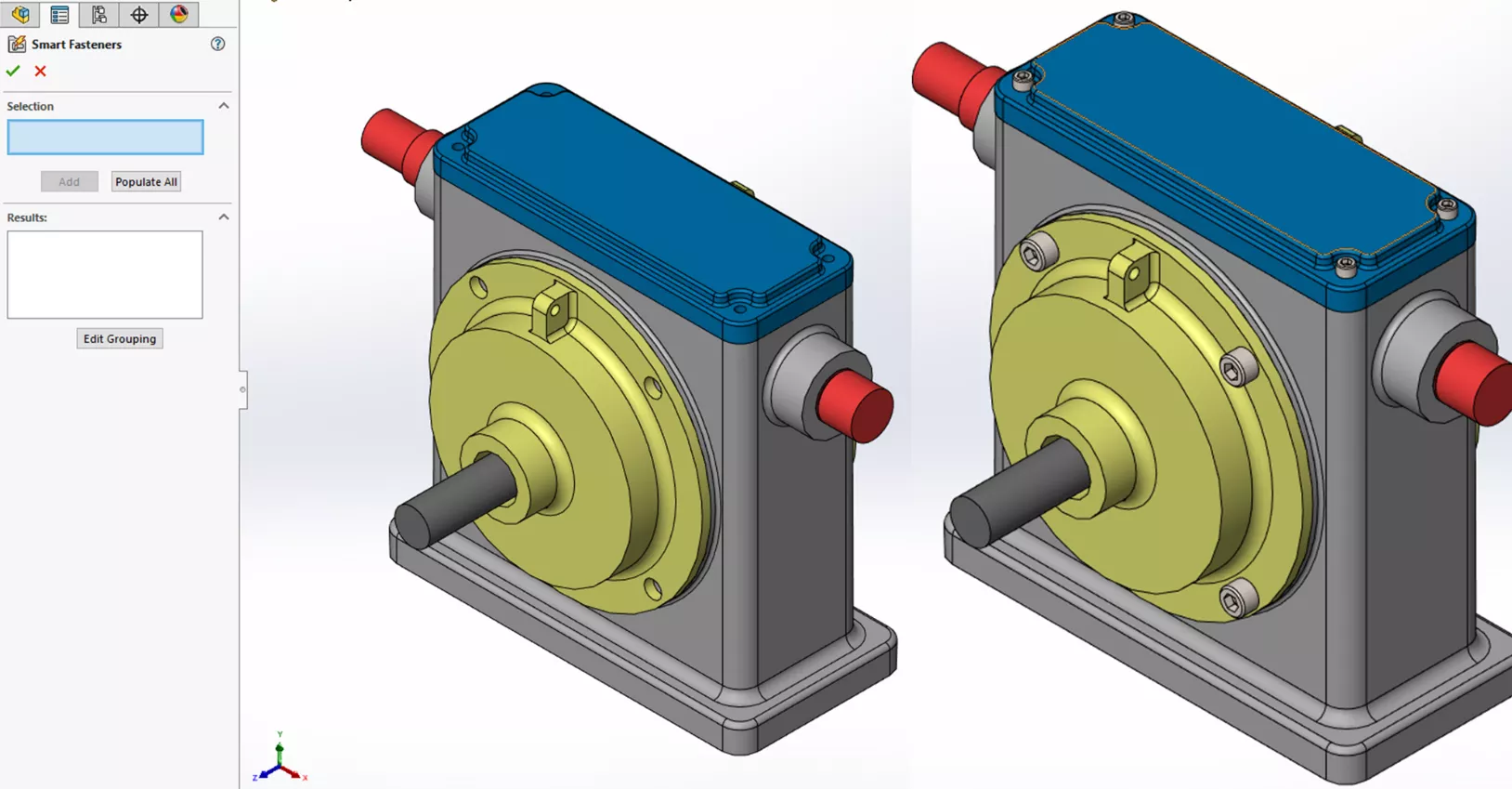
Smart Fasteners use recognized hole information and the SOLIDWORKS Toolbox library to add appropriately sized standard hardware and associated mates. For assemblies with many holes, this can replace a substantial amount of repetitive placement of bolts, screws, washers, and nuts.
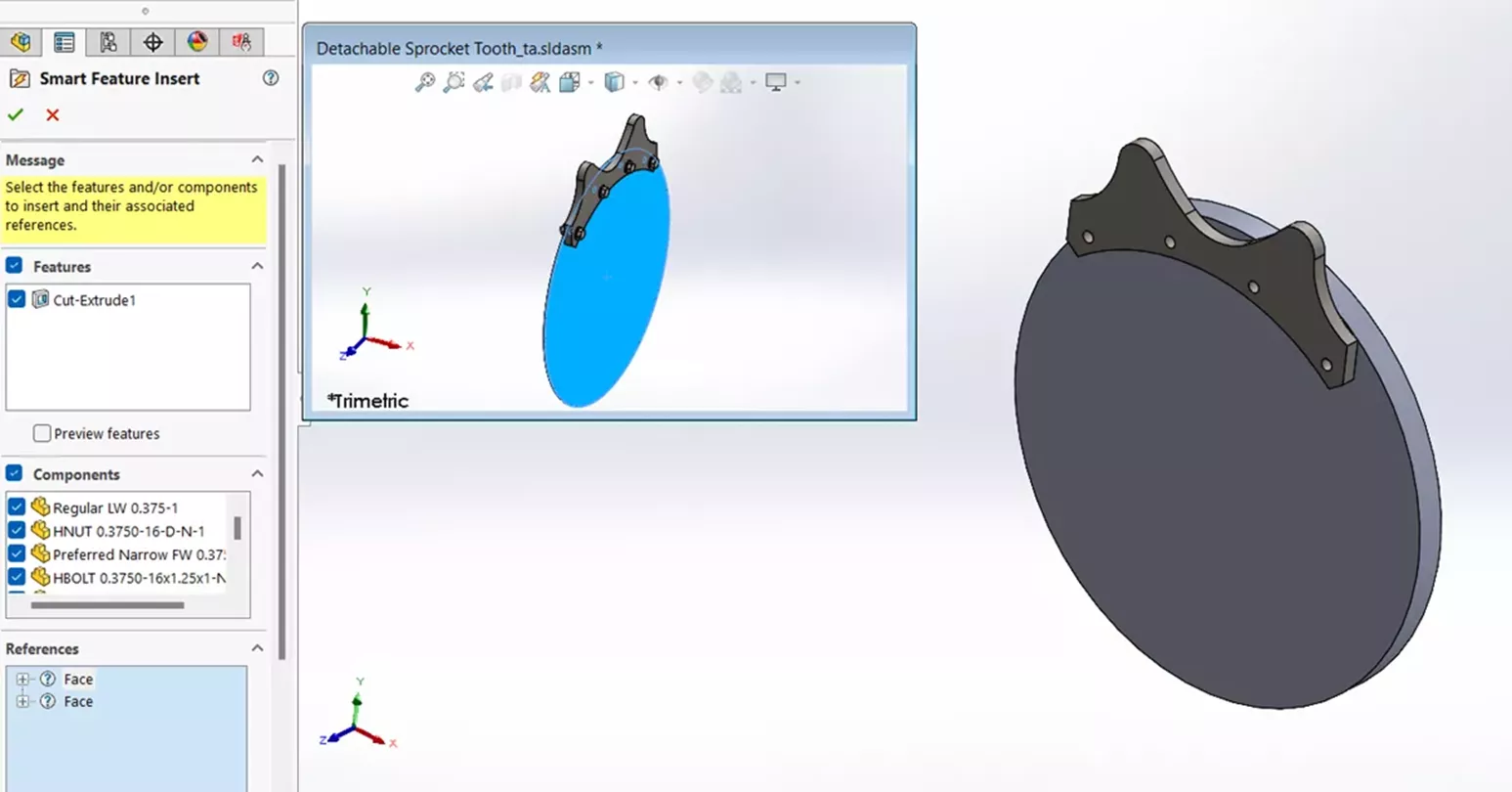
Smart Components package a component with the related hardware, features, and setup needed when it is inserted into an assembly. A configured component can, for example, bring in associated fasteners and create required cut features, helping teams repeat common assembly details more consistently.
Where These Tools Fit in a Modern SOLIDWORKS Workflow
These tools remain relevant even as SOLIDWORKS adds modern AI. They are mature, task-specific ways to remove friction from everyday CAD work, and in many cases they should be the first place to look because their behavior is predictable and their scope is clear.
- Use Xperts when a sketch, feature, dimensioning scheme, or mate problem is difficult to diagnose manually.
- Use assembly smart tools when repeated placement, mating, hardware insertion, or component setup is consuming time.
- Use modern AI when the task benefits from natural-language guidance, broader model interpretation, or generated content.
The Takeaway
The arrival of AI does not make SOLIDWORKS’ earlier automation obsolete. Xperts and assembly smart tools solve well-defined problems quickly, using the geometry, relationships, and rules already present in the design. Their value is straightforward: fewer repetitive steps, faster troubleshooting, and more time for engineering decisions. The newest AI capabilities extend that direction, but they do not yet replace the proven tools already available.
Related Articles
Comparing SOLIDWORKS Packages: Features in Standard, Professional, and Premium
AI in CAM: Why Practical Intelligence Beats Predictive Toolpaths
Replace a SOLIDWORKS Sketch Entity Without Rebuild Errors
Changing Component Colors in SOLIDWORKS Drawings

About Baily Nemerofsky
Baily Nemerofsky is GoEngineer’s AI Solutions and Adoption Manager, a Certified SOLIDWORKS Professional, and a mechanical engineering graduate of Queen’s University. He is based in Toronto, Canada.
Get our wide array of technical resources delivered right to your inbox.
Unsubscribe at any time.