CAMWORKS
Integrated CAM for Design and Manufacturing

What is CAMworks?
CNC programming can be a daunting task. It requires precision, extensive time, and a deep understanding of both the design and manufacturing processes. Despite our best efforts, we often encounter issues such as prolonged programming times, inconsistent quality, and inefficient machining processes.
So what's the best way to tackle it?
CAMWorks offers a comprehensive solution to streamline your CNC programming and machining processes. Here’s how CAMWorks can benefit you:
- Feature-Based Programming: CAMWorks automatically recognizes machinable features in your part models, drastically reducing programming time and effort.
- Knowledge-Based Machining: Capture and reuse your shop’s best practices to ensure consistent, high-quality output every time.
- Tolerance-Based Machining: Achieve superior tolerance and surface finish requirements by leveraging MBD and PMI data.
- High-Speed Machining: Decrease cycle time by up to 85% and increase tool life by up to 500%, even with the hardest materials.
Why Choose CAMWorks?
CAMWorks is designed to enhance your productivity and efficiency. We provide a range of resources to support your journey:
- Educational Resources: Access our extensive library of blogs, tutorials, and YouTube videos to guide you through the most complex CNC programming challenges.
- Training Options: Enroll in our supported self-paced training programs to master the basics and advanced features of CAMWorks.
- Expert Consulting: If you need personalized assistance, our team of experts is available to consult with you to help you optimize your CNC programming and machining processes.
With CAMWorks, you can overcome the challenges of CNC programming and achieve exceptional results with ease.
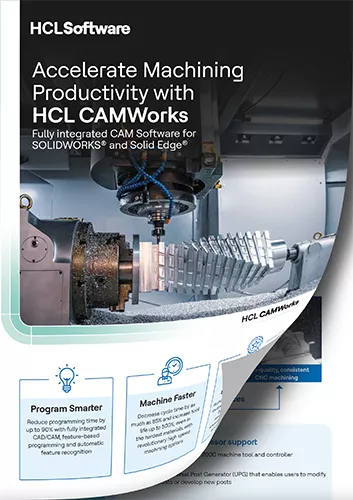
Accelerate Machining Productivity with HCL CAMWorks
CAMWorks provides SOLIDWORKS-integrated, feature-based CAM tools that help you:
- Program smarter
- Machine faster
- Improve quality and consistency
Learn more about the large CAMWorks portfolio and how it helps manufacturers in this informative brochure.
CASE STUDIES
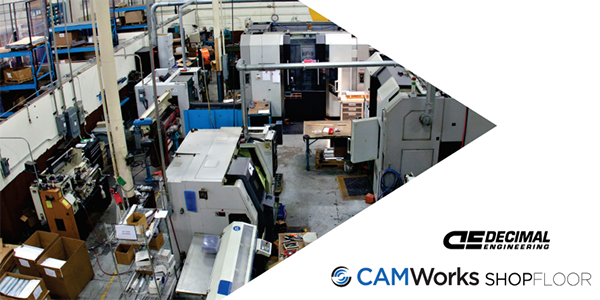
DECIMAL ENGINEERING
Decimal Engineering has significantly improved its manufacturing efficiency by integrating CAMWorks machining software with SOLIDWORKS CAD, enabling seamless transitions from design to production and reducing reliance on paper drawings. This integration has allowed Decimal to meet rising customer expectations for shorter production lead times and higher quality.
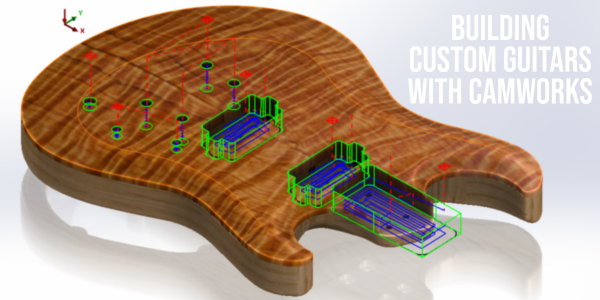
Born Guitars
Born Custom Guitars has enhanced its production of unique, custom guitars by utilizing CAMWorks milling software, which integrates seamlessly with SOLIDWORKS to automate the creation of guitar bodies and necks. This technology has allowed Born to maintain high standards of sustainability and quality while increasing efficiency and reducing costs.
Western Saw
Western Saw has revolutionized its product development by using SOLIDWORKS and CAMWorks to create a track-mounted chainsaw attachment for cutting concrete walls, significantly reducing development time and enhancing safety. This innovation has allowed Western Saw to cut a year and a half off the typical development cycle, demonstrating the power of integrated CAD/CAM solutions.
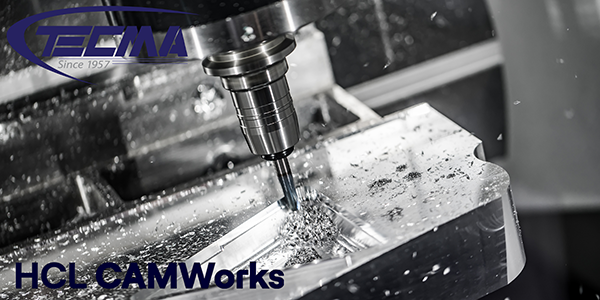
TECMA MACHINING
TECMA has revitalized its precision manufacturing processes by transitioning from 2D to 3D programming with CAMWorks, significantly increasing productivity and reducing costs. This digital transformation has enabled TECMA to maintain its competitive edge in the aerospace and defense industries by improving quality and efficiency.
CAMWorks Solutions

CAMWorks Standard is the ideal CAM solution for manufacturers looking for seamless integration with SOLIDWORKS CAD. CAMWorks Standard provides 2.5-axis turning capabilities, 3 + 2 milling capabilities, support for rotary milling, and more.
Machinists seeking an efficient and integrated CNC turning solution will find their answer in CAMWorks Turning Standard. By introducing rotary milling and sub-spindle capabilities, as well as advanced feature recognition and knowledge-based machining, it streamlines the programming process, reducing setup time and increasing productivity.

For CAM users looking to enhance their CNC machining capabilities, CAMWorks Milling Standard offers a robust solution. Advanced 3-axis roughing and finishing provide enhanced control and options for complex milling operations, making it ideal for those needing more than basic 3-axis toolpaths.
Machinists looking for a complete 3-axis CNC programming solution find their solution in CAMWorks Milling Professional. With advanced 3-axis rough milling with rest machining and VoluMill for high-speed machining, z-level finishing cycles, constant step-over, and more this is the ultimate Milling CNC program.
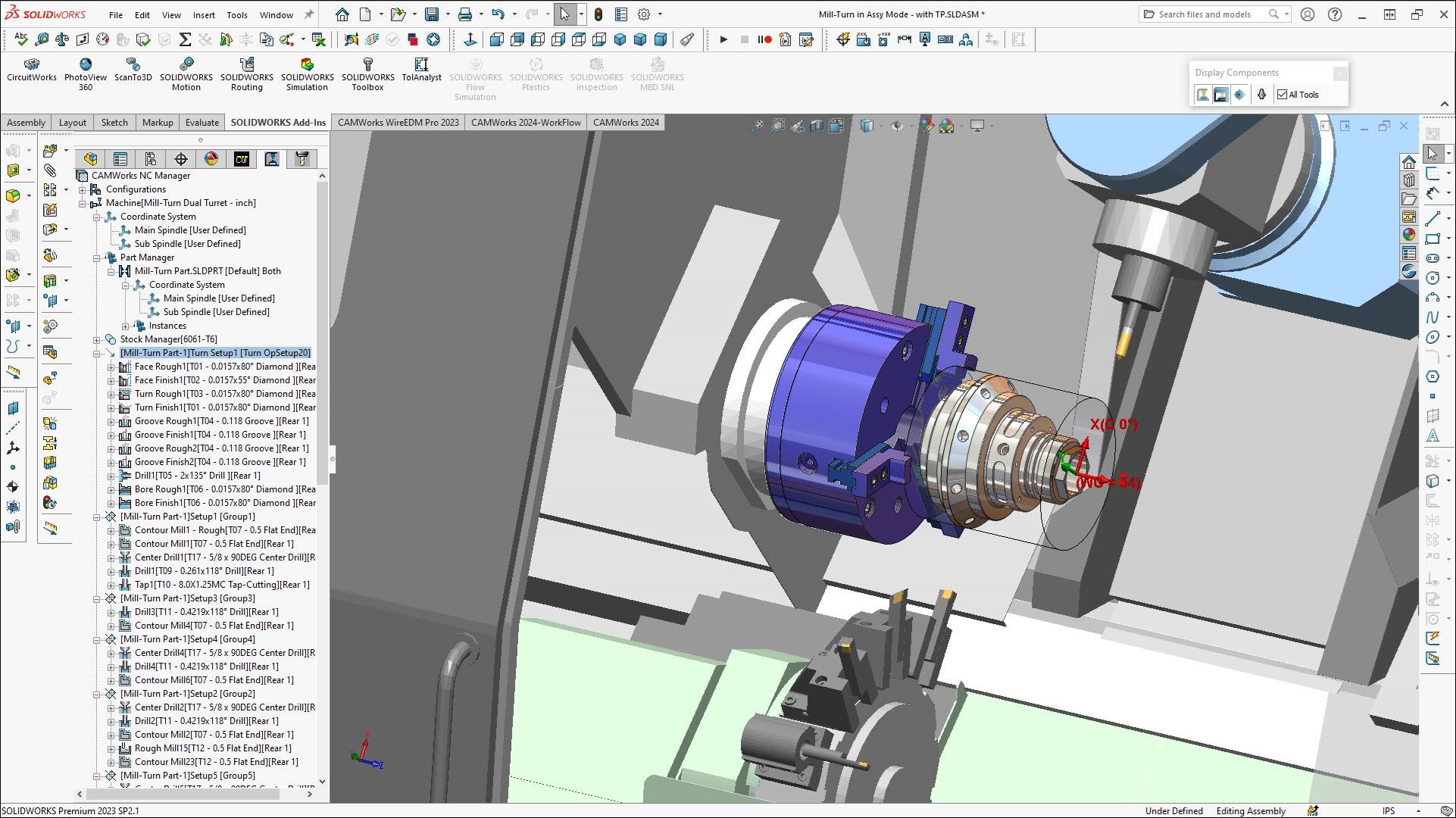
CAMWorks Turning Professional brings advanced turning and mill-turn functions to your CNC programming. Additionally, it provides seamless SOLIDWORKS integration, support for rotary milling, up to 11-axis mill-turn and multi-function machining, sub-spindle programming, G-code machine simulation, and more.

For CAM users who need to take their CNC machining to the next level, CAMWorks Premium is for you. Bringing all the features in Milling Professional and Turning Professional, CAMWorks Premium adds 4 & 5-axis simultaneous milling for the ultimate integrated CAM solution.

Manufacturers aiming to streamline their shop floor operations find their solution with the cutting-edge CAMWorks ShopFloor. Providing machinists with 3D models and CNC programming data enhances communication, reduces errors, and boosts overall productivity.

NestingWorks optimizes the layout of your sheet metal and flat stock designs to help support the transition from design to manufacturing for sheet metal and flat designs. NestingWorks optimizes how parts fit on a shape to produce the maximum number of parts from a single piece of raw material. Additionally, NestingWorks automatically groups and nests parts of the same thickness.
CAMWorks Wire EDM Pro is a specialty CAM solution developed specifically for programming 2-4-axis Wire EDM CNC machines. As with every CAMWorks solution, Wire EDM fully integrates with SOLIDWORKS, allowing you to automate the creation of rough, skim, and tab cuts. You can automatically change the processing order options, choose between output options, and easily switch between machine code outputs.
For those looking to innovate and perfect their turning operations, CAMWorks PrimeTurning offers the ideal solution. Utilizing CoroTurn® Prime tools and unique toolpaths reduces cycle times by over 50% and extends insert tool life by more than 500%, significantly enhancing productivity and efficiency.
CAMWorks for 3DEXPERIENCE SOLIDWORKS gives you the power of CAMWorks that you need for manufacturing, paired with the flexibility and security of saving your designs directly to a cloud database. The direct integration ensures a seamless workflow and provides the capabilities you've come to expect from CAMWorks on the 3DEXPERIENCE Platform.
CAMWORkS pRODUCT cOMPARISON
| AVAILABLE TRAINING |
HCL CAMWORKS |
FEATURES |
Standard | Milling Standard | Turning Standard | Milling Professional | Turning Professional | Premium | Bundle Add-Ons |
| 2.5 Axis Milling Plus* |
|
|
|
|
|
|
|
| Cimco Editor/DNC |
|
|
|
|
|
|
|
| 2.5 Axis VoluMill |
|
|
|
|
|
|
|
| Probing |
|
|
|
|
|
|
|
| 2.5 Axis Surface Machining |
|
|
|
|
|
|
|
| 4/5 Axis Indexing |
|
|
|
|
|
|
|
| Assembly Machining |
|
|
|
|
|
|
|
| Turning |
|
|
|
|
|
|
|
| 3 Axis Milling - Level 1* |
|
|
|
||||
| 3 Axis Milling - Level 2* (with Undercutting) |
|
|
|||||
| Sub-Spindle |
|
|
|
|
|
|
|
| Mill-Turn |
|
|
|
|
|||
| Synchronous Machining for Lathes |
|
|
|
||||
| 4 Axis Milling (Add-On to Milling Pro only) |
|
|
|||||
| 5 Axis Simultaneous |
|
||||||
| Rotary Milling |
|
|
|
|
|
|
|
| Virtual Machine Standard |
|
|
|
Products available as Bundle Add On
- 3 Axis VoluMill
- Virtual Machine Professional
- Virtual Machine Premium
- PrimeTurning™
- CAMWorks Utilities
Additional Product Options
- Wire EDM
- NestingWorks
- CAMWorks ShopFloor
* 2.5 Axis Milling Plus includes 2.5 Axis Milling, plus Area Clear Roughing, Flat Area, and Z-Level Finishing
* 3 Axis Milling L1 includes all 2.5-axis functionality plus Pattern Project, Constant Step, Pencil Milling, Curve Project, and Legacy Rough & Finish Mill
* 3 Axis Milling L2 Includes L1 functionality plus Undercutting, Fillet Machining, and NURB Surface Machining.
- PrimeTurning™ is a Sandvik Coromant product.
Frequently Asked Questions
CAMWorks is the full, scalable platform, extending beyond SOLIDWORKS CAM capabilities by adding advanced 3-, 4-, and 5-axis, mill-turn, wire EDM, and rotary capabilities, for complex manufacturing needs.
If you are on a current SOLIDWORKS subscription, any version of SOLIDWORKS 2018 or later is compatible with CAMWorks.
CAMWorks is a SOLIDWORKS add-in. It is installed and operated inside the SOLIDWORKS interface.
You can program any file type that you can open in SOLIDWORKS as solid bodies or surfaces. This includes native SOLIDWORKS files and imported geometry.
CAMWorks has an assembly mode for programming assemblies. Of course, CAMWorks also supports programming for single-part files. Additionally, by programming with assembly mode, CAMWorks ensures that any changes you make to the assembly automatically propagate to the CAM setup to maintain consistency and reduce reprogramming.
CAMWorks fully supports feature-based machining, including automatic feature recognition (AFR).
CAMWorks can run high-speed machining toolpaths like VoluMill for advanced roughing and efficient material removal.
CAMWorks programs everything from standard mills and lathes to advanced 5-axis and mill-turn and wire EDM.
TBM reads part tolerances directly from the CAD model that contains MBD data, and automatically applies the correct machining strategies, tools, and step-overs, reducing manual input and human error.
Yes, TechDB is designed to store and automate your shop’s tooling and machining knowledge for consistent, error-reduced programming.
Yes, CAMWorks has tools to handle anything from 2.5-axis up to 5-axis milling. Depending on your needs, there is a CAMWorks package to help you program even the most complex surfaces.
Yes, CAMWorks includes simultaneous 5-axis machining for complex roughing, surfacing, contouring, drilling, and advanced multi-axis toolpaths.
Yes, CAMWorks includes machine simulation for verification and error prevention before production. However, CAMWorks also provides an add-on package for full G-code simulation.
Post processors are information translators, converting CAMWorks data into G-Code that your machine controller can read. While CAMWorks comes with many standard post processors, organizations often prefer a custom post for their setup, which can be purchased and supported through GoEngineer for your specialized needs.
GoEngineer builds and tunes custom CAMWorks post-processors to match your specific machines, controllers, and shop standards.
Basic System Processor: 3.3 GHz or faster, Intel® Core i5, i7 or equivalent AMD®
Operating System: Windows® 11 or Windows 10
Memory: 16GB or more is required
Hard Drive: Standard or Solid State Drive (SSD) > 250GB, keeping 10% drive capacity free space
Graphics Cards: NVIDIA® RTX2000 Ada Generation
Standalone licenses are locked to one machine, while network licenses float between multiple users on a shared server.
CAMWorks works with SOLIDWORKS PDM to manage CAD/CAM files, revisions, and toolpath data in a controlled vault environment. CAMWorks can work with other PDM-like systems, but integration depth depends on the platform and setup.
During installation, you can: use SQL Express (included/free).
Yes, GoEngineer provides instructor-led, online, on-site, and self-paced CAMWorks training, plus course completion certificates.
Legacy CAM data can be brought into CAMWorks for geometry reuse, but machining strategies usually need to be rebuilt using CAMWorks AFR and TechDB for full automation.
Yes, technical support for CAMWorks is included as part of the annual maintenance/subscription plan you purchase from your reseller.
In CAMWorks, associativity flows from part → feature → operation → setup, so when a SOLIDWORKS configuration changes, operations and setups automatically update or suppress based on the features present.
ADDITIONAL CAM DOCUMENTS

SOLIDWORKS Services:
Utilize GoEngineer’s Award Winning Support & Training for SOLIDWORKS
Award Winning Technical Support
GoEngineer's extensive SOLIDWORKS technical knowledge and world class support can help you succeed with SOLIDWORKS. Our award-winning team is ready to help you with any task you may have. Using state-of-art remote assistant technology software allows our team to solve most issues within one session. Reach out and see why GoEngineer is the #1 reseller of SOLIDWORKS and Stratasys systems in the world!
- 125+Certified Technical Specialists
- Email, Phone and Chat Support Available
- 98% Exceptional Customer Service Rating
PROFESSIONAL SOLIDWORKS TRAINING
GoEngineer offers online and classroom professional SOLIDWORKS training for organizations and individuals. All our instructors are SOLIDWORKS certified and teach thousands of students each year world wide. The curriculum is very diverse with numerous certified SOLIDWORKS courses to choose from. Each student will receive a Course Completion Certificate and preparation materials for SOLIDWORKS certification.
- Increase Your Earning Potential
- Led by Certified SOLIDWORKS Instructors
- Smaller Classes with Focused Attention
Additional Resources
Take Advantage of GoEngineer’s Extensive Knowledge Base and Resources

Find a Solution
Our robust Knowledge Base contains over 12,000 resources to help answer your product design questions. From basic CAD questions to in-depth guides and tutorials, find your solution here. Find a Solution

PROFESSIONAL TRAINING
Improve your skills with professional training and certifications in SOLIDWORKS, CAM, 3D Printing, and 3D Scanning offered four ways: self-paced, online, on-site, or in-classroom. Certified Training Courses

BLOG
#1 Technical Resource Worldwide - Right at your fingertips. Search or browse through hundreds of SOLIDWORKS tips & tricks, additive manufacturing product developments, announcements, how-to guides, and tutorials. Blog

YouTube Channel
Our YouTube channel hosts hundreds of educational tutorials, product demonstrations, recorded webinars, and best practices for all of our products and services. GoEngineer's YouTube Channel
ONLINE STORE
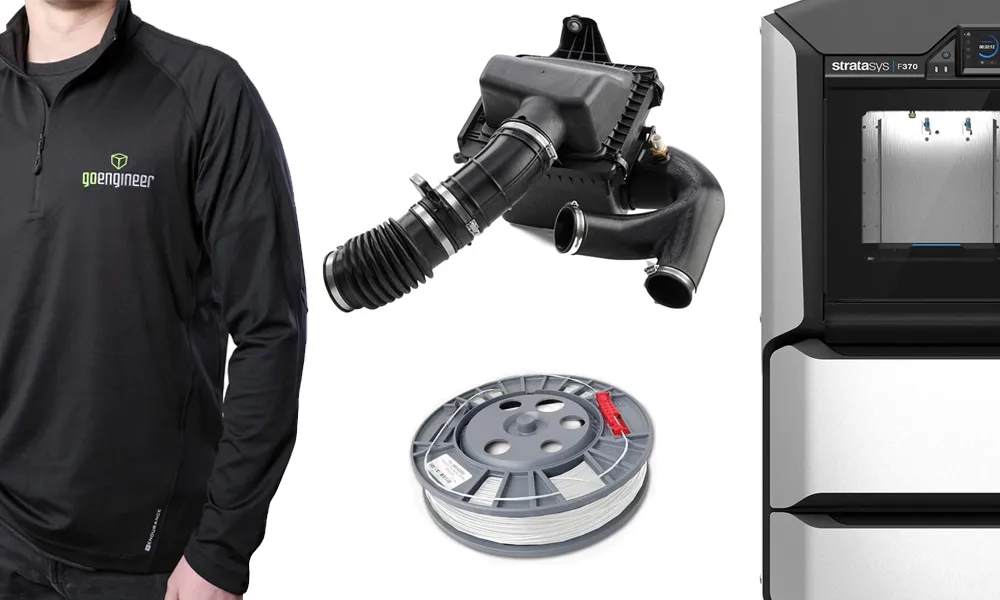
Order 3D printing materials and consumables, enroll in SOLIDWORKS training classes, and buy official GoEngineer gear directly from our online store. Online Store
WEBINARS
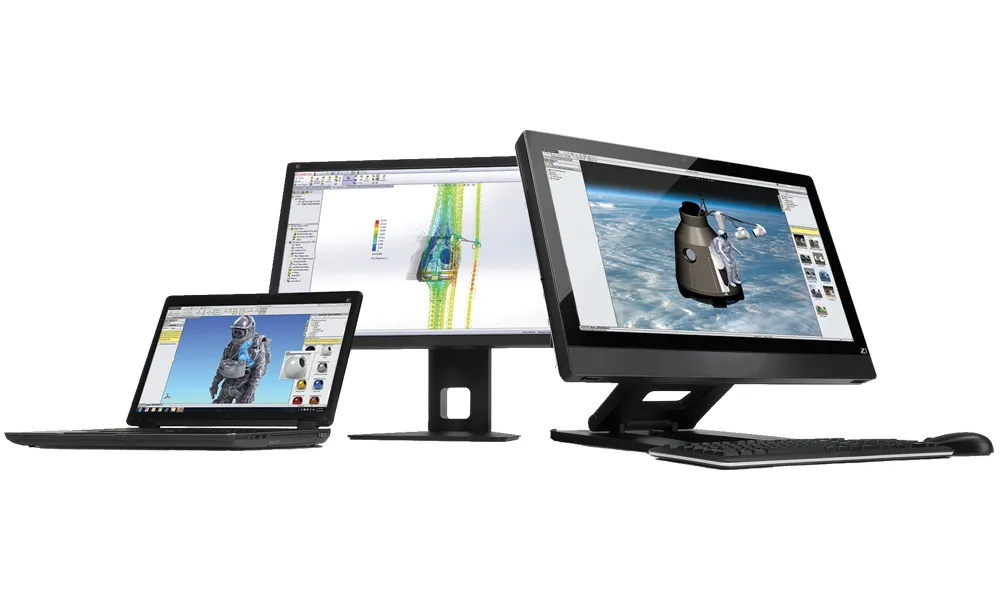
Our engineering webinars are hosted by some of the top experts in the industry. They are always recorded, always free, and always offer a live Q&A. WEBINARS
3D Printing Services
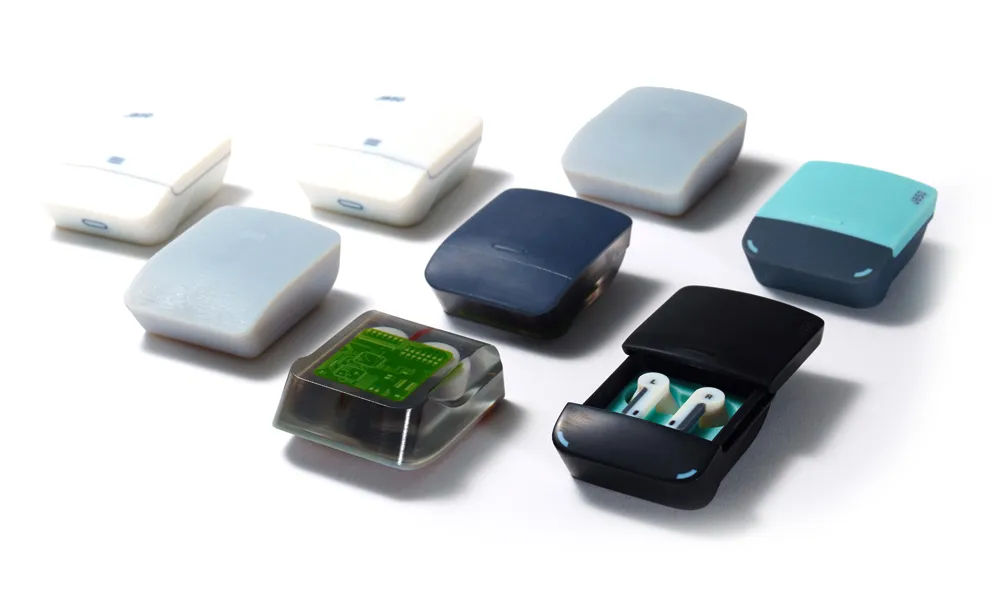
Need to 3D print a part? Our Additive Manufacturing experts will 3D print your part and deliver it to you using the latest technology on one of our professional FDM, PolyJet and SL 3D printers. 3D Printing Services